 |
VOOZH | about |
|
VOOZH | about |
We use cookies to improve your experience on our site. By using our site, you are agreeing to the collection and use of data as described in our Privacy Policy.
Cookie Settings×Table of contents
As you look to use the Model Context Protocol (MCP), you’ll quickly run into the concept of “tools.”
We’ll break down how they work, why they’re an essential part of the protocol, and several real-world applications to help you use them quickly.
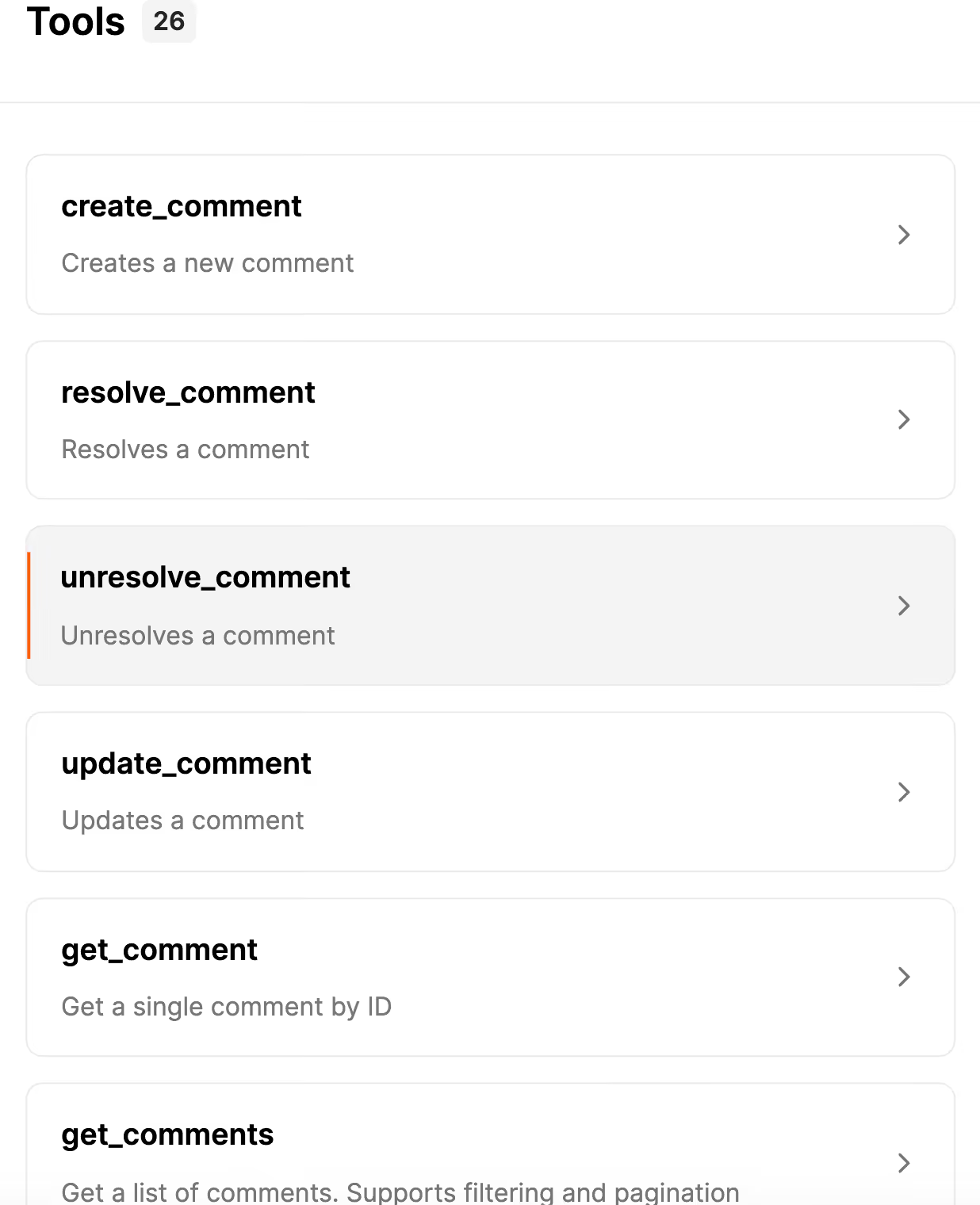
An MCP tool exposes specific functionality and/or data from an MCP server.
Agents can use a tool within its workflows to perform actions, like creating tickets in project management systems, updating leads in CRMs, or sending emails through email services.
Related: What is an MCP connector?
To understand how your agents can use MCP tools, you'll first need to understand their core components.
This is a tool’s unique identifier. It uses the format verb_resource to clarify the action that needs to be taken and the resource (or entity) that’s acted on.
For example, to create a ticket in a system like Zendesk, the tool name can be <code class="blog_inline-code">create_ticket</code>.
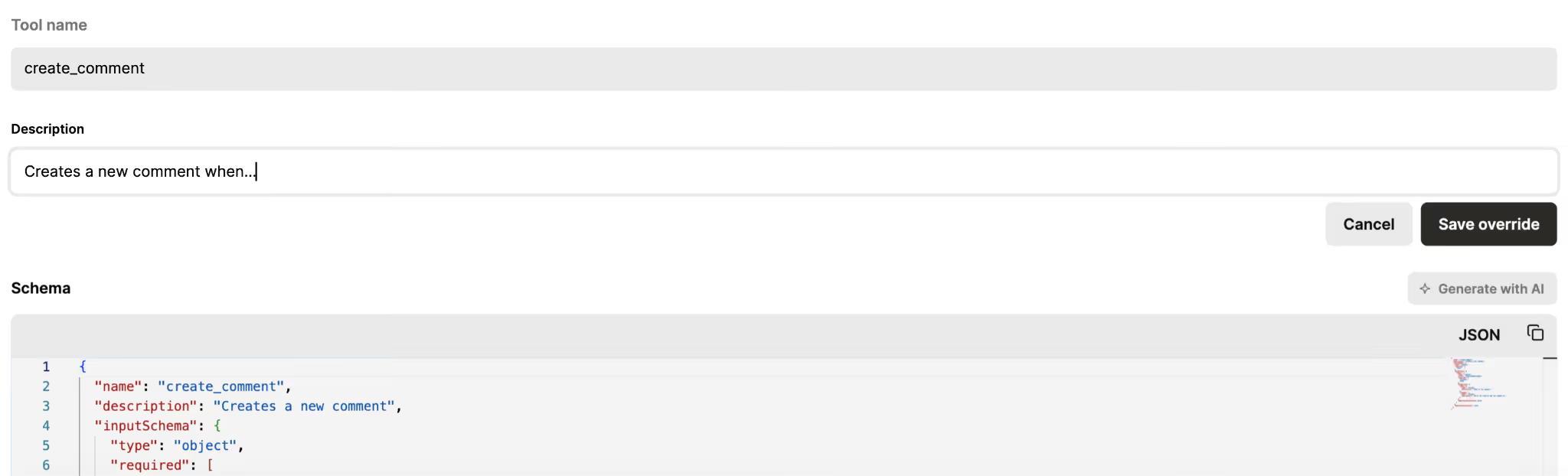
This clarifies what a tool does when invoked. As an example, the <code class="blog_inline-code">create_ticket</code> tool can use the following description:
“Creates a support ticket in Zendesk. Use this tool to log customer issues or internal support inquiries. You can specify the requester, subject, description, priority, and tags. And it should return the newly-created ticket’s ID and URL if successful.”
Related: Best practices for writing MCP tool descriptions
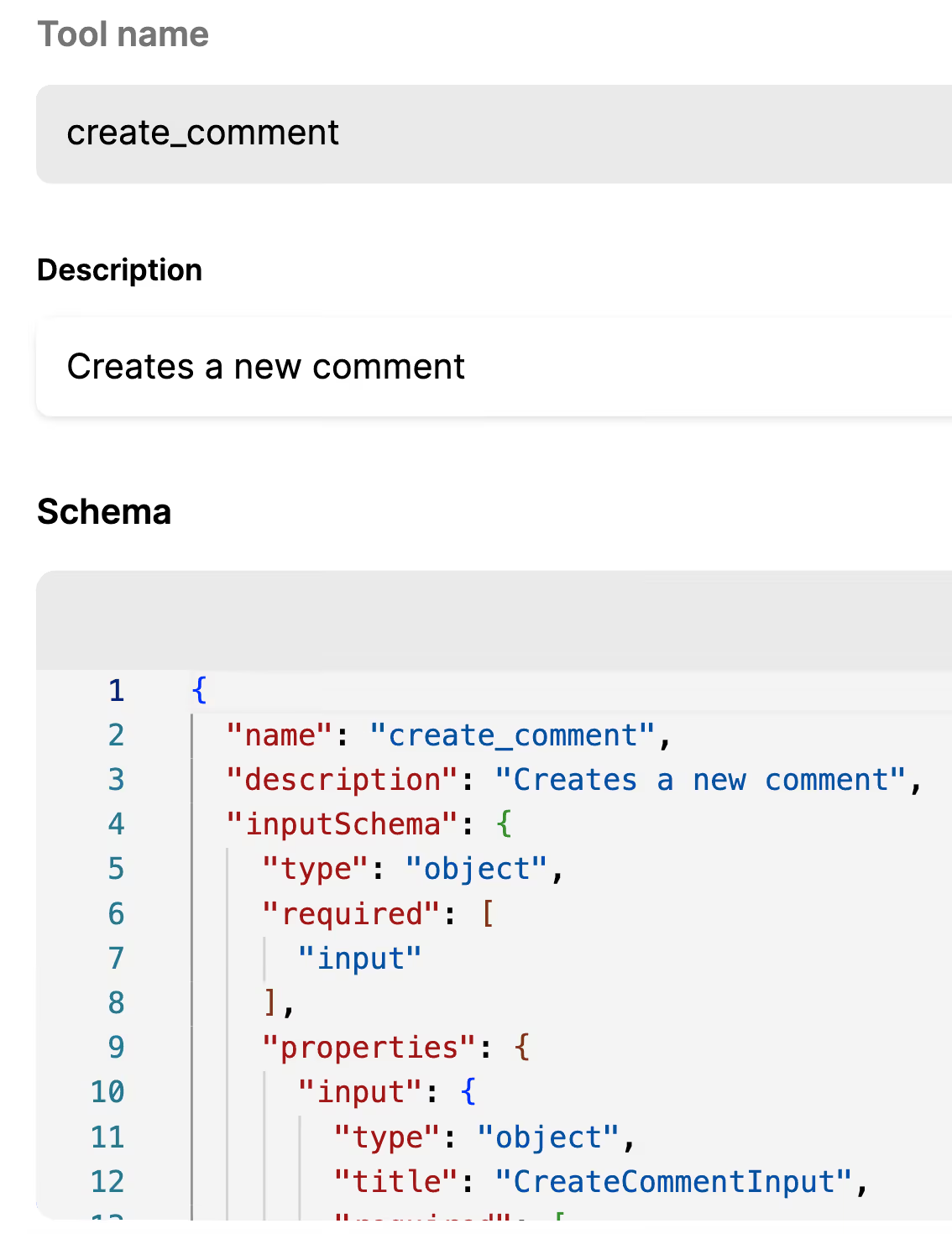
This tells you the information a tool needs in order to be invoked.
For example, the tool schema below outlines how you can structure a ticket’s subject line, comments, requester email, level of priority, description, among other fields, when providing them to an agent.
It also specifies the data that’s required in the request and what you can expect from the agent's response (the created ticket_id, URL, and ticket status).
{
 "name": "create_ticket",
 "description": "Create a new support ticket in Zendesk.",
 "input_schema": {
 "type": "object",
 "properties": {
 "subject": { "type": "string", "description": "Ticket title." },
 "comment": { "type": "string", "description": "Ticket description or initial message." },
 "requester_email": { "type": "string", "description": "Email of the requester." },
 "priority": { "type": "string", "enum": ["low", "normal", "high", "urgent"], "description": "Ticket priority." },
 "tags": {
 "type": "array",
 "items": { "type": "string" },
 "description": "Optional list of tags."
 }
 },
 "required": ["subject", "comment", "requester_email"]
 },
 "output_schema": {
 "type": "object",
 "properties": {
 "ticket_id": { "type": "string" },
 "ticket_url": { "type": "string" },
 "status": { "type": "string" }
 },
 "required": ["ticket_id", "ticket_url"]
 }
}Let’s walk through several common use cases.
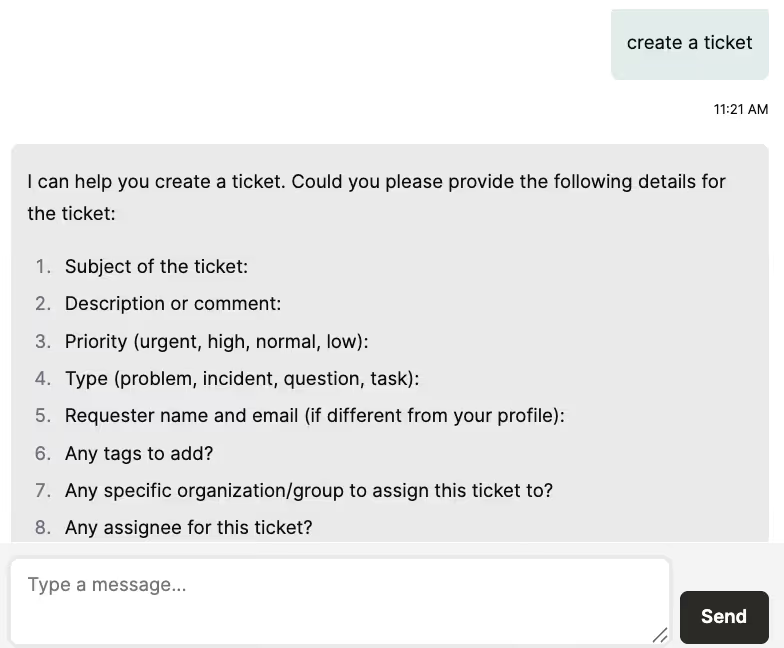
Say your product uses an AI agent (presented as a chatbot) that helps customers create support tickets when they encounter issues.
When a user asks it to create a ticket or uses a less direct input to signal that a ticket should be created (e.g., mentions a product bug), the agent can identify Zendesk’s <code class="blog_inline-code">create_ticket</code> tool as the most relevant one to call based on its name and description.
Using the tool’s schema, the agent knows which inputs are required and can prompt the user to provide them, whether that’s the issue’s subject, a comment describing it, their name or email address, and so on.
Assuming the tool call is executed successfully, the agent can share the link to the ticket in Zendesk with the customer along with the ticket ID, allowing the customer to track the ticket's status over time.
To help your sales reps keep lead data up to date, you can build the following agentic flow:
When a rep asks your agent to update a lead in a business communications platform (e.g., Slack), your agent can quickly determine that the <code class="blog_inline-code">update_opportunity</code> tool is the right one to invoke.
Based on that, the agent can ask the rep for important details before making the update—such as the opportunity_id, the new stage or status, expected close date, deal amount, or any relevant notes—and then call the tool to sync those changes to your CRM.
Once the tool call is executed successfully, the agent can notify the rep and share a link to the updated opportunity.
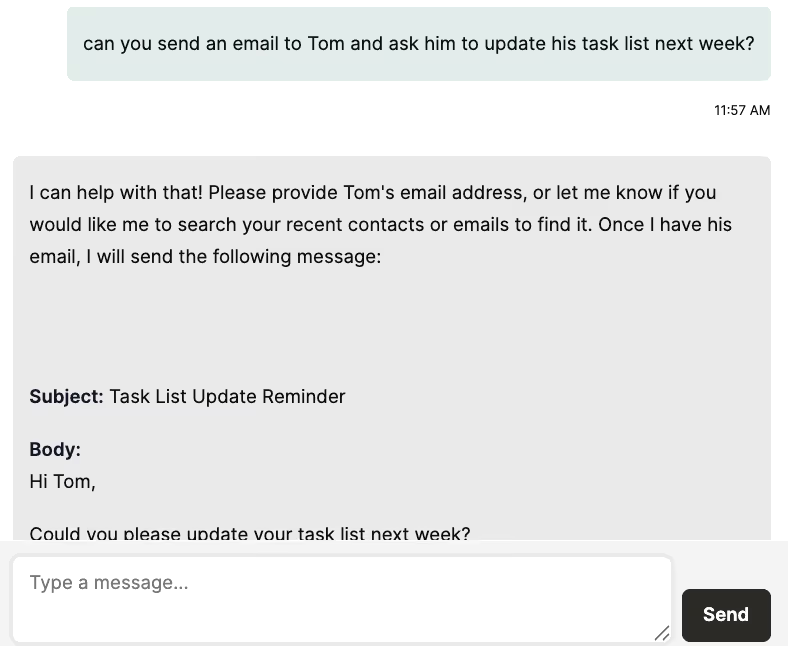
Say you offer employees an agent that works with your email service provider (e.g., Gmail) and can help you send any emails quickly.
Here’s how it can work:
A manager can ask your agent to send an email reminder to a direct report to update their tasks for next week.
Your agent can quickly determine that it needs to invoke the <code class="blog_inline-code">send_email</code> tool in Gmail. And, before it can send the email, it needs the recipient’s email address.
Once the email address is directly provided (or the agent finds it on the requestor’s behalf), the agent can go on to send the email and let the manager know that it’s done so.
Here are just a few top benefits:
{{this-blog-only-cta}}
In case you have any more questions on MCP tools, we’ve addressed several more below.
It’s to enable AI agents to securely discover, understand, and invoke external capabilities (like APIs, databases, or services) in response to user requests.
MCP servers expose these capabilities through well-defined tools that include:
While it depends on the tool and its use cases, here are some general tips for writing any tool description:
While the market is growing quickly, the leading solutions currently include Merge Agent Handler, Composio, and Arcade.dev.
The best solution for your AI agents will depend on the connectors and tools they need, the ease in which each solution lets you create and modify connectors and tools, the solutions’ pricing models (e.g., the number of tool calls allowed per month on a given plan), and more.
Similar to API endpoints, most MCP servers offer tools that let you perform CRUD (create, read, update, and delete) operations.
With that said, you’ll likely use the following tools for these software categories:
Merge Agent Handler offers thousands of enterprise-grade tools for your agents across dozens of connectors.
.avif)
.avif)


.png)



