 |
VOOZH | about |
|
VOOZH | about |
We use cookies to improve your experience on our site. By using our site, you are agreeing to the collection and use of data as described in our Privacy Policy.
Cookie Settings×Table of contents
Based on research from Gartner, 33% of enterprise software will offer agentic AI by 2028.
These AI agents are expected to help users save time, avoid countless tedious tasks, and access timely and actionable insights.
But without effective measures in place, enterprise software companies' agents can leak data or perform the wrong set of tasks, leading users to avoid them.
To that end, we’ll walk you through how AI agent management works, why it’s critical, and how you can perform it.
It's a combination of proactive and reactive measures to ensure AI agents operate securely, reliably, and in alignment with organizational policies. This involves enforcing governance rules, monitoring performance, and addressing issues as needed.
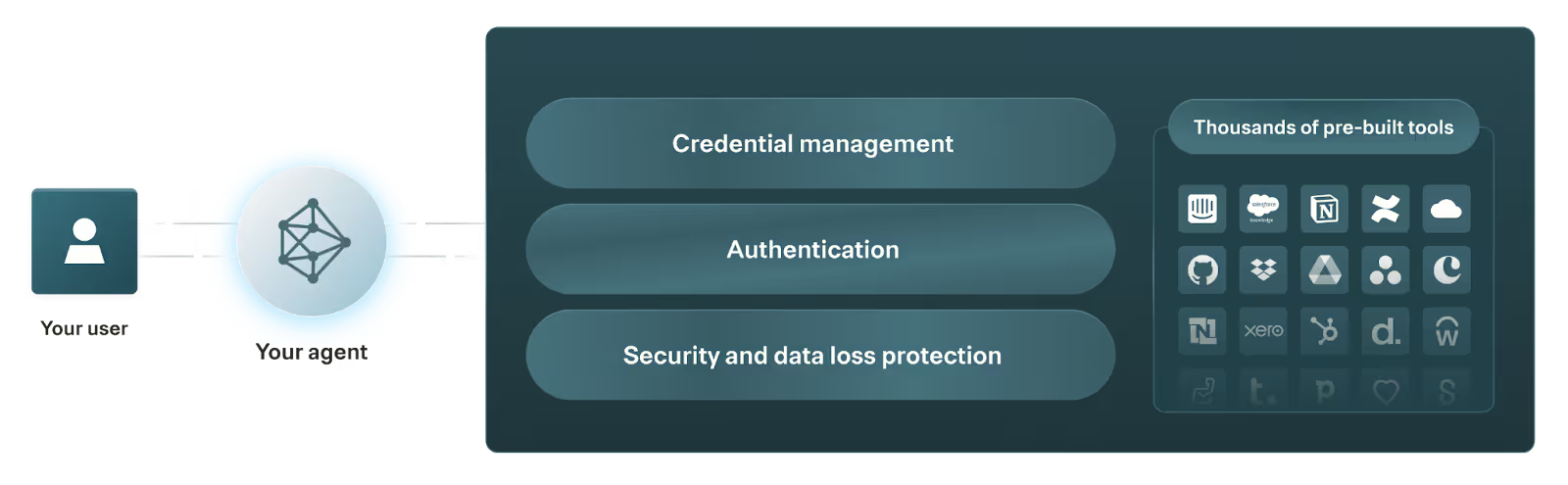
AI agent management is typically handled through an AI agent management platform: a centralized system that helps organizations securely integrate AI agents with tools from Model Context Protocol (MCP) servers, and monitor and manage tool calls.
AI agent management includes several components, which can vary slightly depending on the agent observability platform you’re using.
Here are just a few core items:
Related: The best agent management platforms in 2026
It comes down to several factors:
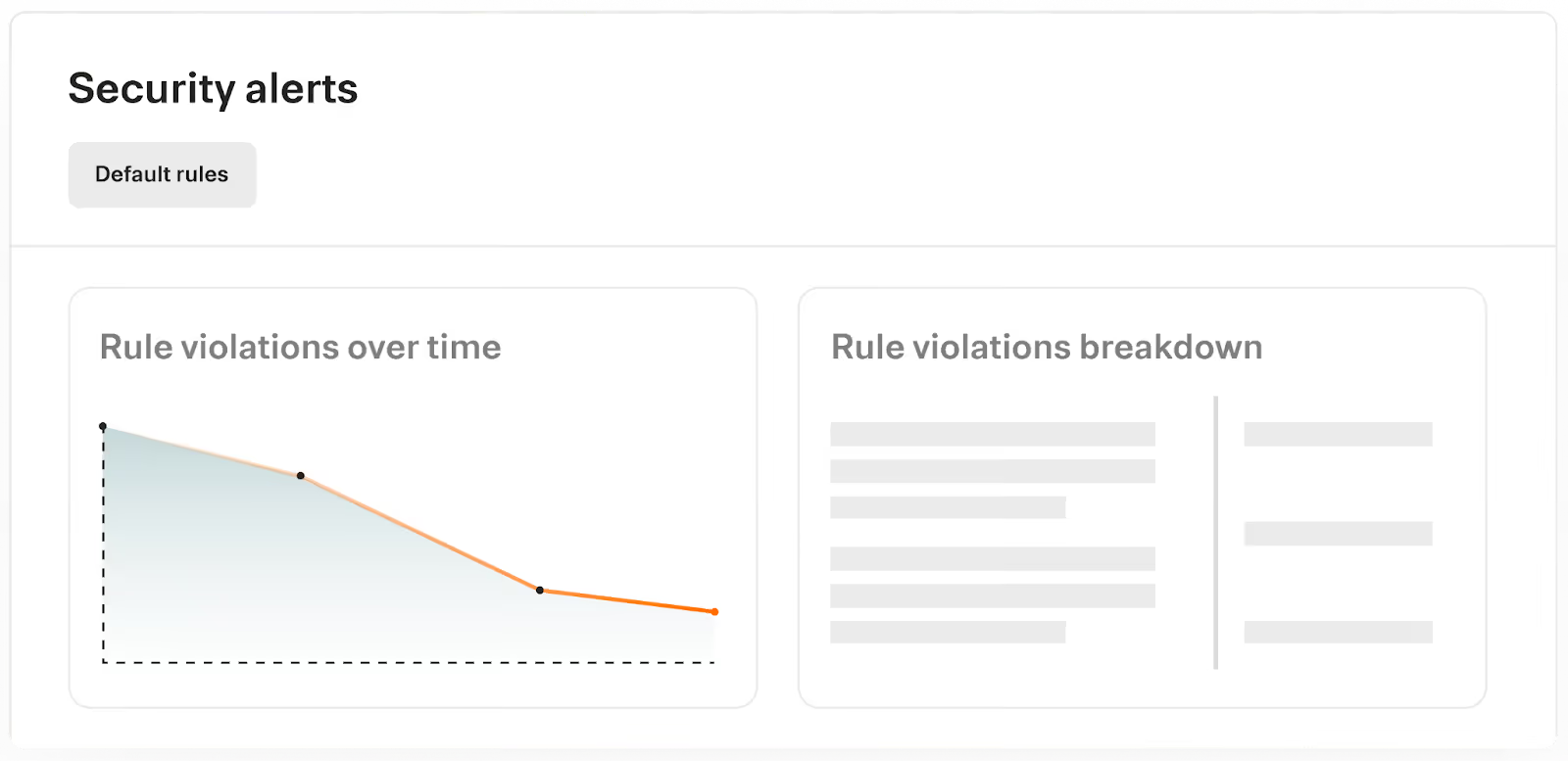
Effective agent management mitigates these risks by enforcing authentication, restricting certain behaviors, alerting you when an agent shows signs of compromise, and triggering predefined remediation workflows.
Related: Why AI agent authentication is critical
AI agent management can take countless forms. Here are just a few use cases worth highlighting.
Say you build an AI agent that can automatically enrich and route a warm lead to the right sales rep.
To ensure the agent only shares the lead with the appropriate sales rep and doesn’t enrich the lead with unnecessary details, you can connect the agent to CRM and data enrichment MCP connectors. The agent can then use tools like <code class="blog_inline-code">list_opportunity </code>(to find the opportunity owner) and <code class="blog_inline-code">enrich_contact</code> (to add relevant firmographic and contact details).
You can then establish the following rules and alerts:
1. If the agent doesn’t share the lead with the assigned owner, the incident is logged and sales leadership gets notified via Slack.
2. If the lead isn’t enriched with only the necessary details, the incident is logged and sales leadership gets alerted on Slack.
To help IT manage a wide range of device and application incidents across their employee base, you can build an agent that automatically creates issues in an IT service management (ITSM) platform whenever an employee submits a form.
More specifically, the agent can use tools in the ITSM platform’s MCP connector, such as <code class="blog_inline-code">create_issue</code> (to open a new ticket) and <code class="blog_inline-code">add_comment</code> (if the requestor adds more context to their issue).
To ensure the agent behaves within defined guardrails, you can establish the following rules and alerts:
To help your customer support team escalate client issues that require developer assistance, you can build an agentic workflow where once a support rep requests an escalation, the agent automatically:
You can manage and monitor the agent’s performance over time by setting up rules and alerts like:
Say you offer a candidate sourcing platform that uses an AI agent to source and recommend specific candidates for a given role (e.g., Juicebox).
Your AI agent can pull from customers’ applicant tracking systems (ATSs) to get open roles (through the <code class="blog_inline-code">list_candidates</code> tool call) and their associated job descriptions (through the <code class="blog_inline-code">get_candidates</code> tool call); and it can use anonymized historical candidate data from similar roles to identify best-fit candidate profiles.
To help manage your AI agent, you can set up the following rules and alerts:
To help you manage AI agents effectively, you should adopt the following best practices.
As AI agents expand across your organization or platform, the number of connectors and tools they rely on can quickly grow complex. Without structure, agents may access tools they don’t need, duplicate functionality, or—worse—call unvetted and insecure resources.
To that end, organize connectors and tools into collections that map directly to business use cases.
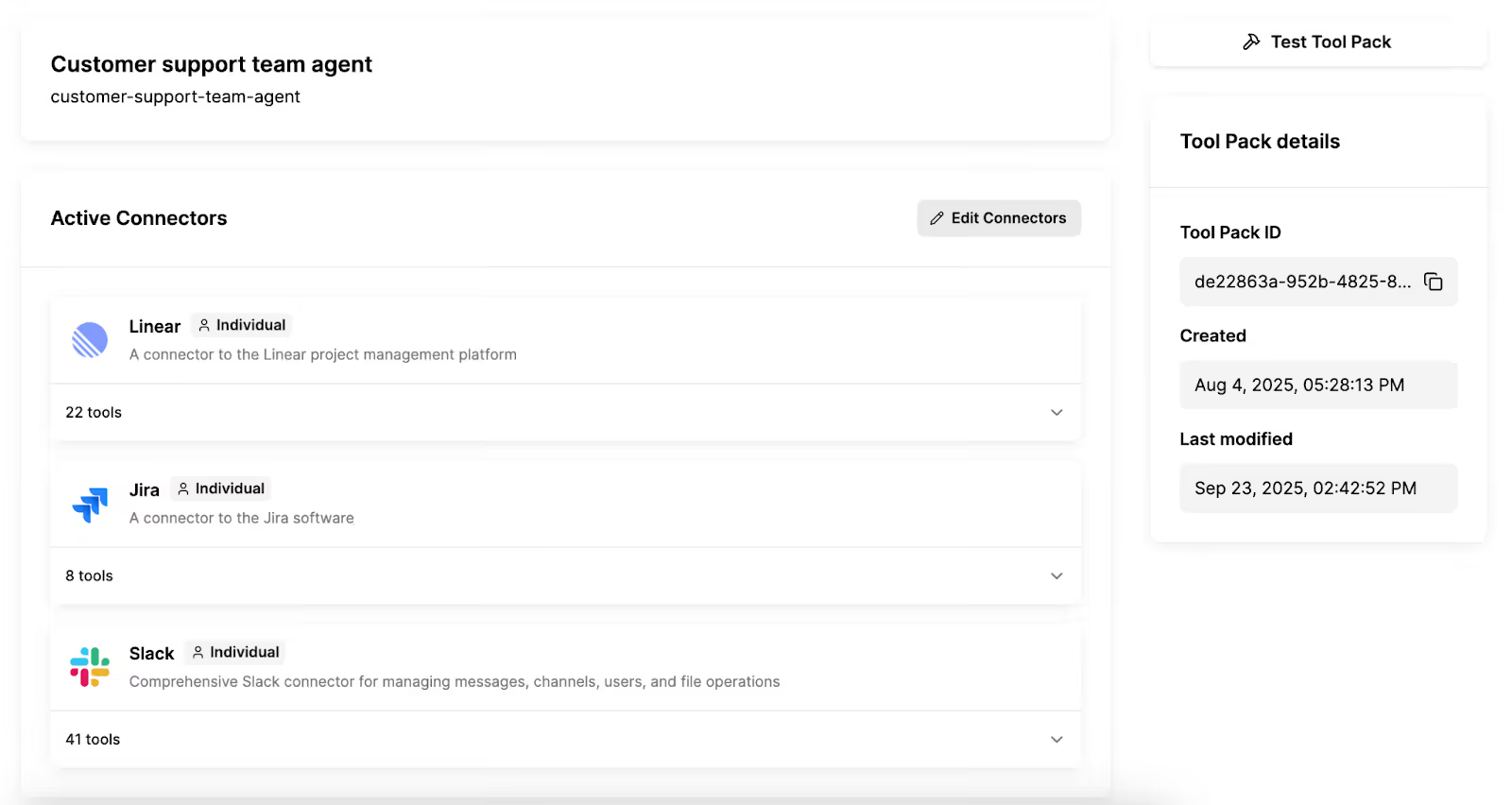
For example, if you’re building a customer support agent, you can give it access to a set of connectors and tools that allow it to identify product bugs (e.g., in Linear), create and update issues (e.g., in Jira) and deliver updates to the relevant stakeholders (e.g., in Slack).
Related: How to build AI agents successfully
You can likely guess the majority of prompts for using an AI agent, but there may be unexpected ones that can lead to failures or data leaks.
To account for every prompt imaginable, you can:
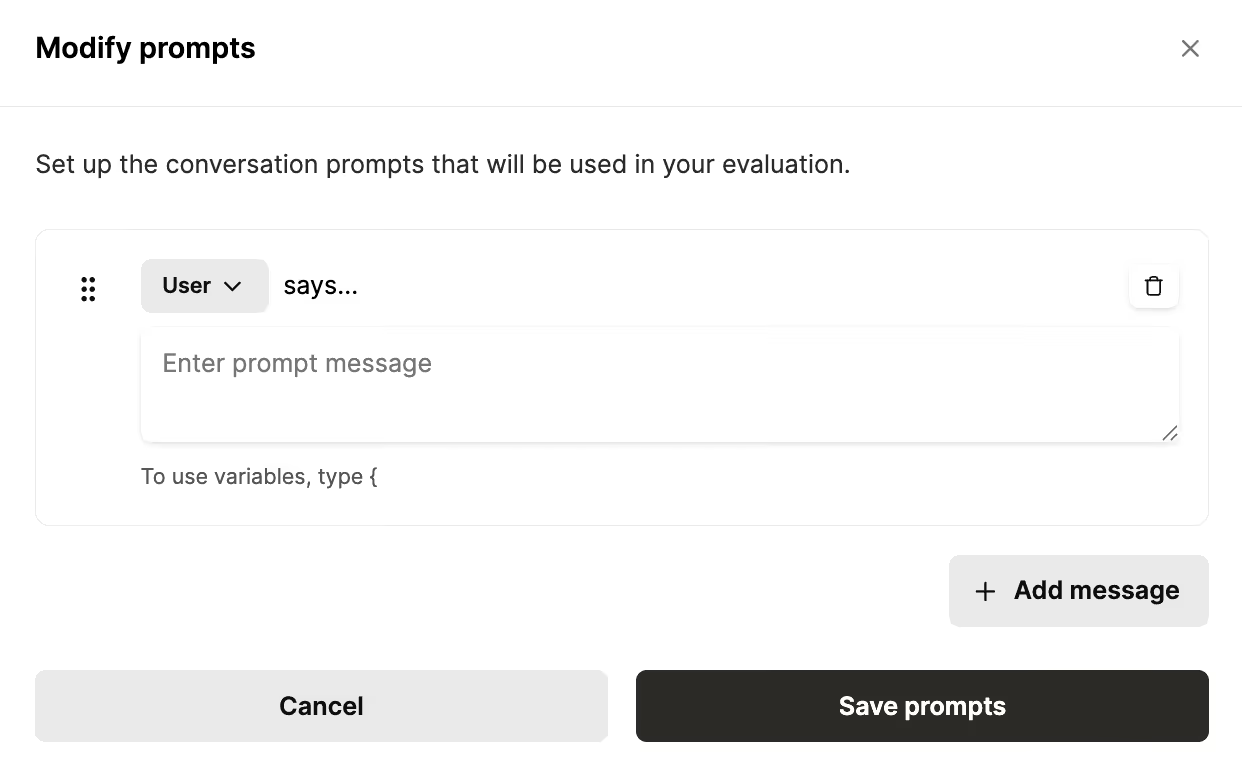
Once you have a handle on all of the potential prompts a given agent may receive, you can add and evaluate each through your agent management platform.
Related: Best practices for testing AI agents
Merge Agent Handler offers the most complete AI agent management platform.
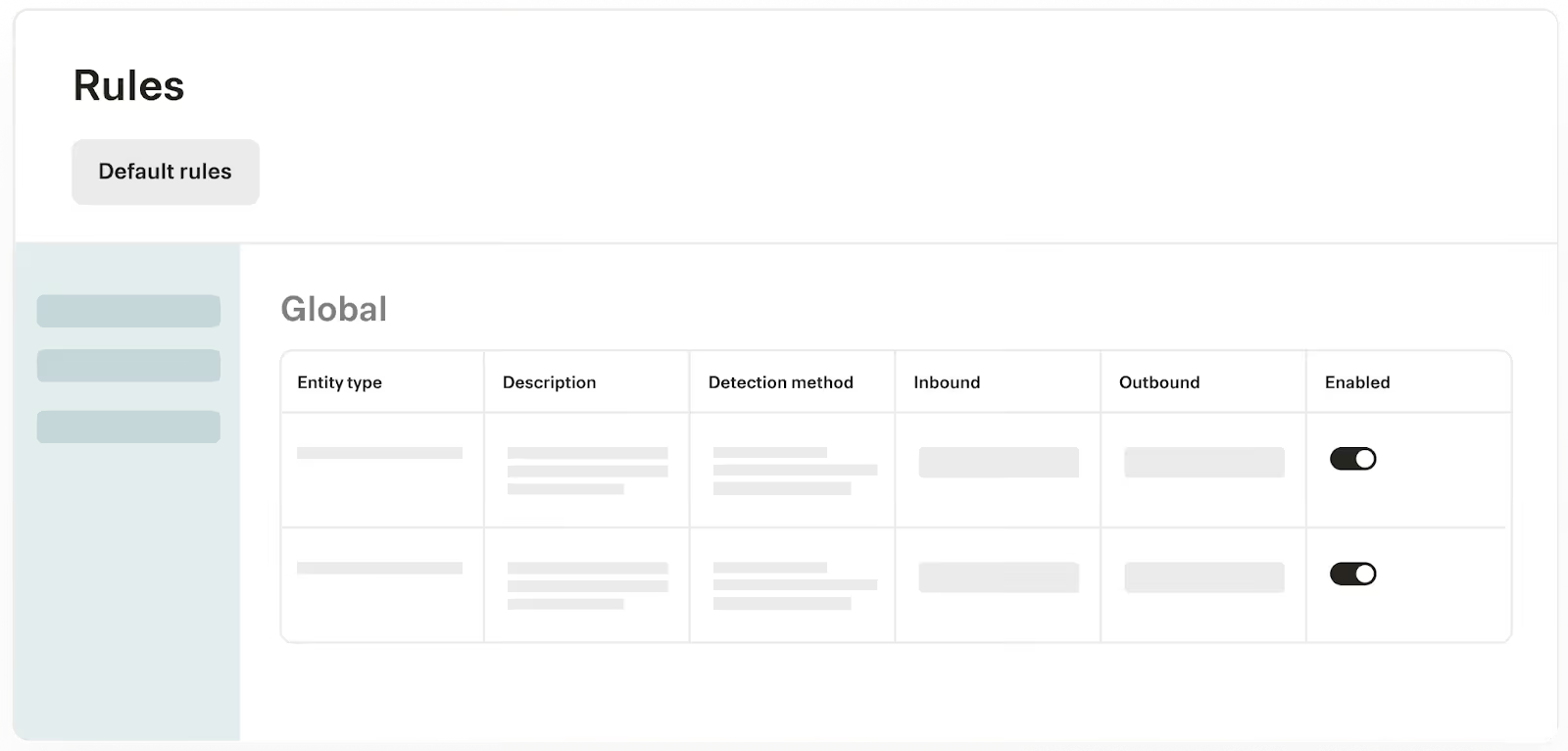
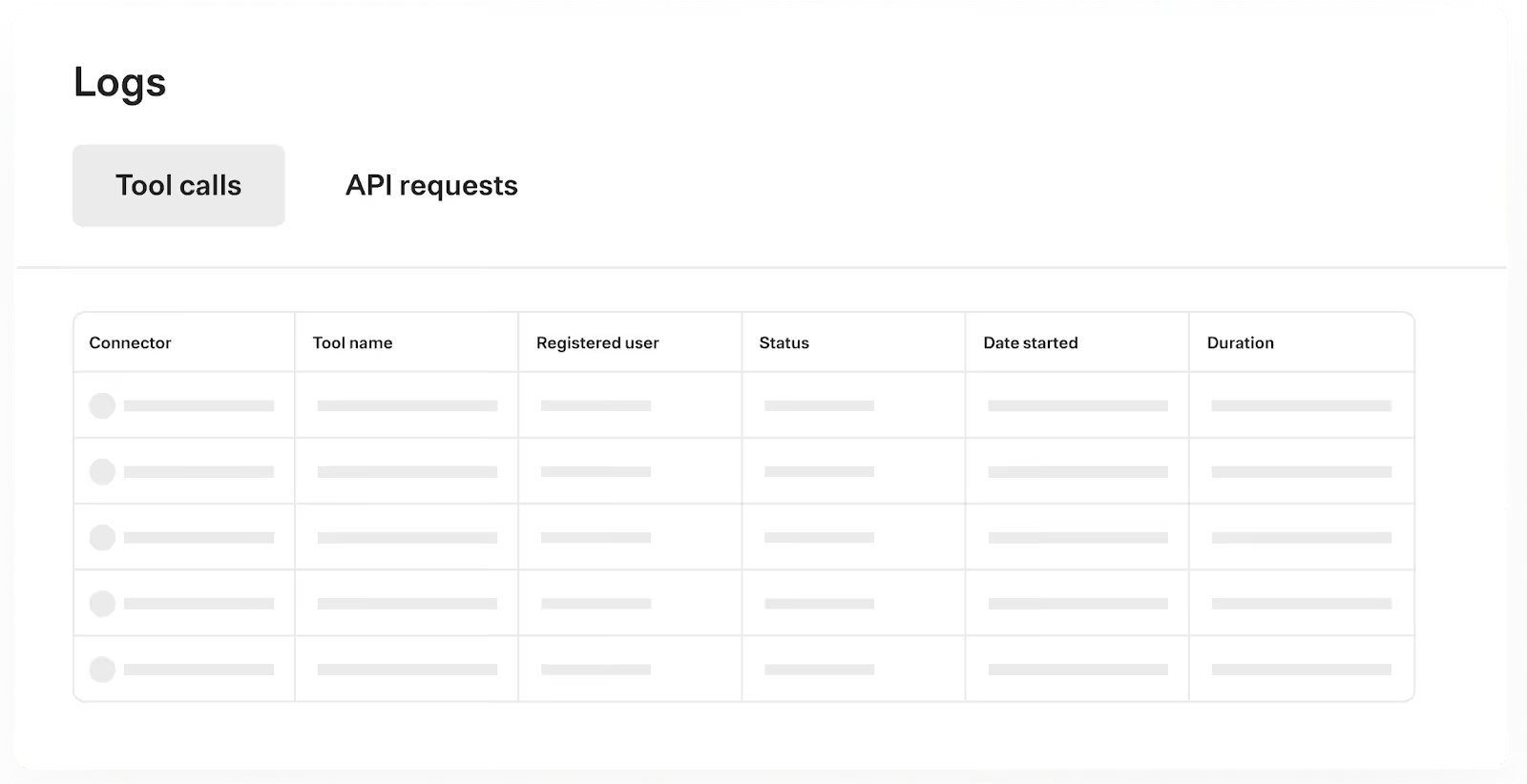
It provides everything you need to securely connect and control your agents—such as prebuilt connectors, Tool Packs, least-privilege identities, policy-based rules and approvals, and fully-searchable logs.
On top of that, it includes an evaluation suite and Connector Studio, enabling you to move fast while maintaining security, auditability, and enterprise-grade scale.
Start using Merge Agent Handler for free by creating an account!
In case you have any more questions on AI agent management, we’ve addressed several more below.
AI agent management and observability both include monitoring the tool calls your agents make, along with the key details from each call (e.g., when it took place).
Agent management, however, also includes taking corrective actions based on what’s observed. For example, if your agent keeps failing to call a certain tool when it should, you can improve the MCP tool’s description and then assess whether your agent calls it when appropriate.
In general, third-party MCP connectors are easier to manage.
Platforms that offer third-party connectors often also provide agent management tooling—such as logs, customizable alerts, and evaluation suites—to complement the connectors.
In contrast, using in-house connectors requires engineers to build agent management infrastructure and processes from scratch, which can take months to implement and ongoing effort to maintain.
In general, you’ll need to:
An AI agent manager isn’t a full-time role at most companies yet. That said, it’s becoming an increasingly important responsibility for IT and security teams; they need to prevent agents from leaking sensitive data and work quickly to mitigate the consequences if and when this happens.
Merge Agent Handler offers thousands of tools and lets you manage and monitor any tool call.
.avif)

.avif)


.png)



