|
VOOZH | about |
|
VOOZH | about |
dotnet add package IronPdf.Viewer.Maui --version 2023.11.4
NuGet\Install-Package IronPdf.Viewer.Maui -Version 2023.11.4
<PackageReference Include="IronPdf.Viewer.Maui" Version="2023.11.4" />
<PackageVersion Include="IronPdf.Viewer.Maui" Version="2023.11.4" />Directory.Packages.props
<PackageReference Include="IronPdf.Viewer.Maui" />Project file
paket add IronPdf.Viewer.Maui --version 2023.11.4
#r "nuget: IronPdf.Viewer.Maui, 2023.11.4"
#:package IronPdf.Viewer.Maui@2023.11.4
#addin nuget:?package=IronPdf.Viewer.Maui&version=2023.11.4Install as a Cake Addin
#tool nuget:?package=IronPdf.Viewer.Maui&version=2023.11.4Install as a Cake Tool
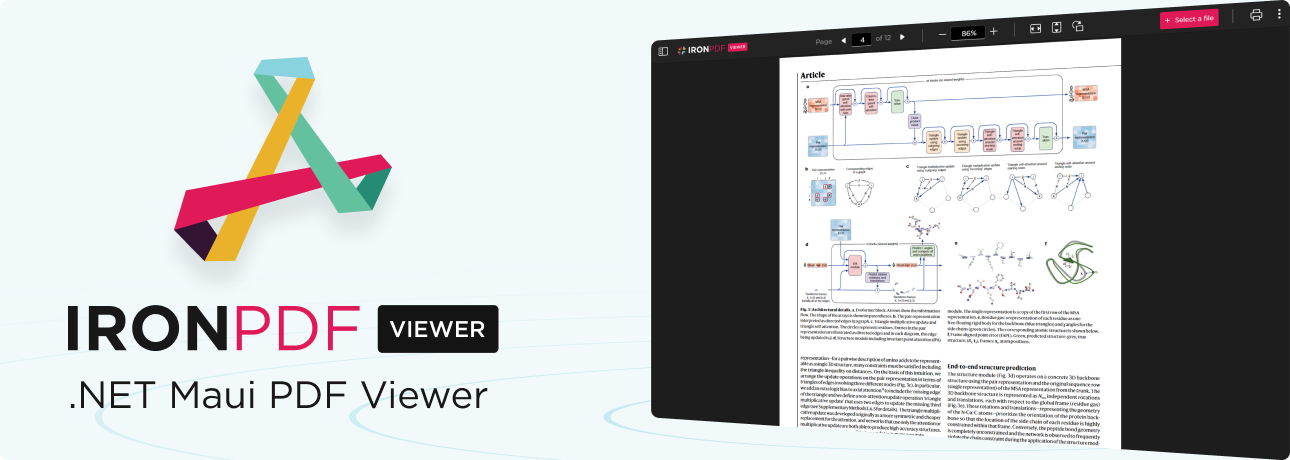
IronPDF Viewer is a free-to-use .NET PDF viewer developed and maintained by Iron Software that can be used to view, save, and print PDF files. It can be integrated into MAUI applications on either macOS or Windows.
Branding will be removed upon application of a trial or license key of IronPDF. For more information please visit https://ironpdf.com/licensing/
To add IronPDF Viewer to your MAUI application, first ensure that it does not target iOS and Android platforms. To do this in Visual Studio, follow the steps below:
Unchecking both may require you to reload your project and/or restart Visual Studio.
To install IronPDF Viewer, open the NuGet Package Manager Console and run the following command:
PM> Install-Package IronPdf.Viewer.Maui
Alternatively, you could perform the following steps to install with NuGet Package Manager:
In your MAUI app, add the following code to MauiProgram.cs:
using IronPdf.Viewer.Maui;

public static class MauiProgram
{
 public static MauiApp CreateMauiApp()
 {
 var builder = MauiApp.CreateBuilder();
 builder
 .UseMauiApp<App>()
 // other configuration options ...
 .ConfigureIronPdfView(); // configure the viewer on app start-up

 return builder.Build();
 }
}
Then add the IronPdfView component to a view in C#:
using IronPdf.Viewer.Maui;

public class MainPage : ContentPage
{
 private readonly IronPdfView pdfView;

 public MainPage()
 {
 InitializeComponent();

 this.pdfView = new IronPdfView { Options = IronPdfViewOptions.All };

 Content = this.pdfView;
 }
}
Alternatively, you could add the IronPdfView component to a view in XAML:
<?xml version="1.0" encoding="utf-8" ?>
<ContentPage ...
 xmlns:ipv="clr-namespace:IronPdf.Viewer.Maui;assembly=IronPdf.Viewer.Maui"
 ...>
 <ipv:IronPdfView x:Name="pdfView" Options="All" />
</ContentPage>
👁 IronPDF NuGet Trial Banner Image
IronPDF Viewer is a part of our IronPDF product suite. For our full list of code examples, tutorials, licensing information, and documentation, visit: https://www.ironpdf.com/
For more support and inquiries, please email us at: support@ironsoftware.com
| Product | Versions Compatible and additional computed target framework versions. |
|---|---|
| .NET | net7.0-maccatalyst16.1 net7.0-maccatalyst16.1 is compatible. net7.0-windows10.0.19041 net7.0-windows10.0.19041 is compatible. net8.0-maccatalyst net8.0-maccatalyst was computed. net8.0-windows net8.0-windows was computed. net9.0-maccatalyst net9.0-maccatalyst was computed. net9.0-windows net9.0-windows was computed. net10.0-maccatalyst net10.0-maccatalyst was computed. net10.0-windows net10.0-windows was computed. |
This package is not used by any NuGet packages.
This package is not used by any popular GitHub repositories.
| Version | Downloads | Last Updated |
|---|---|---|
| 2023.11.4 | 1,216 | 10/30/2023 |
| 2023.10.74 | 425 | 9/7/2023 |
Initial release!