

Read free with the Libby app
Borrow ebooks, audiobooks, magazines, and more for free from your local library with Libby, the library reading app.
Download Libby today!
or read & listen online at Libbyapp.com

All over the world, millions of people read their library books with Libby.
Your guide to reading happiness.
Brought to you by your local library, and built with 💕 by OverDrive.
Warm, personal, and easy to use, Libby is great for users of all ages.


- 👁 Image
👁 ImageRead on Kobo
Borrow and read Libby ebooks directly on your Kobo.
- 👁 Image
👁 ImageOffline access
Download ebooks and audiobooks for offline reading, or stream them to save space.
- 👁 Image
👁 ImageListen in your car
Enjoy audiobooks in your car with Apple CarPlay, Android Auto, Android Automotive, or Bluetooth.
- 👁 Image
👁 ImageSend to Kindle
If you prefer reading on your Kindle, Libby can send your library books to it. (U.S. libraries only)
- 👁 Image
👁 ImageGet notified
Never miss a hold.
- 👁 Image
👁 ImageTag it for later
Create your very own to-be-read list.
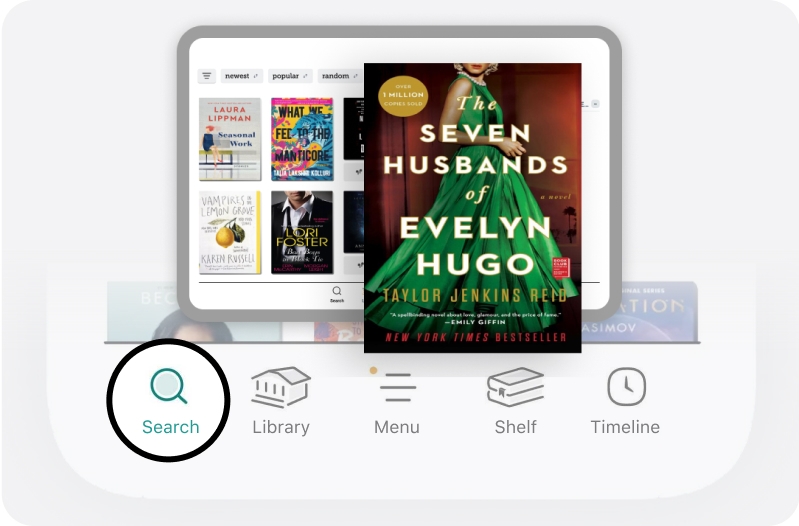
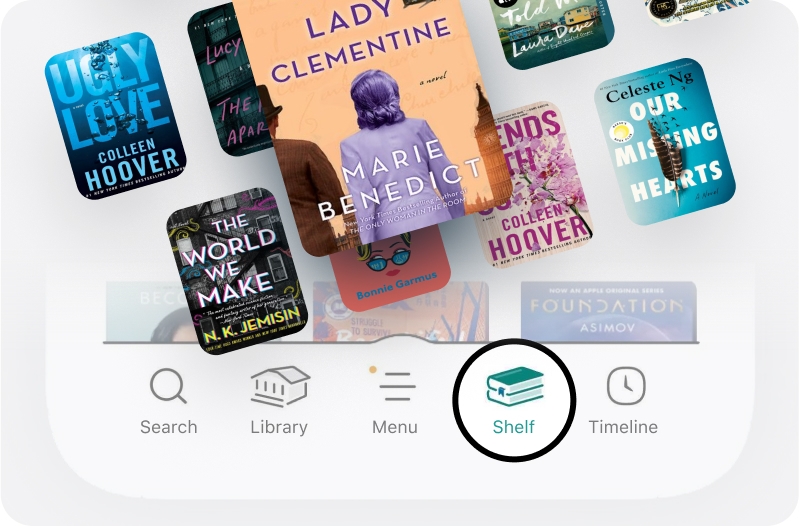
Browse, search, and discover.
There are thousands of ebooks and audiobooks, hand-selected by your library, available for reading. Explore the collection through catalog guides, subjects, featured titles, and curated lists. It's a delight to discover new books through Libby.
"Libby has raised the bar for library apps."

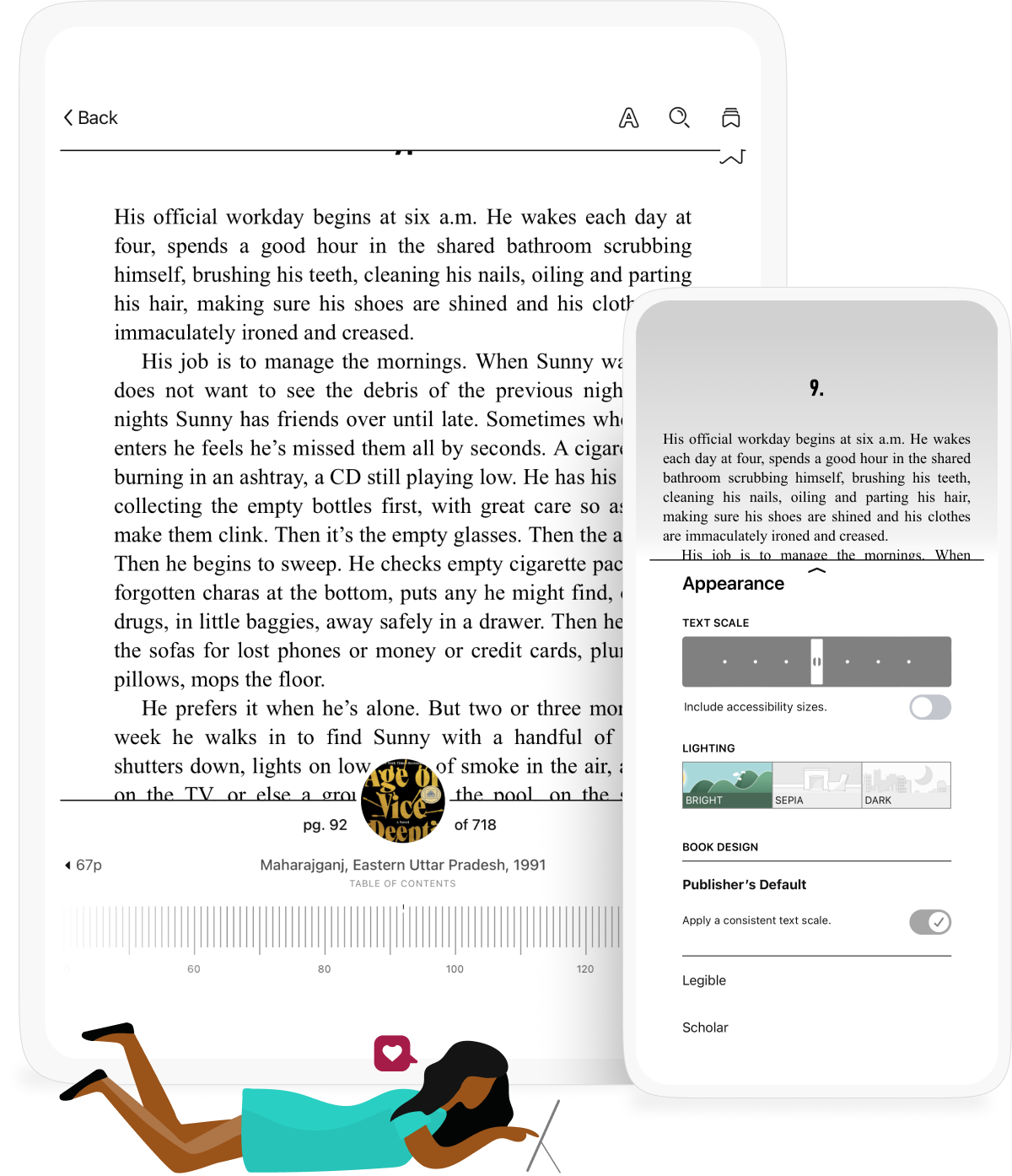
A state-of-the-art reading experience.
The Libby app makes it easy to customize how you read. You can adjust the font size, book layout, and lighting in most books and add bookmarks, notes, and highlights. In magazines, you can use our dedicated article mode to read every recipe and column.
"Libby is one of the best resources out there in the e-reader world."
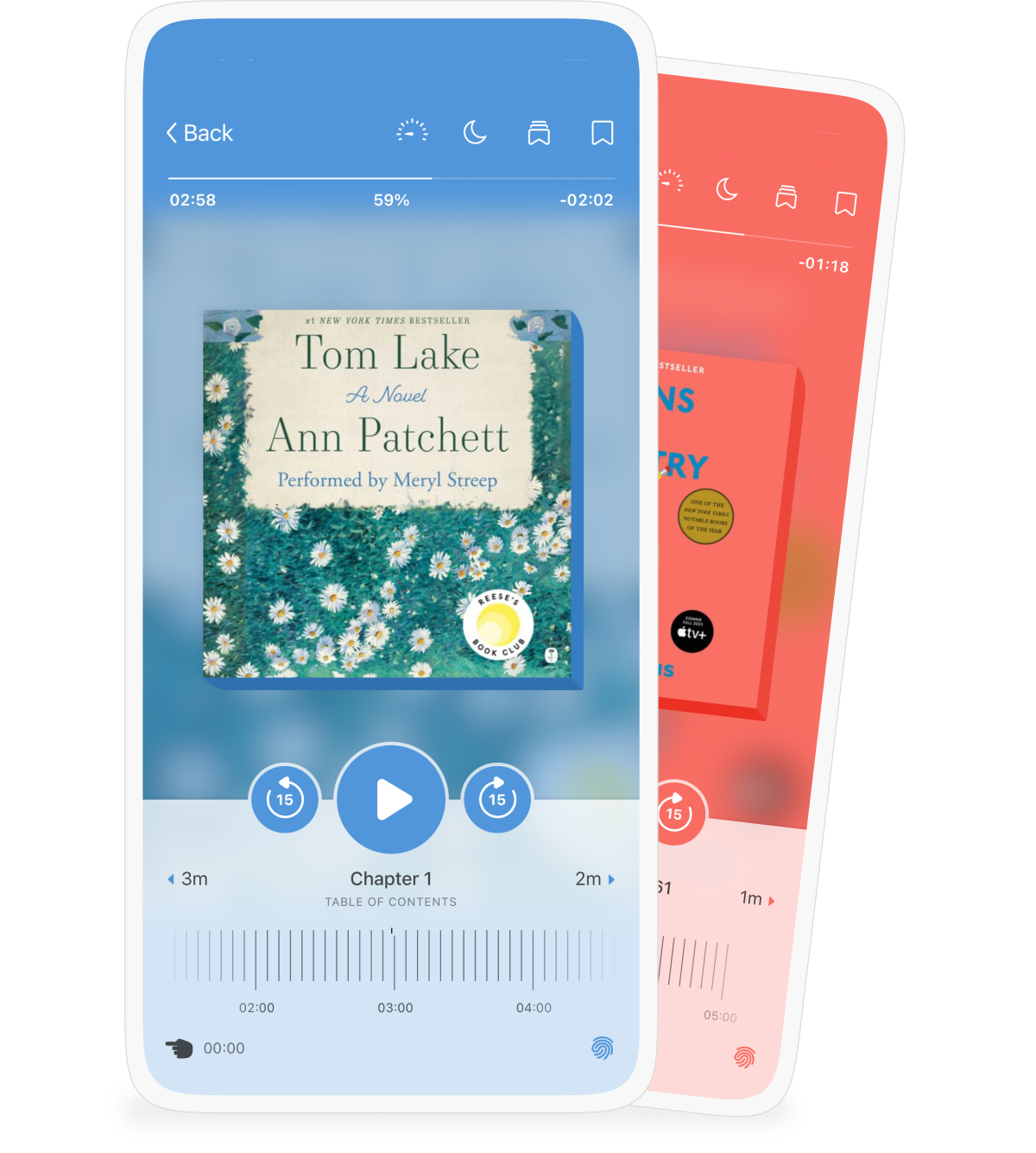
An intuitive and beautiful audiobook player.
Libby makes it simple to listen when, where, and how you want. Swipe on the book cover to skip backward or forward. Increase playback speed up to 3x. Set a sleep timer until the end of the chapter or for 5, 10, 30 minutes, or more.
"I’m a big Libby fan because my drive to work is a heckin’ pain and I like to listen to books while I’m behind the wheel."






What people are saying.
We think Libby is the simplest way to start reading ebooks and audiobooks from your library. Don't just take our word for it though, see what everyone else is saying!
👁 Image

I LOVE reading and anywhere!
“I love being able to read or listen to books from my local library but it also allows for books too expensive through Amazon, that I can read through this ereader. Well done. I LOVE reading and anywhere I can read as freely as I enjoy it; whether that’s 5 books a day or 150 a month… An e-reader be it Libby or my Kindle or both… they allow me to read my fill regardless of my inability to always get to the library or to search stacks at bookstores. I can be comfortable in my own place.”
- Margaret M., Google Play™ Store review
👁 Image
Re-connecting back to the Library
"I feel like I just re-found my love for the library again. This app helps re-connect with these amazing and free resources back inot reading books but also magazines. I know the library is free but I didn't know what an array they have for electronic resources. It is great and helpful."
- J-Phx, Apple App Store review
👁 Image
Free Audiobooks Rock!
"I am dyslexic and old enough that is was never diagnosed in school. This is such a simple way for me to enjoy books I would never be able to read.I have been listening to the CDs for a long time. But having it on my phone allows me to listen whenever and wherever. Also this is one of the more efficient apps I have come across. Thank you Libby."
- Brezzy307, Apple App Store review
👁 Image
OverDrive has hit it out the park
"This app is intuitive, helpful, and like having a librarian in my pocket. While I will take any opportunity to visit a brick and mortar library, it isn't always possible. This app gives me all the bok love I need when I am away from a real library. Keep up the great work."
- Shira M, Google Play™ Store review
PC Magazine's The Best Free Software of 2019
The library is often-overlooked public resource (and some are modernizing quickly), but OverDrive brings it back into the fold with the newly redesgined, Libby.
The 20 Best Apps of the 2010s
Listen up, the library is cool and we all secretly know it. But what's even cooler is that the OverDrive-created and owned Libby app lets you borrow e-books, audiobooks, music, and more for free.
Time Magazine's Best iPhone and Android Apps of 2018
Put your local library in your pocket with Libby, an ebook- and audiobook-borrowing app with a wealth of literary offerings available on demand.
PC Magazine's The Best Free Software of 2019
The library is often-overlooked public resource (and some are modernizing quickly), but OverDrive brings it back into the fold with the newly redesgined, Libby.
The 20 Best Apps of the 2010s
Listen up, the library is cool and we all secretly know it. But what's even cooler is that the OverDrive-created and owned Libby app lets you borrow e-books, audiobooks, music, and more for free.
Time Magazine's Best iPhone and Android Apps of 2018
Put your local library in your pocket with Libby, an ebook- and audiobook-borrowing app with a wealth of literary offerings available on demand.
Winners announced for the Libby Book Awards!
Want book recs? Dive into Libby Life for all things reading!
Have more questions?
Is Libby free?
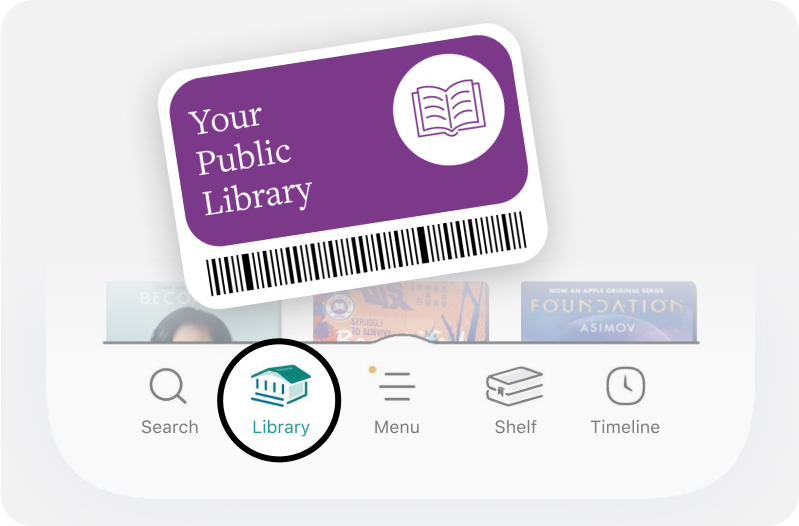
Yes, Libby is completely free. It’s free to install, and there are no subscription costs, no in-app purchases, and no late fees. All you need is a valid library card from your library.
How do I get a library card?
Libraries have varying requirements for library cards. Your best bet is to contact your local library directly (or visit their website) to see what you need to do.
Does Libby work with my library?
Libby works with public libraries that use OverDrive. Over 90% of public libraries in North America have OverDrive, and Libby can be found in 78 countries worldwide. Try searching for your library on overdrive.com.
What books can I find in Libby?
Your library chooses the ebooks and audiobooks they offer in Libby based on your community’s interests and needs. You'll find everything from the classics to current NYT bestsellers! Libby is only for digital content, so it doesn’t include any physical materials from your library.
What devices does Libby work on?
Enjoy Libby on almost any device! You can download the Libby app on a phone or tablet or use libbyapp.com in a web browser. Once you've borrowed a title, listen to an audiobook in your car, transfer an ebook to an ereader, and more. Learn how to get started.
How can I get help with the Libby app?
Check out Libby Help for step-by-step instructions for getting started, sending books to Kindle (U.S. libraries only), placing holds on titles, and much more!