Walmart Scraping API
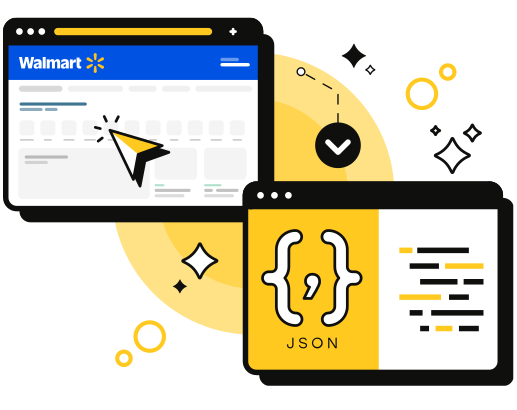
Access Walmart's massive product data catalog with our reliable scraping API. Get pricing, descriptions, and product details with a single Walmart API call.




ScrapingBee simplified our day-to-day marketing and engineering operations a lot. We no longer have to worry about managing our own fleet of headless browsers, and we no longer have to spend days sourcing the right proxy provider
Designed specifically for
The Problem
Scrape Walmart data, no workarounds needed.
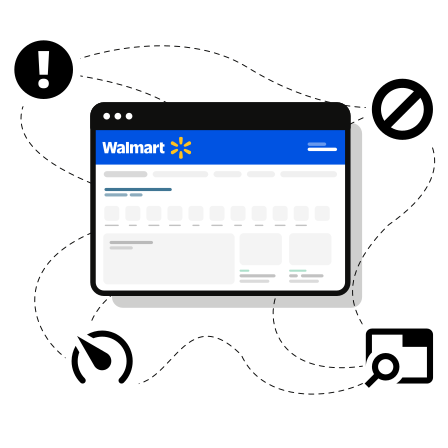
Scraping Walmart product data is pain:
You're blocked by anti-bot systems
Rotating proxies eat up time
Managing headless browsers slows your team
Product layouts keep changing
Whether you're monitoring prices or analyzing products at scale, you shouldn't need a DevOps team just to scrape data from Walmart.
Product information, effortlessly
Code
import requests
def send_request():
 response = requests.get(
 url='https://app.scrapingbee.com/api/v1/walmart/search',
 headers={'Authorization': 'Bearer YOUR-API-KEY'},
 params={
 'search': 'iphone 15',
 'zip_code': '10001'
 },
 )
 print('Response HTTP Status Code: ', response.status_code)
 print('Response HTTP Response Body: ', response.content)
send_request()
const axios = require('axios');
axios.get('https://app.scrapingbee.com/api/v1/walmart/search', {
 headers: {
 "Authorization": "Bearer YOUR-API-KEY"
 },
 params: {
 "search": "iphone 15",
 "zip_code": "10001"
 }
}).then(function (response) {
 // handle success
 console.log(response);
});;
<?php
$ch = curl_init();
curl_setopt($ch, CURLOPT_URL, 'https://app.scrapingbee.com/api/v1/walmart/search?search=iphone+15&delivery_zip=10001');
curl_setopt($ch, CURLOPT_HTTPHEADER, array(
 'Authorization: Bearer YOUR-API-KEY'
));
curl_setopt($ch, CURLOPT_CUSTOMREQUEST, 'GET');
curl_setopt($ch, CURLOPT_RETURNTRANSFER, 1);
$response = curl_exec($ch);
if (!$response) {
 die('Error: "' . curl_error($ch) . '" - Code: ' . curl_errno($ch));
}
echo 'HTTP Status Code: ' . curl_getinfo($ch, CURLINFO_HTTP_CODE) . PHP_EOL;
echo 'Response Body: ' . $response . PHP_EOL;

// close curl resource to free up system resources
curl_close($ch);
?>
require 'net/http'
require 'net/https'

# Classic (GET )
def send_request
 uri = URI('https://app.scrapingbee.com/api/v1/walmart/search?search=iphone+15&delivery_zip=10001')

 # Create client
 http = Net::HTTP.new(uri.host, uri.port)
 http.use_ssl = true
 http.verify_mode = OpenSSL::SSL::VERIFY_PEER

 # Create Request
 req = Net::HTTP::Get.new(uri)
 req['Authorization'] = 'Bearer YOUR-API-KEY'

 # Fetch Request
 res = http.request(req)
 puts "Response HTTP Status Code: #{ res.code }"
 puts "Response HTTP Response Body: #{ res.body }"
rescue StandardError => e
 puts "HTTP Request failed (#{ e.message })"
end

send_request()
import java.io.IOException;
import org.apache.http.client.fluent.*;

public class SendRequest
{
 public static void main(String[] args) {
 sendRequest();
 }

 private static void sendRequest() {

 // Classic (GET )

 try {

 // Create request
 Content content = Request.Get("https://app.scrapingbee.com/api/v1/walmart/search?search=iphone+15&delivery_zip=10001")
 .addHeader("Authorization", "Bearer YOUR-API-KEY")

 // Fetch request and return content
 .execute().returnContent();

 // Print content
 System.out.println(content);
 }
 catch (IOException e) { System.out.println(e); }
 }
}
package main

import (
 "fmt"
 "io/ioutil"
 "net/http"
)

func sendClassic() {
 // Create client
 client := &http.Client{}

 // Create request
 req, err := http.NewRequest("GET", "https://app.scrapingbee.com/api/v1/walmart/search?search=iphone+15&delivery_zip=10001", nil)
 req.Header.Set("Authorization", "Bearer YOUR-API-KEY")

 parseFormErr := req.ParseForm()
 if parseFormErr != nil {
 fmt.Println(parseFormErr)
 }

 // Fetch Request
 resp, err := client.Do(req)

 if err != nil {
 fmt.Println("Failure : ", err)
 }

 // Read Response Body
 respBody, _ := ioutil.ReadAll(resp.Body)

 // Display Results
 fmt.Println("response Status : ", resp.Status)
 fmt.Println("response Headers : ", resp.Header)
 fmt.Println("response Body : ", string(respBody))
}

func main() {
 sendClassic()
}
Response
{
 "meta_data": {
 "url": "https://www.walmart.com/search?q=iphone15",
 "number_of_results": 1000,
 "number_of_products": 40,
 "page": 1,
 "total_pages": 25
 },
 "products": [
 {
 "position": 1,
 "product_id": "5491199371",
 "title": "Apple iPhone 15 Pro Max, 256GB, Natural Titanium - Unlocked (Renewed Premium)",
 "price": 1099.99,
 "currency": "USD",
 "rating": 4.7,
 "review_count": 892,
 "availability": "In stock",
 "image": "https://i5.walmartimages.com/seo/...",
 "url": "https://www.walmart.com/ip/Apple-iPhone-15-Pro-Max-256GB/5491199371",
 "brand": "Apple",
 "seller": "Walmart",
 "prime": false,
 "free_shipping": true,
 "two_day_shipping": true
 },
 ...
 ],
 "facets": {
 "brands": [
 {"name": "Apple", "count": 245},
 {"name": "Samsung", "count": 189},
 ...
 ],
 "price_ranges": [
 {"min": 0, "max": 50, "count": 120},
 {"min": 50, "max": 100, "count": 85},
 ...
 ],
 "ratings": [
 {"stars": 4, "count": 350},
 {"stars": 3, "count": 125},
 ...
 ]
 },
 "location": {
 "zip_code": null,
 "store_id": null
 }
}
Input Parameters
search
Search Query
The product or keyword you want to search on Walmart.
delivery_zip
ZIP Code
Specify a delivery ZIP code to get localized results
store_id
Store ID
Specify a Walmart store ID to get localized inventory and pricing.
sort_by
Sort Results
Sort products by relevance, price, rating, etc.
min_price
Min Price
Filter products by minimum price.
max_price
Max Price
Filter products by maximum price.
device
Device Type
Emulate desktop, mobile, or tablet device (default is desktop).
And more ...
Check our full documentation for all available parameters.
Code
import requests
def send_request():
 response = requests.get(
 url='https://app.scrapingbee.com/api/v1/walmart/product',
 headers={'Authorization': 'Bearer YOUR-API-KEY'},
 params={
 'product_id': '123456789'
 },
 )
 print('Response HTTP Status Code: ', response.status_code)
 print('Response HTTP Response Body: ', response.content)
send_request()
const axios = require('axios');
axios.get('https://app.scrapingbee.com/api/v1/walmart/product', {
 headers: {
 "Authorization": "Bearer YOUR-API-KEY"
 },
 params: {
 "product_id": "123456789"
 }
}).then(function (response) {
 // handle success
 console.log(response);
});;
<?php
$ch = curl_init();
curl_setopt($ch, CURLOPT_URL, 'https://app.scrapingbee.com/api/v1/walmart/product?product_id=123456789');
curl_setopt($ch, CURLOPT_HTTPHEADER, array(
 'Authorization: Bearer YOUR-API-KEY'
));
curl_setopt($ch, CURLOPT_CUSTOMREQUEST, 'GET');
curl_setopt($ch, CURLOPT_RETURNTRANSFER, 1);
$response = curl_exec($ch);
if (!$response) {
 die('Error: "' . curl_error($ch) . '" - Code: ' . curl_errno($ch));
}
echo 'HTTP Status Code: ' . curl_getinfo($ch, CURLINFO_HTTP_CODE) . PHP_EOL;
echo 'Response Body: ' . $response . PHP_EOL;

// close curl resource to free up system resources
curl_close($ch);
?>
require 'net/http'
require 'net/https'

# Classic (GET )
def send_request
 uri = URI('https://app.scrapingbee.com/api/v1/walmart/product?product_id=123456789')

 # Create client
 http = Net::HTTP.new(uri.host, uri.port)
 http.use_ssl = true
 http.verify_mode = OpenSSL::SSL::VERIFY_PEER

 # Create Request
 req = Net::HTTP::Get.new(uri)
 req['Authorization'] = 'Bearer YOUR-API-KEY'

 # Fetch Request
 res = http.request(req)
 puts "Response HTTP Status Code: #{ res.code }"
 puts "Response HTTP Response Body: #{ res.body }"
rescue StandardError => e
 puts "HTTP Request failed (#{ e.message })"
end

send_request()
import java.io.IOException;
import org.apache.http.client.fluent.*;

public class SendRequest
{
 public static void main(String[] args) {
 sendRequest();
 }

 private static void sendRequest() {

 // Classic (GET )

 try {

 // Create request
 Content content = Request.Get("https://app.scrapingbee.com/api/v1/walmart/product?product_id=123456789")
 .addHeader("Authorization", "Bearer YOUR-API-KEY")

 // Fetch request and return content
 .execute().returnContent();

 // Print content
 System.out.println(content);
 }
 catch (IOException e) { System.out.println(e); }
 }
}
package main

import (
 "fmt"
 "io/ioutil"
 "net/http"
)

func sendClassic() {
 // Create client
 client := &http.Client{}

 // Create request
 req, err := http.NewRequest("GET", "https://app.scrapingbee.com/api/v1/walmart/product?product_id=123456789", nil)
 req.Header.Set("Authorization", "Bearer YOUR-API-KEY")

 parseFormErr := req.ParseForm()
 if parseFormErr != nil {
 fmt.Println(parseFormErr)
 }

 // Fetch Request
 resp, err := client.Do(req)

 if err != nil {
 fmt.Println("Failure : ", err)
 }

 // Read Response Body
 respBody, _ := ioutil.ReadAll(resp.Body)

 // Display Results
 fmt.Println("response Status : ", resp.Status)
 fmt.Println("response Headers : ", resp.Header)
 fmt.Println("response Body : ", string(respBody))
}

func main() {
 sendClassic()
}
Response
{
 "product_id": "5491199371",
 "title": "Apple iPhone 15 Pro Max, 256GB, Natural Titanium - Unlocked (Renewed Premium)",
 "description": "The iPhone 15 Pro Max features a titanium design...",
 "price": {
 "current": 1099.99,
 "original": 1299.99,
 "currency": "USD",
 "discount_percentage": 15.4
 },
 "availability": {
 "in_stock": true,
 "quantity": null,
 "delivery_options": {
 "standard": "3-5 business days",
 "express": "1-2 business days",
 "pickup": "Available today"
 }
 },
 "images": [
 "https://i5.walmartimages.com/seo/image1.jpg",
 "https://i5.walmartimages.com/seo/image2.jpg",
 ...
 ],
 "specifications": {
 "brand": "Apple",
 "model": "iPhone 15 Pro Max",
 "storage": "256GB",
 "color": "Natural Titanium",
 ...
 },
 "rating": {
 "average": 4.7,
 "count": 892,
 "distribution": {
 "5": 645,
 "4": 180,
 "3": 45,
 "2": 15,
 "1": 7
 }
 },
 "seller": {
 "name": "Walmart",
 "id": "walmart",
 "rating": null
 },
 "shipping": {
 "free": true,
 "price": 0,
 "two_day": true
 }
}
Input Parameters
product_id
Product ID
The Walmart product ID you want to retrieve details for.
store_id
Store ID
Specify a Walmart store ID to get localized inventory and pricing.
delivery_zip
ZIP Code
Specify a delivery ZIP code to get localized results
And more ...
Check our full documentation for all available parameters.
Ready to get started with Walmart API?
Get access to 1,000 free API credits, no credit card required!
How Walmart Scraper API works
Take control over what, where, and how you scrape with just a few parameters:
Create an account and login to the dashboard commitment-free.
Quickly add our official Python library to your project. This makes it easy to send scraping requests without worrying about proxies or browsers.
Use your API key to fetch any web page. We do all the heavy lifting in the background, returning clean, ready-to-use HTML for you to parse and analyze.
Use our advanced features to tackle even the most complex sites. Our flexible options give you complete control over your scraping projects.
Our Solution
One simple API call.
Thousands of Walmart products at your fingertips.
ScrapingBee Walmart data scraper saves you hours of setup, blocked requests, and broken code, from the first call to full-scale automation.
Built-in Localization
Get location-specific pricing and availability. Use ZIP codes to scrape Walmart results as they appear in specific regions across the US.
See Documentation
Instant Product Data
Get real-time pricing, ratings, reviews, and specifications in one clean, structured JSON response. Perfect for price monitoring and competitive analysis.
See Documentation
Dev-Ready Integration
No framework needed. Use Python, JS, PHP, curl, and more. Scrape Walmart in minutes with clear docs and prebuilt code snippets.
See Documentation
Dev-friendly Control
Configure your Walmart web scraper in seconds
Take control over what, where, and how you scrape with just a few parameters:
Search Query
The product or keyword you want to search
ZIP Code
Get localized pricing and availability
Price Filters
Filter by minimum and maximum price
Sort Options
Sort by relevance, price, or rating
Workflow
With Vs. Without ScrapingBee
Here's what your workflow looks like with or without ScrapingBee Walmart scraper api


Without ScrapingBee
Proxy pool, browser infra, retry logic
Raw HTML, constant cleaning
Manual troubleshooting
Manual proxies & VPNs
Hours or days
With ScrapingBee
One simple API call
Structured JSON
Automatic
Built-in
Minutes only
Our Walmart Scraper Features
Scraping Walmart has never been more simple with our powerful features. Built for speed and precision, it extracts accurate data at scale.

Use AI prompts to scrape Walmart product pages effortlessly. Our scraper adapts to layout changes and outputs clean, structured JSON.
AI Web Scraping
Use AI prompts to scrape Walmart product pages effortlessly. No coding or selectors needed.
Data Extraction
Capture high-quality screenshots of Walmart product pages in seconds. Generate full-page or section-specific images.
Screenshot API
Automate scrolling, clicks, and other interactions to look more human. Our API handles JavaScript-rendered content to collect complete and accurate product data.
JavaScript Scraping
Connect our Walmart scraper API to Make to automate product monitoring and data delivery. Send results to Sheets, Slack, or APIs. No coding needed.
Make No-Code Scraping
Integrate our scraper with n8n to schedule product searches, extract pricing data, or export reports automatically—completely code-free.
No-Code Scraping with n8n
Developer Experience
Top-rated support &
documentation
Our team is always ready to assist you with Walmart web scraping if you need it. And we're constantly working on new features to make your life easier.
Fantastic documentation
Take a look at our documentation and get started in minutes!
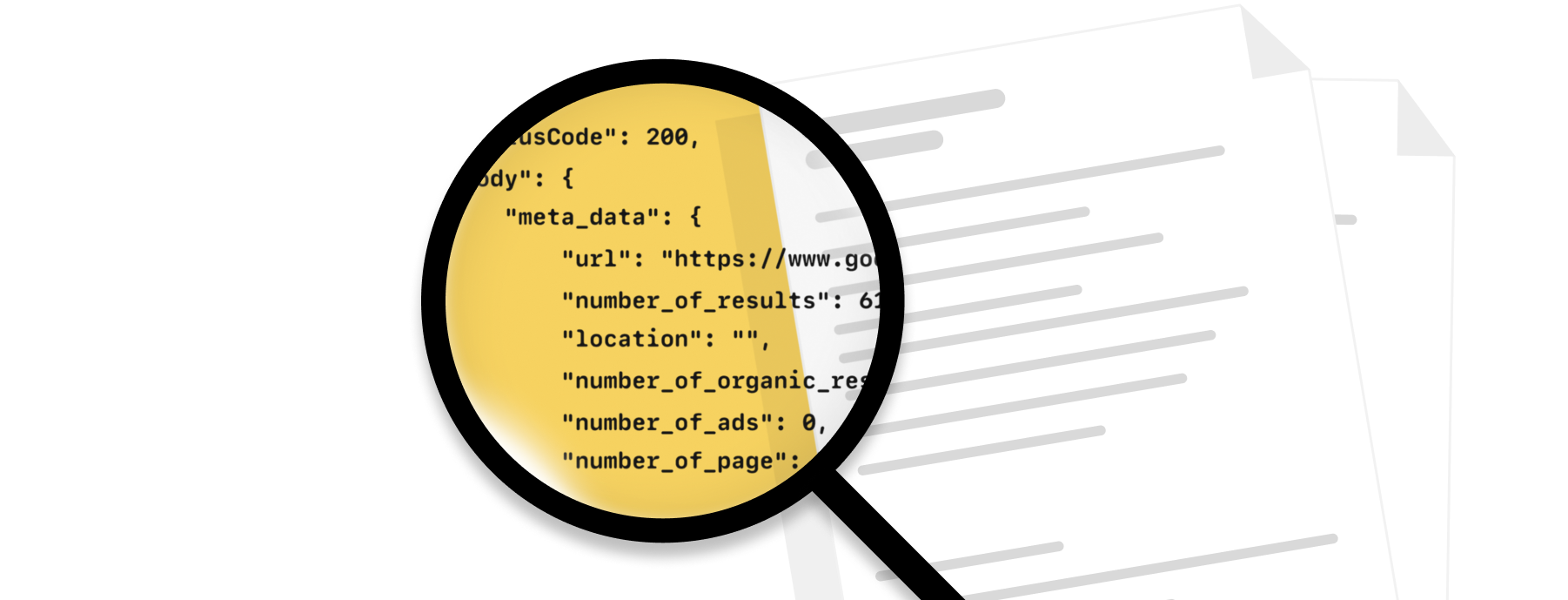
Code samples
Whatever the programming language you enjoy, we have written code samples ready.
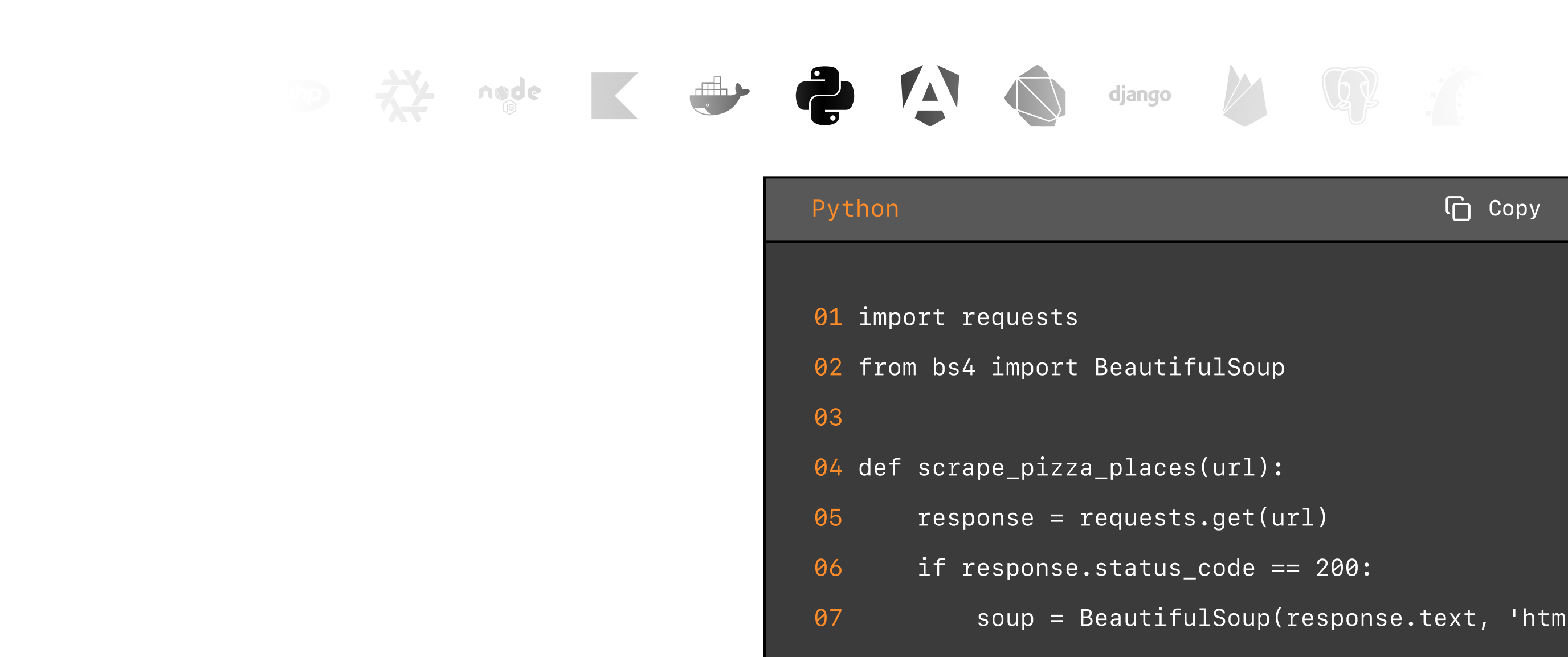
Knowledge base
Our extensive knowledge base covers the most frequent use cases with code samples.

Exceptional support
Fast, engineer-led support via live chat or email
Why ScrapingBee for Walmart Data?
Get instant access to product listings, pricing, reviews, and availability data directly from Walmart.
- Price monitoring
- Product research
- Competitor analysis
- ....and much more.
GDPR and CCPA compliant
ScrapingBee does not collect or store personal data from scraped sites unless their user explicitly requests it.

CAPTCHA bypass capacity
We handle proxy rotation to avoid IP-based blocking. With headless browser rendering, we mimic real user browsing behaviour and reduce the blocking risk.

Scalable
The platform scales smoothly with thousands of headless browsers and rotating proxies, ensuring fast, reliable performance even during traffic spikes.
Speed and accuracy
We deliver fast, reliable results in 1–5 seconds with high accuracy across most sites, even JavaScript-heavy ones.

Simple, transparent Walmart scraper pricing.
Cancel anytime, no questions asked!
Need more monthly credits or higher concurrency?
Talk to Product ExpertNot sure which plan you need?






Trusted by 4,000+ developers and data teams
Scraping is 50% dealing with ever-changing HTML files and 50% massaging data into a useable format. ScrapingBee’s incredible AI feature can do both much better than I ever could. Now I can spend 100% of my time on what matters most; my business.

ScrapingBee helps us to retrieve information from sites that use very sophisticated mechanism to block unwanted traffic, we were struggling with those sites for some time now and I'm very glad that we found ScrapingBee.


ScrapingBee clear documentation, easy-to-use API, and great success rate made it a no-brainer.

I'm a PhD candidate with absolutely no web scraping experience and needed to scrape some data for a dissertation project. ScrapingBee helped me get the job done quickly and easily. Excellent customer support too. Couldn't be happier!
Sam,
PhD candidate
So easy to set-up, straightforward and performance. They are reachable and kind, they introduced us properly their tool and offered the best solution for our need.

Great SaaS tool for legitimate scraping and data extraction. ScrapingBee makes it easy to automatically pull down data from the sites that publish periodic data in a human-readable format.

Good experience. I found this proxy service more effective compared to previous ones that were being used. It is fast and efficient.
Aayushi,
Senior analyst
Fantastic service: works flawlessly, best support I've experienced. It just works: and its parsing meta-language is wonderfully powerful. Most importantly, the support I've received has been superlative.
Excellent service, glad we made the switch! We could always dedicate resources and build our own systems for everything... or we could simply call the scrapingBee API and focus on the data. It makes our work so much easier.
Daniel L,
Lead dev




Walmart Scraper Tutorials
Learn how to use our Walmart Scraper API for various use cases



More markets. More opportunities.
Expand your data collection beyond Walmart Scraper API.

































































































































































































































































Frequently Asked Questions
Scraping Walmart may be legally complex, as it could violate their terms of service. Always review legal guidelines and use ScrapingBee's custom settings responsibly.
Yes, Walmart actively blocks web scrapers using sophisticated anti-bot systems including CAPTCHAs, IP rate limiting, and browser fingerprinting. ScrapingBee handles these challenges automatically with rotating proxies, headless browsers, and CAPTCHA solving, so you can scrape Walmart product data reliably without getting blocked.
You can scrape Walmart product data using ScrapingBee's Walmart API. Simply provide the product URL or search query, and our API returns structured JSON data including product details, pricing, reviews, ratings, and availability information.
Yes, ScrapingBee's Walmart API can extract pricing information, including current prices, original prices, and savings. Always ensure your use case complies with Walmart's terms of service and applicable laws.