
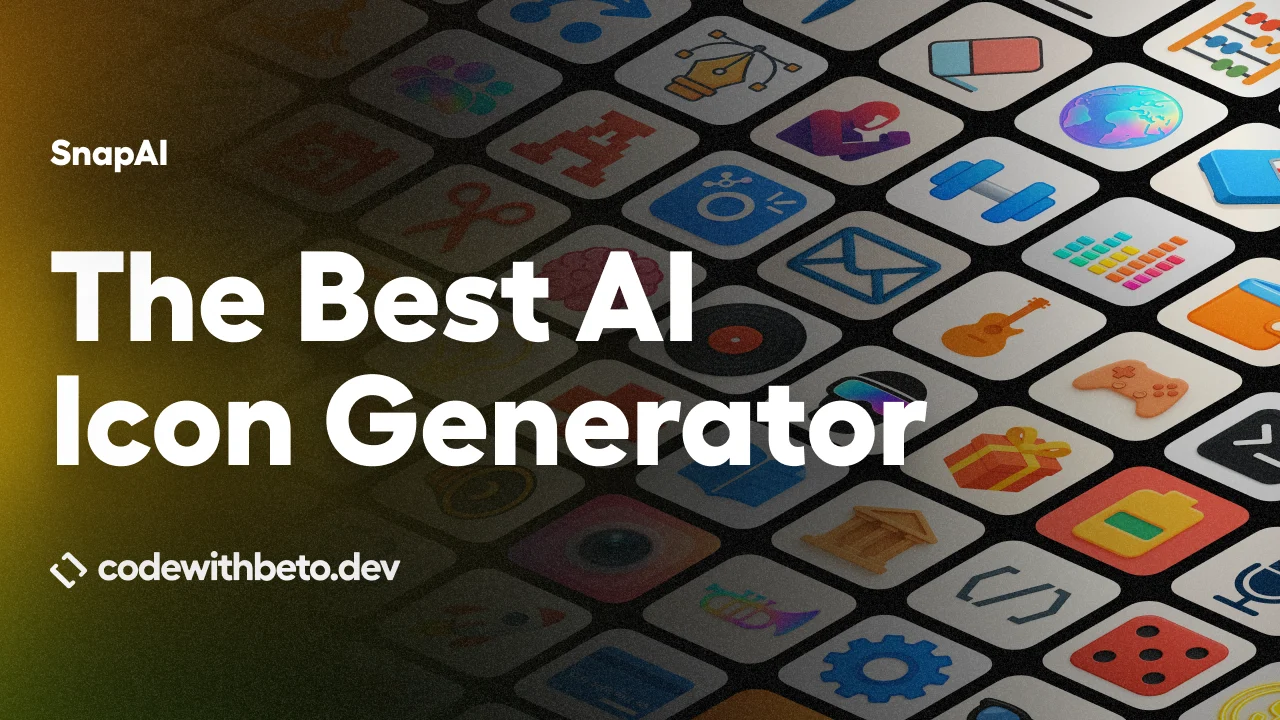
SnapAI is a CLI app icon generator that creates square 1024×1024 icon artwork with AI image models from OpenAI and Google Gemini.
It is designed for developers who need app icons for React Native, Expo, iOS, and Android projects without opening a design tool.
Describe the icon in plain text, choose a model, and SnapAI saves the generated image to a local output folder.
Features
- Runs from the terminal with
npx, a global install, local scripts, or CI/CD jobs. - Generates square 1024×1024 artwork for app icon workflows.
- Supports OpenAI image models through
gpt-1.5,gpt-1, andgpt-image-2. - Supports Google Nano Banana models through
banana,banana-2, and Banana Pro mode. - Uses prompt enhancement tuned for app icon output and lets you bypass it with
--raw-prompt. - Includes style hints such as
minimalism,material,pixel,kawaii,cute,glassy, andneon. - Provides OpenAI quality controls:
auto,high,medium, andlow. - Provides Banana Pro quality tiers:
1k,2k, and4k. - Supports output format controls for OpenAI runs, including
png,jpeg, andwebp. - Supports transparent backgrounds for
gpt-1.5andgpt-1.gpt-image-2requiresopaqueorautobackground mode. - Stores API keys locally only when you choose the config command.
- Sends requests directly to the selected provider and does not include telemetry or analytics.
Supported providers and models
SnapAI uses the --model flag to select the image provider. The default model is gpt-1.5, which maps to OpenAI gpt-image-1.5.
| Provider | SnapAI flag | Underlying model | Notes |
|---|---|---|---|
| OpenAI latest | --model gpt-1.5 | gpt-image-1.5 | Default option. Supports square output, quality controls, background controls, and output format controls. |
| OpenAI previous | --model gpt-1 | gpt-image-1 | Supports the same OpenAI controls as gpt-1.5. |
| OpenAI GPT Image 2 | --model gpt-image-2 | gpt-image-2 | Supports the OpenAI image path and most OpenAI flags, but transparent background is not supported. |
| Google Nano Banana normal | --model banana | gemini-2.5-flash-image | Generates one square image per run. |
| Google Nano Banana 2 | --model banana-2 | gemini-3.1-flash-image-preview | Generates one square 1K image with thinking config. |
| Google Nano Banana Pro | --model banana --pro | gemini-3-pro-image-preview | Supports 1k, 2k, and 4k quality tiers and multiple outputs with -n. |
How to use SnapAI
1. Run SnapAI with npx.
npx snapai --helpFor repeated use, install it globally:
npm install -g snapai2. Set up an API key. SnapAI requires at least one API key from OpenAI or Google AI Studio. For local development, you can store keys in ~/.snapai/config.json:
snapai config --openai-api-key "sk-your-openai-api-key"
snapai config --google-api-key "your-google-ai-studio-key"
snapai config --show
For CI/CD, use environment variables so keys do not write to disk:
export SNAPAI_API_KEY="sk-..."
export SNAPAI_GOOGLE_API_KEY="..."
SnapAI also accepts OPENAI_API_KEY and GEMINI_API_KEY. You can pass a key directly per command when you do not want to save it:
npx snapai icon --openai-api-key "sk-..." --prompt "modern app artwork"
npx snapai icon --model banana --google-api-key "..." --prompt "modern app artwork"
3. Generate your first icon.
npx snapai icon --prompt "minimalist weather app with sun and cloud"By default, SnapAI saves output in ./assets with timestamped filenames. Use --output to choose another folder:
npx snapai icon --prompt "professional banking app with secure lock" --output ./assets/icons4. Choose an image model. The default is gpt-1.5. Use gpt-image-2 for OpenAI GPT Image 2:
npx snapai icon --prompt "minimal 3D star, soft glossy plastic" --model gpt-image-2Use banana or banana-2 for Google Gemini image models:
npx snapai icon --prompt "modern app artwork" --model banana
npx snapai icon --prompt "modern app artwork" --model banana-2
For Banana Pro with quality tiers and multiple outputs:
npx snapai icon --prompt "modern app artwork" --model banana --pro --quality 2k -n 3Banana normal mode generates one image. Banana Pro supports multiple images with -n and quality tiers with --quality.
5. Preview the enhanced prompt before generating images.
npx snapai icon --prompt "calculator app" --prompt-only
npx snapai icon --prompt "calculator app" --style minimalism --prompt-only
npx snapai icon --prompt "calculator app" --raw-prompt --prompt-only
This prints the final prompt and config before SnapAI sends a request to the model. It is useful when you want to inspect prompt enhancement, style handling, or padding-related wording before spending credits.
6. Use SnapAI in GitHub Actions.
- name: Generate app icon
 run: npx snapai icon --prompt "minimalist weather app with sun and cloud" --output ./assets/icons
 env:
 SNAPAI_API_KEY: ${{ secrets.SNAPAI_API_KEY }}
Never commit API keys to your repository. Store them as GitHub Actions secrets or pass them through your deployment environment.
Prompt tips
Describe the product first, then the style. For example: "a finance app, shield + checkmark, modern, clean gradients".
If the output has too much empty border space, remove the words “icon” and “logo” from the prompt. SnapAI does not force those words by default because they can make some models add extra padding.
Add "fill the frame" when you want the subject to occupy more of the square canvas. Use --use-icon-words only when you want more explicit icon or logo framing.
Use --style for rendering direction. If you pass a style, treat it as a strong constraint and avoid conflicting prompt language, such as pairing --style minimalism with “neon glow.”
snapai icon flag reference
| Flag | Short | Default | Description |
|---|---|---|---|
--prompt | -p | required | Text description of the icon to generate |
--output | -o | ./assets | Output directory for generated files |
--model | -m | gpt-1.5 | gpt-1.5, gpt-1, or gpt-image-2 for OpenAI; banana or banana-2 for Google Nano Banana |
--quality | -q | auto | OpenAI: auto, high, medium, low. Aliases: hd for high and standard for medium. Banana Pro: 1k, 2k, 4k |
--background | -b | auto | transparent, opaque, or auto for OpenAI. transparent is not valid with gpt-image-2 |
--output-format | -f | png | png, jpeg, or webp for OpenAI runs |
--n | -n | 1 | Number of images to generate, max 10. Banana normal mode must be 1 |
--moderation | auto | OpenAI content filtering: low or auto | |
--prompt-only | false | Preview the final prompt and config without generating images | |
--raw-prompt | -r | false | Send the prompt as written, without SnapAI prompt enhancement. Style still applies if set |
--style | -s | Rendering style hint appended after enhancement | |
--use-icon-words | -i | false | Include “icon” and “logo” in the enhanced prompt, which may increase padding |
--pro | -P | false | Enable Nano Banana Pro for banana |
--openai-api-key | -k | OpenAI API key override for one command | |
--google-api-key | -g | Google API key override for one command |
Pros
- Works entirely from the terminal.
- Supports both OpenAI and Google Gemini image models.
- Includes prompt enhancement tuned for app icons.
- Prompt preview helps avoid wasted image generations.
- Fits React Native, Expo, and CI/CD workflows.
Cons
- Only generates square 1024×1024 images.
- Depends on provider API keys.
- Some model features are provider-specific.
Related resources
- OpenAI Images API: OpenAI documentation for image generation models and image API options.
- Google AI Studio: Google console for creating and managing Gemini API keys.
- Expo App Icon Guide: Expo documentation for app icon sizing, format, and placement.
- LLM API Pricing: ScriptByAI’s guide to API pricing for GPT, Gemini, Claude, and other AI models.




Leave a ReplyCancel Reply