
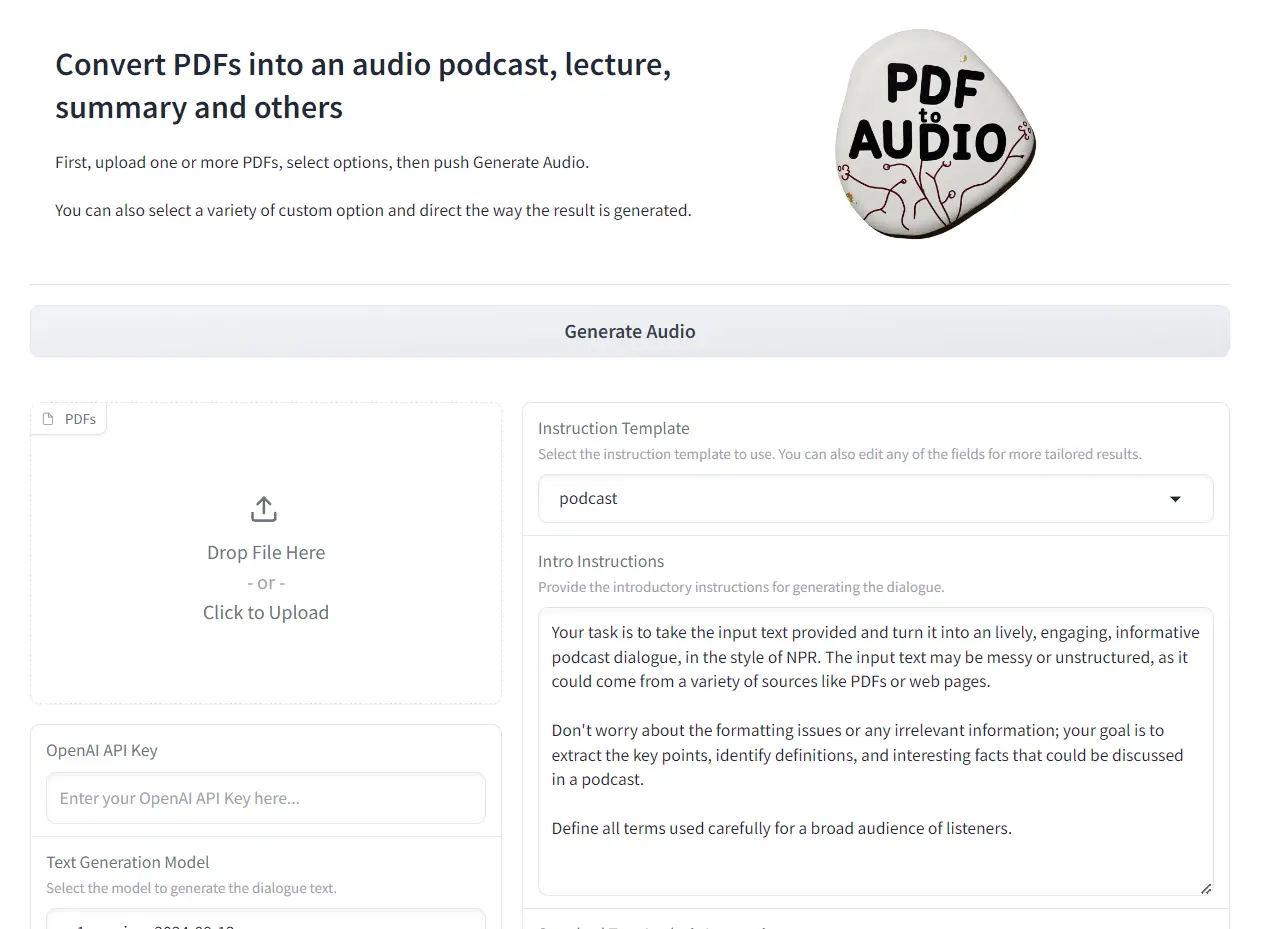
PDF2Audio (PDF to Audio Converter) is a free, open-source AI tool that turns PDF documents into audio content like podcasts, lectures, or summaries.
Built on Python and utilizing OpenAI’s latest GPT (o1, 4o, etc) models, this tool enables users to create high-quality audio from text, simplifying content creation for educators, podcasters, and anyone needing an accessible way to consume information.
If you’re looking for an efficient way to convert written content into an engaging audio format, keep reading to see how PDF to Audio Converter makes it easy.
Features
- Multiple PDF Support – Process several PDF files in a single session
- Template Selection – Choose from preset formats including podcasts, lectures, and summaries
- Model Customization – Select preferred text generation and audio synthesis models
- Voice Options – Pick from different speaker voices for varied content
- Custom Instructions – Add specific directives for introductions and content development
- Draft Editing – Review and modify transcripts before final audio generation
Use Cases
- Educational Content: Transform textbooks and research papers into engaging audio lectures for students.
- Podcast Creation: Quickly generate audio versions of articles, blog posts, or other written content for podcasts.
- Accessibility: Make information accessible to individuals with visual impairments or reading difficulties.
- Content Repurposing: Convert existing written content into audio format for wider distribution.
- Meeting Preparation: Listen to summaries of lengthy reports or documents before meetings.
How To Use It
1. Visit PDF to Audio Converter’s Hugging Face Space to try the demo version or access it on Colab for a hands-on experience.
2. Upload one or more PDF files you’d like to convert into audio.
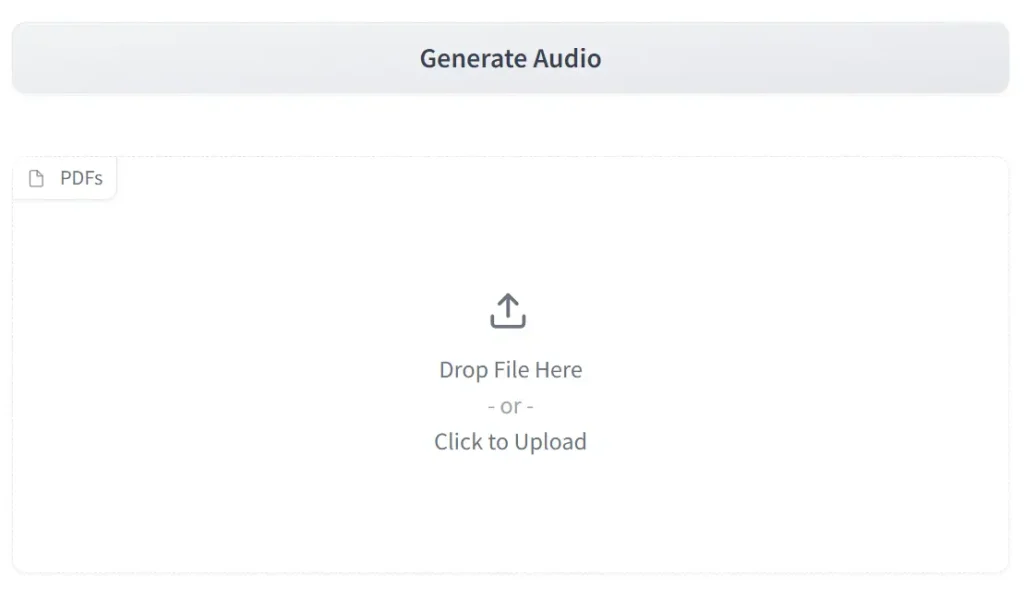
3. Choose a template for the type of audio output you want: podcast, lecture, summary, and more.

4. Adjust the introductory, standard analysis, scratch pad, prelude, or podcast dialogue instructions as needed for optimal output.

5. Click the “Generate Audio” button to convert your PDFs into audio content.
Local Installation
1. Clone the Repository from GitHub:
git clone https://github.com/lamm-mit/PDF2Audio.git
cd PDF2Audio
2. Install Miniconda (if not already installed):
- Download Miniconda from its official website.
- Install it according to your operating system’s instructions.
- Verify the installation:
conda --version
3. Create a Conda Environment:
conda create -n pdf2audio python=3.94. Activate the Environment:
conda activate pdf2audio6. Install Required Packages:
pip install -r requirements.txt7. Set Your OpenAI API Key:
- In the project root, create a
.envfile. - Add your OpenAI API key:
OPENAI_API_KEY=your_api_key_here
8. Run the App:
python app.py9. Open the Gradio interface in your browser at the URL provided in your terminal, typically http://127.0.0.1:7860.
Pros
- Open-source code base
- Multiple PDF processing
- Customizable voice options
- Template variety
- Draft editing capability
Cons
- Requires OpenAI API key
- Local setup needed for full features
- Limited to GPT model options
FAQs
Q: What models does PDF2Audio use?
A: PDF2Audio utilizes OpenAI’s GPT models (like GPT-4o and GPT o1) for text generation and text-to-speech.
Q: Can I use PDF2Audio offline?
A: Yes, you can install and run PDF2Audio locally, but you’ll still need an OpenAI API key if you intend to use their GPT models.
Q: How can I customize the audio output?
A: You can customize the output through various instruction templates, model selections, and voice choices. You can also directly edit the generated transcript before final audio conversion.
Q: Is PDF2Audio a good alternative to NotebookLM?
A: As an open-source tool, PDF2Audio offers greater control over the output and supports a wider range of models, providing a viable alternative to NotebookLM, particularly for those who value open-source software.




Leave a ReplyCancel Reply