





Free Data Recovery Software
A powerful tool to recover deleted files at absolutely no cost.
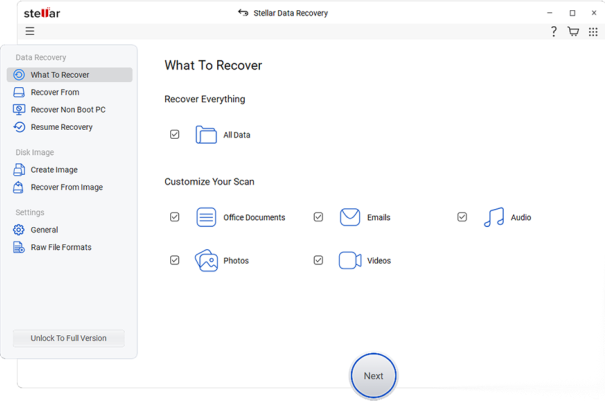
Simply scan your system & recover 2 GB of Free Data.













Top Award

Data recovery can be a pain, but “Stellar Data Recovery” takes most of that pain away. Keep this app for a rainy day of data recovery.
PC MAG
Stellar Data Recovery grabs deleted data from nearly any media type, supports a clean interface and recovered nearly everything we threw at it.
PC WORLDWhy Choose Stellar Data Recovery Free Edition?
Start with 1GB and unlock an extra 1GB
by sharing on social media.

Free Download 👁 Image

Recover Data from 4K Drives
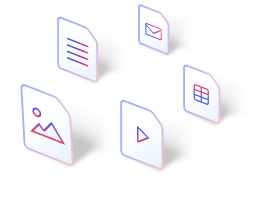
Retrieve Any File Format
Stellar Data Recovery Free edition, you can securely recover files from any format like JPEG, PNG, and MP4 to DOCX, PDF, PST, ZIP, files, etc.
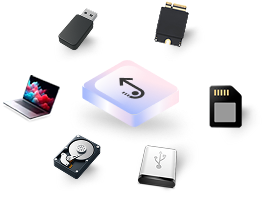
Supports All Storage Devices
Retrieve your files effortlessly from all major storage devices, such as hard drives, PCs, and laptops, and more. The software supports all major SSD brands, external hard drives, USB, and SD cards.
Customers Testimonials



What you can recover for FREE
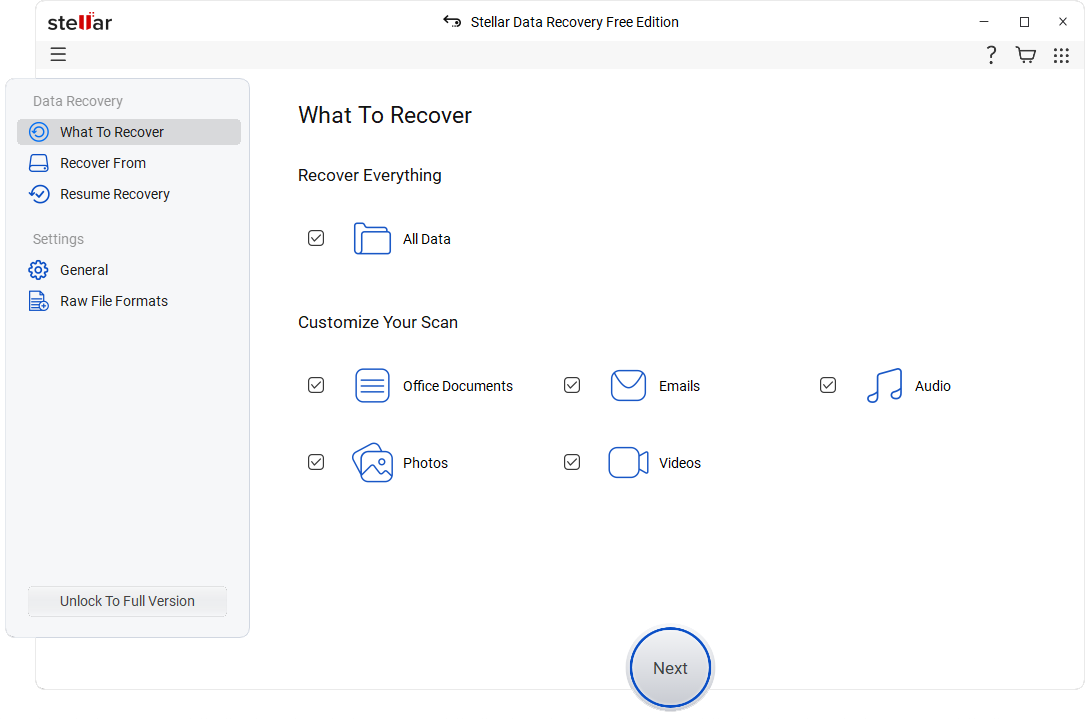
Recover All kinds of Files
Documents: Word, Excel, PowerPoint, PDFs, text files.
Photos: JPG, PNG, HEIC, RAW camera files (Canon, Nikon, Sony, etc.).
Videos: AVI, MP4, MKV, MOV, and more.
Emails: PST, OST, EMLX, DBX, and other popular formats.
* Free Download recovers up to 2GB data for free.
Recover Data from Encrypted Drives
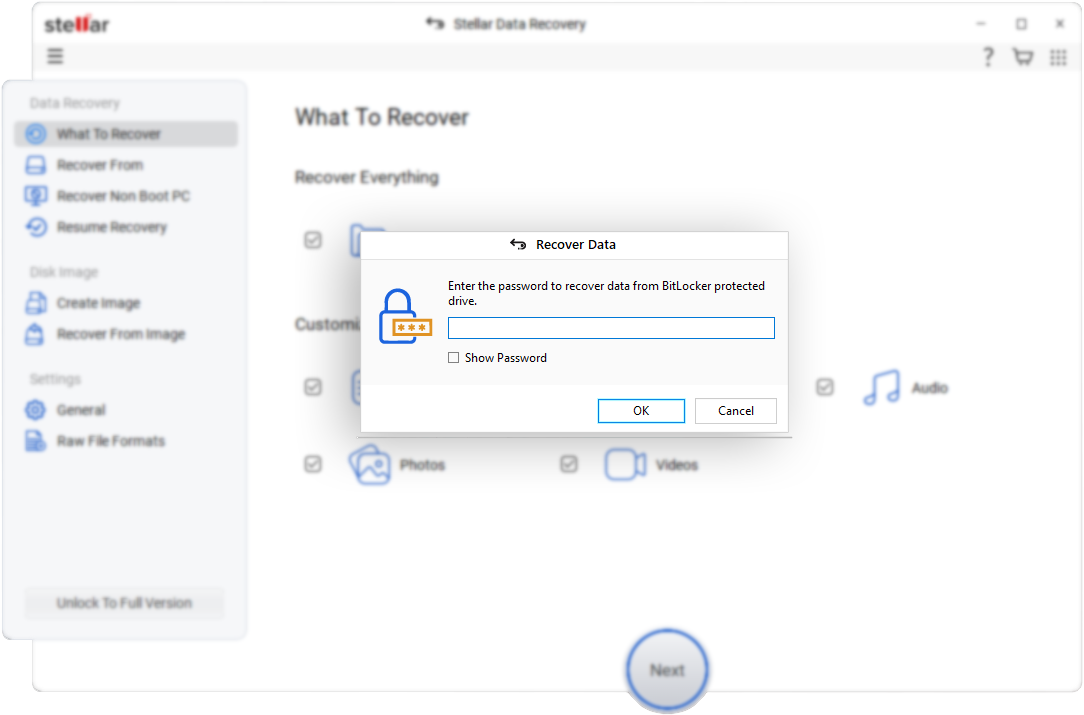
The software supports recovery from "BitLocker" encrypted hard drives. All you have to do is to enter the BitLocker recovery key and run Scan or Deep Scan to find the lost data and recover, in the same way as drive recover is done.
* Free Download recovers up to 2GB data for free.
Recover Files from RAW Drives
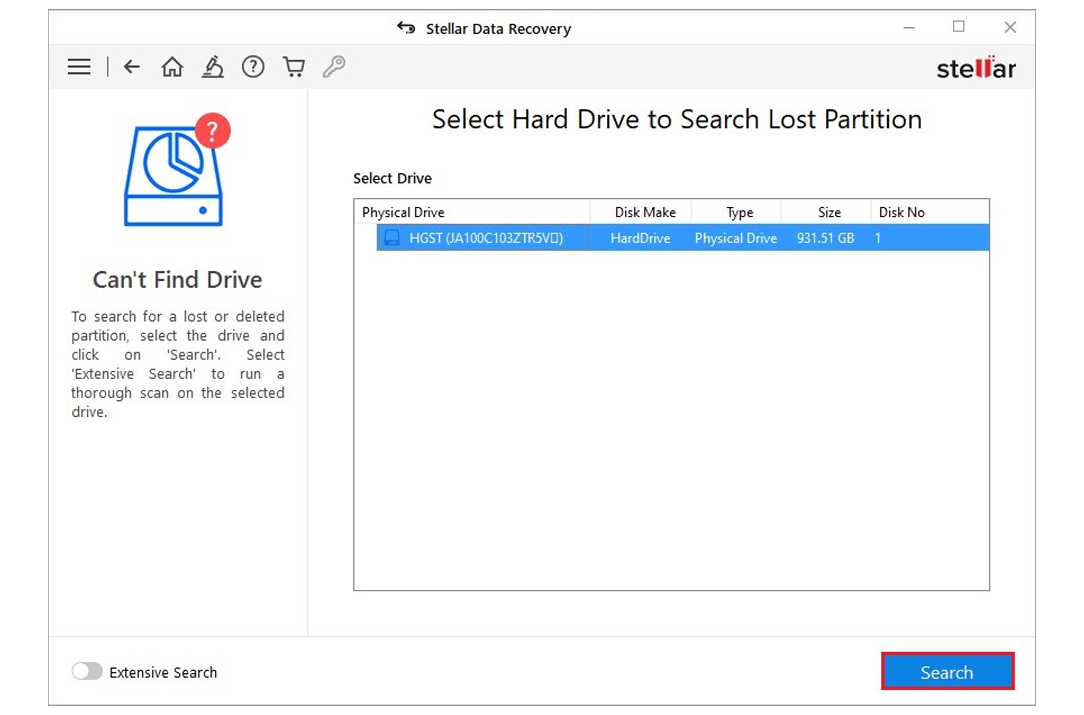
Recover files from RAW or inaccessible drives. The software can scan, find, and recover lost or deleted files from drive which has turned RAW using the Physical Disk Scan feature. Retrieve valuable data even when your system fails to recognize a RAW drive.
* Free Download recovers up to 2GB data for free.
How Stellar Free Data Recovery Works?
Upgrade Options (If You Need More Than 2 GB)

Free
Free DownloadFree
Free DownloadStandard
Free DownloadStandard
Free DownloadProfessional
Free DownloadProfessional
Free DownloadPremium
Free DownloadPremium
Free DownloadTechnician
Free DownloadTechnician
Free DownloadToolkit
Free DownloadToolkit
Free DownloadRecover Data
Recovers Deleted Photos, Videos, and other Critical Files
Recovery from Formatted Systems
Recovers from Any Storage Media
Recovers Data from NTFS, exFAT, FAT(FAT16/FAT32)
BitLocker Data Recovery
Recovers Files from Lost Partition
Supports Unbootable System Recovery
Optical Media Recovery (CD,DVD, HDDVD, Blu-Ray Disc)
Creates Disk Image
Monitors Hard Drive Health (SMART) & HDD Cloning
Repairs Corrupt or Distorted Videos
Repairs Corrupt or Distorted Photos
Repair Multiple Videos or Photos simultaneously
Extracts Thumbnails of Images
RAID 0, 5 & 6 Data Recovery
Supports Creation of Virtual RAID
NAS Data Recovery
Virtual Drive Recovery
Recovers Data from Linux and Mac Drives (HFS, HFS+, ext2, ext3, ext4)
You are in Good Hands
Free Data Recovery System Requirements
Specifications
About Product
-
Version:
12.6.0.0
-
Edition:
Free, Standard, Professional, Premium, Technician, Toolkit
-
Language Supported:
English, Deutsch, Français, Português Brasileiro, Dutch, Italiano, Español, 日本語 , 한국어, हिंदी, 中国人
System Requirement
-
Processor:
Intel compatible (x64-based processor)
-
Memory:
4 GB minimum (8 GB recommended)
-
Hard Disk:
250 MB for installation files
-
Operating System (64 Bit only):
Windows 11, 10, 8.1, 8 and Windows Server 2022, 2019, 2016
What’s New
Dark, Light, or Vibrant. Pick What Feels Right
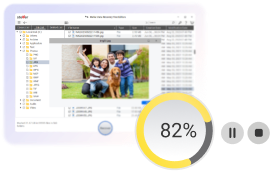
Pause scan anytime and restore files effortlessly
Product Related Articles
FAQ
Yes. Stellar Data Recovery is safe to use and does not harm your storage device or existing data during the recovery process. However, to improve the chances of successful recovery, avoid using the affected drive until the recovery is complete. This helps prevent new data from overwriting the lost files.
If you don’t see your files after the first scan, try the Deep Scan. It’s more thorough. If your files still don’t turn up, they might already be overwritten or too damaged to recover.
No. You don’t need an activation key to use the Free Edition of Stellar Data Recovery. Simply Download the software, Scan the drive & Recover your files.
Yes, we offer technical support for all users experiencing issues with our software.
That depends on your drive size, how much data you’re scanning, and your system’s speed. A quick scan could take just a few minutes. Deep scans might take several hours if you’ve got a lot of data.
To unlock the full 2 GB recovery allowance in Stellar Data Recovery Free Edition, simply share the product on social media. The Free Edition includes 1 GB of free recovery by default. After sharing, an additional 1 GB is added to your recovery quota, bringing the total to 2 GB. Please note that the maximum recoverable size of any individual file is 100 MB.
Yes — Stellar Data Recovery is free to use up to a limit. The free version lets you scan, preview, and recover up to 1 GB of data, with a maximum file size of 100 MB per file. To recover more data or larger files, an upgrade is required.
Yes, Stellar Data Recovery guarantees complete data recovery in most cases. In fact, the recovery success rate of the software is an astonishing 98.6%. Data recovery, however, also depends on factors like whether the data has been overwritten, the type of storage device, and how quickly recovery is attempted after data loss.
Paid data recovery is worth it when data is permanently deleted, the drive is formatted, or the loss is complex and free methods no longer work. However, you don’t need a tool for simple recovery scenarios like, if your files can be restored from the Recycle Bin, are just hidden, or already exist in cloud or system backups.
Yes. Stellar Data Recovery lets you preview recoverable files (documents, photos, videos, etc.) before saving them, so you can confirm if files can be recovered.
No. Stellar Data Recovery is designed to be easy to use and fully DIY, with a simple step-by-step interface that requires no technical knowledge.
Yes. The free edition of Stellar Data Recovery lets you scan and preview files totally free of cost, but you can only recover up to 1 GB of data. To recover unlimited data, you need to upgrade to a paid version. Advanced features like full partition recovery, RAID/NAS support, and unlimited file size recovery are only available in higher paid editions.
Yes. Files deleted from the Recycle Bin can often be recovered using Stellar Data Recovery, as long as the data hasn’t been overwritten. For best results, stop using the drive and start recovery as soon as possible.
Yes. Stellar Data Recovery can recover files from SSDs in many scenarios; however, recovery success depends on factors like TRIM support and data overwrite, so it’s best to attempt recovery as soon as data loss occurs.
Continued use can overwrite the deleted data, making it permanently unrecoverable. Stopping use of the drive immediately improves recovery chances when using Stellar Data Recovery.
Users find Stellar Data Recovery useful for its intuitive interface, robust scan-and-preview functionality, and ability to recover deleted files, photos, videos, and documents. Most testimonials and reviews praise the software’s ability to recover deleted files from formatting and other common data loss scenarios.
Yes. Stellar provides dedicated iPhone recovery tool & Android data recovery tool to recover lost data from Android & iPhone devices. You can download these tools as standalone software on your desktop, connect your devices, and then scan & recover your files.
Why Choose Stellar?
-
0M+
Customers
-
0+
Years of Excellence
-
0+
R&D Engineers
-
0+
Countries
-
0+
PARTNERS
-
0+
Awards Received





