
As a Linux system administrator, you can perform time-based scheduling of jobs/tasks using online cron job services or Cron, a powerful utility available in Unix/Linux systems.
In Linux, cron runs as a daemon and can be used to schedule tasks such as commands or shell scripts to perform various kinds of backups, system updates, and much more, that run periodically and automatically in the background at specific times, dates, or intervals.
You might also like:
Scheduling a cronjob with the correct syntax can be confusing sometimes, wrong expressions can cause cronjobs to fail or not even run at all. In this article, we will list 5 useful online (web-based) utilities for creating and testing cronjob scheduling syntax in Linux.
1. Crontab Generator
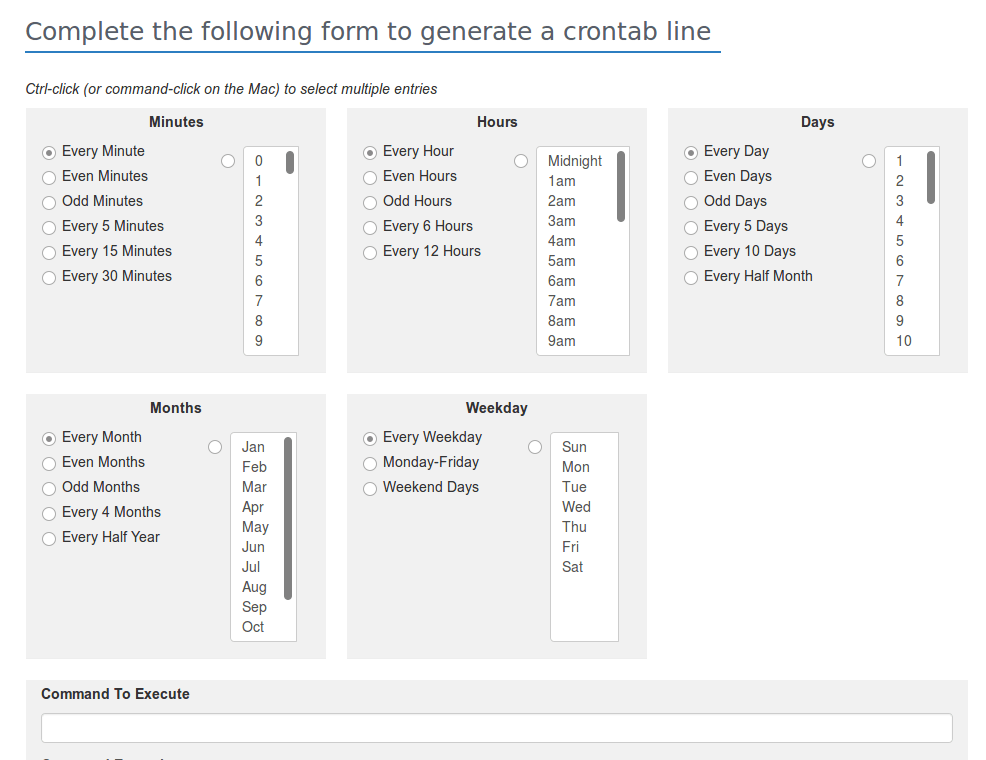
Crontab Generator is a useful online utility for generating a crontab entry to help schedule a job. It offers a simple, descriptive generator that can help you to produce a crontab syntax that you can copy and paste to your crontab file.
2. Cron Maker
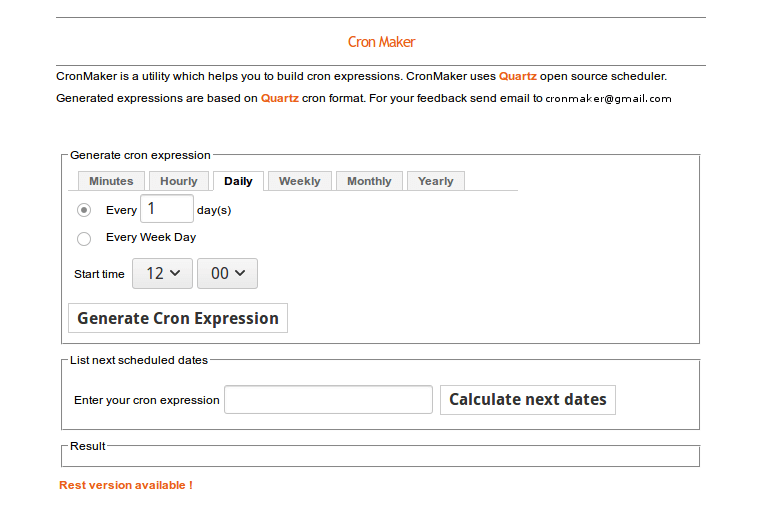
Cron Maker is a web-based utility that helps you to build cron expressions; it employs the Quartz open-source library and all expressions are based on Quartz cron format. It also enables you to view the next scheduled dates (simply enter a cronjob expression and calculate the next dates).
3. Crontab GUI
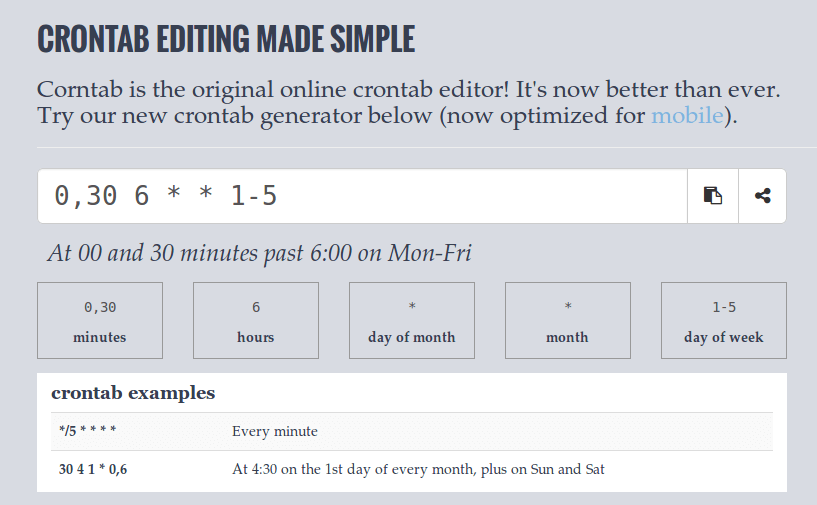
Crontab GUI is a great and original online crontab editor that works well (fully optimized) on mobile devices (you can generate cron syntax on your smartphone or tablet PC’s web browser).
4. Crontab Guru
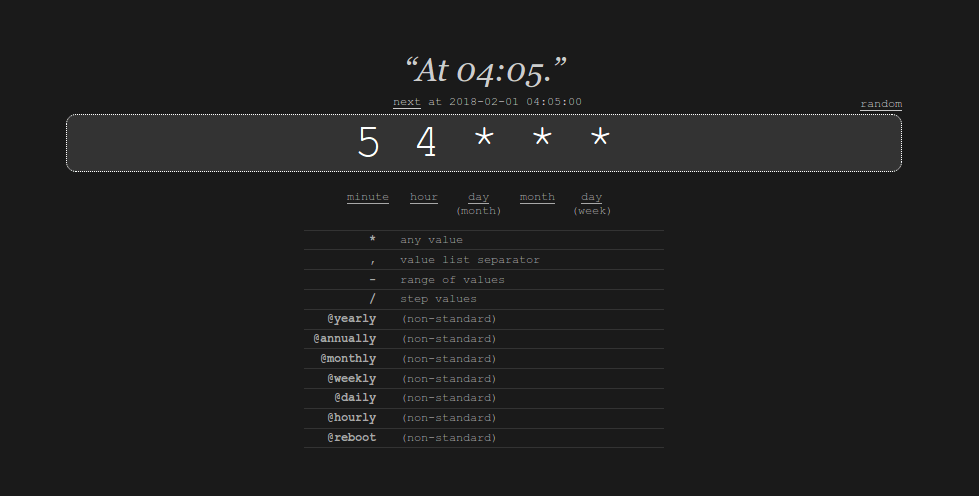
Crontab Guru is a simple online cron schedule expression editor. In addition, it provides a useful means of monitoring your cronjob. All you need to do is copy a command snippet provided and append it at the end of the crontab definition. In case your cron job fails or doesn’t even start, you will receive an alert email.
5. Easycron
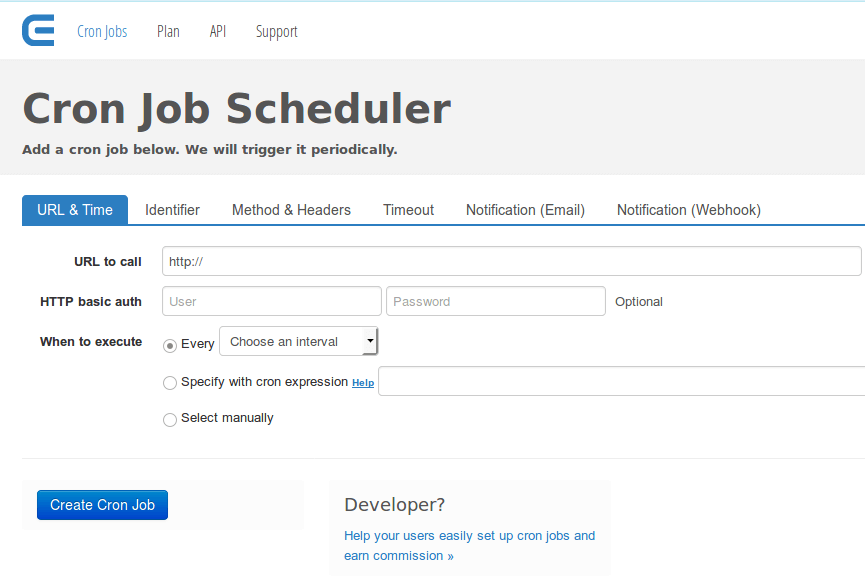
Easycron is a great web-based cron scheduler that you can use to create a cron job by specifying a “URL to call”, set when it should be executed, specifying a cron expression, or adding it manually from a descriptive form. Importantly, you can optionally use basic HTTP authentication for a small layer of security.
You might also like to read the following related articles on the Cron scheduler utility.
You might also like:
- 11 Cron Job Scheduling Examples in Linux
- How to Schedule Jobs Using Anacron on Linux
- How to Run PHP Script as Normal User with Cron
That’s all! If you know of any other useful web-based cronjob expression generator or testers missing in the list above, let us know via the comment section below.
If this article helped you solve a problem, consider buying a coffee. It helps keep TecMint free, supports the authors, and keeps the project going.





Got Something to Say? Join the Discussion... Cancel reply