
A text editor is an application program which is used for editing plain text files, configuration files and source codes of programming languages. A word processor on the other hand performs word processing which includes composition, editing, formatting of written data. ‘Tea’, an application which is the combination of a text editor and a word processor.
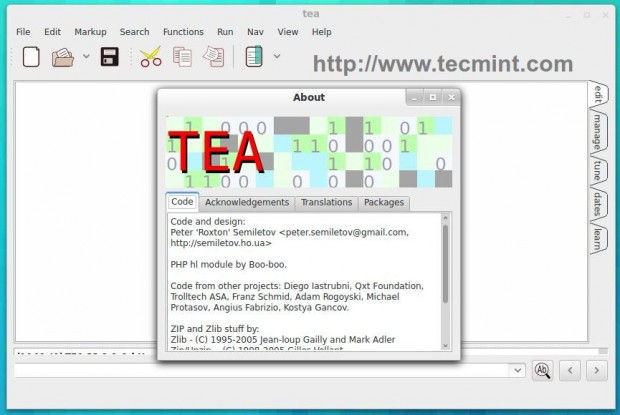
In this post we will be discussing its features, usages, installation in detail and will be testing it as in the end.
What is Tea Editor?
Tea is an Open Source Application Software written C++ programming language and the GUI is developed in QT. Which works as Text Editor and Word Processor with several unique features, for Linux and Windows platform.
Features of Tea editor
- Small and Light weight in size.
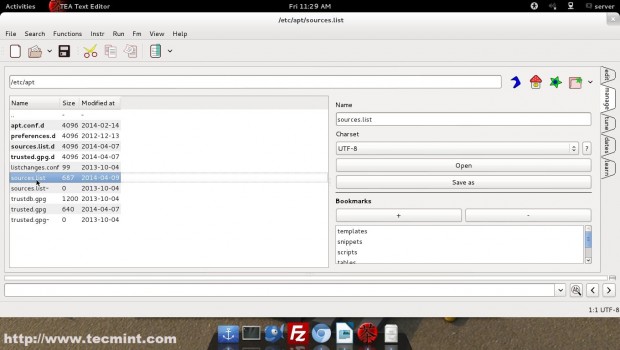
- Embedded file manager similar to Midnight Commander.
- Capable of checking spelling mistakes.
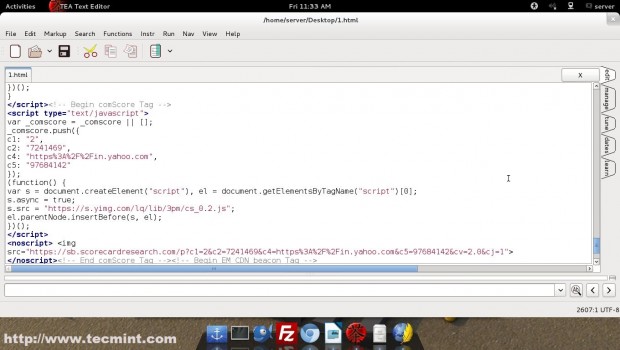
- Syntax highlighter for various programming languages including – PHP, HTML, Java, c, c++, Perl, Python, etc.
- Hot key customization form personalization, point of view.
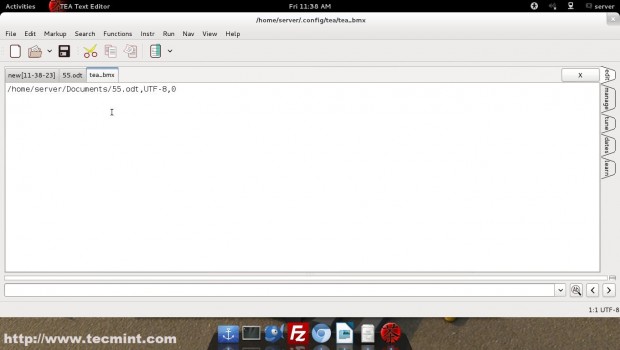
- Facility of Bookmarking.
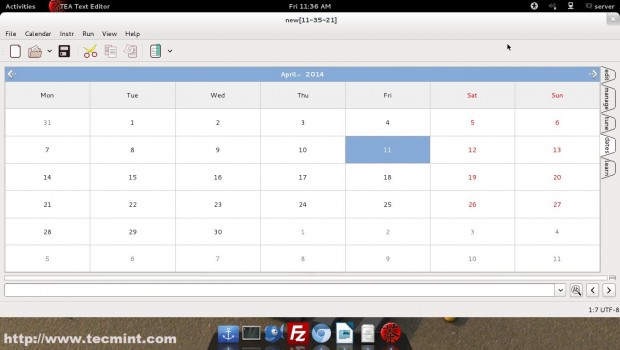
- Availability of Calendar and Organizer.
- Drag-and-Drop supported for files and images.
- Inbuilt Image converter and resizer.
- Inbuilt zip/unzip.
- Support for viewing various kind of Images (PNG, JPEG, GIF, BMP, TIFF, etc.)
- Tea text editor is branched into Qt-based and GTK-based (previously).
Requirements
Tea-Qt is dependent upon Qt 4.4+ or Qt 5. Aspell and/or Hunspell are optional. The GTK based older branch depends upon GTK+. It is recommended to continue with the current development Tea-Qt.
Installing Tea Editor in Linux
The source code and packages of Tea editor can be downloaded from the link below, as per the distro and system Architecture.
On Debian Wheezy, I’ve added following repo to my ‘/etc/apt/sources.list‘ file and installed the source code (for Debian) from the link above, and everything went smooth.
deb http://ftp.de.debian.org/debian sid main
$ sudo apt-get update
$ sudo apt-get install tea-data
Under Ubuntu/Linux Mint systems, you can install ‘tea editor’ using ‘Universe repository‘. Make sure that ‘universe‘ is included in ‘/etc/apt/sources.list‘ file.
$ sudo apt-get update
$ sudo apt-get install tea
Everything went smooth and the application gets installed without a single glitch.
Text Editor Screenshots
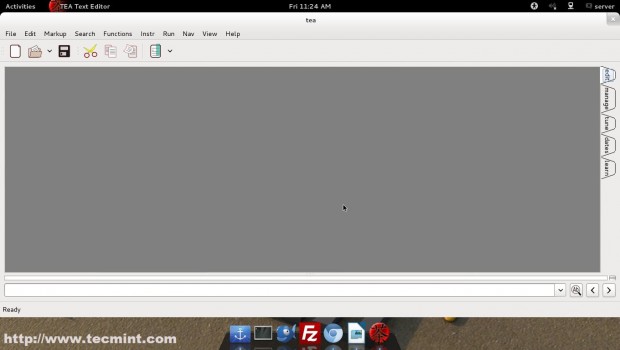
1. The First Impression.
2. Mid Night commander Like File Browser.
3. An open Configuration File.
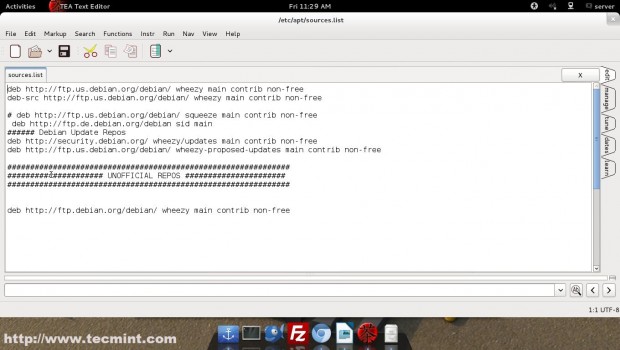
4. Syntax Marker/highlighter, in action.
5. Calendar/ Organizer.
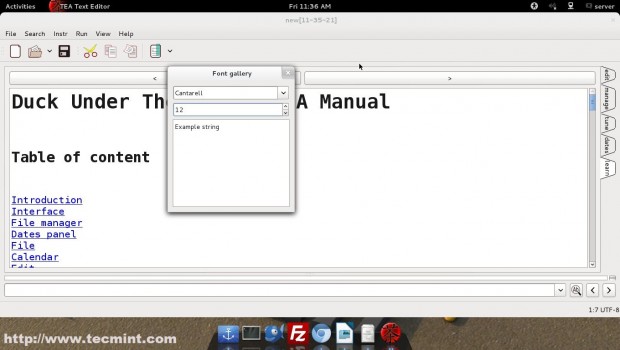
6. Font Gallery.
7. Bookmark
Other Notable Features
- Recent File Logs
- Session Based
- Tab Based
- Print Directly
- Indent/Un-Indent
- Comment Section
- Formatting (Align, Bold, Underline, Paragraph, color,…)
- Search/Replace
- A Long List of Supported Functions
- Online Help from User Group.
Conclusion
Tea editor is an application which performs the functioning of several Application. It seems very robust and has a promising future. The editor is well suited for Newbies, System Administrator as well as Developer. Those using a whole lot of text editors and word processor need to give it a try.
That’s all for now. I’ll be here again with another interesting Article. Till then Stay Tuned and connected to Tecmint. Don’t’ forget to provide us with your valuable feedback in our comment box, below.
If this article helped you solve a problem, consider buying a coffee. It helps keep TecMint free, supports the authors, and keeps the project going.

Got Something to Say? Join the Discussion... Cancel reply