
We, the Tecmint Team, are dedicated to creating high-quality articles about Linux and open-source topics. Since we started, we’ve put in a lot of effort to provide our readers with useful and interesting information. We’ve also created many shell programs, from fun commands to helpful tools.
Here are some of our most notable examples:
- 24 Funniest Commands to Try in the Linux Terminal
- 51 Useful Lesser Known Commands for Linux Users
- 60 Commands of Linux : A Guide from Newbies to System Administrator
In this article, we will provide a few X-based commands that are generally available in most standard distributions today. If you find that any of the X-based commands listed below are not installed on your system, you can always use apt or yum to install the required packages.
1. xeyes Command
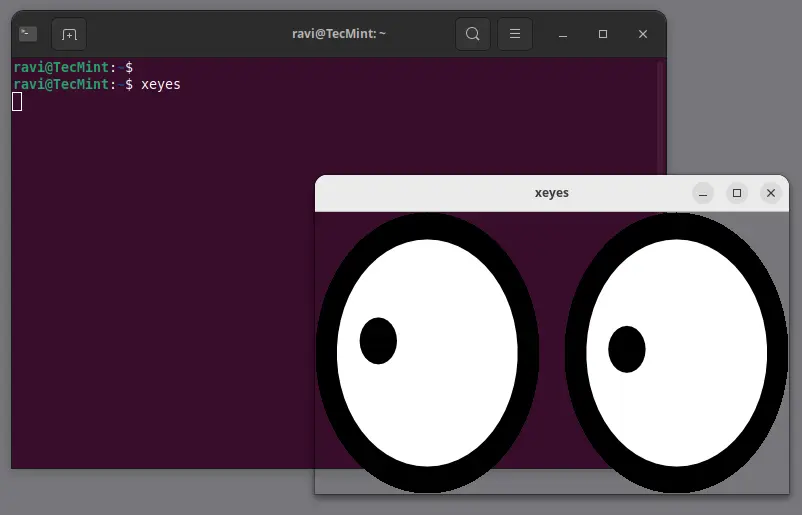
The xeyes command displays a graphical pair of eyes that follow your mouse movements. While it may seem more amusing than useful, its novelty makes it enjoyable to use.
Simply run xeyes in the terminal and watch the eyes track your mouse pointer.
xeyes
2. xfd Command
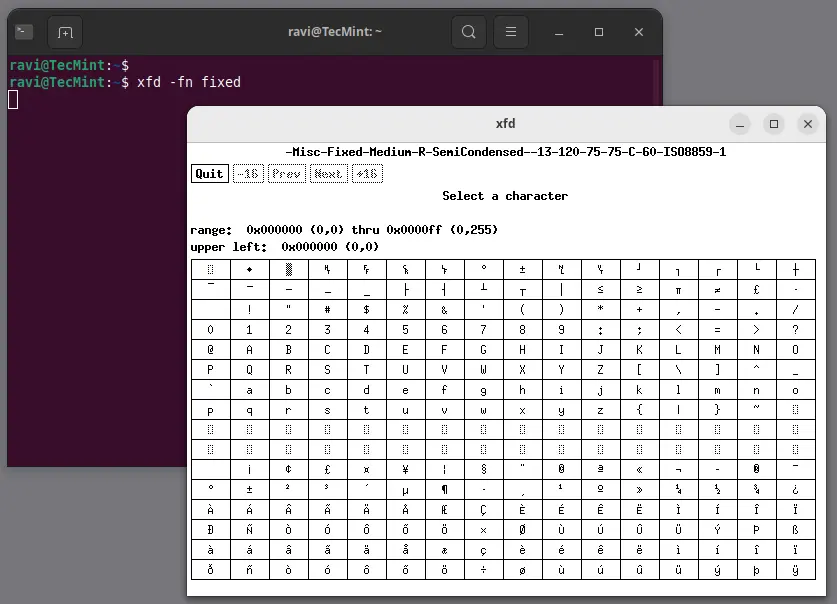
The xfd command displays all the characters in a specified X font. It creates a window showing the name of the font being displayed.
xfd -fn fixed
3. xload Command
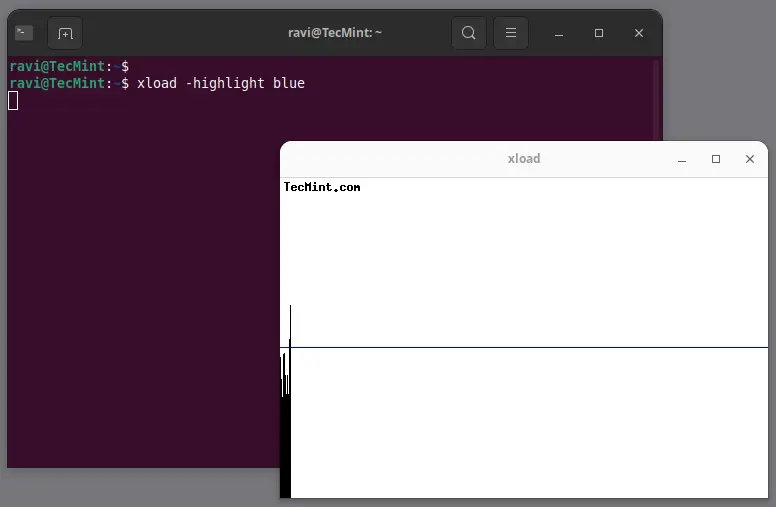
The xload command outputs a graphical representation of the system load average for the X server, which is an excellent tool for monitoring real-time average system load.
xload -highlight blue
4. xman Command
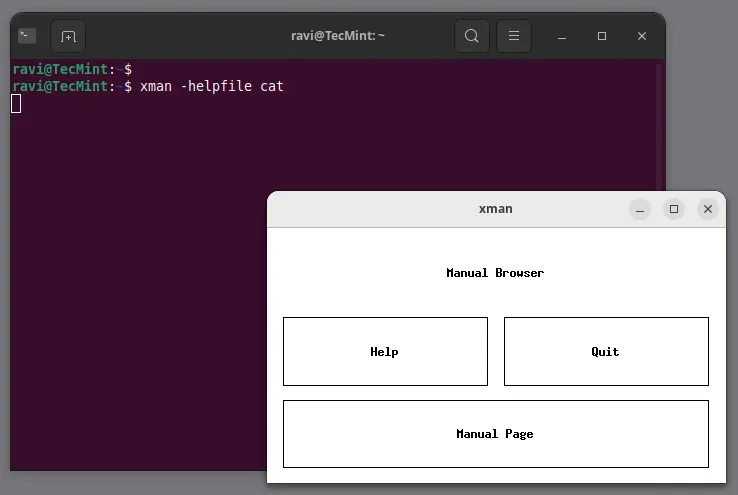
Most users are familiar with the man command for accessing manual pages. However, many may not know that there is an X version called xman, which provides a graphical interface for man pages.
xman -helpfile cat
5. xsm Command
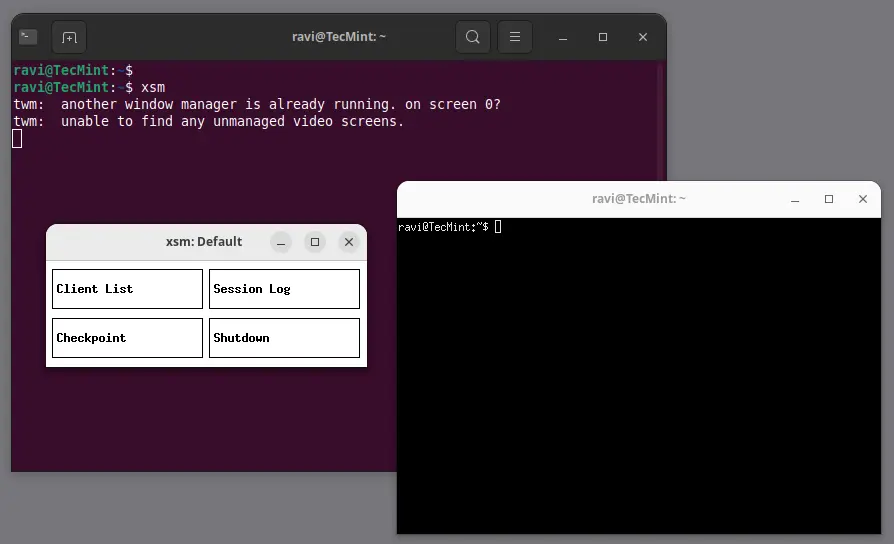
The xsm command stands for “X Session Manager“, which acts as a session manager, grouping applications that refer to a particular state.
xsm
6. xvidtune Command
The xvidtune command is a video mode tuner for Xorg, which provides a client interface to the X server’s video mode extension.
xvidtune
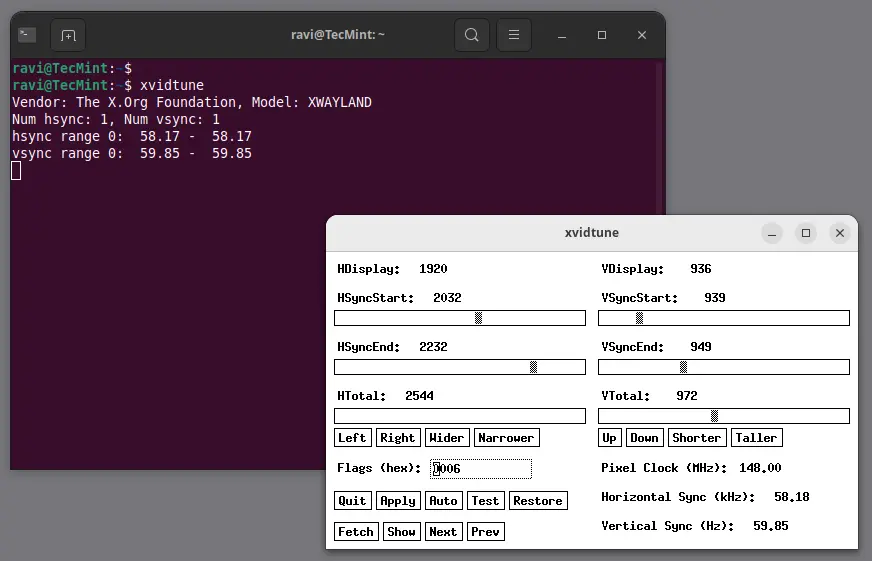
Note: Incorrect use of this program can cause permanent damage to your monitor and/or video card. If you don’t know what you are doing, avoid making changes and exit immediately.
7. xfontsel Command
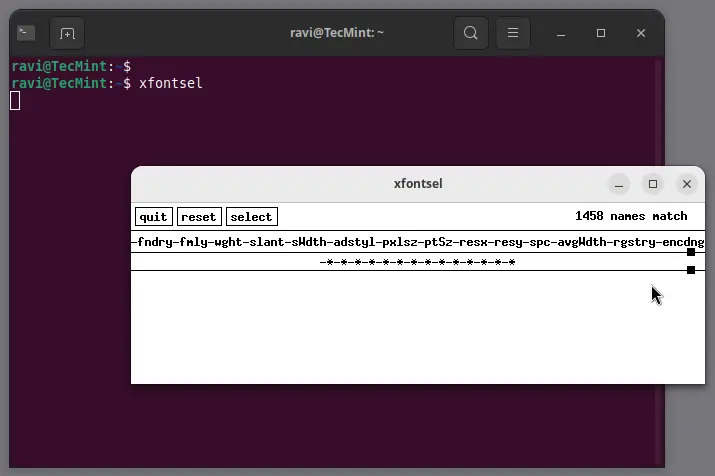
The xfontsel application provides a simple way to display the fonts known to your X server.
xfontsel
8. xev Command
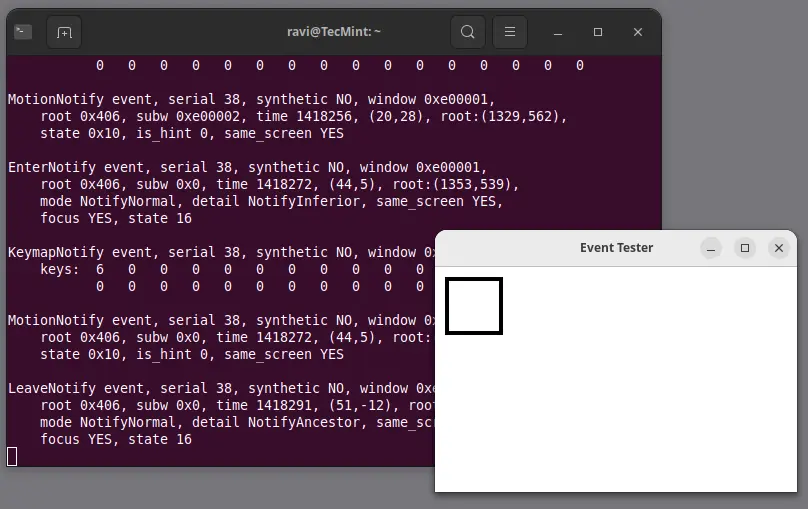
The xev command stands for “X events“, which prints the content of X events, helping users understand input events generated by the X server.
xev
9. xkill Command
The xkill command allows you to kill a client application by clicking on its window, which can be particularly useful for terminating unresponsive applications quickly.
xkill
10. xset Command
The xset command is used to set various user preferences for the X server, that can be used to control keyboard and mouse settings, including screen saver options.
xset q
11. xrandr Command
The xrandr command is a command-line interface to the X11 Resize and Rotate extension, which can be used to set the size, orientation, and reflection of the outputs for a screen.
xrandr
Conclusion
That’s all for now! We plan to post at least one more article (Useful X-based Commands) in this series, and we are actively working on it. Until then, stay tuned and connected to Tecmint.
Don’t forget to share your valuable feedback in our comment section.
If this article helped you solve a problem, consider buying a coffee. It helps keep TecMint free, supports the authors, and keeps the project going.



Got Something to Say? Join the Discussion... Cancel reply