|
VOOZH | about |
|
VOOZH | about |
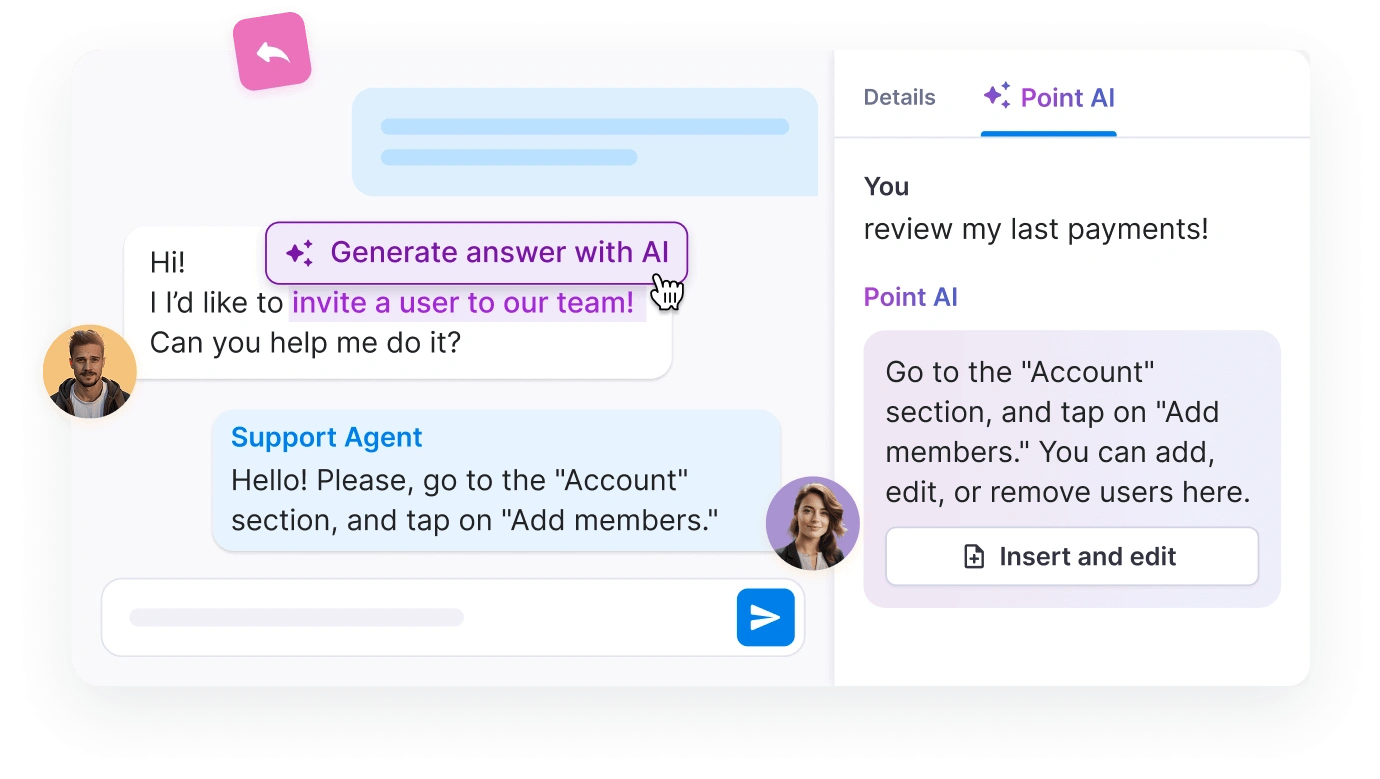
Give your team instant and accurate answers based on your knowledge base. Point AI learns from your documentation.
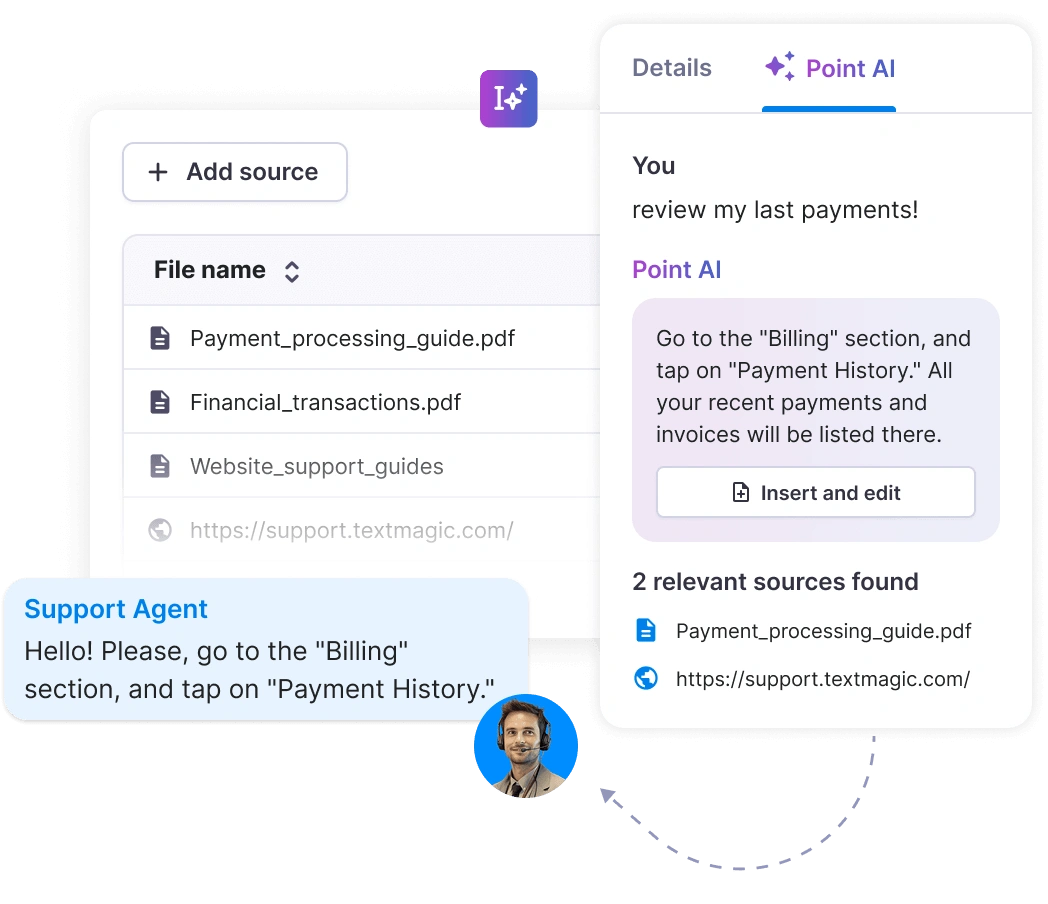
Provide a trusted website link or upload files like PDFs and Word documents. Point AI will scan the content to generate replies.
Once added, Point AI syncs and analyzes the data, ensuring your assistant has up-to-date and accurate resources to work with.
Type a query in the Textmagic Messenger screen. Point AI will generate a response based on your uploaded content.
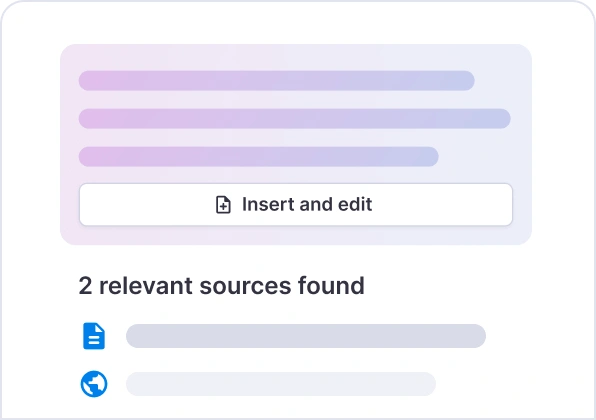
Review the response to ensure it meets your expectations. Once satisfied, send it directly to your customer or team.
Haven’t found what you were looking for? Contact us now
It uses trusted sources such as uploaded documents (PDFs, Word files) or website links that you provide. Then, it proceeds to scan and analyze the content you add to build accurate replies based on your internal resources.
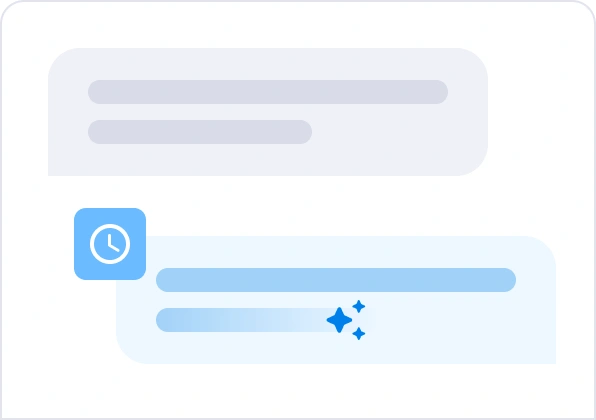
It also keeps responses contextually accurate by syncing with the knowledge base to process updated data efficiently.
After Point AI provides draft responses based on your content, you can review and validate the AI-generated response before sending it. This way, the responses meet your expectations and adhere to the specific requirements of your team or customer.
Point AI allows you to add, remove, or update sources to ensure your assistant has the most accurate and relevant content to work with. Once changes are made, Point AI will resync to reflect the updated information.
Yes, your data is secure with Point AI, as it adheres to strict data protection and privacy standards under Textmagic's Privacy Policy, which complies with GDPR (General Data Protection Regulation).
This and our Terms of Service section provide comprehensive information on how data is processed, stored, and protected.
No, Point AI does not generate responses that take previous conversations into account. It only uses uploaded documents (PDFs, Word files) or website links that you provide to generate responses.
Whenever new content is added or existing sources are updated, Point AI syncs and processes the data to ensure that the assistant reflects the latest information.
The Point AI provides several additional settings to help you manage your resources effectively:
If you’re not satisfied with a response generated by Point AI, here are a few steps you can take to improve the results:
Review your resources
Rephrase your question:
Manually adjust the response
Provide feedback