
The Wi-Fi router that supplies your home with internet access is an often overlooked device for upgrades. As long as it's working properly and sending out Wi-Fi, everybody in the home is happy. But that doesn't mean that should be the case, as networking standards are updated on a regular basis, and the number of networked devices in your home increases over time. Whether you want a mesh network for better coverage or a replacement for the cheap router your ISP saddled you with, it's always good to upgrade your networking equipment for one of these reasons.

Do you have the right router? Here's what you should consider
Don't waste money on unnecessary features
5 Because you upgraded your devices
New tech demands new infrastructure
One of the biggest reasons you'd want to upgrade your router is because your networking needs change. Maybe you upgraded to the new iPhone 16 Pro Max because you wanted the video capabilities and realized that it takes longer than it should to upload things to iCloud Photos. Or you could have added multiple IoT smart home devices, from doorbells to video surveillance cameras or even connected coffeemakers, all vying for airtime on your old router.
Newer routers have access to better wireless connectivity, and also support for more devices connected to them at one time. I can remember things slowing down when I added a second computer to my router at one point, although that was nearly 20 years ago and wireless standards have substantially improved since then. Still, with routers often lasting longer than many other devices, the chances of you still using one years after their release is a fairly good one. If you're noticing your new wireless devices aren't as fast as you think based on their advertising, you might want to see how old your router is and decide on a suitable upgrade.

Upgrading to the iPhone 16? You might want to upgrade your router, too
The iPhone 16 comes with Wi-Fi 7, so you might want to start Wi-Fi router shopping.
4 You want the latest Wi-Fi version
Or better Wi-Fi coverage area👁 Intel BE200 WI-Fi 7 module
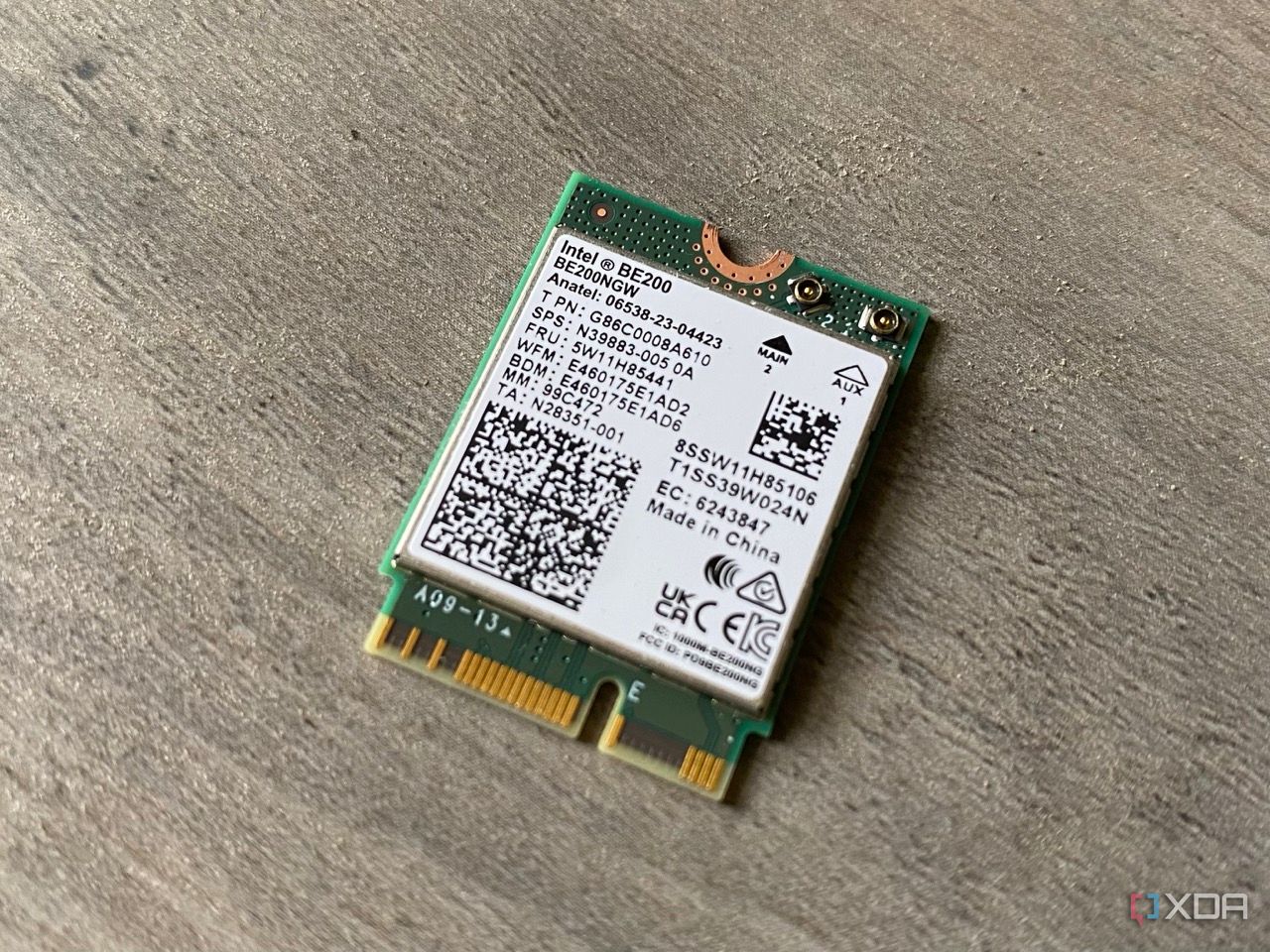
Wireless connectivity is an important part of daily life, and without it, we would be much less productive. It's no surprise that upgrading your router to one with the latest Wi-Fi standard, which is currently Wi-Fi 7, is important for many tech enthusiasts. Now that the standard has been completed, it's going to be in more computers, smartphones, and other wireless devices as time goes by. And with support for multi-gigabyte speeds, more devices, and a more stable connection, the benefits of upgrading your router start to add up. Many enthusiasts already upgraded to Wi-Fi 7, even before the standard was fully decided. Devices with support now will be properly certified, so there's no real reason not to buy a Wi-Fi 7 router if you're in the market for upgrading. It will likely last for many years and support future devices, which is all we can really ask of any router.
If you're happy with the Wi-Fi speeds you get already, what about any coverage issues in your home? Any dead air spots or reduced signal at the end of the lawn? If so, you might want to look for a mesh router setup, which will blanket your home with individual Wi-Fi nodes that all function like a mini router. That way, your coverage issues will be resolved and you'll get the full benefit of your internet speed wherever in the house you are.

New Wi-Fi standards could soon speed up all of your internet-connected devices
Wi-Fi 7 includes the ability to aggregate connections across multiple bands
3 You upgraded your ISP's package to a higher speed
Older routers might not take full advantage of the speed bump👁 ISP router showing connection lights
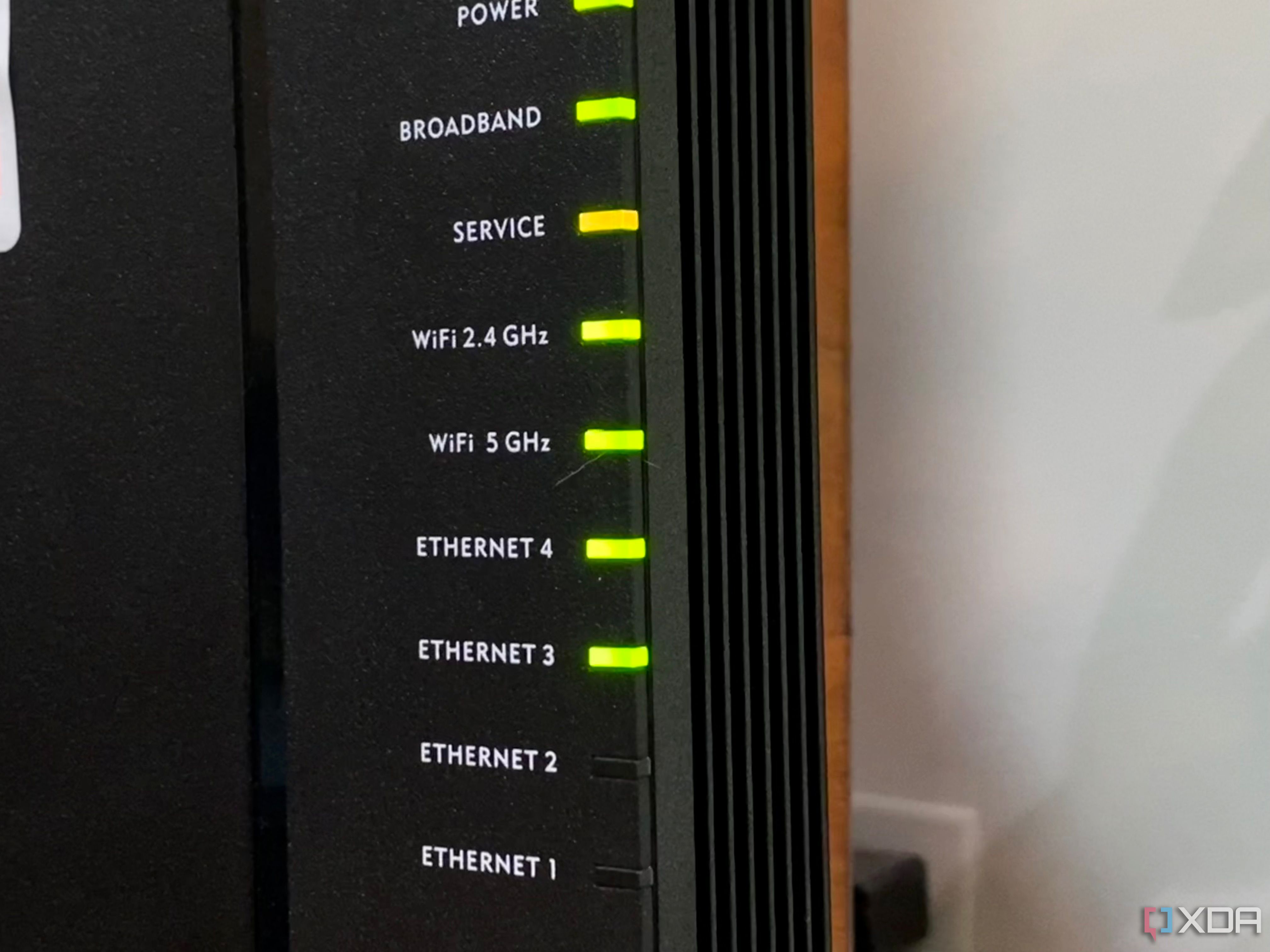
If your internet plan was decided on years ago, the chances are you are at a fairly slow speed by today's standards, and have a correspondingly slow ISP-provided router supplying it to your home. I found this out at one of my last apartments when I was surprised at not getting the speeds I expected when I upgraded my fiber package to a gigabit line. The router I'd been using for almost a decade had been fine at 100 Mbps, then at 300 Mbps, and even at 500 Mbps it was still happily trucking along. But doubling the speed again was a step too far, and I didn't get that much higher than 500 Mbps.
The moral of the story isn't to upgrade your internet plan (or even to avoid doing so). The point is, if you've had your router for some time, there is a significant chance that it won't support a significantly faster internet speed to the one you're already paying for. This is true if you're on fiber, but it's even more true if you have cable internet, where the DOCSIS standard has changed drastically in recent years to support multi-gig speeds. Before you think about upgrading your internet plan, double-check the specs of the router you're using, because the chances are you want to upgrade that too.

4 reasons you should upgrade your router before your internet plan
If you want faster speeds and better performance, a new router might be all you need.
2 Your existing router is dying
This one is pretty self-explanatory
Consumer routers are better made than they used to be, but they're still often built to a lowest-cost spreadsheet, which means they usually miss out on important features like sufficient cooling for the chipset. That makes them overheat, reducing their effective lifespan substantially over their more expensive enterprise brethren. We all know heat is bad for electronics, and is one of the worst offenders of routers dying unexpectedly. Well, "unexpectedly" is doing some major work there because we all hide our routers in tiny closets or behind shelves or TVs, where the lack of airflow alone is enough to make them overheat. It perhaps goes without saying, but if your current router is showing signs of wearing out, then it's definitely time for an upgrade. Maybe get one that's pretty enough to keep in view on a shelf this time, too, okay?
1 You don't want to use the ISPs router
Nobody should use the ISP router, not if they can help it
One universal maxim rings true with internet service providers (ISP), whether it's Verizon FiOS, CenturyLink, Xfinity, or any of the thousands across the globe. The router that your ISP tries to saddle you with is going to suck. Some will try to say you won't have important features like troubleshooting or TV guides (if you have cable TV as well) without using the ISP router, which can be true, but it's not worth the annoyance factor of using their low-powered junk.
Add things like your network traffic being tracked for advertising purposes, ads being injected to your browser by custom DNS records, and other unwanted features of ISP routers, and you can start to see why I prefer to use my own equipment. Then, I'm in charge of upgrades, firmware updates, settings changes, and any of the other administration features that you might want to run on your home network. Replace your ISPs router asap, or better yet, don't let them give you one when you sign up for internet. Buy your own compatible router ahead of time, and don't worry about the drawbacks of using ISP-supplied equipment.

4 reasons your ISP's router is holding you back
The router supplied by your ISP will get you online, but you're missing out if you keep connecting that way
Upgrading your router can give your home network a boost
Your router is the gateway between your devices and the wider internet, and if it's the wrong one for your needs, can hold your experience back considerably. You don't always need to upgrade your router, as there are many things you can try first to optimize your network. But if those fail, or if you simply want the best networking hardware you can find, it's time to start looking at router specifications for an upgrade.