If you searched for a “headless API management tool,” you need to pin down which kind of API management you mean, because the term covers two very different jobs. This guide is about managing the API contract lifecycle (design, version, mock, test, and document the API) from a terminal and an AI agent instead of a desktop window, with Apidog as the design-time pick. For the runtime side of the same phrase, Kong’s gateway docs explain what traffic management actually involves.
Two things people call “API management”
The phrase gets used for two distinct layers, and a tool that’s strong at one is usually not the tool for the other.
Runtime API management is the gateway layer. It sits in front of your live APIs and handles traffic: routing, rate limiting, authentication, quotas, analytics, and developer-portal access. Kong, Apigee, AWS API Gateway, and Zuplo live here. They manage requests that are already hitting production.
Design-time API management is the contract lifecycle. It’s how the API gets designed, versioned, mocked, tested, and documented before and alongside shipping. This is the spec, the schemas, the test suites, and the docs that describe what the API promises.
This article is about the second one, run headlessly. Apidog is a design-time platform, not a gateway. It doesn’t sit in your production traffic path, it doesn’t rate-limit requests, and it won’t replace Kong or Apigee. If you need a runtime gateway, use a gateway. If you need to manage the contract lifecycle without clicking through a GUI, keep reading.
What “headless” means for the contract lifecycle
Headless here means no graphical interface in the loop. The work happens through a CLI you can drop into CI/CD and through an MCP server an AI agent can talk to. That matters for a few concrete reasons:
- CI/CD runners don’t have a screen. Tests, spec checks, and mock servers need to run as commands.
- AI coding agents work in the terminal and the editor. They need to read your API contract programmatically, not screenshot it.
- Reproducibility. A command in a pipeline file is versioned, reviewable, and the same on every machine.
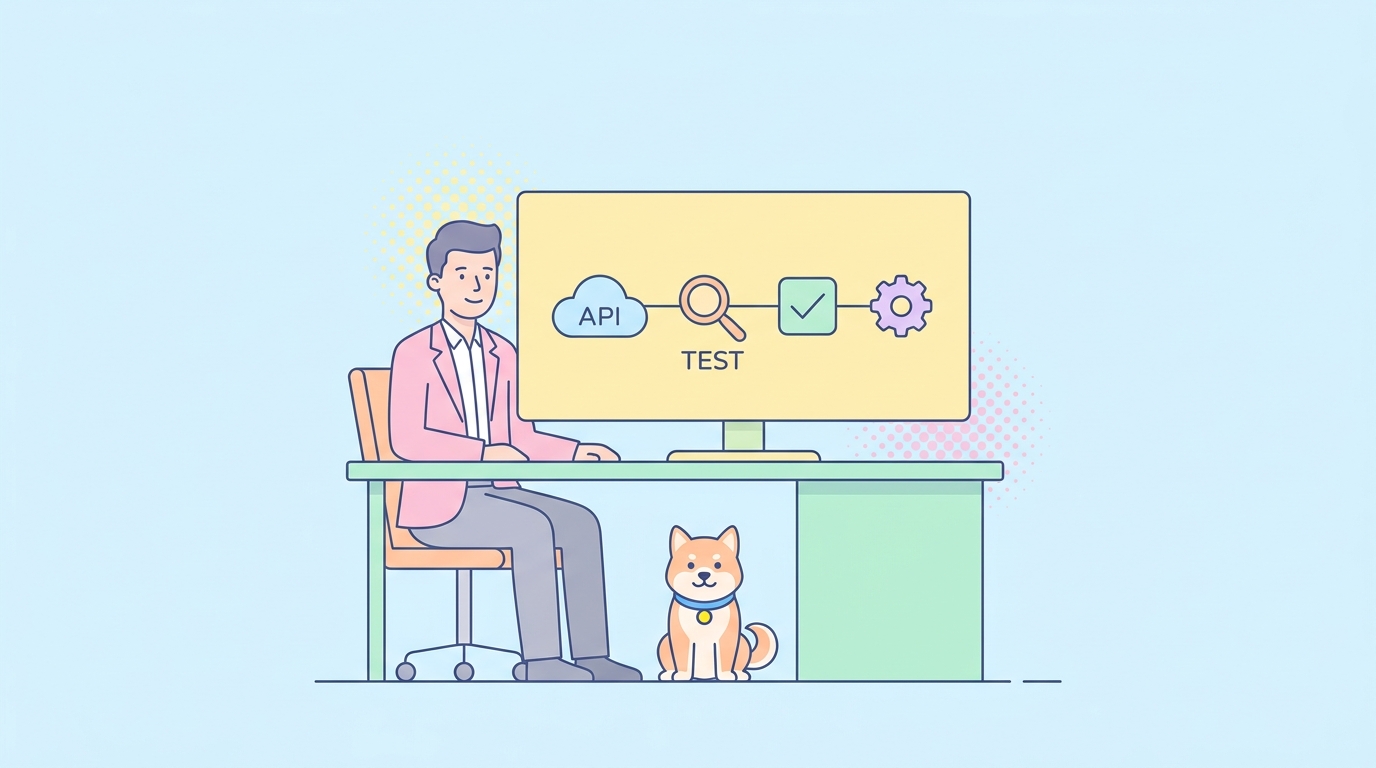
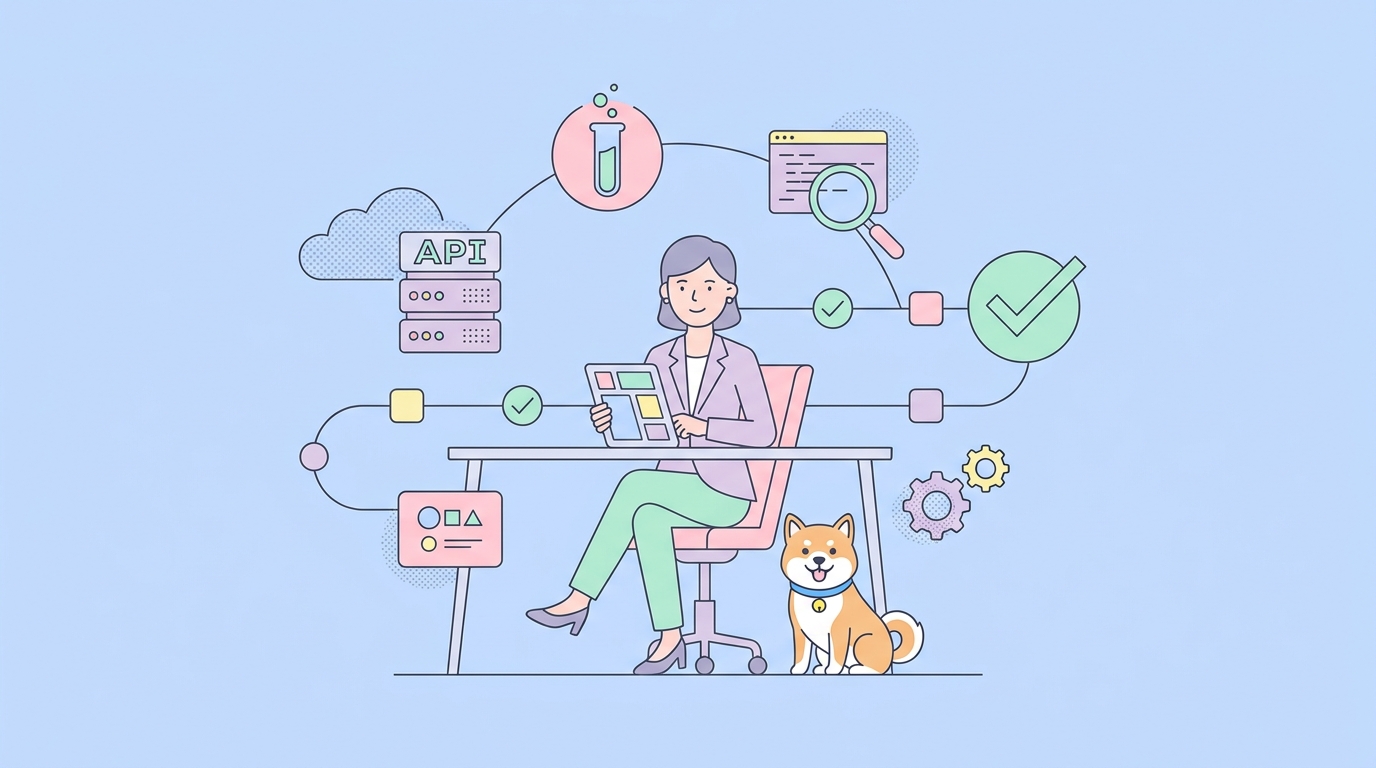
The design-time lifecycle has four headless-friendly jobs: design and version the contract, mock it, test it against the spec, and publish the docs. A good headless setup covers all four from the command line.
Apidog CLI and MCP as the design-time pick
Apidog manages the full contract lifecycle in one place, and two pieces make it headless: the Apidog CLI and the Apidog MCP server.
Run tests in CI with the Apidog CLI
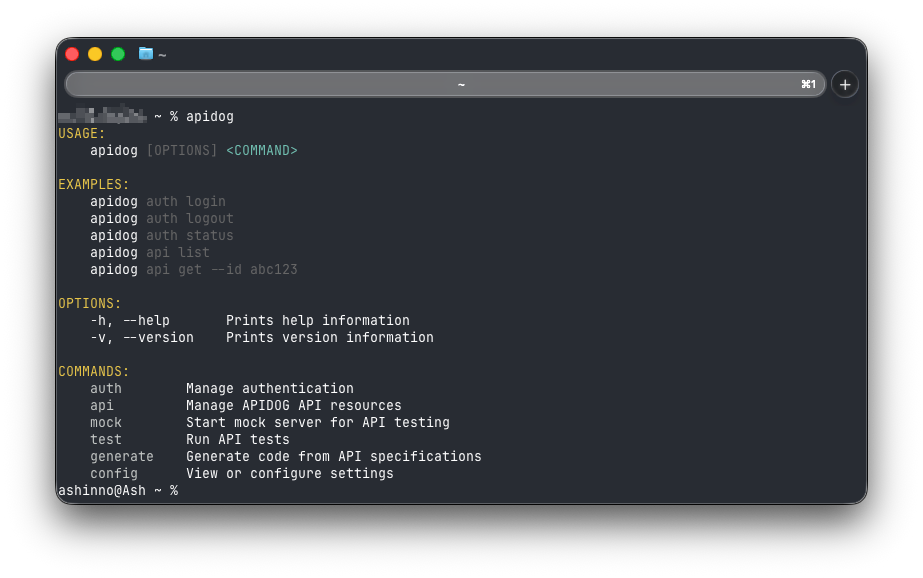
The apidog run command executes your test scenarios and test suites from the terminal, which is exactly what a pipeline needs. It’s built to integrate with CI servers like Jenkins, GitLab CI, and GitHub Actions. A few specifics worth knowing:
- Data-driven runs. You can feed a test a CSV or JSON data set and iterate over the rows, so one scenario covers many cases.
- Reporters. The
-rflag picks output formats. Apidog supportscli,html,json, andjunit, so your pipeline can publish a human-readable report and a machine-readable one in the same run. - Online or offline. You can run real-time tests against your Apidog project with an access token, or run an exported file by path or URL when you don’t want the runner talking to the cloud.
If you want a step-by-step starting point, the Apidog CLI tutorial for testing a REST API from the command line walks through a first run, and the complete Apidog CLI guide covers the broader command surface. For the patterns that keep these runs healthy, see the CI/CD practices for automated API testing.
Mock the contract headlessly
Mocking is part of contract management: a mock lets consumers build against the API before the backend is finished, and it’s based on the same spec. Apidog generates mock responses from your schema, and the mock can run in CI so contract-based examples are available to other jobs in a pipeline. If you’re new to the idea, the mock API explainer and the guide to API mocking lay out when and why you’d do it.
Let an AI agent read your contract with MCP
The Apidog MCP server is what makes the contract agent-readable. Once configured, it reads and caches your API specification locally, then exposes it to an AI assistant through the Model Context Protocol. Agents in Cursor, Claude, and VS Code can query the spec to generate code for an endpoint, update data models when a schema changes, or add documentation that matches the contract. It can read an Apidog project directly, and it can also read raw Swagger or OpenAPI files.
The Apidog MCP server overview explains setup, and visual debugging with the Apidog MCP client shows the agent-driven workflow in practice. Note that the MCP server is in beta, so verify the current capabilities in the docs before you wire it into anything load-bearing.
How the headless contract tools compare
These tools all run without a GUI, but they cover different slices of the lifecycle. State each one’s real strength honestly, then look at the gaps.
| Tool | Primary job | Headless interface | Scope |
|---|---|---|---|
| Apidog CLI + MCP | Design, mock, test, document the contract | apidog run + MCP server |
Full design-time lifecycle |
| Newman | Run Postman collections | CLI | Test execution only |
| Stoplight Prism | Mock and validate against OpenAPI | CLI | Mocking + request/response validation |
| WireMock | Simulate APIs and edge cases | Java lib + CLI/standalone | Mocking + service virtualization |
| Mockoon CLI | Run mock APIs anywhere | CLI | Mocking only |
| Kong / Apigee | Route and govern live traffic | Admin API / declarative config | Runtime gateway (different layer) |
Newman is a solid command-line runner if your tests already live in Postman collections; it does execution well and nothing beyond it. Prism is a clean way to turn an OpenAPI document into a mock server and check that requests and responses match the spec. WireMock is strong for service virtualization and fault simulation, especially in Java stacks. Mockoon’s CLI deploys mock APIs into pipelines and servers with an offline-first design. Each is good at its slice. Apidog’s pitch is that design, mocking, testing, and docs are the same contract, managed together, instead of four separate tools you stitch by hand.
And the gateways are simply a different layer. Kong and Apigee belong in front of production traffic. None of these design-time tools, Apidog included, do that job.
A headless contract workflow, end to end
Here’s how the pieces fit when you manage the contract without a GUI:
- Design and version the contract as an OpenAPI spec in Apidog, kept in source control alongside the code.
- Generate a mock from the spec so frontend and consumer teams can build in parallel.
- Run
apidog runin CI on every pull request, with a CSV or JSON data set for coverage and ajunitreporter so the pipeline can read results. - Publish the docs from the same contract, so what’s documented is what’s tested.
- Expose the spec over MCP so AI agents in your editor generate code that matches the real contract instead of guessing.
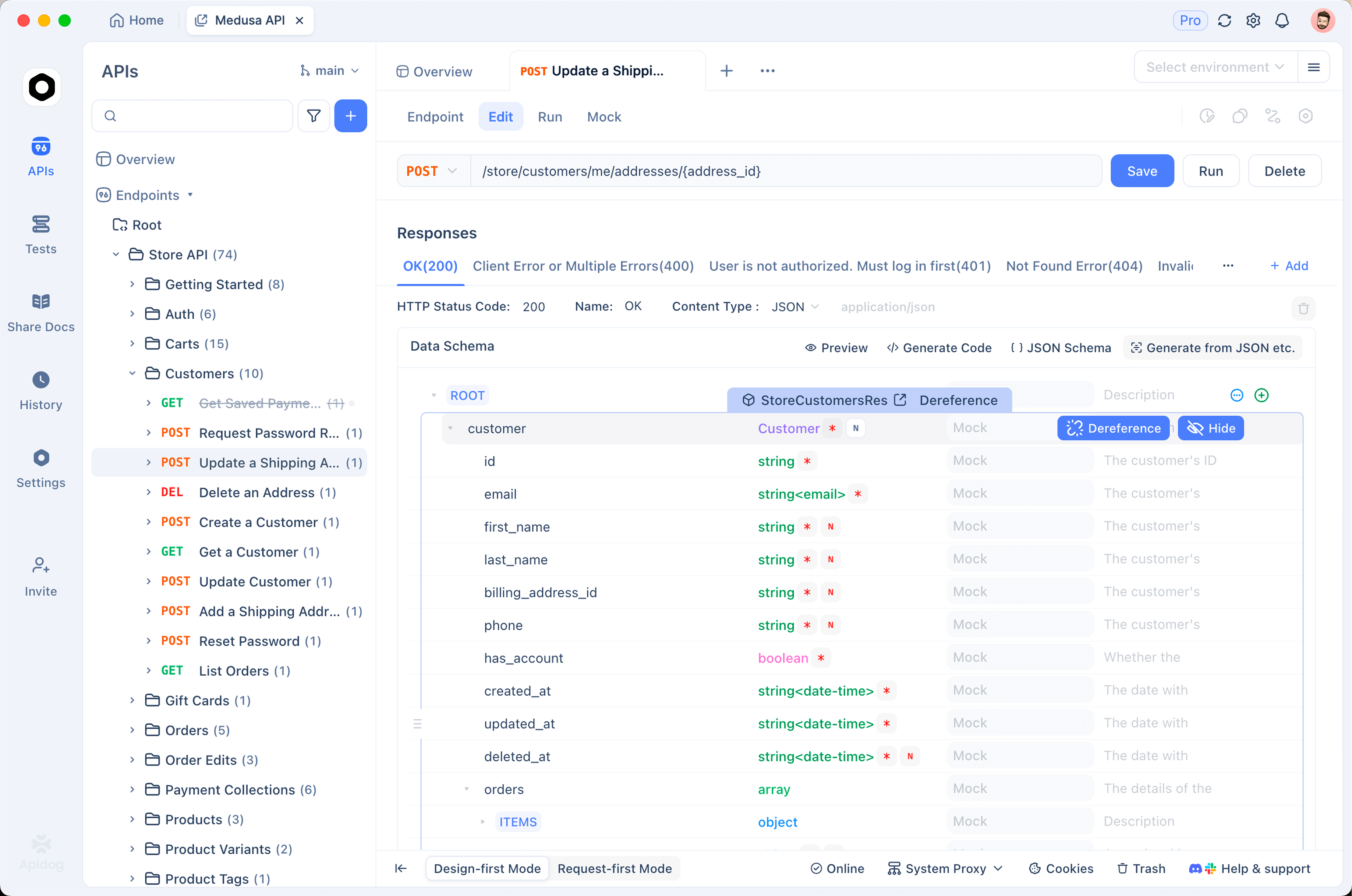
Every step is a command or a server, not a click. That’s the whole point of going headless. For the bigger framing of why the contract deserves this kind of attention, API as a product and the API lifecycle management guide are worth a read.
Frequently asked questions
Is a headless API management tool the same as an API gateway?
No, and this is the trap in the phrase. An API gateway (Kong, Apigee, AWS API Gateway) manages live traffic at runtime: routing, rate limits, auth, quotas. A headless design-time tool like the Apidog CLI manages the contract lifecycle: designing, mocking, testing, and documenting the API before and alongside shipping. Different layers, different jobs. You often run both.
Can I manage the whole API contract lifecycle from the command line?
Mostly, yes. Testing runs through apidog run, mocks can run in CI, and docs publish from the same spec. Some authoring is easier in a visual designer, but the lifecycle steps that belong in automation all have a headless path. The Apidog CLI vs Postman CLI comparison covers how the runner side stacks up.
How does MCP fit into headless API management?
MCP makes your API contract readable by AI agents. The Apidog MCP server caches your spec and exposes it to assistants in Cursor, Claude, and VS Code, so an agent can generate or update code against the actual contract. The MCP server testing playbook shows how to verify an MCP setup itself behaves.
Do I still need a GUI at all?
You can author a spec visually if you prefer, but you don’t have to keep the GUI in the loop for the repeatable work. Tests, mocks, spec checks, and docs publishing all run as commands, which is what makes them safe to put in a pipeline.
Wrapping up
“Headless API management tool” splits into two answers. For runtime traffic, you want a gateway. For the design-time contract lifecycle managed without a GUI, the Apidog CLI and MCP server cover design, mocking, testing, and docs from the terminal and your AI agent. Be honest about which problem you’re solving and the choice gets simple.
Ready to manage your contract lifecycle headlessly? Download Apidog and run your first apidog run in CI, or read more on the Apidog site.