|
VOOZH | about |
|
VOOZH | about |
In 2023, AI code generators were a big buzz when they were able to generate code for the application’s frontend in a matter of seconds. But there was still one problem: no live UI preview of the application UI was generated. How do you know what the frontend UI code generated by AI will look like?
👁 Implementing Claude's Artifacts Feature For UI VisualizationFortunately, Claude, a ChatGPT competitor, has released a feature that offers a live UI preview of the AI-generated UI components. Claude generates UI code and uses the Artifacts feature to display the application’s UI live preview.
In this article, you will learn what the Claude Artifacts feature is and how it boosts frontend development by enabling developers to rapidly create UI prototypes.
The Replay is a weekly newsletter for dev and engineering leaders.
Delivered once a week, it's your curated guide to the most important conversations around frontend dev, emerging AI tools, and the state of modern software.
An artifact is a feature that generates visual or textual output that can be interacted with. Artifacts were developed to aid decision-making in the application development lifecycle. They enable you to make a quick UI prototype for your idea. A prototype makes it possible to critique and analyze your ideas before developing applications, which enables you to identify mistakes, flaws, and ways to improve the plan.
Prototyping an app idea saves you seemingly endless trial and error. Additionally, you can send a quick UI preview to the client so that they can provide feedback. Claude can generate more than one artifact and allows you to view the previous artifacts in the conversation history. Besides UI live previews, Claude Artifacts can create multi-format output including SVG images, HTML webpages, documents, and code.
Artifacts aid the planning and documentation process as they are used to create flowcharts. All of the above resources can be downloaded, making it easy to use Artifacts outside of Claude.
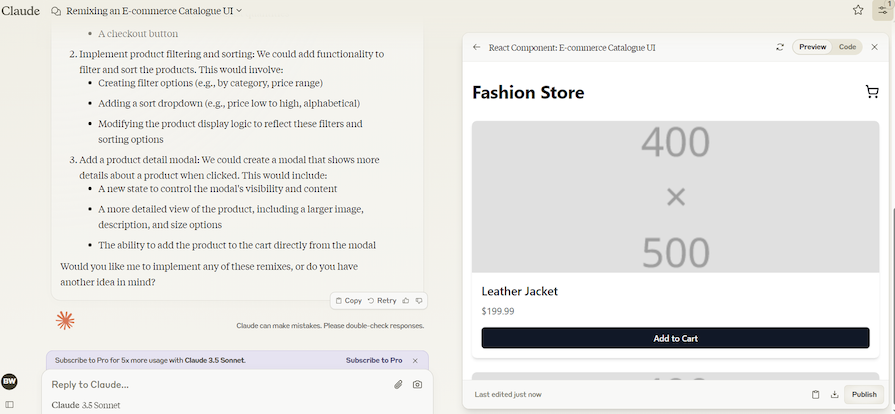
Claude separates its output content into two windows. The window on the left showcases chat and output explanations, while the window on the right is the artifact window:
👁 Claude Artifacts With Split Screen, One Showcasing A Chat Box And One Showcasing The UI Output
The artifact window won’t always pop up — it is only used when there is a need to add more value to the output through visual diagrams.
The Claude 3.5 Sonnet Artifacts feature feature boosts the app’s idea experimentation.
You can easily create multiple layout and style UI prototypes without worrying about time spent on writing code. On average, it takes less than 30 seconds for Claude to generate a UI prototype. The difference between the time taken to generate a UI layout by AI and a human is tremendous.
N.B., it is important to keep in mind that while AI is good for quick prototyping, it is not good enough to replace human developers.
Claude also enables users to publish artifact content, excluding conversations. Anyone can view these published artifacts, but they will not be permitted to edit them. Published artifacts will not be updated when the publisher changes the artifacts in a private conversation.
If you find the published artifact useful, you can start a new Claude chat that continues the published artifact. That is the only way users can edit public artifacts. The feature that enables you to work on published artifacts is known as artifact remixing.
The Claude conversation acts as a version control as it contains all the versions of the artifacts that are created.
Each time you update an artifact, it creates a new version, effectively providing version control. Version control enables you to inspect different versions of the prototypes you created using Claude artifacts. This comparison helps you to identify layout issues and improvements that need to be made.
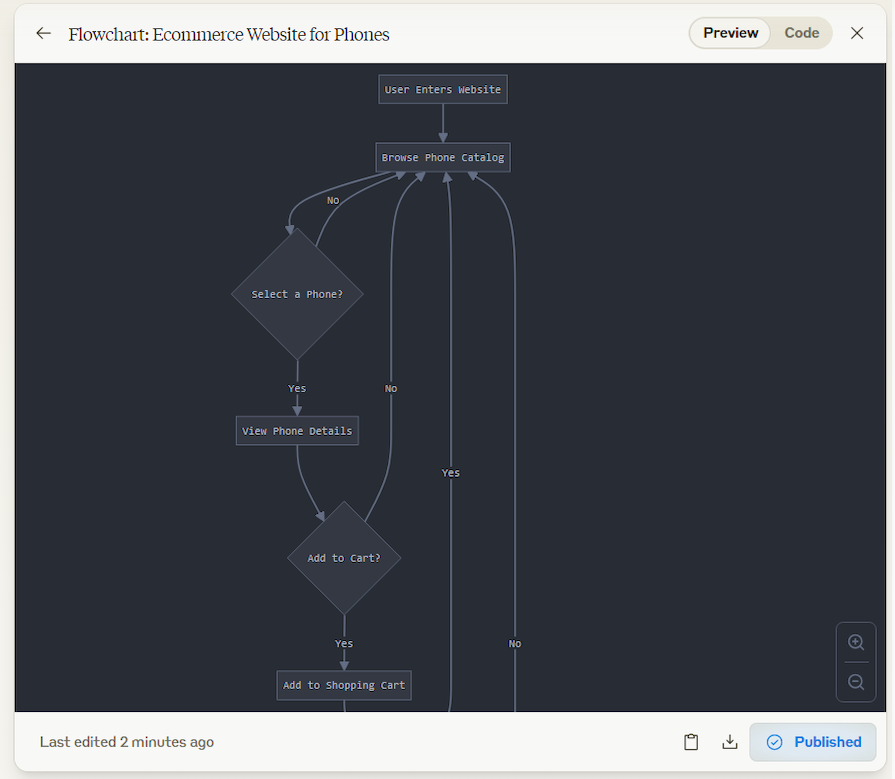
To test and review the Claude Artifacts feature, we will create ecommerce UI components using React. Before we start creating our ecommerce website’s UI, we will ask Claude to create a flowchart for an ecommerce website that sells phones.
Claude has successfully created the flowchart shown in the image below. Flowcharts provide a clear representation of how the program flows and serve as a document for later reference. Here is the published artifact that contains the full flowchart diagram that can be interacted with.
The Artifacts feature displays the code and the UI preview. The toggle button on the top right corner allows you to switch between the code output and UI output. At the bottom right corner, you will find three buttons: the copying, download, and publishing buttons.
If Claude generates an artifact that is oversized and is not visibly clear, the zoom-in and out buttons will appear on the bottom right of the screen. This button will enable you to get more clarity on the artifact:
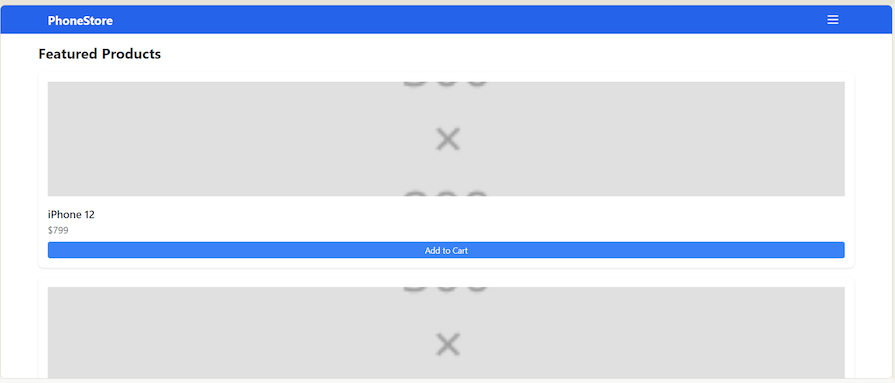
The flowchart above gives clarity on how the ecommerce application will work and how clients interact with websites. Next, Claude generates a UI layout for the ecommerce application using React. You can interact with the artifact here:
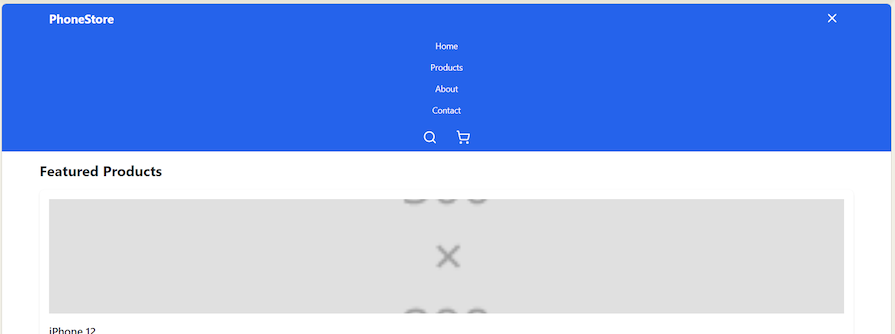
👁 Ecommerce UI Demo With Featured Products And Prices
The above website UI isn’t fancy but serves its purpose, displaying products together with their price in a minimal way. The Artifacts feature is still new and hasn’t received many updates yet. If we look at the pace at which AI is growing, Claude will probably be able to create much fancier ecommerce website UIs by next year.
The website UI is interactive; if you click on the navigation menu in the top right corner, you will get the following menu list. However, this website UI is not fully functional; pressing on the Home button will not trigger any action. This is among the issues that the Claude Artifacts feature has:
👁 UI Demonstrating Home, Products, About, And Contact Buttons
The previous website UI showcased featured products. Now, let’s ask Claude to create a product catalog.
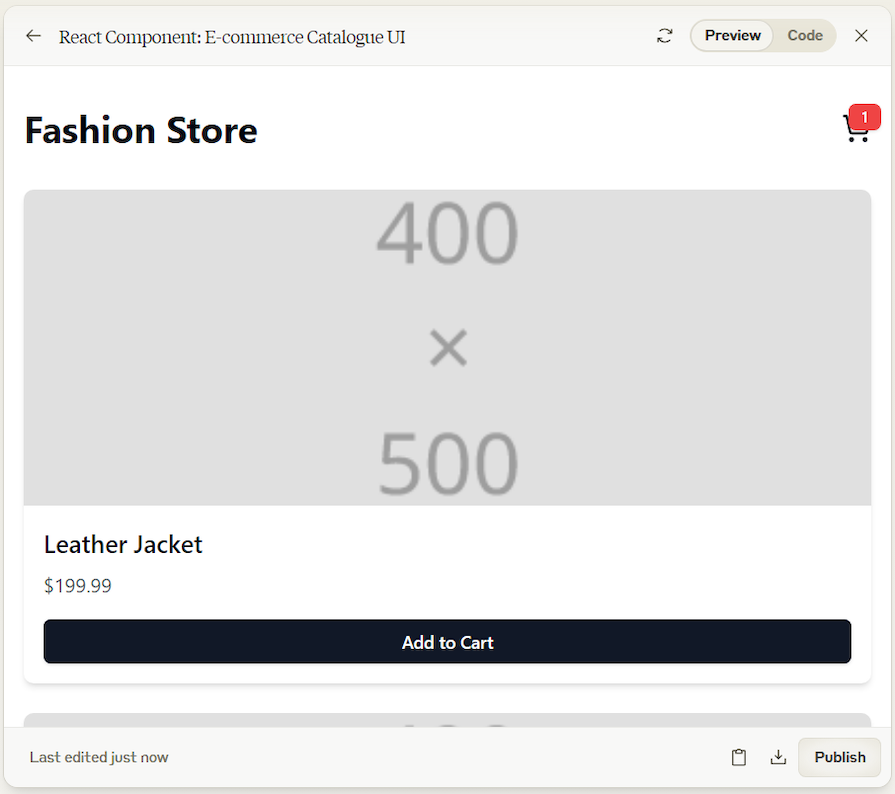
Claude managed to create a functional catalog, so if you click on the Add to Cart button, the product gets added to the cart. Whenever you add a product to the cart, the cart icon shows the number of products added to the cart. Interact with the catalog artifact here:
👁 Cart Icon In Our Ecommerce Page
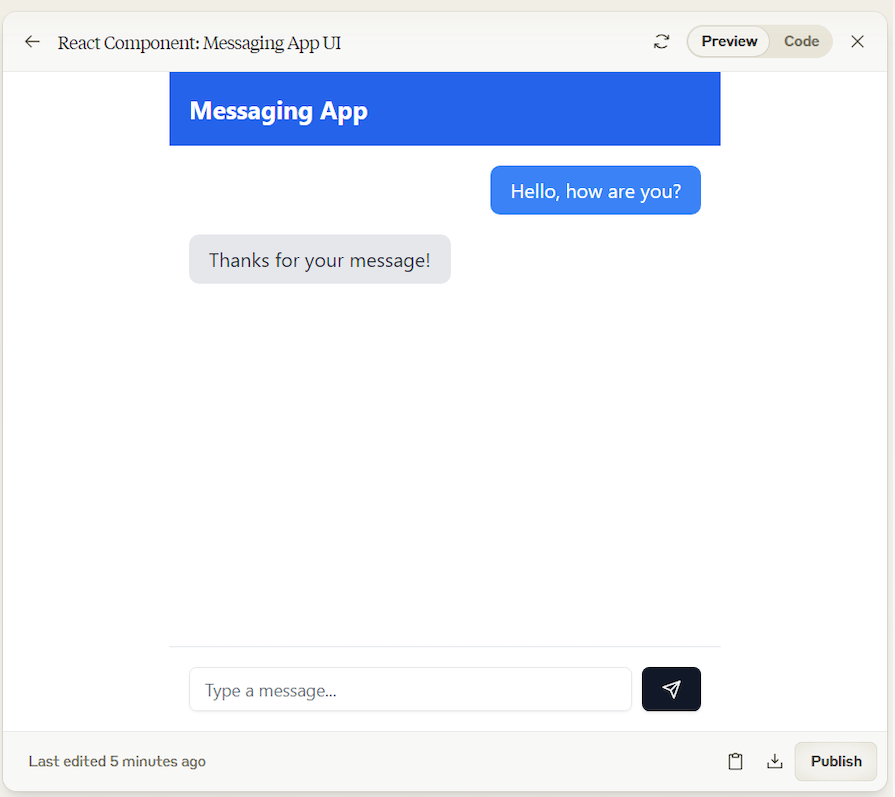
Besides creating product catalogs, Claude is able to create a messaging UI component for ecommerce. Below is the messaging prototype created by Claude. The app allows you to send a message and receive an automated message:
Here is the code that is used to generate the UI for the messaging app prototype:
import React, { useState } from 'react';
import { Send } from 'lucide-react';
import { Input } from "@/components/ui/input"
import { Button } from "@/components/ui/button"

const MessagingApp = () => {
 const [messages, setMessages] = useState([]);
 const [inputMessage, setInputMessage] = useState('');

 const handleSendMessage = () => {
 if (inputMessage.trim() !== '') {
 setMessages([...messages, { text: inputMessage, sender: 'user' }]);
 setInputMessage('');

 // Simulate a response (you'd replace this with actual backend logic)
 setTimeout(() => {
 setMessages(prevMessages => [...prevMessages, { text: 'Thanks for your message!', sender: 'bot' }]);
 }, 1000);
 }
 };

 return (
 <div className="flex flex-col h-screen max-w-md mx-auto">
 <div className="bg-blue-600 text-white p-4">
 <h1 className="text-xl font-bold">Messaging App</h1>
 </div>

 <div className="flex-1 overflow-y-auto p-4 space-y-4">
 {messages.map((message, index) => (
 <div key={index} className={`flex ${message.sender === 'user' ? 'justify-end' : 'justify-start'}`}>
 <div className={`max-w-xs px-4 py-2 rounded-lg ${message.sender === 'user' ? 'bg-blue-500 text-white' : 'bg-gray-200 text-gray-800'}`}>
 {message.text}
 </div>
 </div>
 ))}
 </div>

 <div className="p-4 border-t flex">
 <Input
 type="text"
 value={inputMessage}
 onChange={(e) => setInputMessage(e.target.value)}
 placeholder="Type a message..."
 className="flex-1 mr-2"
 />
 <Button onClick={handleSendMessage}>
 <Send className="h-4 w-4" />
 </Button>
 </div>
 </div>
 );
};

export default MessagingApp;
If you want to explore all the code used to generate the UIs showcased in this article, click on the links for the published artifacts. At the bottom of the published artifact, click on the Remix Artifact button. Claude will create a new chat using the artifact and display the code used to generate the UI:
👁 The UI Displaying The Remix Artifacts Button
Claude Artifacts serves as a good assistant to frontend developers by providing an easy way to build and redefine generated code. If the artifact generated by Claude is not good enough, you can always ask Claude to improve it again.
Using Claude Artifacts to create UI prototypes and flowcharts to understand your raw ideas will boost your development efficiency. Besides generating UI prototypes, Claude can generate code for different aspects of the application, such as error handling. There is so much more that Claude offers when it comes to automated frontend developments.
Learn how to use Gemini CLI subagents to delegate frontend, backend, testing, and docs tasks to specialized agents with guardrails and clear ownership.
Learn how next-browser gives AI agents runtime context for debugging Next.js apps, including React props, hydration, PPR, forms, and performance.
Build dynamic LLM routing in Next.js with OpenRouter, TanStack AI, task classification, model fallbacks, and cost-aware routing.
TSRX adds first-class control flow, conditional hooks, and scoped styles to React via a TypeScript compiler extension — no new framework required.
Hey there, want to help make our blog better?
Join LogRocket’s Content Advisory Board. You’ll help inform the type of content we create and get access to exclusive meetups, social accreditation, and swag.
Sign up now