Glean AI overview: Features, pricing & alternatives (2026)


Last edited October 8, 2025

You've probably heard the buzz around Glean AI. With big funding rounds and features in places like Fast Company, they’re making a name for themselves in the enterprise AI world. Their goal is to solve a problem we all know too well: company knowledge is scattered everywhere, making it a nightmare to find anything.
Glean promises to fix this with a single, smart search bar for your entire digital workplace. But what's the real story behind that promise? Here, we're going to break down what Glean AI is, what it does well, its confusing pricing, and where it might not be the best fit, especially if you're looking for a tool to help your customer service or IT support teams.
What is Glean AI? (and what it isn't)
Okay, let's get one thing straight. The Glean AI we’re talking about is from glean.com. It’s an AI-powered search tool for big companies. It's easy to mix it up with glean.ai, which is a completely different company doing accounts payable software for finance folks.
Now that we've cleared that up, the "glean.com" version is built to be a company-wide tool. Think of it as a 'horizontal' platform, designed to be useful for everyone from sales to engineering. Because of that broad approach, they're really aiming for large enterprises, the kind of companies with the budget and IT muscle for a massive, all-in-one AI solution.
A look at what Glean AI can do
Glean’s platform has a few core parts that come together to create its "work assistant" experience. Let's get into what they are.
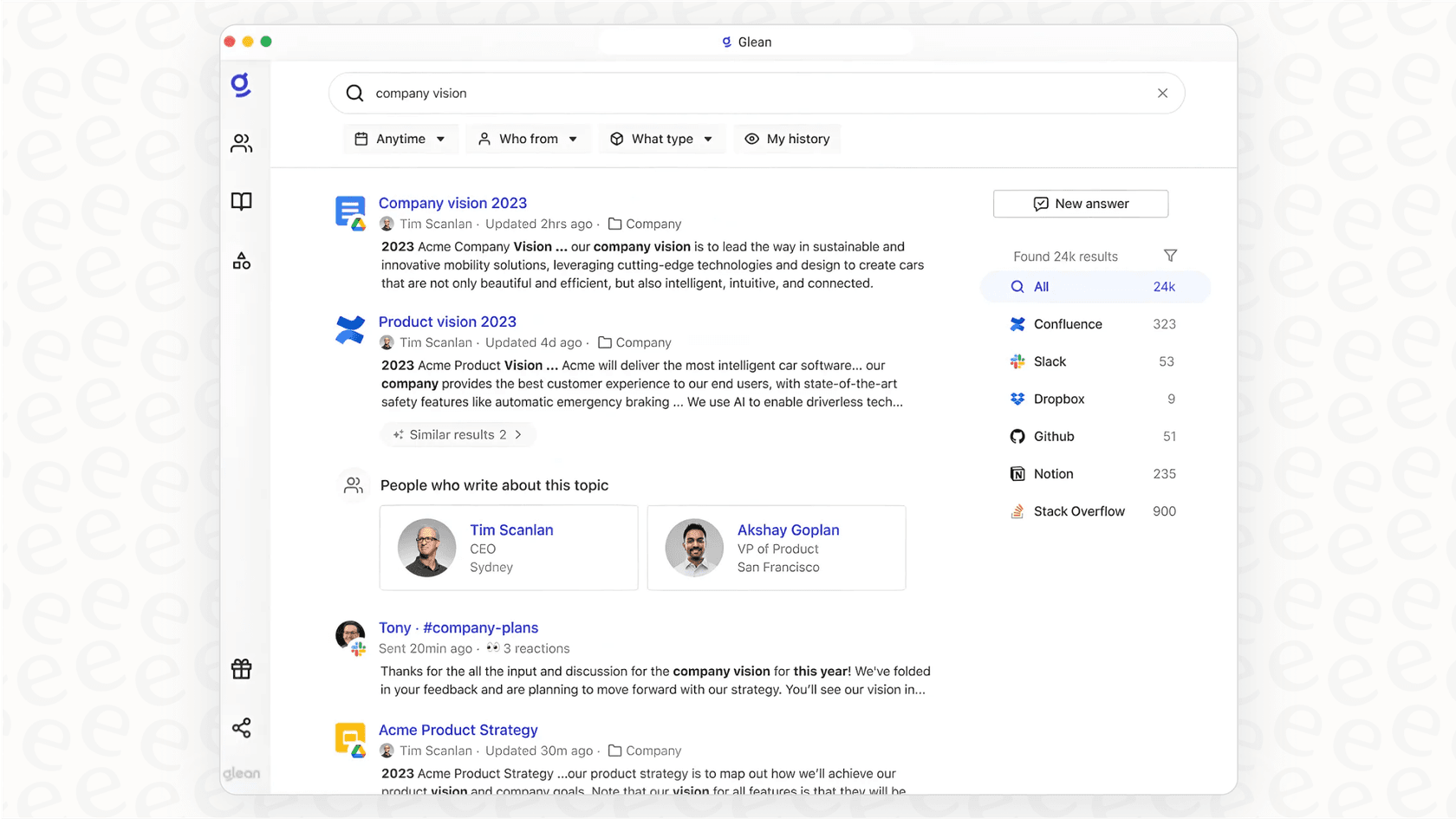
One Glean AI search bar for everything
This is the core of what Glean does. It plugs into more than 100 different apps your company uses, like Google Workspace, Microsoft 365, Slack, Confluence, and Jira, to pull in all your company's information. It then maps out all that information and understands who works on what. The idea is that when you search for something, you get results that are actually relevant to your role and projects, not just a random list of documents.
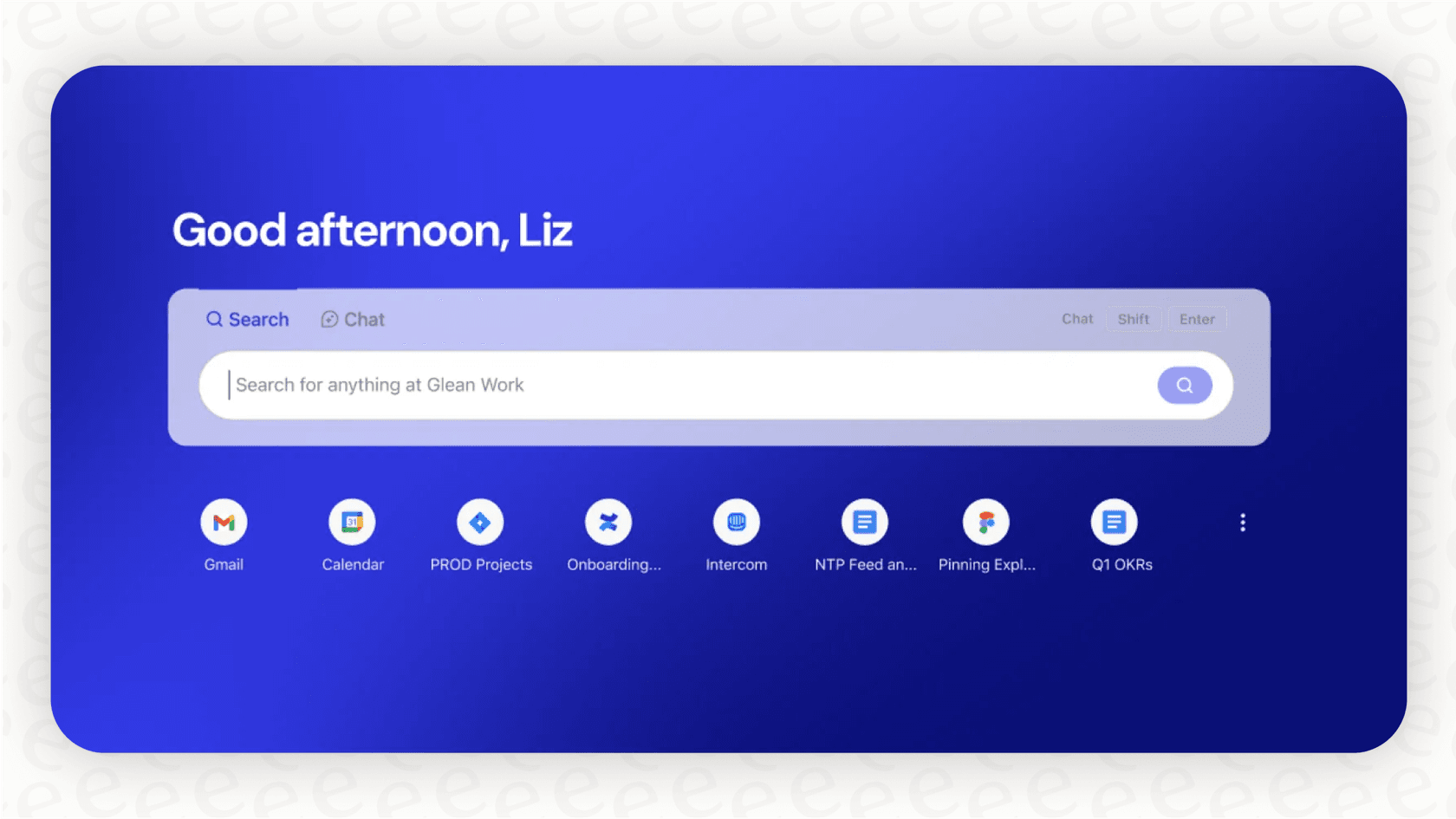
You can imagine it being used for things like:
-
An engineer trying to track down technical docs for an old system.
-
A new hire searching for the company's remote work policy.
-
A project manager trying to find the final version of a brief from last quarter.
More than search with Glean AI: The Glean Assistant
Glean doesn't just find stuff; it also helps you create and summarize things using generative AI. The Glean Assistant can take a long meeting transcript and give you the highlights, draft a project update based on recent Jira tickets, or help you outline a presentation.
It also has something called "Glean Agents" for automating simple, repetitive tasks. This sounds great on paper, but here's the catch: these agents are built for general office work, not for specialized jobs. If you try to set one up to handle customer support tickets, you might run into trouble. A general-purpose tool often can't handle the specifics, like understanding a customer's tone, following complex troubleshooting steps, or taking specific actions inside a helpdesk.
How Glean AI handles security
For any big company, security is a top priority, and Glean takes this seriously. Its "Glean Protect" feature is designed to respect the permissions you already have set up in your apps. Simply put, if you can't access a certain folder in Google Drive, you won't see its files in your Glean search results.
That's a solid foundation, but sometimes you need more fine-tuned control. For example, a tool like eesel AI lets you assign specific knowledge sources to different bots. You could have a public-facing chatbot on your website that only pulls answers from your public help center, while a separate internal HR bot can access sensitive employee policies in Confluence. This kind of separation is key to preventing accidental information leaks and making sure the AI gives the right answers in the right context, especially when talking to customers.

Let's talk about Glean AI's pricing (or lack thereof)
This is where things get a little murky. You won't find a pricing page on Glean AI's website. This isn't unusual for software aimed at massive corporations, but it's a real roadblock for everyone else. To get a quote, you have to jump through the traditional enterprise sales hoops: demos, calls, and a custom price at the end.
From what we can gather from industry reports, this is what you can expect:
-
Pay per person: They charge on a per-user, per-month basis.
-
It's not cheap: The price seems to start around $50 per user per month.
-
Big commitments: You can't just sign up a small team. The minimum annual contract is reportedly around $60,000, meaning you need about 100 users just to get in the door.
-
Pay to test: Want to try it with your own data? That'll be a paid Proof of Concept (POC), which can cost tens of thousands of dollars.
This whole process feels pretty different from the transparent, try-before-you-buy model most of us are used to now.
| Feature | Glean AI (Based on industry reports) | eesel AI |
|---|---|---|
| Public Pricing | No, requires sales consultation | Yes, plans are public on our website |
| Starting Price | High ACV (Est. $60k+/year) | Starts at $239/month (billed annually) |
| Free Trial | Limited sandbox demo | Full-featured, self-serve setup |
| Onboarding | Lengthy sales cycle, custom implementation | Go live in minutes, one-click integrations |
| Simulation | Paid Proof of Concept (POC) | Free simulation on historical tickets |
| Billing Flexibility | Annual contracts are standard | Monthly and annual plans available |
It really shows a different way of thinking. With a tool like eesel AI, you can sign up, connect your helpdesk, and see how the AI would have handled your past support tickets, all for free. This gives you a clear picture of its potential impact before you ever pull out a credit card. It puts you in control, not the sales team.

Where Glean AI falls short for support teams
Choosing the right tool is all about finding the one that’s best for the job you need it to do. While Glean AI is a capable platform, its one-size-fits-all approach has some real drawbacks for teams with specific needs.
Glean AI: A jack of all trades, master of none
Glean AI is a classic jack-of-all-trades. It's designed to be decent at many things but not an expert in one specific area. It can help a support agent find a document related to a ticket, but it wasn't built to help them resolve that ticket. Modern support and IT teams need more than just a search engine; they need a smart assistant that can take action.
That's the whole idea behind a specialized tool like eesel AI. It's built specifically for the support workflow. You can:
-
Set specific rules: Tell the AI exactly which tickets to handle and which ones to pass to a human agent.
-
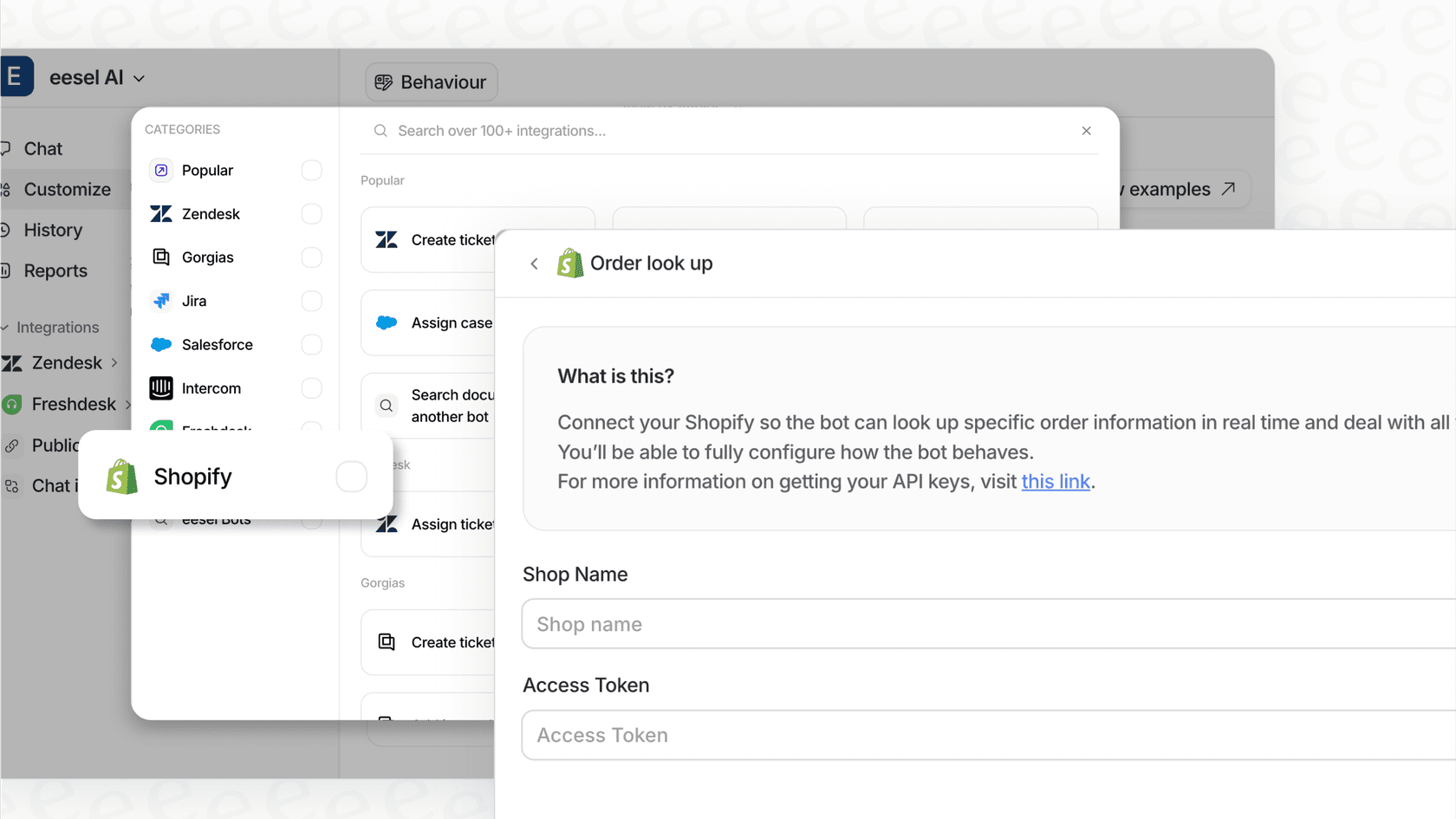
Build custom actions: Create workflows that do things like look up an order in Shopify, check a user’s plan in your database, or tag a ticket in Zendesk.
-
Shape the AI's personality: Control the tone of voice to make sure your AI agent sounds like it’s part of your brand.
You just don't get that level of fine-tuned control from a general-purpose platform.
The slow, expensive setup
Getting started with Glean is a major project. It involves a big budget, a long sales process, and a dedicated team to get it up and running. That might work for a giant corporation, but it shuts the door for most small and medium-sized businesses, or even just a single team inside a big company that wants to get something done quickly.
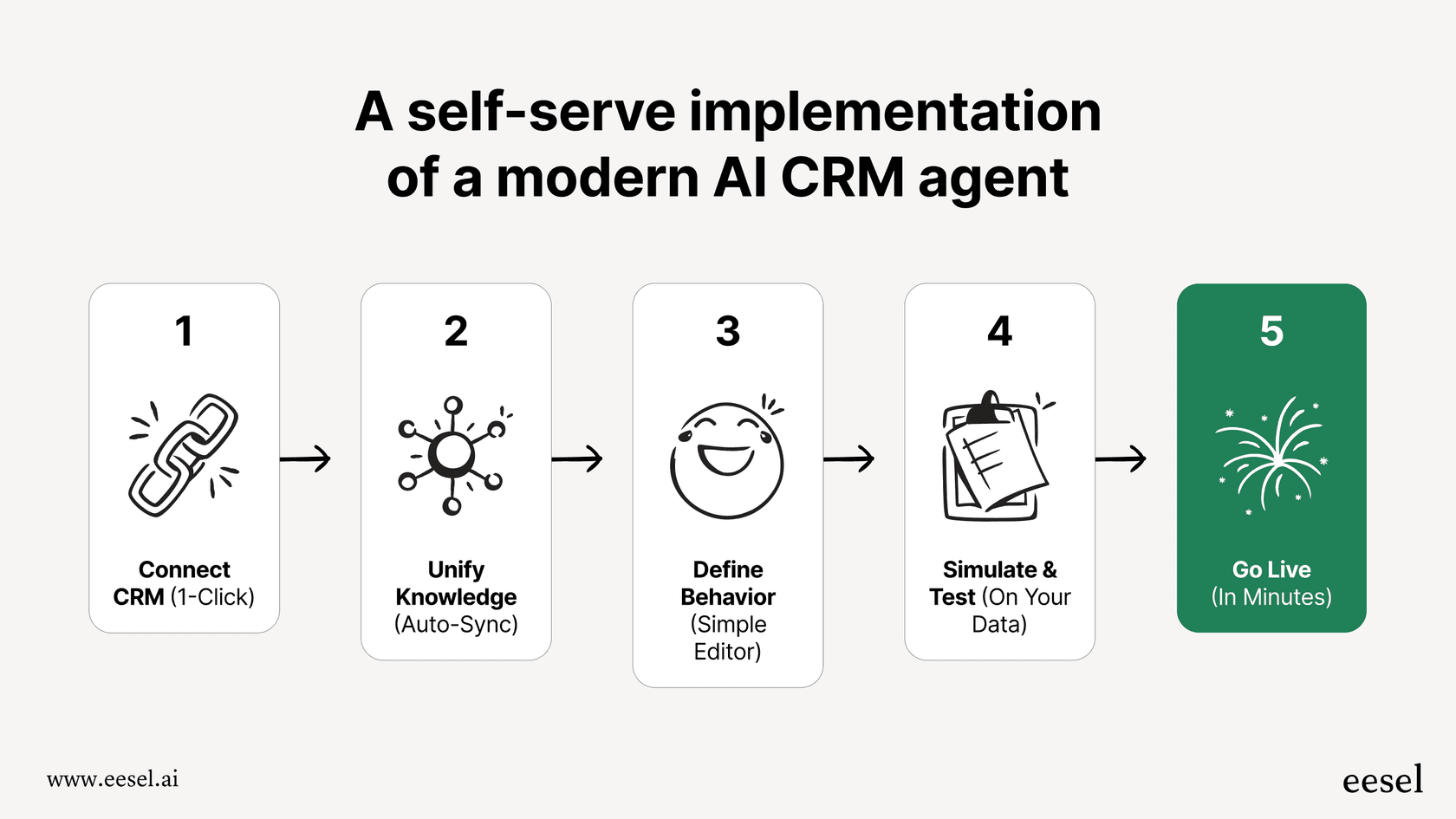
This is exactly why we built eesel AI to be self-serve. A support manager can sign up, connect their tools, and start seeing results the same day. You don't need to book a meeting with the CFO or wait six months for an implementation project to finish. You can just start small, prove it works, and grow from there.
Is Glean AI the right tool for you?
Look, Glean AI is a serious piece of tech. If you're at a massive company that's struggling with finding information across the entire organization and you have the budget and time to invest in a big project, it could be a solid choice.
But for teams that have a specific job to do, Glean’s one-size-fits-all approach comes with real downsides: the high price tag, the secret pricing, a feature set that’s wide but not deep, and a slow, top-down setup process.
If you’re in customer service, IT, or any other internal support role, you’ll likely get more bang for your buck with a specialized tool. A platform like eesel AI is built for your workflow, with transparent pricing and the control you need to automate with confidence. You can be up and running in minutes, not months.
See how eesel performs on your data, sign up for free and find out today.
Frequently asked questions

Share this article

Article by
Kenneth Pangan
Writer and marketer for over ten years, Kenneth Pangan splits his time between history, politics, and art with plenty of interruptions from his dogs demanding attention.