The 5 best Gamma alternatives for flawless presentations in 2026


Last edited June 24, 2026

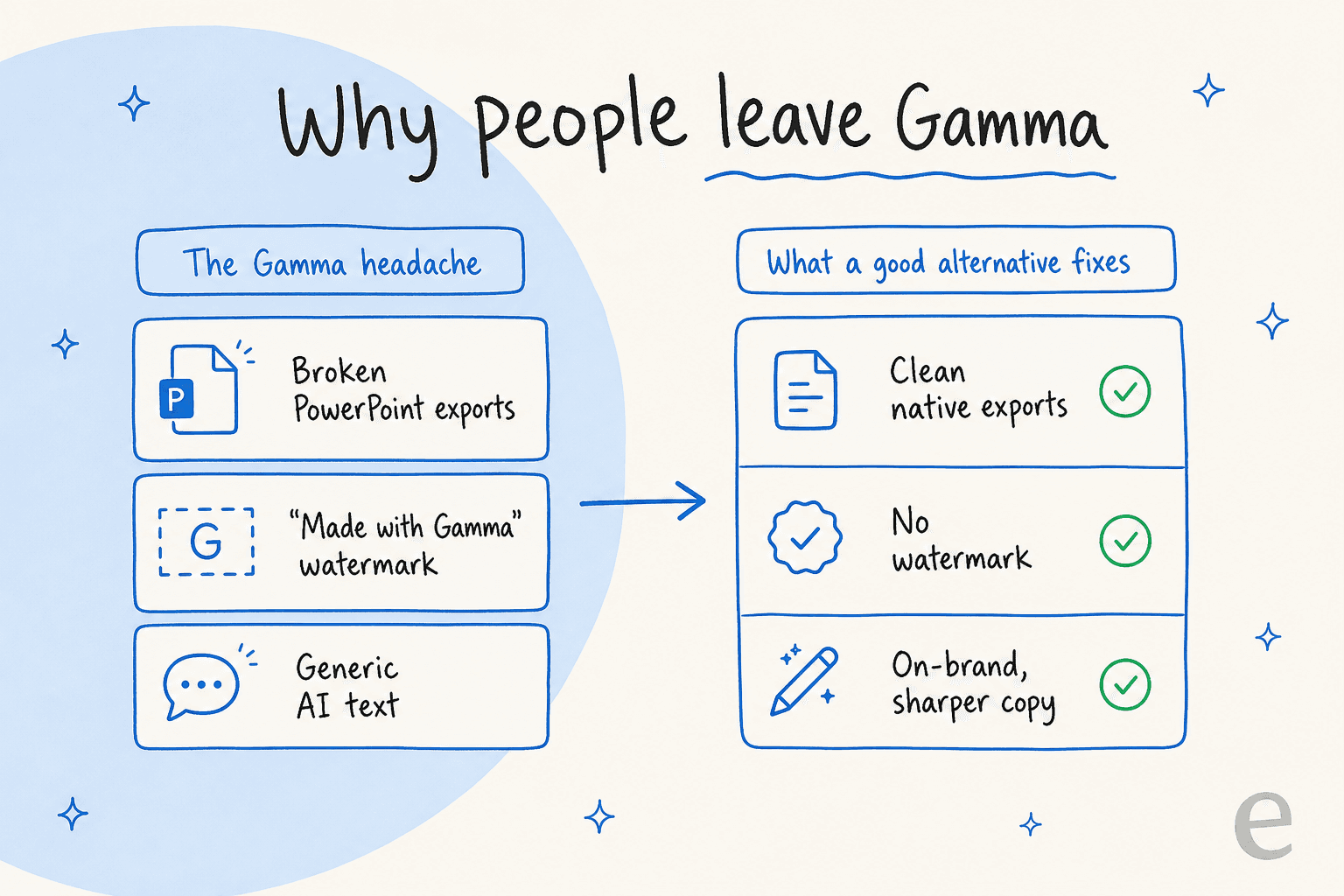
Gamma is pretty magical for getting ideas out of your head and onto a slide. It’s fast, simple, and can spin up a decent-looking first draft from a single sentence. But if you’ve tried using it for a serious business presentation, you’ve probably run into the same frustrations I have. The PowerPoint exports often look like they’ve been through a blender, the "Made with Gamma" watermark on the free plan doesn’t exactly scream professionalism, and the AI-generated text is usually too generic for a meeting that actually matters.
That’s what sent me on a hunt for the best Gamma alternatives. I was looking for tools that could produce polished, reliable, and on-brand presentations without giving me a headache. This is my no-fluff guide to the five best options I found, tools that are built for professional design control, dependable exports, and AI content that’s a cut above the rest.
What are AI presentation makers?
At their core, AI presentation makers are tools that take the grunt work out of creating slides, documents, or even simple web pages. Their main job is to help you get past that dreaded "blank page" feeling. You feed them a text prompt or an existing document, and they generate a structured, visually appealing draft in minutes. They handle the initial design and content layout, so you can jump straight to refining your message. It's the same idea behind any good AI agent: hand it the boring first 80% so you can focus on the 20% that needs a human.
What I looked for in good Gamma alternatives
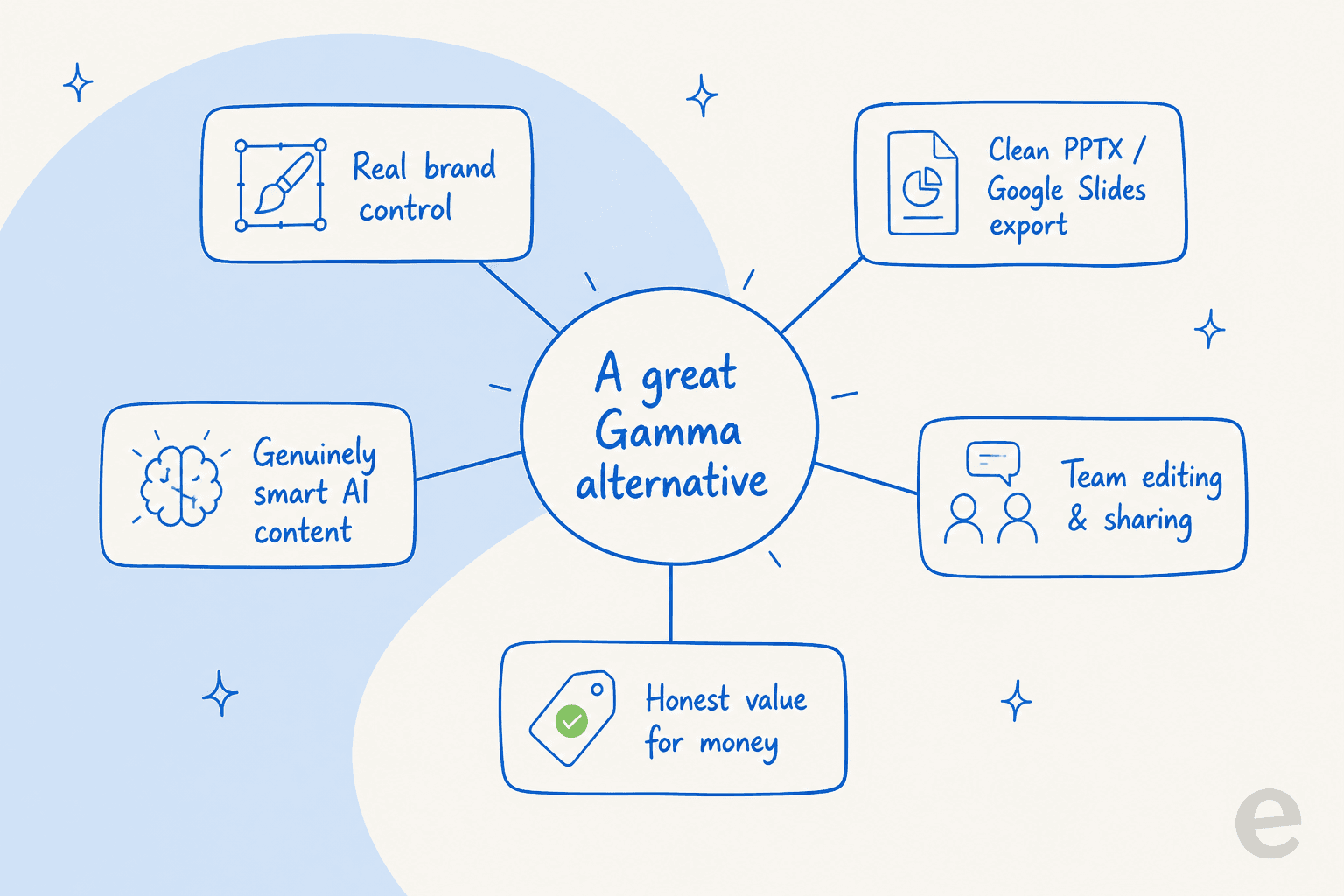
To find tools that were genuinely better for professional use, I measured every single one against a few straightforward criteria. Here’s what mattered most to me:
-
Real Brand Control: How easy is it to make the presentation look and feel like it came from your company? I wanted to see if I could lock in our fonts, logos, and color palettes to keep everything consistent.
-
Clean Exports: Can you actually export the file to PowerPoint (.pptx) or Google Slides without all the formatting falling apart? For any team that collaborates in those tools, this is a deal-breaker.
-
AI That's Actually Smart: Is the AI-generated text and imagery relevant and useful, or is it just spitting out generic filler? I was looking for quality, not just quantity.
-
Team-Friendly Features: Does it have solid tools for real-time editing, commenting, and sharing? I wanted to see if it could handle a team workflow without causing chaos.
-
Overall Value: What do you really get for your money? I dug into the limitations of the free plans and what the paid versions actually unlock.
At a glance: The best Gamma alternatives of 2026
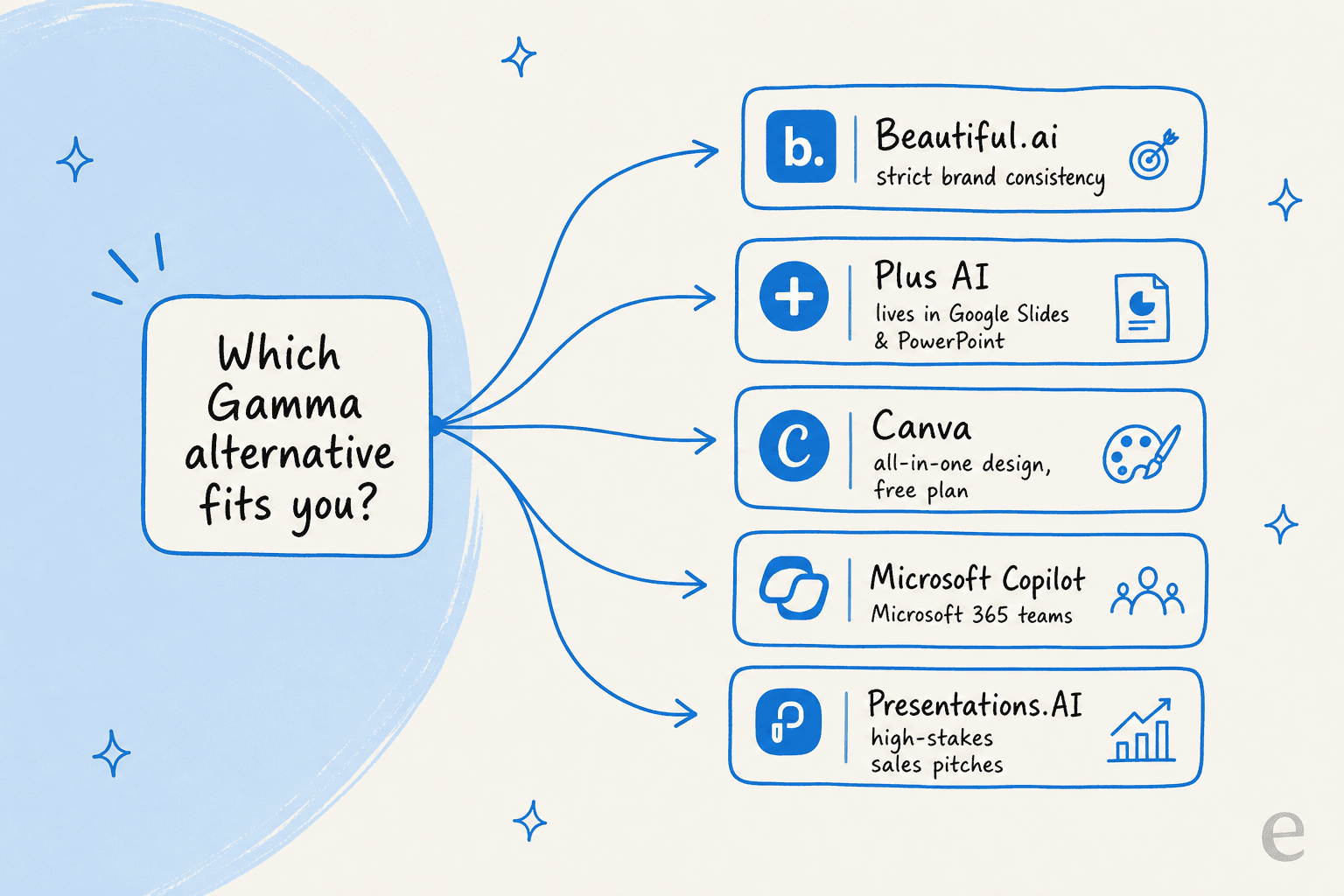
| Tool | Best For | Standout Feature | Starting Price (Paid) | PPTX/Google Slides Export |
|---|---|---|---|---|
| Beautiful.ai | Enterprise teams & brand consistency | Smart templates that enforce brand rules | $12/month | Yes |
| Plus AI | Users who live in Google Slides & PowerPoint | Native integration, no new tool to learn | ~$10/month | Native |
| Canva | All-in-one design with a real free plan | Magic Design generates full decks from a prompt | $15/month (free plan available) | Yes |
| Microsoft Copilot | Microsoft 365-native organizations | Seamless PowerPoint integration & security | ~$30/user/month | Native |
| Presentations.AI | High-stakes sales & business pitches | Focus on persuasion psychology | $20/month (free plan available) | Yes |
A quick note on the list itself: Tome used to hold the #3 spot, but the company shut down its presentation product in April 2025 to focus on sales software, so I’ve swapped in Canva. Keeping a dead tool on a "best of 2026" list helps nobody.
The top 5 Gamma alternatives to try in 2026
After playing with a whole pile of tools, these five were the clear winners for anyone needing a more professional alternative to Gamma.
1. Beautiful.ai
If your biggest goal is to make sure every single presentation is perfectly on-brand, Beautiful.ai is the tool for you. It’s built for teams where brand consistency is a hard rule, not a friendly suggestion. The secret sauce is its "smart slides" feature, which automatically adjusts layouts as you add content. This is a huge help for non-designers because it physically stops you from making a slide that looks messy or off-brand. It’s less about total creative freedom and more about providing smart guardrails to get a polished result every time.
Pros & Cons:
-
Pros: It automatically enforces your brand guidelines, so anyone can create a professional-looking deck. It's also SOC 2 compliant, which is a big deal for enterprise security.
-
Cons: Those smart templates can feel a little restrictive if you're a designer who likes to control every last pixel. The editor is unique, so it takes a little getting used to.
Pricing:
-
Pro: $12 per month (billed annually) for individuals.
-
Team: Starts at $40 per user per month (billed annually) and adds centralized billing, shared team templates, and collaboration features.
-
Enterprise: Custom pricing for larger companies that need more advanced security and support.
My take: If you’re tired of inconsistent designs and a lack of brand control in Gamma, Beautiful.ai is the perfect fix. It's designed for professional teams who take their brand image seriously.
2. Plus AI
Plus AI’s approach is completely different. If you hate the idea of learning another new tool, this one’s for you. It isn't a standalone platform; it’s an add-on that works directly inside Google Slides and PowerPoint. This makes it one of the best Gamma alternatives for anyone who dreads dealing with broken exports. You generate slides and get AI suggestions without ever leaving the software you already use all day. It feels less like a new tool and more like a smart upgrade to your current one.
Pros & Cons:
-
Pros: It works natively in Google Slides and PowerPoint, which means export problems are a thing of the past. It seamlessly uses your existing company templates and branding.
-
Cons: It’s not a full design platform on its own. You’re still using the design features of Slides or PowerPoint for any advanced visual tweaks.
Pricing:
- Paid plans start at around $10 per month for individuals (billed annually), with a 7-day free trial that includes 1,000 AI credits. Check their pricing page for current tiers.
My take: Plus AI is the most practical choice for professionals already in Google Workspace or Microsoft 365. It brings the AI to you and solves the export nightmare for good.
3. Canva
Canva earns the spot Tome used to hold. It isn’t a niche AI slide tool, it’s a full design platform, and its Magic Design feature now spins up an entire deck from a single prompt, then lets you refine it with the same drag-and-drop editor millions of people already know. For story-led, visual presentations, this is the most flexible option on the list, and it’s the only one here with a genuinely useful free plan.
Pros & Cons:
-
Pros: A massive template library, Brand Kits to lock in fonts and colors, and a free tier that's actually usable. Exports cleanly to PPTX and PDF.
-
Cons: Because it does everything, the AI deck generation can feel less specialized than a presentation-first tool. Power users may miss advanced slide-logic features.
Pricing:
-
Free: A surprisingly capable plan for individuals.
-
Pro: $15 per month (or $120 per year) unlocks Brand Kits, premium templates, and the bulk of the AI features.
-
Teams: Per-seat pricing with shared brand controls; see Canva's pricing page for current rates.
My take: If you want one tool for slides, social posts, and everything else, Canva is the easiest swap for Gamma — and if you're weighing it against other tools, our Canva alternatives guide goes deeper.
4. Microsoft Copilot in PowerPoint
For any company already living and breathing Microsoft 365, Microsoft Copilot is the obvious choice. It puts powerful AI right inside PowerPoint, arguably the most common presentation software on the planet. Its biggest advantage is its ability to securely access your organization's internal data. You can ask it to build a presentation from a Word doc, turn an Excel sheet into key charts, or rewrite slides to fit your company's tone of voice, all inside a secure and compliant bubble.
Pros & Cons:
-
Pros: Exports are perfect because you're already in PowerPoint. It securely uses your internal documents and comes with Microsoft's enterprise-level security.
-
Cons: It's not cheap. It requires both a Microsoft 365 subscription and a separate Copilot license. The AI is powerful but is still a work in progress.
Pricing:
- Microsoft 365 Copilot runs $30 per user per month on top of a compatible Microsoft 365 business plan (annual commitment).
My take: For big organizations where security, compliance, and smooth integration are the top priorities, Copilot is the most solid and trustworthy of the Gamma alternatives.
5. Presentations.AI
This one’s for the sales teams. Presentations.AI is built around a single idea: a presentation shouldn’t just share information; it should convince someone of something. The AI is trained on effective communication and sales psychology, which makes it a great partner for anyone building a high-stakes pitch. It helps you structure your story in a more compelling way to make sure your key points actually land.
Pros & Cons:
-
Pros: The AI is specifically tuned for business persuasion, not just generating generic text. It's also ready for enterprise use with SOC 2 compliance.
-
Cons: Because it's focused on strategy, it can feel a bit more complex than simple prompt-to-slide tools. The best features are in the premium plans.
Pricing:
-
Starter: A free plan with limited AI credits.
-
Pro: $20 per month for the advanced AI model and full feature set.
-
Gold: $100 per month for the frontier model, aimed at professionals where presentation quality directly affects revenue.
My take: If you find Gamma's output is too flimsy for a sales pitch or a board meeting, Presentations.AI offers a much more strategic tool. It's for when you don't just need to inform, you need to influence.
A great presentation is just the beginning
Okay, so you’ve used one of these tools to create a killer presentation. It looks sharp, your message is clear, and it gets the conversation started. But what about all the questions that come next? Customer inquiries, support requests, and internal follow-ups are where the real work begins.
While the Gamma alternatives above help you craft the message, a different kind of AI is needed to handle the response. Instead of making static slides, these tools are built for the thousands of real-time conversations that keep a business running. An AI support platform like eesel AI connects directly to the tools you already use — your helpdesk, your Slack workspace, your help center — to automate frontline support.
Here’s how it’s different:
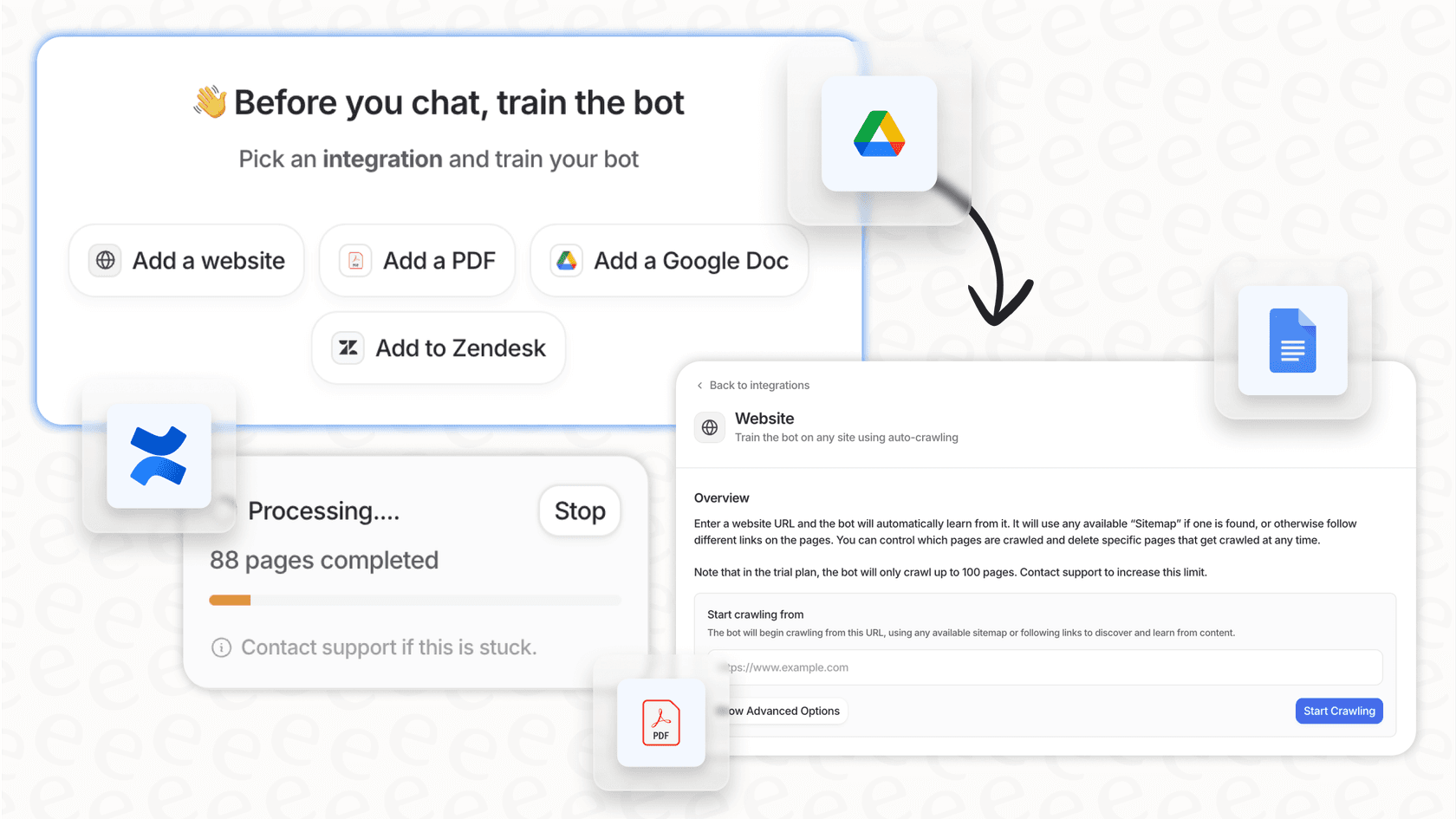
- It uses your team's knowledge, not the whole internet: eesel AI doesn't guess or pull vague answers from the web. It learns from your past support tickets, internal knowledge bases like Confluence or Notion, and help center articles to provide accurate answers in your brand's voice.
-
You can set it up yourself in minutes: You can connect your helpdesk and have it running in under 5 minutes without ever having to talk to a salesperson. It's a huge departure from the months-long setup required by most enterprise AI.
-
You can test it with zero risk: A simulation mode shows you exactly how the AI would have answered thousands of your past tickets before you ever turn it on for customers. This lets you launch with confidence — the same way Beautiful.ai's guardrails stop you shipping an off-brand slide.

The right AI tool for the right job: Final thoughts on Gamma alternatives
At the end of the day, the best tool is the one that solves your biggest headache. If you’re looking for Gamma alternatives to build better presentations, a tool like Beautiful.ai for brand control or Plus AI for workflow integration will be a fantastic choice, with Canva as the flexible all-rounder.
But when you’re ready to automate the customer and employee conversations that follow, you need a tool built for that specific job. eesel AI gives you a fast, controllable, and risk-free way to put AI to work where it can have the biggest impact: on your front lines. It learns your voice from day one, just like the best presentation tools learn your brand.
See how much of your support you can automate. Try eesel and get set up in minutes, free.
Frequently asked questions

Share this article

Article by
Kenneth Pangan
Writer and marketer for over ten years, Kenneth Pangan splits his time between history, politics, and art with plenty of interruptions from his dogs demanding attention.