The 7 best open source chatbot platforms in 2026 (and a smarter alternative)


Last edited June 25, 2026
Table of Contents
- What are open source chatbot platforms?
- Why choose open source chatbot platforms? The good and the bad
- How I picked the best open source chatbot platforms
- A quick rundown of the top open source chatbot platforms
- The 7 best open source chatbot platforms in 2026
- A smarter alternative to open source chatbot platforms: Get control without complexity
- Choosing the right tool for the job
So, you're thinking about going the open-source route for your next chatbot. I get it. The idea of having the keys to the kingdom is pretty appealing, total control, endless customization, and the promise of an AI that fits your business perfectly. Sounds like a dream, right?
Well, here's the real talk: that level of freedom comes with a serious price tag, and I'm not just talking about money. It costs you a ton of time, eats up your developer resources, and can turn into a massive maintenance headache down the road.
This article gives you an honest look at the best open source chatbot platforms available in 2026. I'll get into what they're good at, where they stumble, and then I'll show you a more direct path for businesses that just need to get the job done without building everything from the ground up.
What are open source chatbot platforms?
Think of an open-source chatbot platform as a DIY kit for building conversational AI. The "open source" part simply means the source code, the software's blueprint, is out there for anyone to see, tweak, and use for their own projects.
This is a whole different world from the plug-and-play tools you might have seen, like the no-code AI chatbot tools most teams start with, or hosted options like a Crisp-style bot and a Facebook Messenger bot. A few things make open-source projects stand out:
-
You're the host. It's on you to deploy, run, and maintain the chatbot on your own servers or cloud accounts (like AWS or Google Cloud). There's no company in the background handling all the technical stuff for you.
-
You can customize everything. And I mean everything. From the deep-down details of how the bot understands language (its Natural Language Understanding, or NLU) to the hex code of the chat widget's color, you're in complete control.
-
It's a community effort. These projects are often powered by a global community of developers who add features, squash bugs, and help each other out in forums and chat groups.
On the flip side, closed-source or SaaS (Software as a Service) platforms are managed completely by a vendor. You get a polished tool that's ready to go, but you have way less control over how it works under the hood.
Why choose open source chatbot platforms? The good and the bad
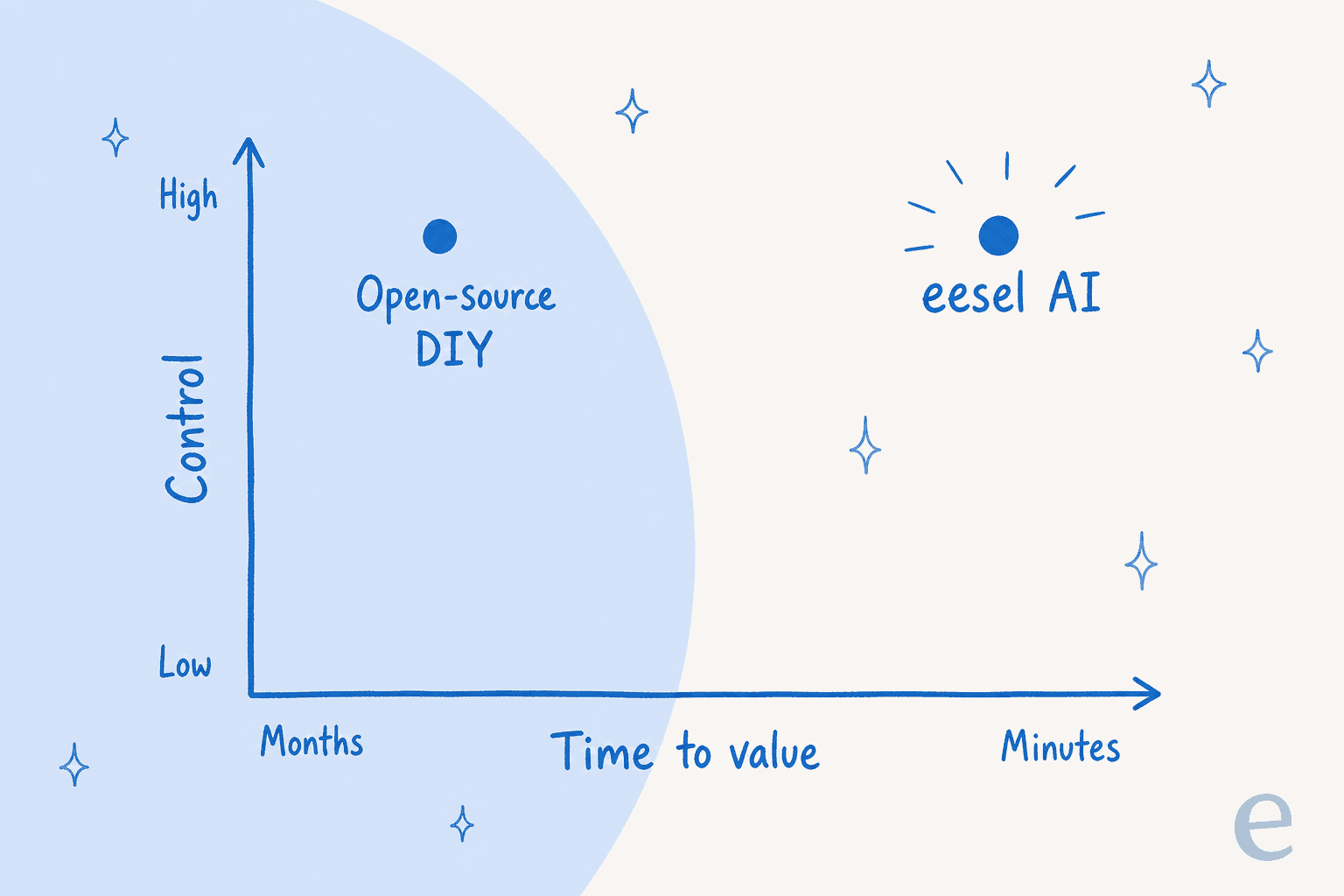
Before you jump in, it's really important to weigh the trade-offs. This isn't just about free versus paid; it's about control versus convenience.
The upsides of using open source chatbot platforms
-
You're in the driver's seat. This is the main attraction. If you can think of it, you can probably build it. You won't hit any walls set by a vendor on features, integrations, or how you want conversations to flow.
-
Your data stays your data. All your customer conversations and data live on your own servers. For companies in sensitive fields like finance or healthcare with strict compliance rules, this is often a deal-breaker.
-
No being tied down. You aren't stuck in one company's ecosystem. You can change the platform however you like or move to another solution later without scrapping all your work.
-
The software can be cheaper (at first). The core code is usually free to download. This means you can avoid those monthly subscription fees, but don't confuse "free software" with "zero cost."
| Pros | Cons |
|---|---|
| Full customization and control | Requires significant technical expertise |
| Data privacy and ownership | High setup and maintenance workload |
| No vendor lock-in | Long time to see a return on investment |
| Cheaper initial software cost | Hidden costs (salaries, hosting) can be high |
The hidden costs and headaches of open source chatbot platforms
-
You'll need serious tech skills on your team. Let's be honest: this isn't a weekend project for the marketing department. You need skilled developers who are comfortable with AI, natural language processing, server management, and security.
-
It's a lot of work to set up and maintain. Getting the chatbot live is just the first step. You're on the hook for every single update, security patch, and server meltdown. As you grow, this can easily become a full-time job for a whole team.
-
It takes a long time to see results. Building a solid, reliable chatbot from scratch can take months. While your team is busy coding, your customers are still waiting for answers, and you're not seeing any return on all that effort.
-
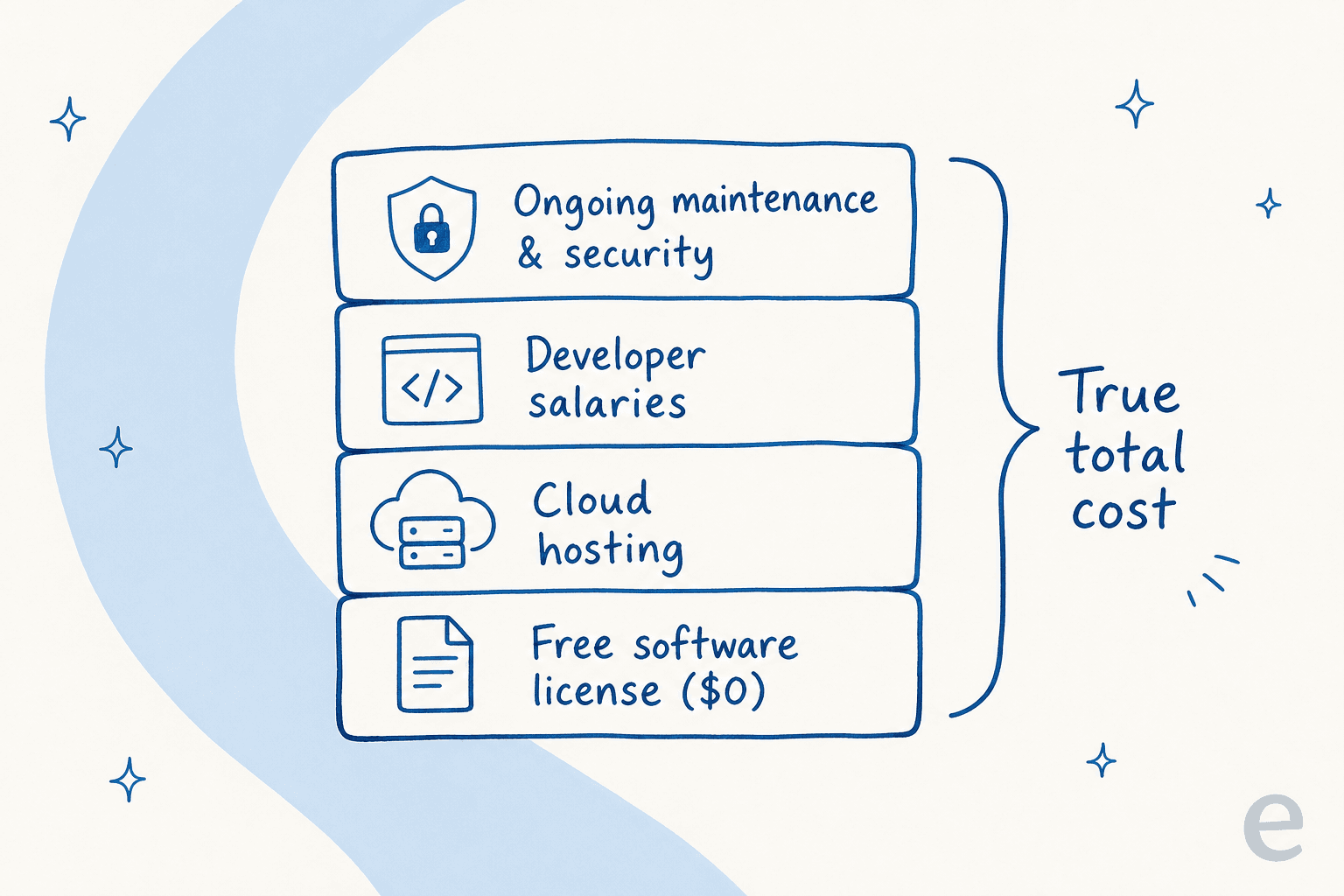
"Free" is rarely ever free. The software license might not cost a dime, but when you add up developer salaries, cloud hosting fees, and ongoing maintenance, the total bill can quickly climb higher than a subscription for a managed AI chat platform.
How I picked the best open source chatbot platforms
To help you sort through all the options, I chose the platforms on this list based on what actually matters when you're building a bot from scratch.
I looked for a few key things: a solid ability to understand human language (NLU), a good experience for the developers who have to build with it, and an active community for when you inevitably get stuck. I also considered flexibility, does it lock you into code, or does it offer visual tools to make life easier? Finally, I looked at whether the project is mature and well-supported.
A quick rundown of the top open source chatbot platforms
Here's a bird's-eye view of the main contenders I'll be diving into.
Rasa is the go-to for teams that need deep, fine-grained control over their AI's brain. Botpress strikes a nice balance between coding and visual building. For big companies already using Microsoft's cloud, the Microsoft Bot Framework is a natural fit. LibreChat is all about giving you the freedom to swap between different large language models like those from OpenAI or Anthropic. Typebot is fantastic for creating slick, interactive forms that feel like a conversation. Botkit, now archived, was a simple tool for messaging apps like Slack. And Tock is built from the ground up for assistants that need to handle both text and voice.
The 7 best open source chatbot platforms in 2026
1. Rasa
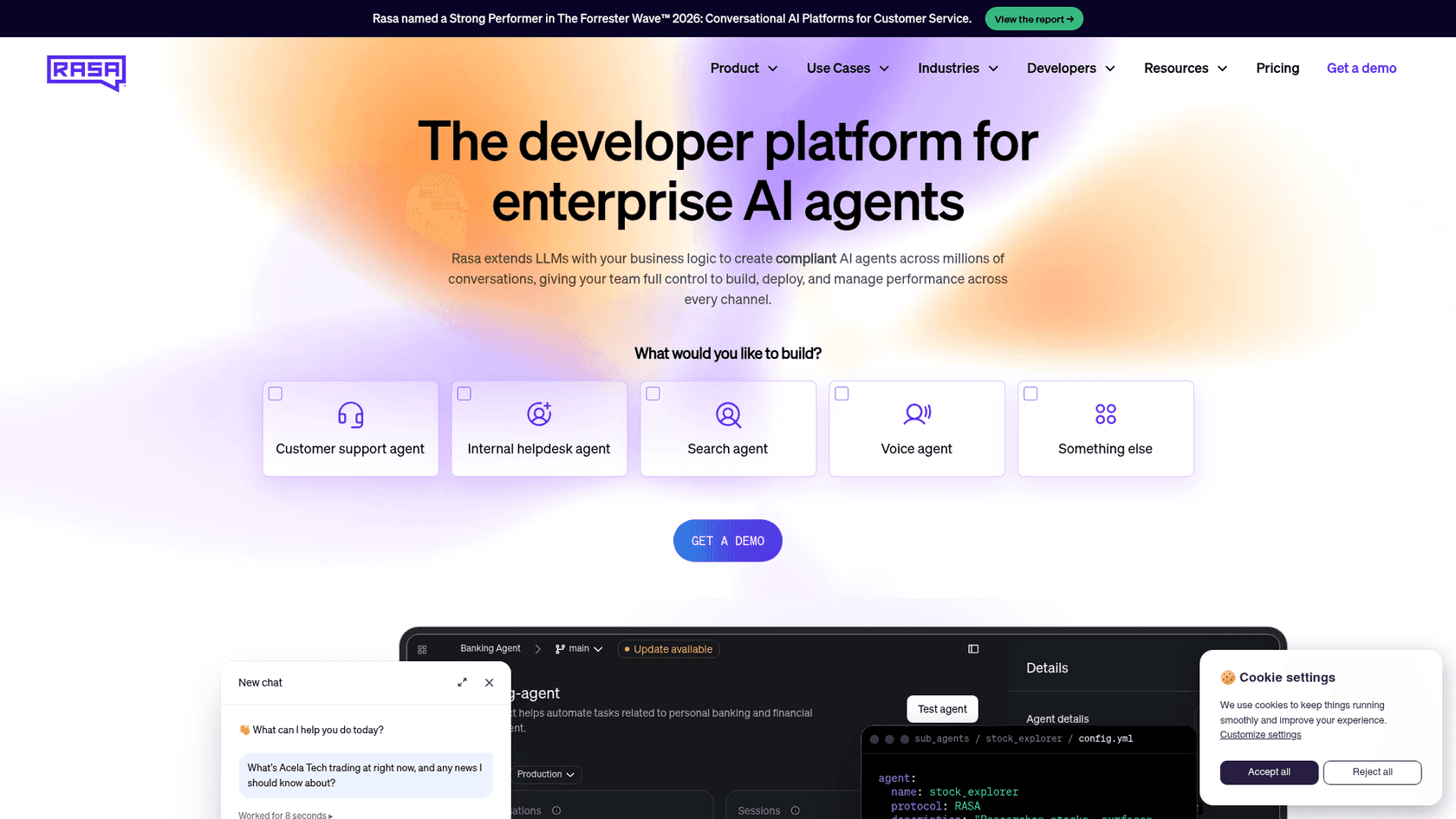
Rasa is the undisputed heavyweight of open-source conversational AI. It's made for teams who want absolute control over how their bot understands language and manages conversations. Instead of basic if-this-then-that logic, you teach it using "stories", real conversation examples, which helps it handle complex back-and-forth chats. It's incredibly powerful, but it expects a lot from you.
-
The good: Its NLU is highly customizable, it's great for complicated conversations, and the community is huge and very active.
-
The not-so-good: The learning curve is steep. Be prepared: it's a hungry beast when it comes to server resources, and you'll need a lot of good training data to make it shine.
-
Pricing: Rasa offers a Free Developer Edition (one bot per company, up to 1,000 external conversations a month) you can use locally or in production. To unlock the no-code Rasa Studio UI, premium support, and large-scale deployment, you move to the custom-quoted Enterprise plan, so it's geared toward larger companies.
2. Botpress
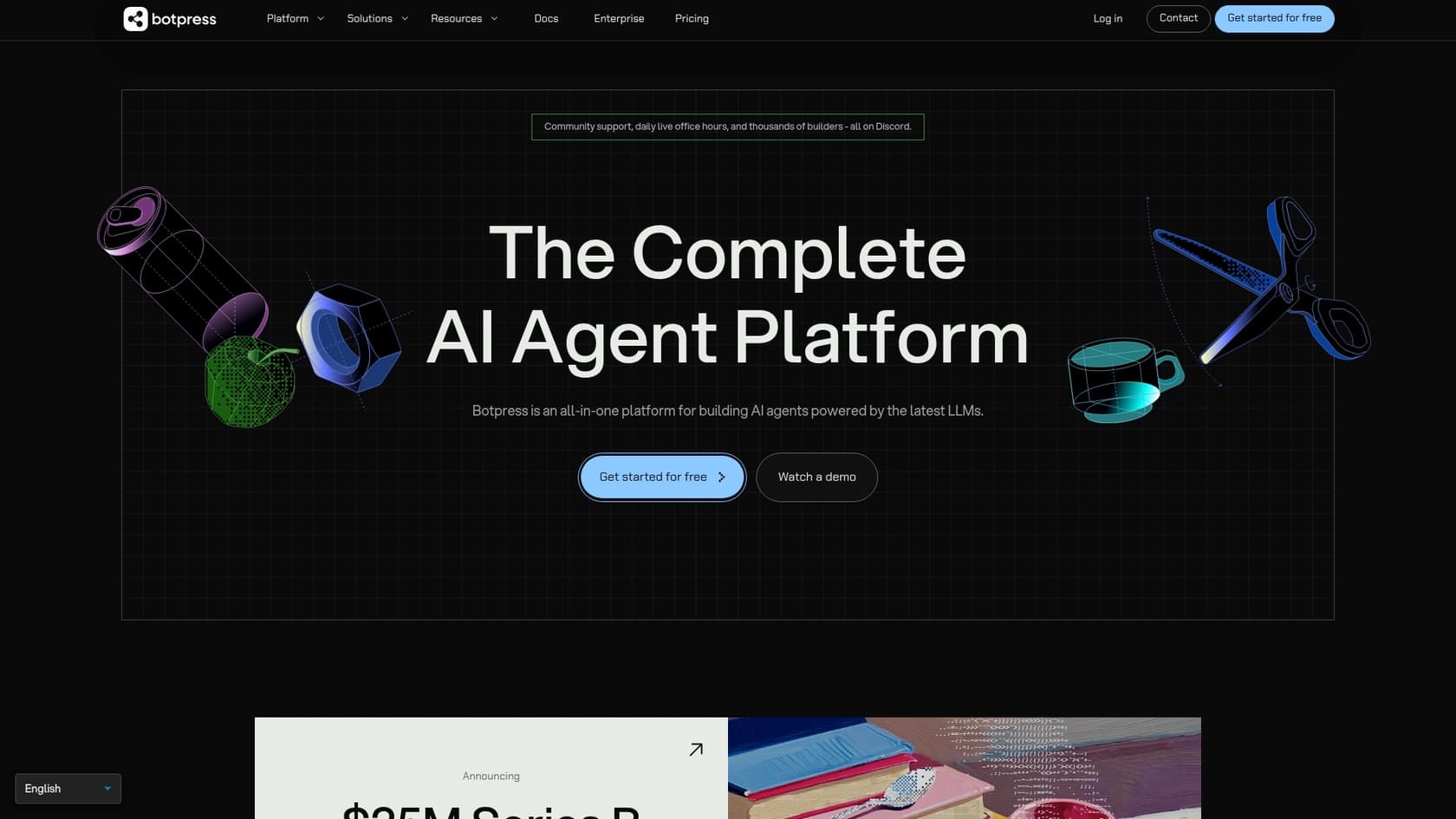
Botpress finds a nice middle ground between pure code and no-code builders. It has a slick visual conversation builder that lets you map out how a chat should go, but you can always jump into code to handle trickier logic. Its modular design lets you add integrations and new skills like snapping together building blocks.
-
The good: The visual editor speeds things up and makes it easier for developers and conversation designers to work together. It's easy to extend and comes with a decent set of pre-built integrations.
-
The not-so-good: Its built-in NLU isn't quite as powerful as Rasa's. Managing a large-scale Botpress setup on your own servers can also get complicated.
-
Pricing: Botpress has a free plan with 100 conversations a month. After that, the Plus plan is $150/month (billed annually) for 250 conversations and features like WhatsApp and whitelabel webchat, while the Team plan at $750/month adds unlimited seats and collaboration tools. Pricing is now per conversation, not per message.
3. Microsoft Bot Framework
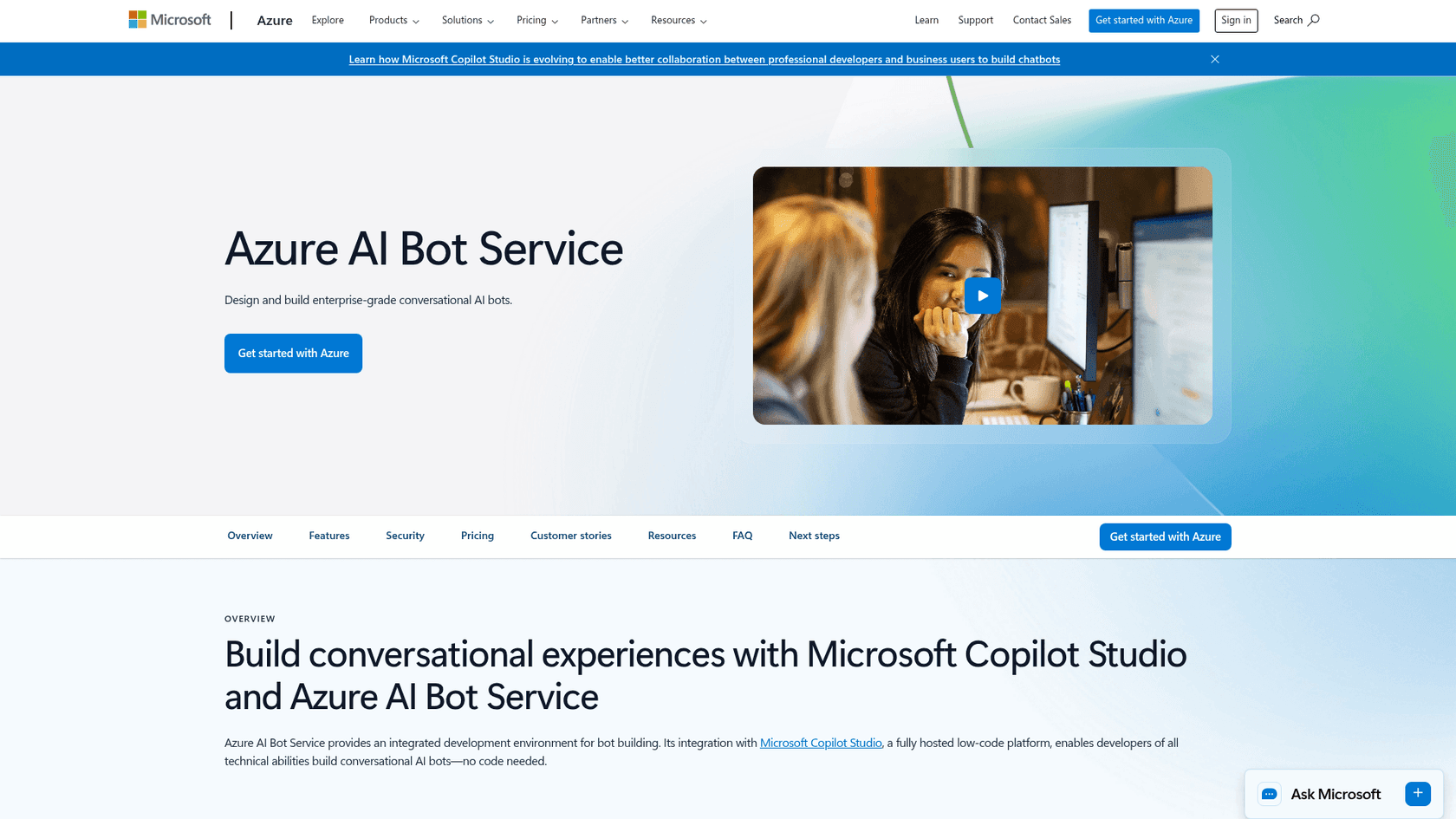
This is Microsoft's big, enterprise-level toolkit for building bots. It's less of a single app and more of a collection of services and tools that all work together. It's tied deeply into the Azure cloud, using Azure AI services for its language smarts.
-
The good: It's built to scale and is loaded with features for security and governance that large companies need. It also supports different programming languages like C# and Node.js.
-
The not-so-good: It can feel like overkill for smaller projects. You really only get the full benefit if you're already all-in on the Azure ecosystem, which can lock you in.
-
Pricing: The framework itself is open source. The costs come from whichever Azure services you end up using. Standard channels are free, while premium channels run around $0.50 per 1,000 messages, plus hosting and any other AI services your bot needs. It can be tricky to predict your final monthly bill.
4. LibreChat
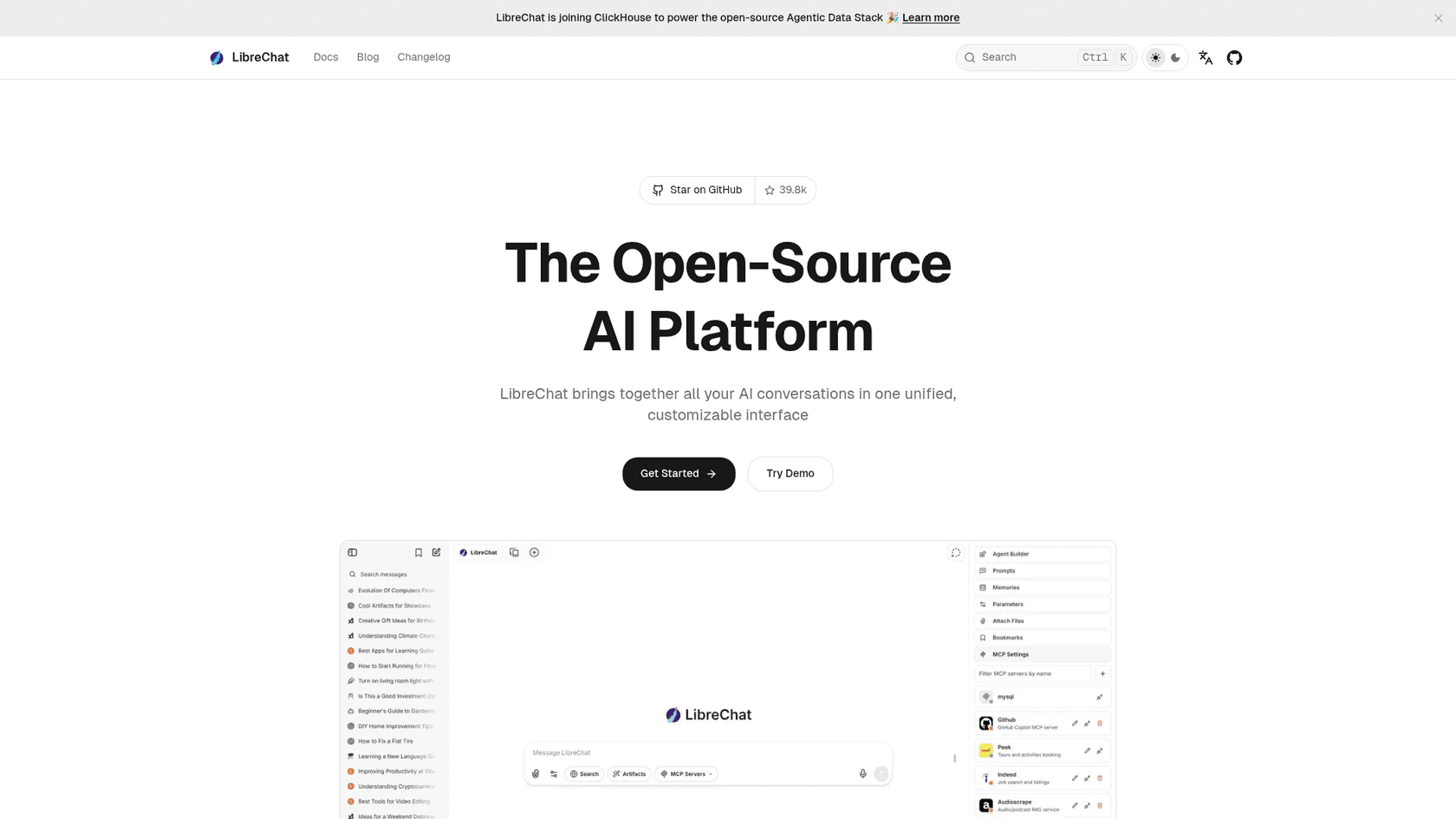
LibreChat is a newer project trying to solve a different problem: the messy, fragmented world of large language models (LLMs). Instead of building its own AI brain, it gives you a clean, open-source interface that can plug into different AI providers like OpenAI, Google, Mistral, Anthropic, and others.
-
The good: It lets you switch between different LLMs without rebuilding your whole chat interface. It's a great open-source replacement for paid interfaces like ChatGPT Plus.
-
The not-so-good: It's really just a chat interface, not a full-blown automation platform. You still have to pay for the external AI services that do all the actual "thinking."
-
Pricing: The LibreChat software is free. Your costs will be whatever the APIs for the LLMs you use charge you, plus your own server hosting expenses.
5. Typebot
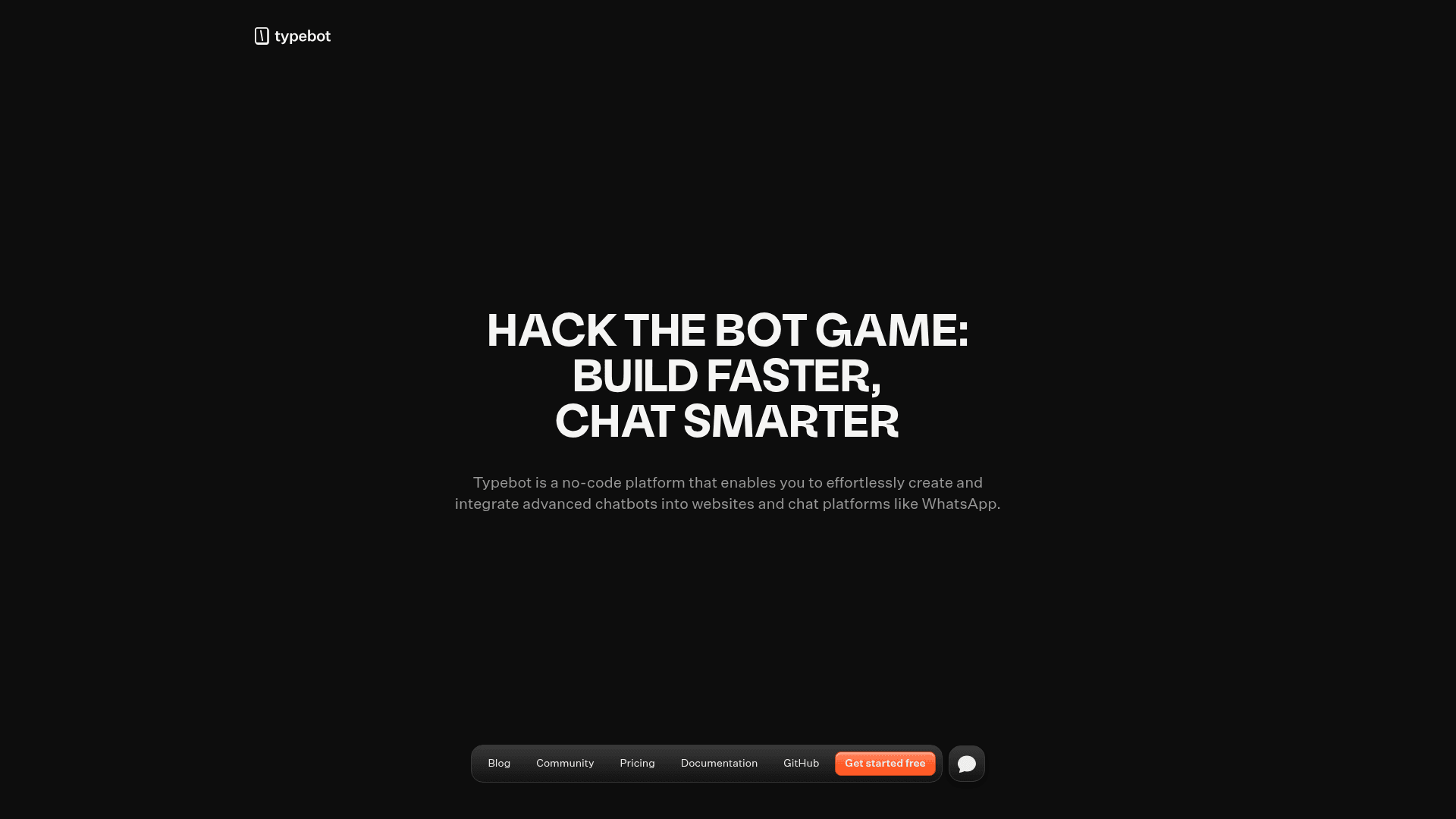
Typebot is a neat open-source tool that kind of blurs the line between a chatbot and a really smart web form. It's amazing for creating beautiful, guided conversations to capture leads, run surveys, or onboard new users. Its visual, drag-and-drop builder is super intuitive.
-
The good: It's incredibly easy to use, even if you're not a developer. The visual builder is a pleasure to use, and it's perfect for creating structured conversations that guide a user through a process.
-
The not-so-good: It wasn't built for the kind of free-form, complex support automation that needs deep language understanding. Think of it more for specific tasks than for answering random questions.
-
Pricing: Typebot has a free plan that includes 200 chats per month. The Starter plan is $39/month for 2,000 chats, and the Pro plan is $89/month for 10,000 chats and extras like a WhatsApp integration.
6. Botkit
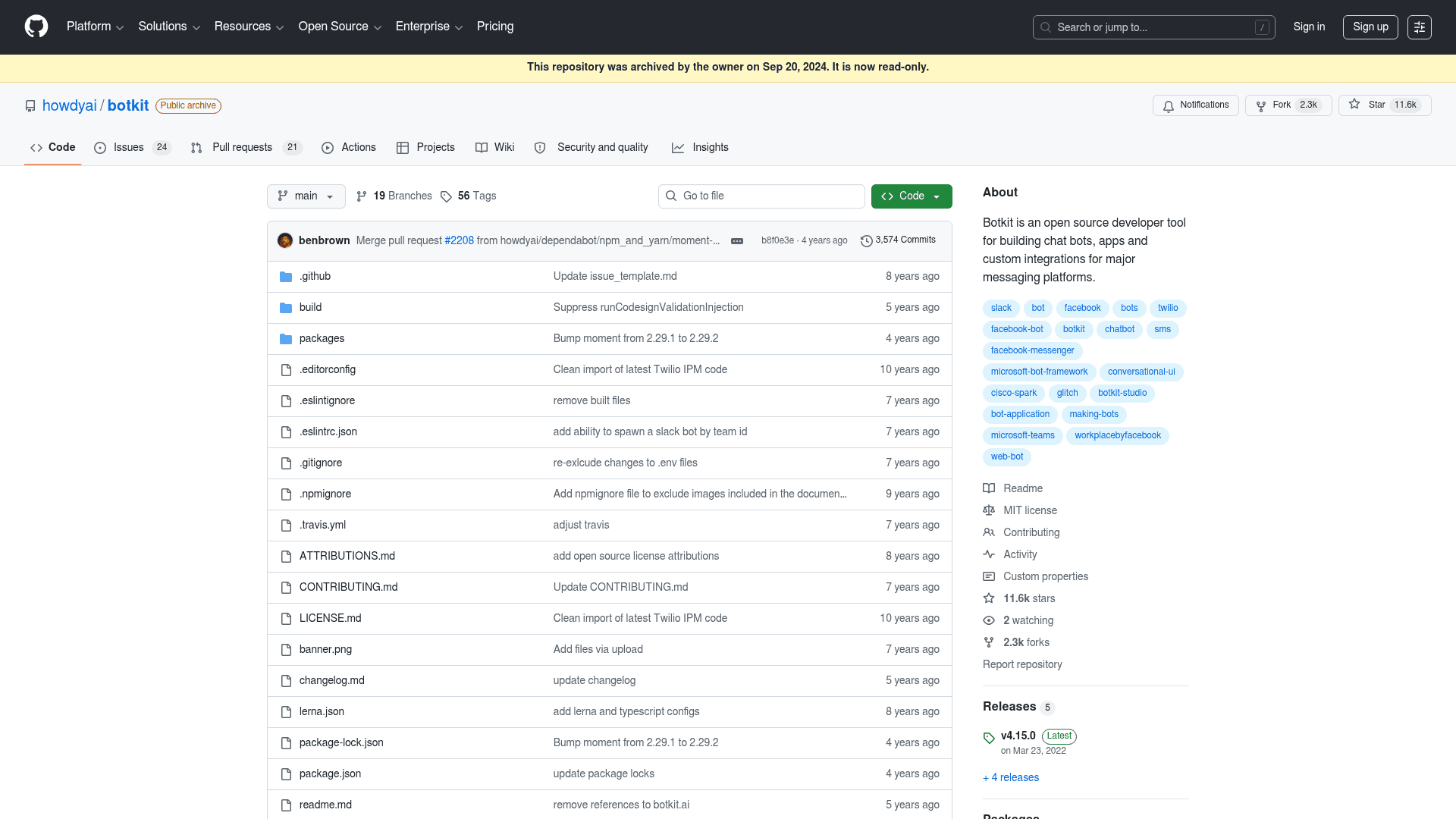
Botkit, which was bought by Microsoft, was created to make it super simple for developers to build bots for chat platforms like Slack and Microsoft Teams. It's now part of the bigger Bot Framework, but its GitHub repository was archived in September 2024, which means it's no longer being actively developed.
-
The good: It was great for getting a simple bot up and running quickly inside a chat app. It had a big library of plugins and good documentation.
-
The not-so-good: The project is no longer maintained, which is a major red flag if you're starting something new. For anything advanced, it leans on the wider Bot Framework anyway.
-
Pricing: Free and open-source. Any costs would just be for hosting it.
7. Tock
Tock is a full-featured conversational AI platform designed from day one to handle both voice and text. This makes it a really interesting option if you're trying to build a true multimodal assistant that can work as both a chatbot and a voice assistant.
-
The good: It's excellent for bots that need to handle both text and voice. It works on any platform and includes an admin interface for managing conversations and looking at analytics.
-
The not-so-good: The community is smaller than giants like Rasa or Botpress, so finding help can be a bit tougher. Getting it set up can also be a pretty involved process.
-
Pricing: Tock is completely free to use. All your costs will come from the servers and development time you put into it.
A smarter alternative to open source chatbot platforms: Get control without complexity
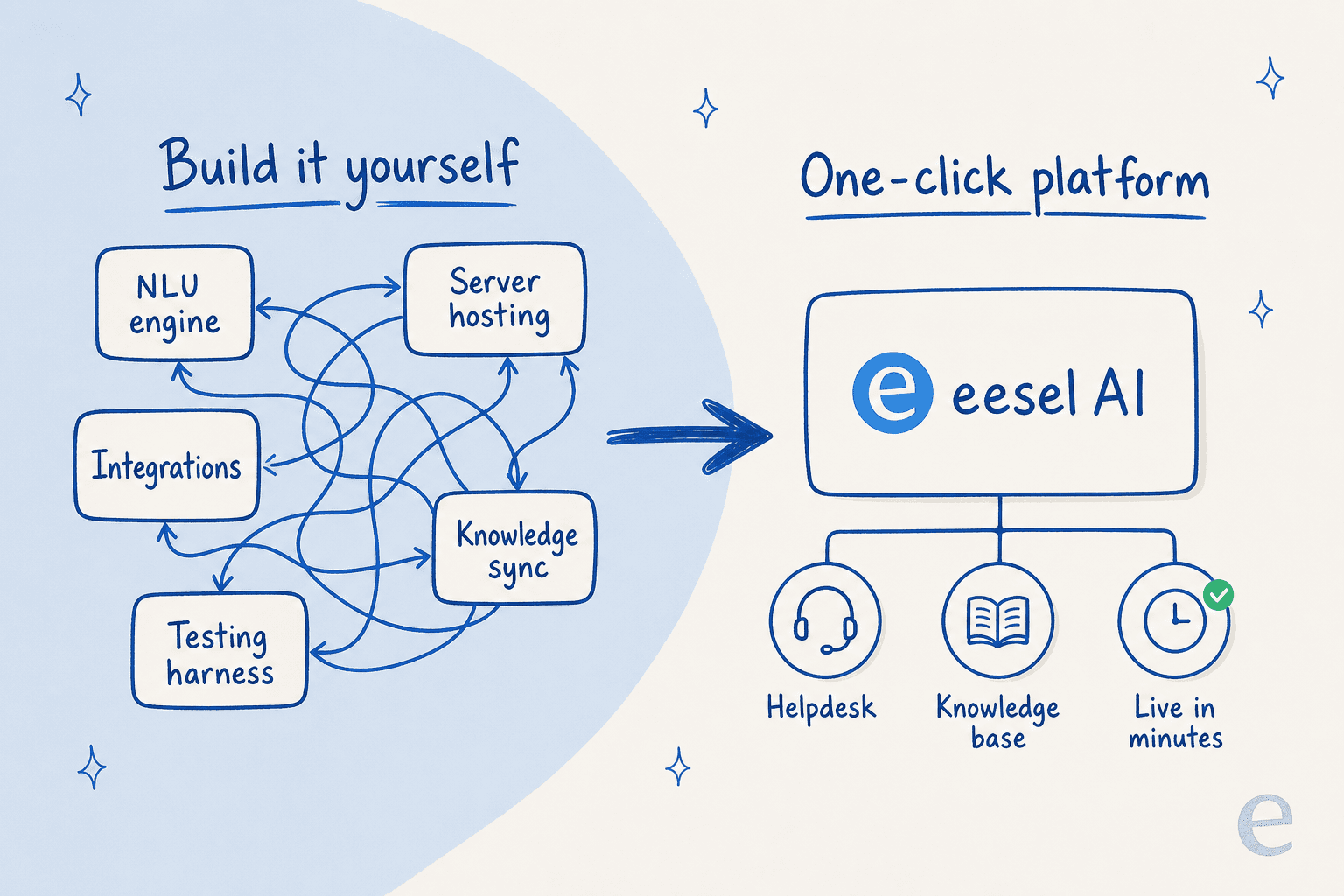
Okay, you've seen the options. They're powerful, for sure, but they all ask for a massive amount of engineering work. What if you could get the customization you want from open-source without spending months on development and maintenance?
The truth is, most companies don't actually want to build a chatbot framework. They want to solve a business problem, like cutting down on support tickets, answering customer questions faster, and giving their support team a break.
Go live in minutes, not months
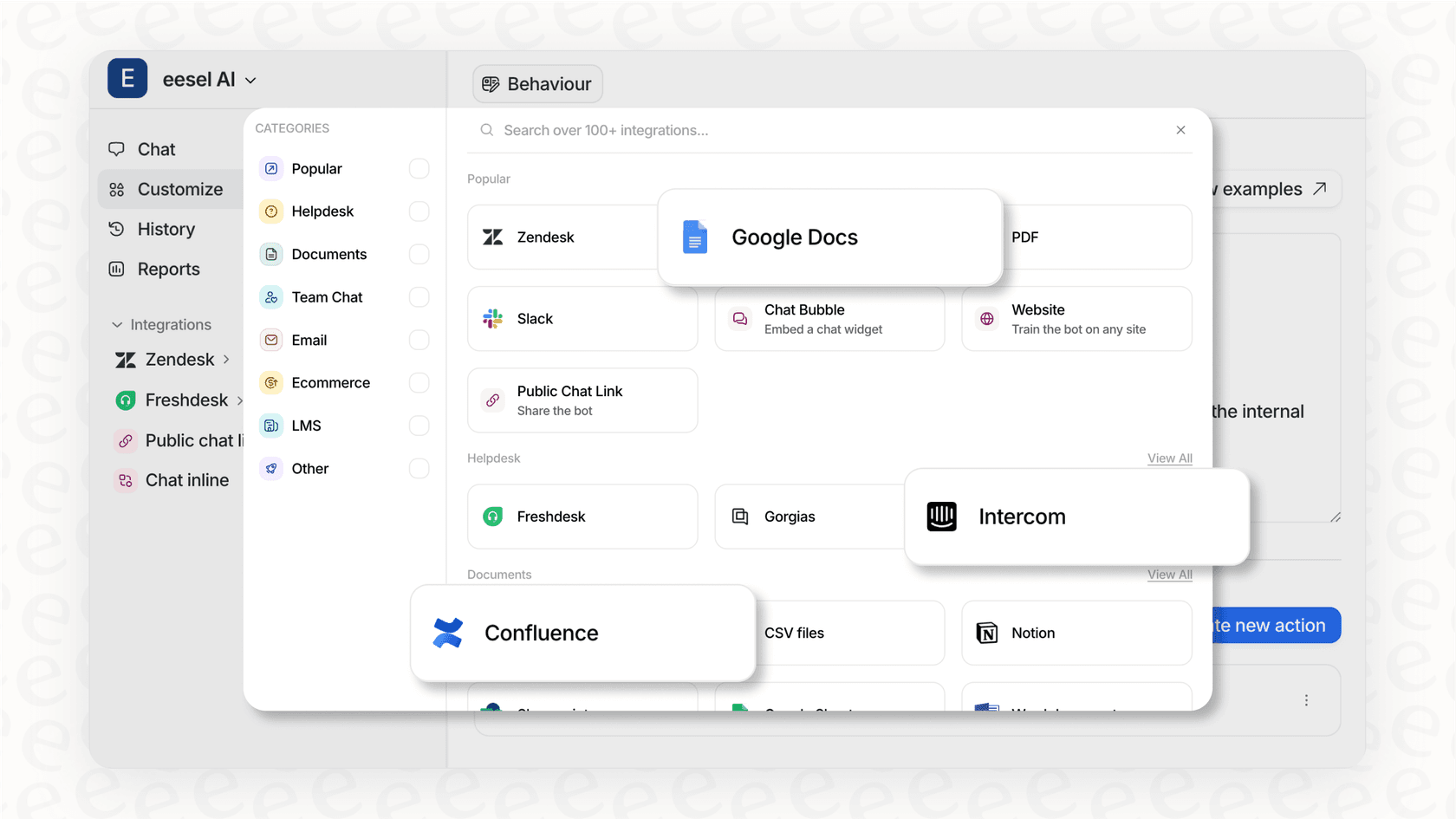
Open-source projects start with a command line and a blank screen. A customer service automation platform like eesel AI starts with a one-click integration. You can connect it to your help desk (like Zendesk or Freshdesk) and your knowledge bases (like Confluence or Google Docs) in a few minutes. It's a self-serve platform, which means you could be up and running before you'd even finish installing the software for an open-source tool. Having spent years putting AI on live support queues, I can tell you the gap between "demo works" and "safe in production" is exactly the part open-source leaves to you.
Get full control over your workflow without the code
The main reason people pick open-source is for control. But that control doesn't have to mean writing thousands of lines of code. eesel AI gives you fine-grained control over the business logic, which is the part that really matters. Using a simple prompt editor, you can:
-
Choose what to automate: Decide exactly which tickets the AI should handle and which ones should go straight to a human agent.
-
Customize the personality: Define your AI's tone of voice so it sounds like part of your brand, the same way you'd shape a good customer service chatbot.
-
Limit its knowledge: Tell the AI to only use specific knowledge sources for certain situations, which is one of the simplest ways to prevent hallucinations in support.

Unify your knowledge instantly and test with confidence
One of the biggest headaches with any AI project is feeding it the right information. eesel AI automates this by learning directly from your past support tickets, macros, and connected knowledge bases.
Even better, you don't have to just launch it and hope for the best. The built-in simulation mode lets you test your AI on thousands of your past tickets in a safe environment. You can see exactly how it would have responded, get accurate predictions on your resolution rate, and spot gaps in its knowledge before a single customer interacts with it. Building a feature like that yourself in an open-source project would be a huge undertaking on its own, and it's a big reason teams choose to onboard an AI support agent instead.
Choosing the right tool for the job
Open source chatbot platforms offer incredible power for teams that have the engineering resources to handle them. If your main business is building AI infrastructure, they're a perfect choice.
But for most businesses, the goal is to solve a problem, and solve it quickly. A managed, self-serve AI helpdesk like eesel AI gives you the best of both worlds: the deep customization you want, with the speed and simplicity you need. If you're weighing the wider market, my list of the top customer support tools and this guide to self-service solutions are good next reads. The choice is yours: do you want to spend the next six months building a framework, or the next ten minutes solving your support backlog?
Ready to automate support the smart way?
Don't spend months building a framework from scratch. Launch a powerful, fully customizable AI agent that learns from your existing knowledge in minutes, or see exactly how to build an AI helpdesk with eesel. Try eesel free and see how quickly you can get started.

Share this article

Article by
Kenneth Pangan
Writer and marketer for over ten years, Kenneth Pangan splits his time between history, politics, and art with plenty of interruptions from his dogs demanding attention.