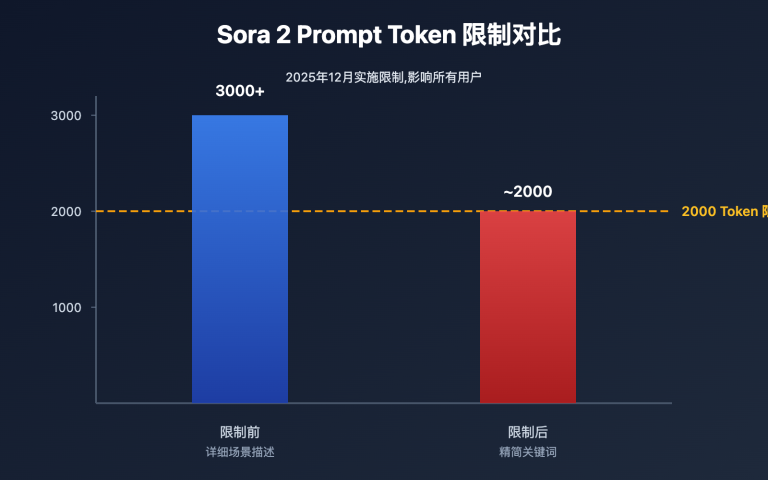
"Why are today's generated videos so blurry?" — Recently, many users have reported a noticeable decline in video clarity from Sora 2. Despite the resolution remaining at 704×1280, the footage appears significantly blurred.
This issue isn't isolated but a widespread phenomenon caused by OpenAI's strained computational resources. This article provides an in-depth analysis of the real reasons behind Sora 2's video blurriness and offers optimization suggestions.
Core Value: Understand the root causes of Sora 2's video clarity decline, master techniques to improve generation quality, and set appropriate expectations.
👁 sora-2-video-blurry-quality-issue-en 图示
Description of Sora 2 Video Blurriness Phenomenon
Recent user feedback on Sora 2 video quality issues primarily manifests as:
| Phenomenon | Specific Manifestation | User Confusion |
|---|---|---|
| Clarity Decline | Blurry images, lost details | Why is it blurry when resolution hasn't changed? |
| Quality Instability | Same prompt, quality varies | Why are results inconsistent? |
| Detail Smearing | Blurred facial features, text, etc. | Is my prompt the problem? |
| Enhanced Motion Blur | More pronounced in fast-motion scenes | Is the video compressed? |
A Typical Case
Users calling Sora 2 via API to generate videos see returned video parameters showing:
- Resolution: 704×1280 (normal)
- Frame Rate: Normal
- File Size: Normal
However, when actually viewing, the footage is noticeably blurrier than before. This leads many users to suspect that API service providers have compressed the videos.
📌 Clarification: Sora 2 video API called through APIYI is a reverse-engineered version of the official app, with generation effects identical to the official site. Videos undergo no compression processing. The clarity decline is an issue with the OpenAI platform itself.
👁 sora-2-video-blurry-quality-issue-en 图示
The Real Reason Behind Sora 2's Blurry Videos
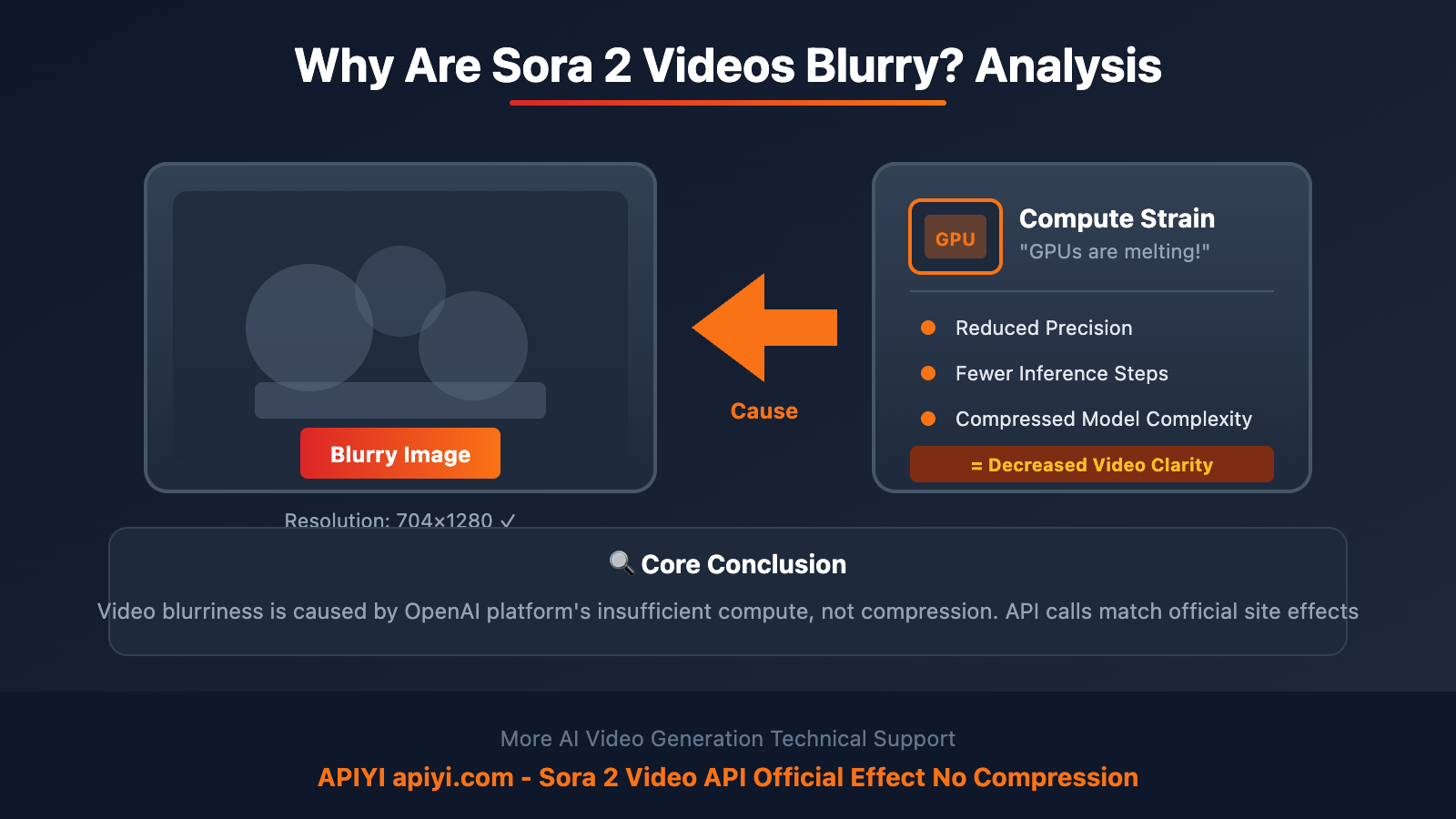
After analysis and industry observation, the fundamental reason for Sora 2's blurry videos is the computational power shortage on the OpenAI platform.
Reason 1: Insufficient GPU Computing Resources
Sora 2's video generation requires massive GPU computing resources. Bill Peebles, OpenAI's Sora lead, has publicly stated: "Our GPUs are melting!"
When user volume surges while computational power can't keep up, the platform may:
- Reduce computational precision during the generation process
- Decrease the number of inference steps
- Compress the model's computational complexity
All these measures directly lead to decreased clarity in output videos.
Reason 2: Silent Quality Degradation by the Platform
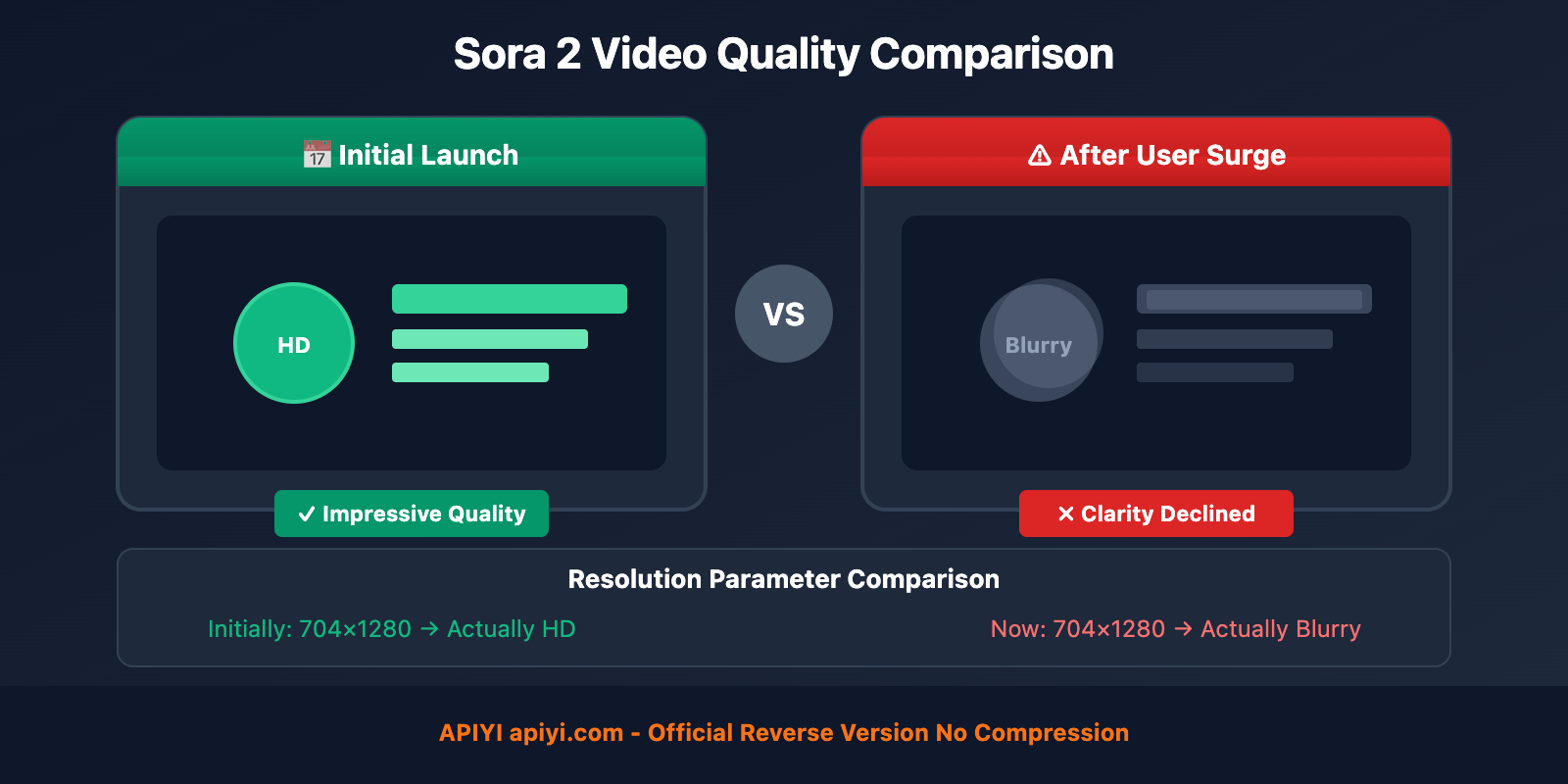
According to user feedback from overseas communities, OpenAI may have adjusted Sora 2's generation parameters without public disclosure. Reddit users in the OpenAI subreddit discussed "It's insane how badly they've ruined Sora 2 already," reflecting that quality "plummeted overnight."
| Period | Quality Performance | Possible Cause |
|---|---|---|
| Initial Release | Impressive Results | Sufficient Resources, Few Users |
| After User Surge | Quality Decline | Resource Strain, Silent Degradation |
| Peak Hours | More Pronounced | Intense Resource Competition |
Reason 3: The Difference Between Resolution vs. Clarity
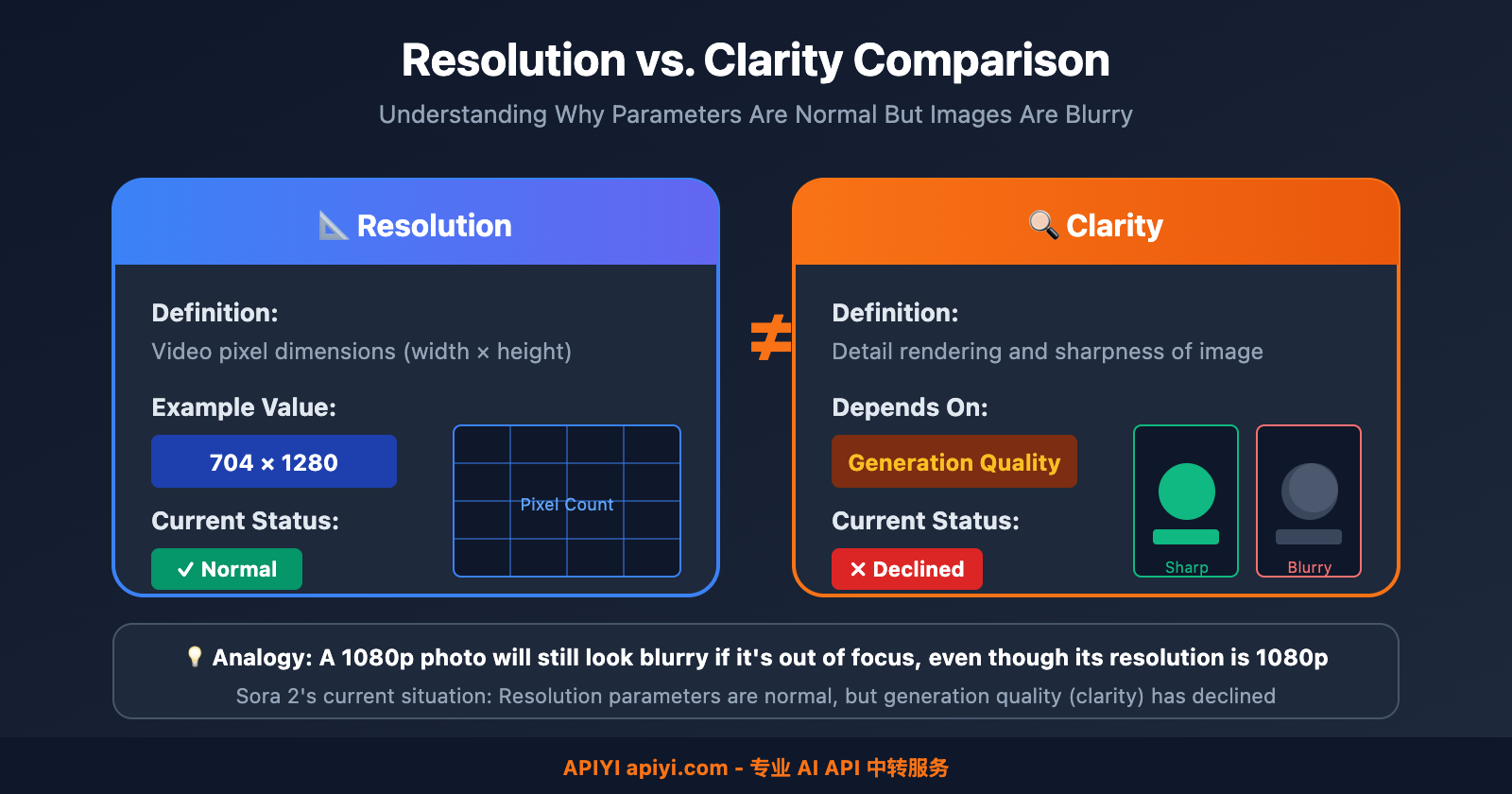
Many users confuse the two concepts of resolution and clarity:
- Resolution: The pixel dimensions of the video (e.g., 704×1280), this parameter remains unchanged
- Clarity: The detail rendering capability of the image, depends on generation quality
Just like a 1080p photo, if it's out of focus during capture or excessively compressed, even though the resolution is 1080p, it will still look blurry. Sora 2's current situation is similar—resolution parameters are normal, but generation quality (clarity) has declined.
👁 sora-2-video-blurry-quality-issue-en 图示
Why Do API Calls Also Experience This Issue?
Some users ask: Can calling Sora 2 through an API avoid this problem?
The Nature of API Calls
The Sora 2 video interface provided by APIYI is a reverse-engineered version of the official App, which means:
| Feature | Description |
|---|---|
| Generation Engine | Uses OpenAI's official Sora 2 model |
| Generation Quality | Identical to the official website |
| Video Processing | No compression, no quality degradation |
| Quality Fluctuation | Synchronized with the official platform |
Therefore, when OpenAI's platform experiences computing resource constraints leading to quality degradation, API calls will be affected in the same way—this is an upstream issue, not a problem with the API service provider.
This Actually Proves the Authenticity of the API
Looking at it from another angle, the fact that API calls experience the same quality fluctuations as the official website precisely proves that:
- The API uses the genuine Sora 2 model
- Videos are not reprocessed or compressed
- The service provides authentic official capabilities
🎯 Positive Perspective: While quality fluctuations are frustrating, they also prove that APIYI apiyi.com provides genuine Sora 2 capabilities, not a downgraded version.
Sora 2 Video Quality Optimization Recommendations
Although computing resource issues cannot be fundamentally solved from the user end, you can improve generation success rate and quality stability through the following techniques:
Prompt Optimization Tips
| Technique | Description | Effect |
|---|---|---|
| Simplify Scenes | Reduce unnecessary detail descriptions | Lower computational complexity |
| Shorten Duration | Try 5 seconds first, then generate longer videos | Improve success rate |
| Avoid Complex Actions | Reduce fast motion, multi-person scenes | Reduce motion blur |
| Specify Style | Define "high definition" "cinematic quality" | Guide model to focus on quality |
Generation Strategy Recommendations
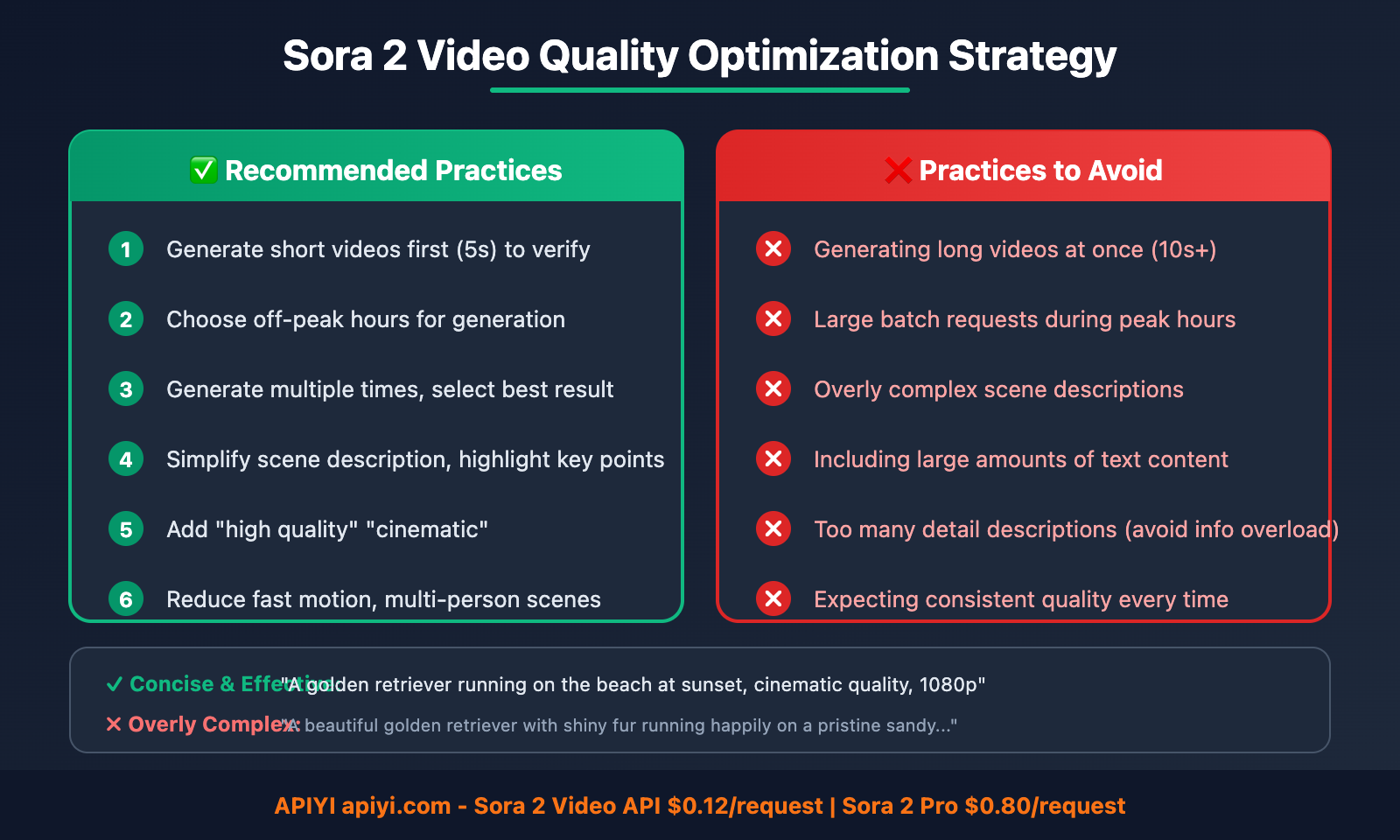
✅ Recommended Practices:
- Generate short videos first (5 seconds) to verify results
- Choose off-peak hours for generation
- Generate multiple times and select the best result
- Simplify scene descriptions, highlight key points

❌ Practices to Avoid:
- Generating long videos at once (10+ seconds)
- Large batch requests during peak hours
- Overly complex scene descriptions
- Including large amounts of text content
Best Prompt Templates
Concise and Effective Prompt Example:

"A golden retriever running on the beach at sunset,
cinematic quality, smooth motion, 1080p"

Avoid:
"A beautiful golden retriever with shiny fur running
happily on a pristine sandy beach during a gorgeous
sunset with orange and pink clouds, waves crashing,
seagulls flying, people in the background..."
👁 sora-2-video-blurry-quality-issue-en 图示
Industry Background: AI Video Generation's Computational Power Challenge
The blurriness issue in Sora 2 videos reflects the computational sustainability challenge faced by the entire AI video generation industry.
Why Does Sora 2 Consume So Much Computing Power?
| Factor | Explanation |
|---|---|
| Model Complexity | Sora 2 is currently the most advanced video generation model |
| Video Characteristics | Compared to images, videos require processing the temporal dimension |
| Quality Requirements | 1080p HD videos require massive computation |
| User Scale | Global users making simultaneous requests |
Industry Observations
Analysis from overseas media EOSHD points out:
- Sora 2 may have been operating at a "loss" when initially released
- To demonstrate capabilities to investors, the highest quality was provided initially
- As users grew, quality had to be reduced to control costs
- In the future, only professional creators (paying higher fees) may be able to use the best quality
🔍 Industry Trend: The computational cost of AI video generation is extremely high, and platforms need to find a balance between quality and scale. Users need to understand this reality and set reasonable expectations.
❓ Common Questions About Sora 2 Video Quality
🎯 Summary
The blurriness of Sora 2 videos is primarily caused by computational resource constraints on the OpenAI platform, not video compression.
Key Points:
| Point | Description |
|---|---|
| Root Cause | Insufficient platform computing power leading to degraded generation quality |
| Resolution Unchanged | Parameters like 704×1280 remain the same |
| Clarity Reduction | Decreased detail representation in video frames |
| API Unrelated | API calls produce identical results to the official website, no compression applied |
User Recommendations:
- Understand the Situation: This is an industry-wide issue, not an isolated case
- Optimize Prompts: Simplify scenes and highlight key elements
- Set Reasonable Expectations: Quality may fluctuate; consider multiple generation attempts
- Monitor Updates: Quality will improve once computational resources are enhanced
Final Note: Videos generated through Sora 2 via APIYI apiyi.com API calls produce results identical to the official website, with no compression processing whatsoever. The current quality fluctuations are upstream issues from the OpenAI platform. We will continue monitoring the situation and notify users immediately when improvements occur.
📝 About the Author: Experienced AI application developer specializing in large model API integration and architecture design. Regularly shares AI development best practices. For more technical resources and case studies, visit the APIYI apiyi.com technical community.
🔔 Technical Discussion: Feel free to discuss technical questions in the comments. We continuously share AI development experiences and industry insights. For in-depth technical support, contact our technical team through APIYI apiyi.com.