


Brave is an increasingly popular web browser for Linux and other operating systems. The focus on blocking ads and tracking by default, along with Chrome extension support, has made Brave a popular choice among Linux users.
In this tutorial, you’ll learn to install Brave on Fedora Linux. You’ll also learn about updating it and removing it.
The tutorial has been tested on Fedora but it should also be valid for other distributions in the Red Hat domain such as CentOS, Alma Linux and Rocky Linux.
Install Brave browser on Fedora Linux
You’ll have to go to the command line way for installing Brave here.
As a prerequisite, please ensure that dnf-plugin-core is installed.
sudo dnf install dnf-plugins-coreThe next step is to add the Brave repository to your system:
sudo dnf config-manager --add-repo https://brave-browser-rpm-release.s3.brave.com/x86_64/You should also import and add the repository key so that your system trusts the packages coming from this newly added repository:
sudo rpm --import https://brave-browser-rpm-release.s3.brave.com/brave-core.asc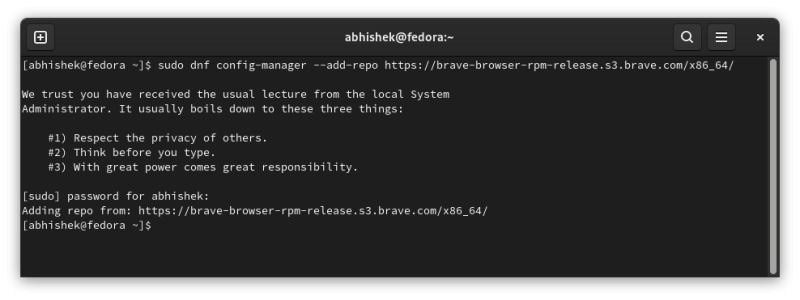
You are all set to go now. Install Brave with this command:
sudo dnf install brave-browserPress Y when asked to confirm your choice. It should take a few seconds or a couple of minutes based on your internet speed. If the DNF cache was not updated recently, it may even take longer.
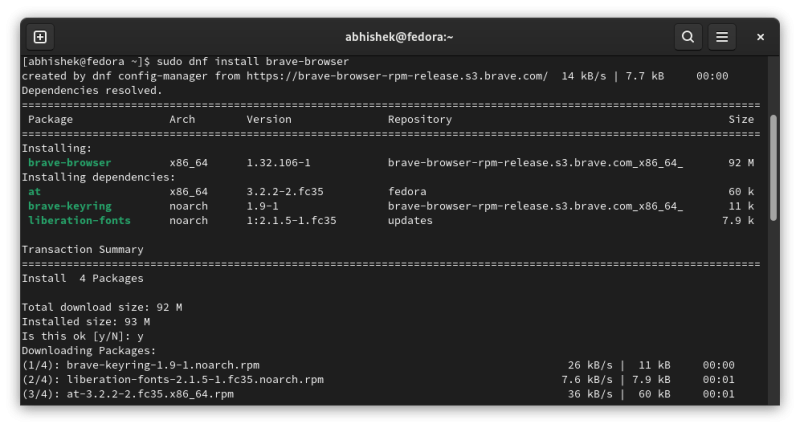
Here's a screencast of Brave installation on Fedora.

Once the installation finishes, look for Brave in the system menu and start from there.

Updating Brave browser on Fedora Linux
You have added a repository for the browser and also imported its key. Your system trusts the packages coming from this repository.
So, when there is a new Brave browser release and it is made available to this repository, you’ll get it through regular system upgrades.
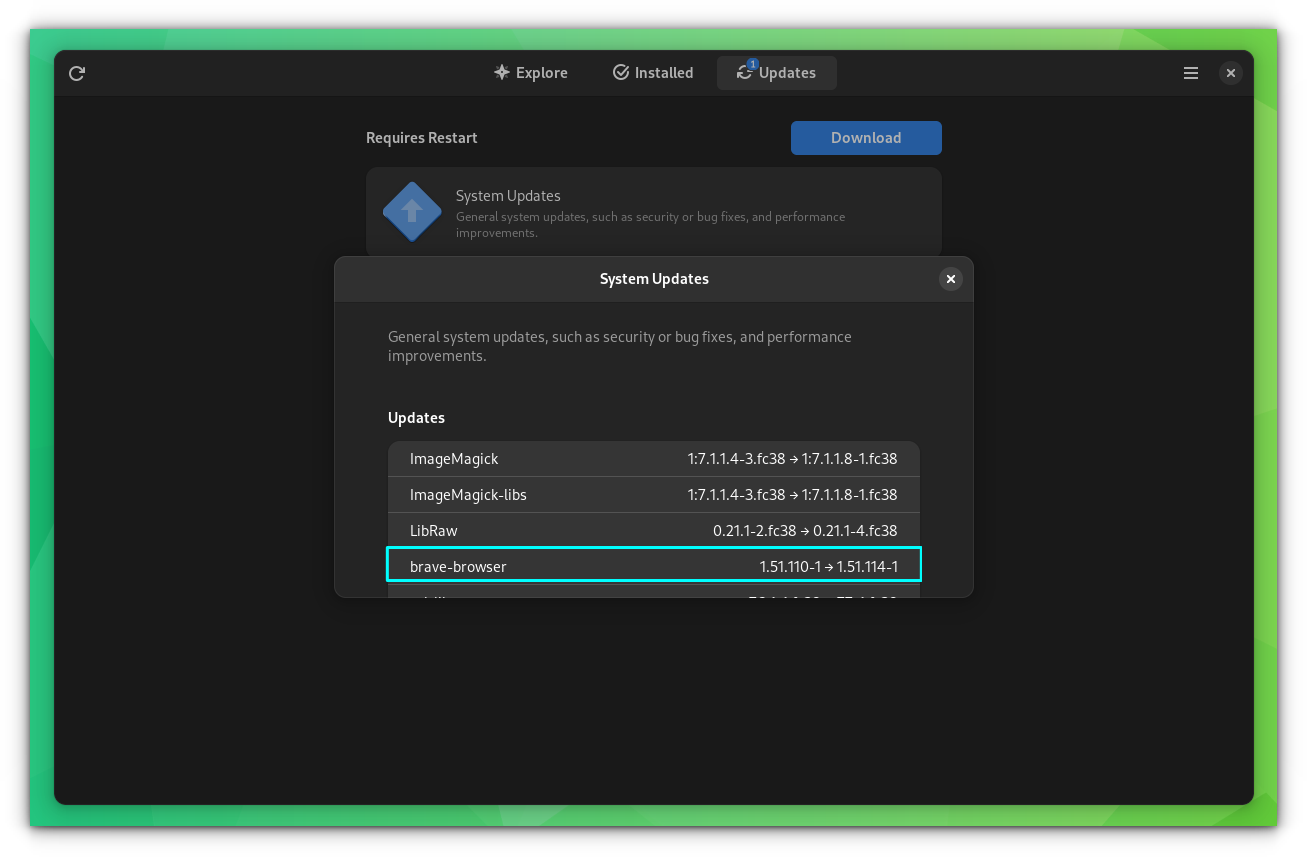
In other words, you don’t have to do anything special. Just keep your Fedora system updated and if there is a new version from Brave, it should be automatically installed with system updates.
Removing Brave browser from Fedora Linux
If you do not like Brave for some reasons, you can remove it from your system. Just use the dnf remove command:
sudo dnf remove brave-browserPress Y when asked:
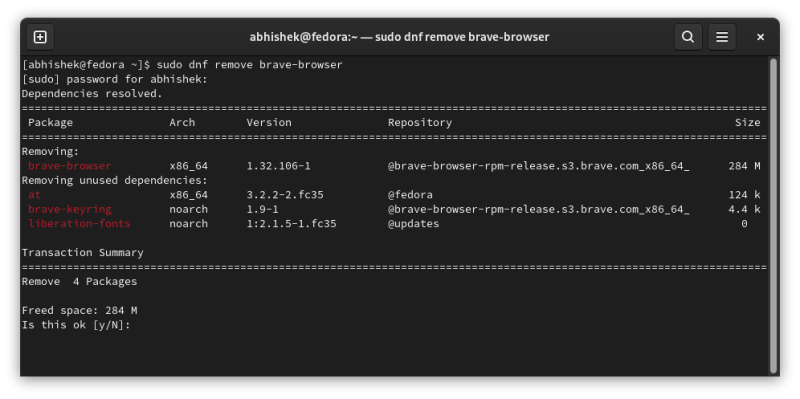
You may also choose to disable the brave-browser-rpm-release.s3.brave.com_x86_64_.repo or delete this file completely from the /etc/yum/repos.d. Though it’s not really mandatory.
Optionally again, you may choose to remove browsing data and cache to completely eliminate any remaining traces of Brave from your system.
These are located in ~/.config/BraveSoftware and /.cache/BraveSoftware. You can use the command line or the file explorer to delete these folders.
rm -rf ~/.config/BraveSoftware
rm -rf ~/.cache/BraveSoftware
Get more out of Brave browser
Since you have installed Brave on Fedora, how about learning about a few tips and tweaks?
For instance, you can save downloaded files automatically in Brave Browser.


Brave has a Picture-in-Picture mode. You probably didn't know about it because it is sort of hidden. Here's how to use it.

Go dark by enabling the dark mode in Brave.
Last but not least, you might want to try Brave Search considering Brave Browser is your primary web browser. The experience should be seamless, and you get many good search features in Brave Search.

I hope you find this quick tip helpful. If you have any questions or suggestions, please let me know.
