


It may not seem obvious, but you can add images in Markdown.
All you need to do is to use Markdown syntax like this:
The alt text is basically a way to describe the image. It is not shown in the rendered text. You can even leave it out if you want:
Here's an example.
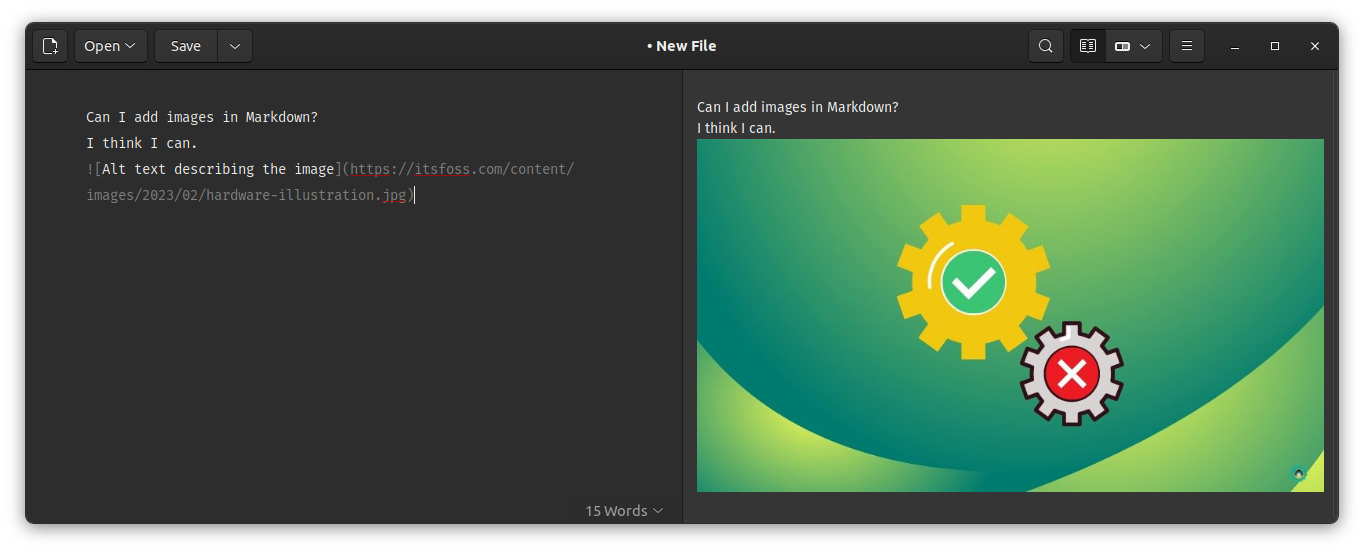
Insert local images in Markdown
So far, all the images had an actual web URL that could be accessed from anywhere.
But what if you are writing a document and want to insert images stored on your system?
Yes, that can be done as well. All you have to do is to give it a path relative to the location of your Markdown file.
I suggest keeping the Markdown files and the images in the same folder. In that case, you just have to give the filename of the image.
However, a better way to organize is to use a separate sub-folder for images. This way, the images do not clutter the main view where Markdown files are stored.
Here's the directory structure for the example here:
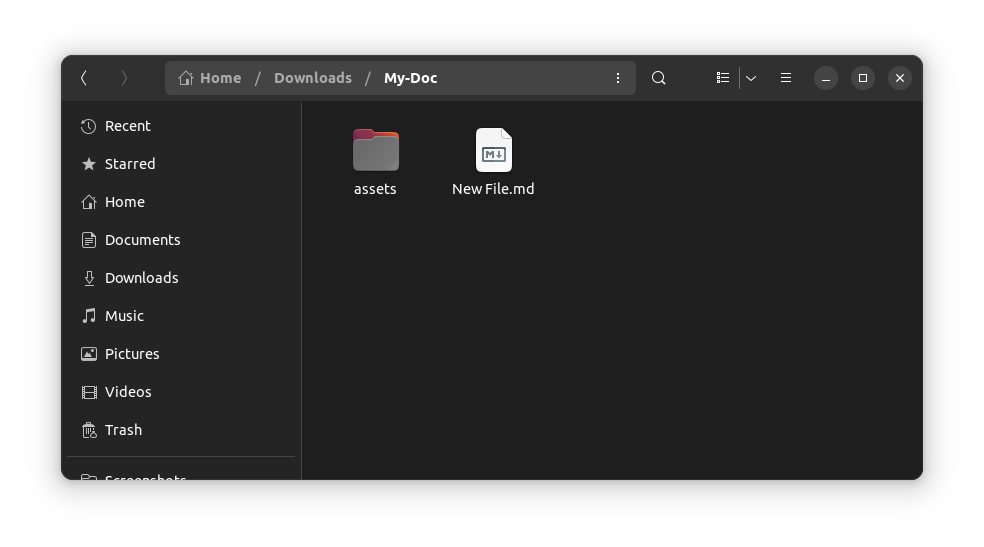
Now, to add an image, the filename could be used in the following manner:
Here's the actual result:
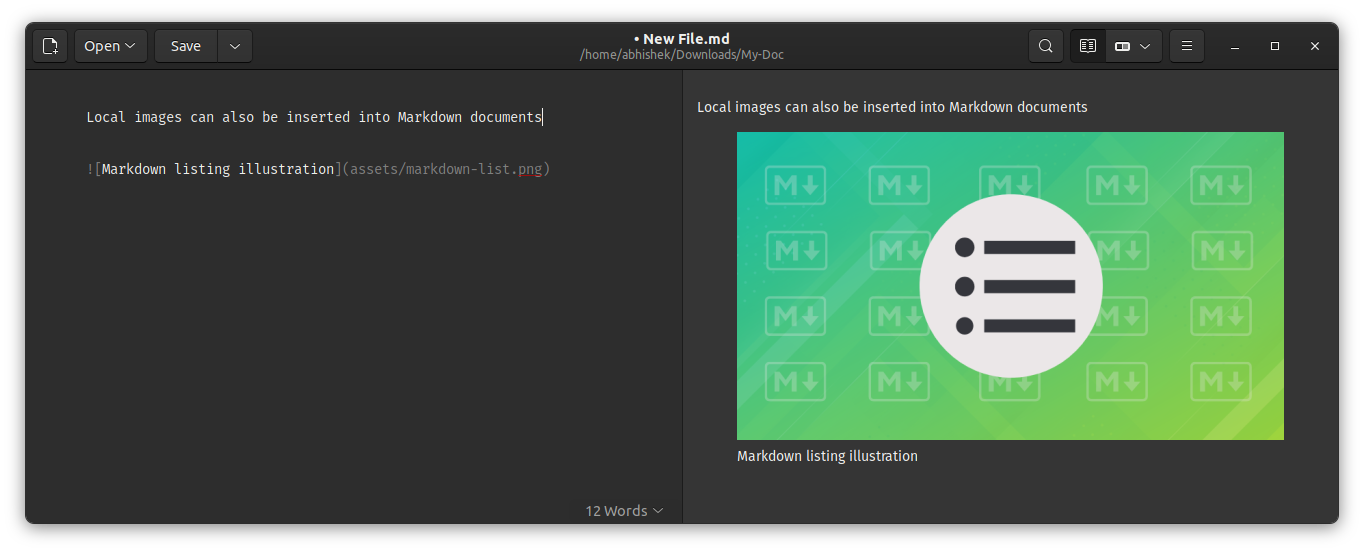
Actually, this is how I advise at times when external contributors want to send their articles. It makes things easier as both text and image files can be compressed in one and it is displayed properly on any system.
Picture perfect
That may not be the case but Markdown has all the necessary tools for creating beautiful documents that can be easily published on the web as well.
Of course, you need to know the syntax but once you get them in your muscle memory, you'll be unstoppable.
This cheat sheet will help you master the Markdown syntax.


I hope you find this helpful in adding images in Markdown. If you have any questions or suggestions, please feel free to leave a comment.
