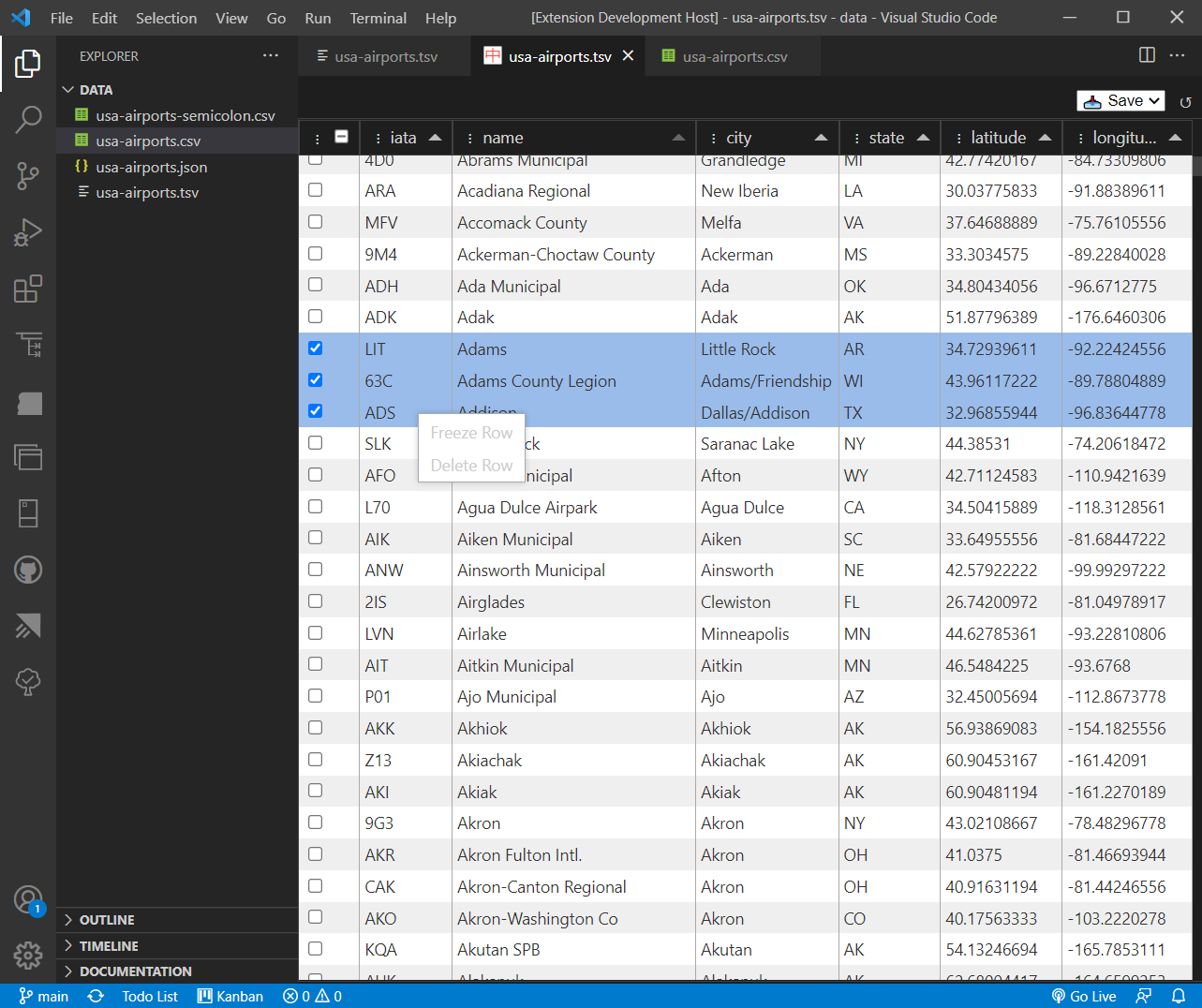
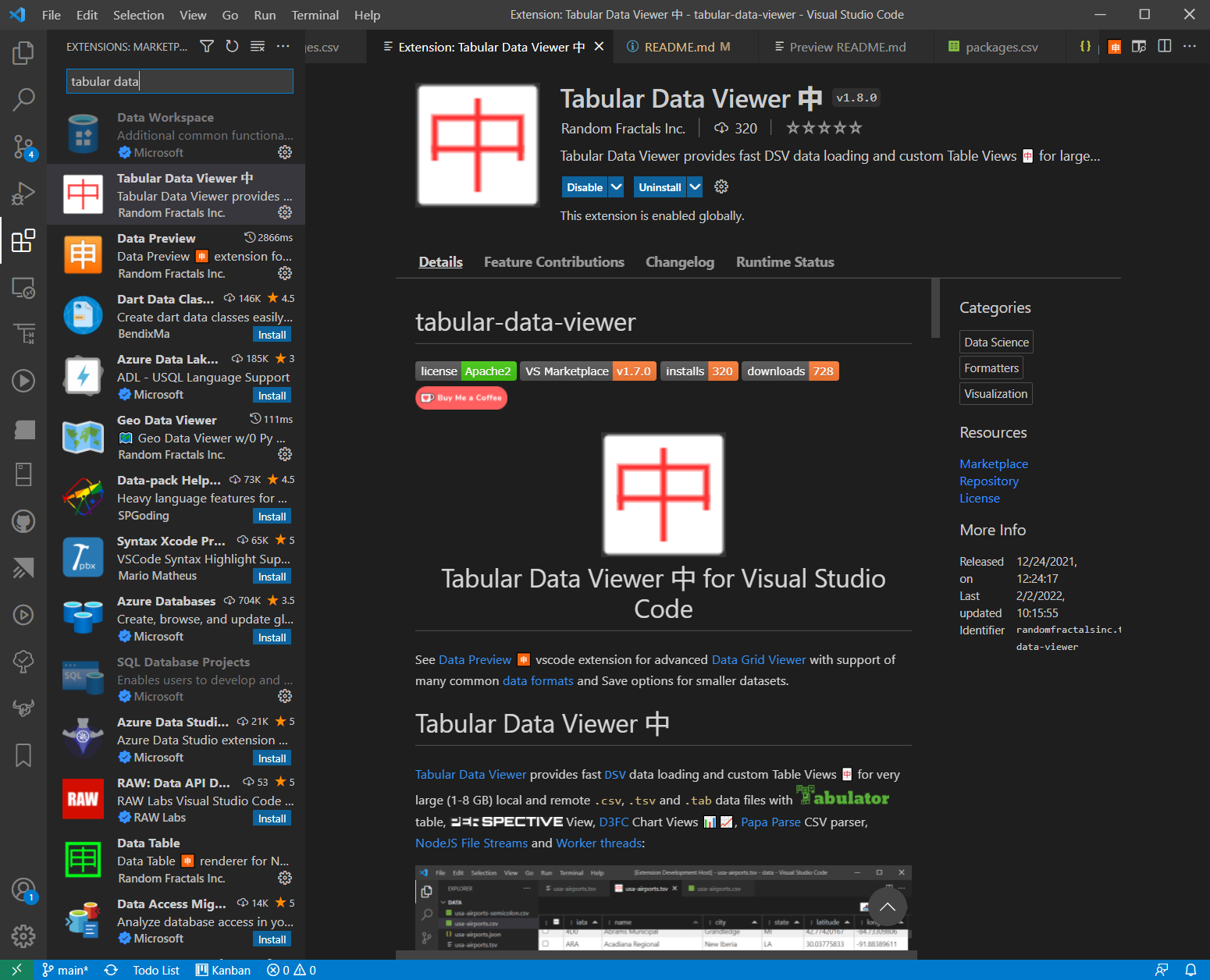
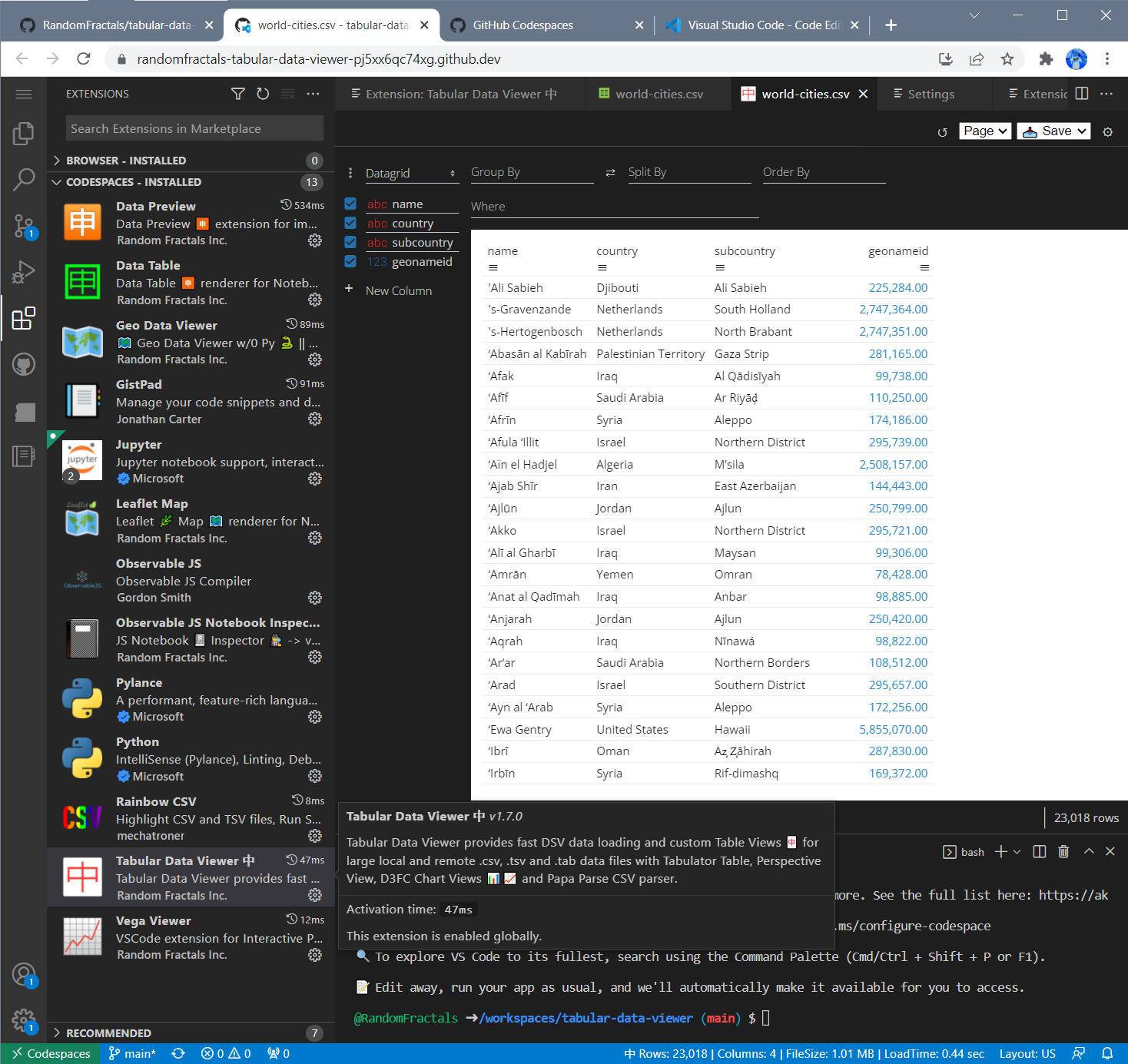
|
VOOZH | about |
|
VOOZH | about |
tabular-data-viewer👁 Apache-2.0 License
👁 Image
|
Setting tabular.data. |
Type | Default Value | Description |
|---|---|---|---|
createTableSchemaConfig |
boolean | true |
Create table *.schema.json configuration file alongside data file when parsing CSV data. |
createTableViewConfig |
boolean | true |
Create *.table.json configuration file alongside data file for saving and restoring customized Table View 🀄 columns, sort settings, Perspective View and D3FC Charts 📊📈 config options. |
pageSize |
integer | 100000 |
Default Data Page Size to use for incremental loading and display of large datasets. |
parser.dynamicTyping |
boolean | true |
Enable type conversions for numeric and boolean data fields when parsing CSV data. Set this option to false to speed up large datasets parsing and loading. |
ui.theme |
string | light |
Default data view UI theme to use for tabular data display. Current options include light and dark UI themes for Tabulator and Perspective data views. |
view |
string | Tabulator |
Default Tabular Data View type to use for displaying data. Current options include Tabulator and Perspective. |
You can set your Tabular Data Viewer 中 Configuration Settings by adding them to ./vscode/settings.json in your project workspace. The following workspace configuration settings will default Table Views 🀄 to use Perspective Data Grid and Dark UI theme for tabular data and basic D3FC Charts 📊📈 display:
{
	// Tabular Data Viewer settings for this workspace
	"tabular.data.view": "Perspective",
	"tabular.data.ui.theme": "dark"
}
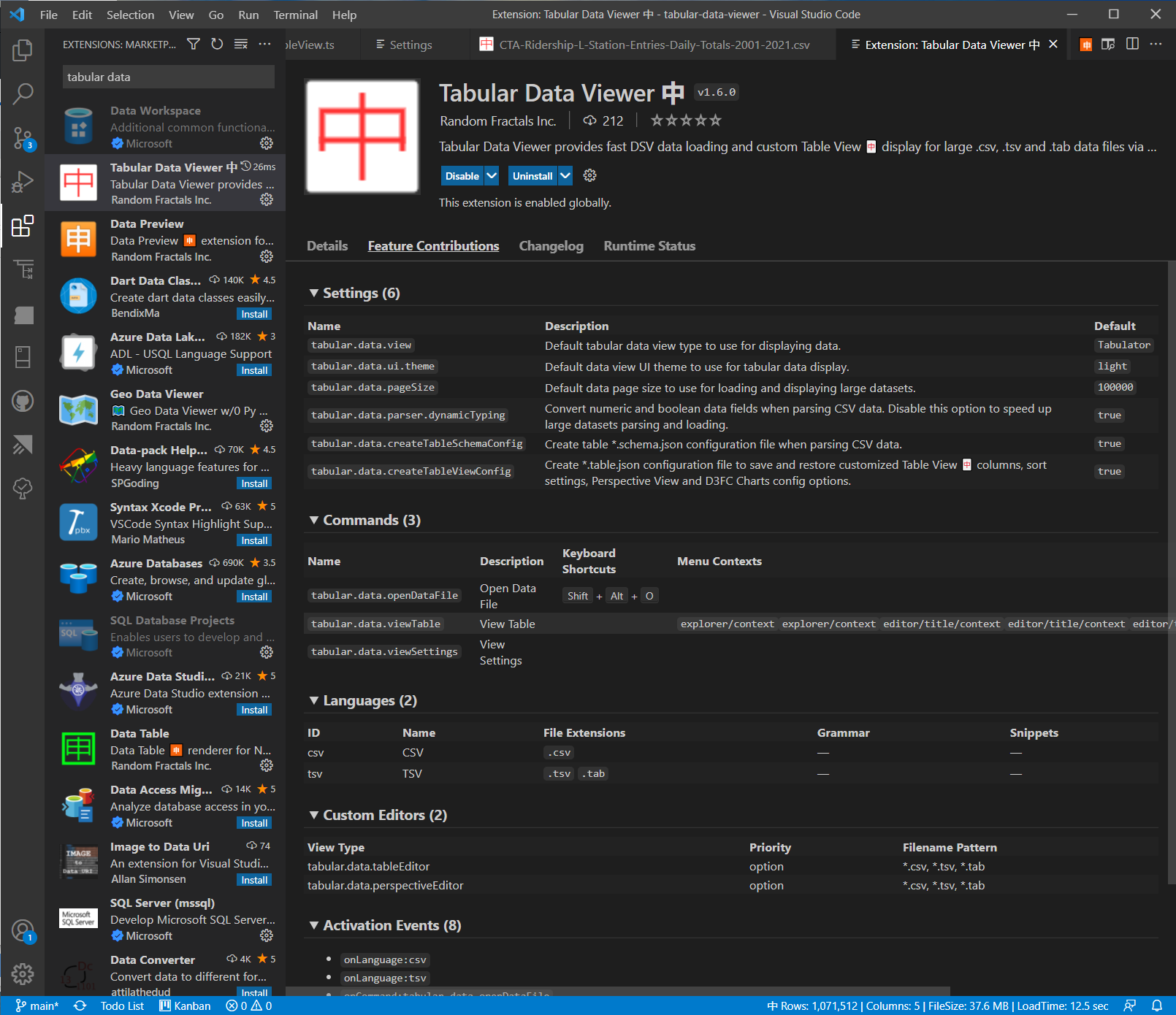
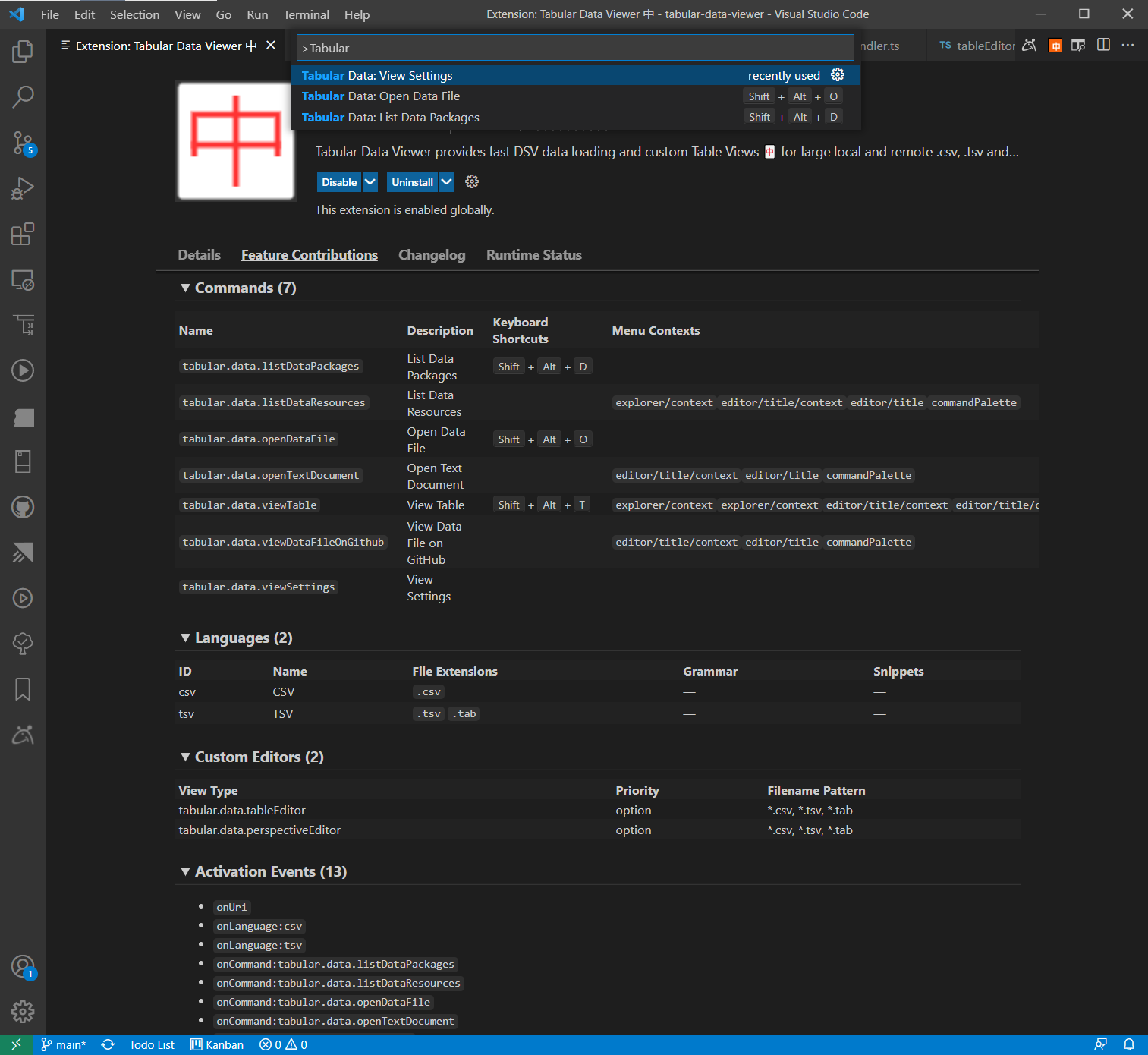
You can also view Tabular Data Viewer 中 Configuration Settings via standard vscode Preferences -> Settings -> Extensions -> Tabular Data Viewer Settings view or use custom Tabular Data: View Settings command from View -> Command Palette... menu prompt by typing Tabular in it.
👁 Tabular Data Viewer 中 Configuration Settings
Hit Reload ↺ button in an open Table View 🀄 after you toggle Tabular Data Settings to activate your configuration changes.
Note: tabular.data.view type default and tabular.data.ui.theme Setting changes might require you to close and reopen Tabular Data Views for those settings to take effect.
Tabular Data Viewer 中 provides a number of global and context specific commands to load and view tabular data files and Data Packages 📦.
You can access custom Tabular Data Commands from View -> Command Palette... menu (ctrl+shift+p) by typing Tabular in the command search box:
All Tabular Data Commands start with Tabular Data: prefix, and exposed public Tabular Data Viewer 中 command Ids use tabular.data. prefix to enable other extensions to use Table View 🀄 and tabular data list commands.
Some of the Tabular Data Commands like View Table and List Data Resources are enabled in vscode file explorer and in code editors for the supported data file types and formats via the corresponding context menues in vscode IDE.
Currently supported Tabular Data 中 Commands include:
Command tabular.data. |
Name | Description |
|---|---|---|
listDataPackages |
List Data Packages | Lists over 750 public Data GitHub Repositories with datapackage.json configuration files that ship with Tabular Data Viewer 中 v1.8.0 and above for exploring public datasets and Tabular Data Resources. Curated list of those Data Packages 📦 is configured in our packages.json configuration file. |
listDataResources |
List Data Resources | Lists Tabular Data 中 Resources for an open datapackage.json file in an active vscode editor or a public dataset GitHub repository selected from the Data Package 📦 Quick Pick List above. |
openDataFile |
Open Data File | Prompts for a local file:/// or remote https:// Tabular Data Resource or a Data Package 📦 Url to load and view the Data Resource List or a Table View 🀄 for data files. |
openTextDocument |
Open Text Document | Opens local Tabular Data Resource in built-in vscode Text Editor, or opens it in a browser for GitHub hosted data sources and other data files loaded via remote https:// Urls. |
viewTable |
View Table | Displays Table View 🀄 for an open Tabular Data file in vsode Editor or from context menus in built-in File Explorer. |
viewDataFileOnGitHub |
View Data File on GitHub | Opens public GitHub Repository Data File or a Data Package in a browser. |
viewSettings |
View Settings | Displays Tabular Data Viewer 中 Configuration Settings. |
Tabular Data Viewer 中 v1.8.0 and above provides a custom Uri Handler for launching Table Views 🀄 and other tabular.data commands from a Url in a browser. All of the listed commands above can be launched from a browser using the following vscode:// Url format:
vscode://RandomFractalsInc.tabular-data-viewer/<command>[#<dataUrl>|?dataUrl=<dataUrl>]
which instructs a browser to open VSCode IDE Desktop application, activate Tabular Data Viewer 中 extension, and execute one of the tabular.data. commands via system-wide Urls. Commands that require a data file or data package Url accept that parameter via fragment/anchor (#) portion of the Url, or via dataUrl query parameter.
For example, the following vscode:// Url will display Table View 🀄 for the public https://github.com/datasets/world-cities data repository. Copy and paste this Url in your browser to try it:
vscode://RandomFractalsInc.tabular-data-viewer/viewTable#https://raw.githubusercontent.com/datasets/world-cities/master/data/world-cities.csv
Tabular Data Viewer 中 v1.8.0 and above ships with alpha support of https://frictionlessdata.io/ Data Package 📦 JSON format and over 750 built-in curated public datasets with Tabular Data 中 Resources for you to search and explore:
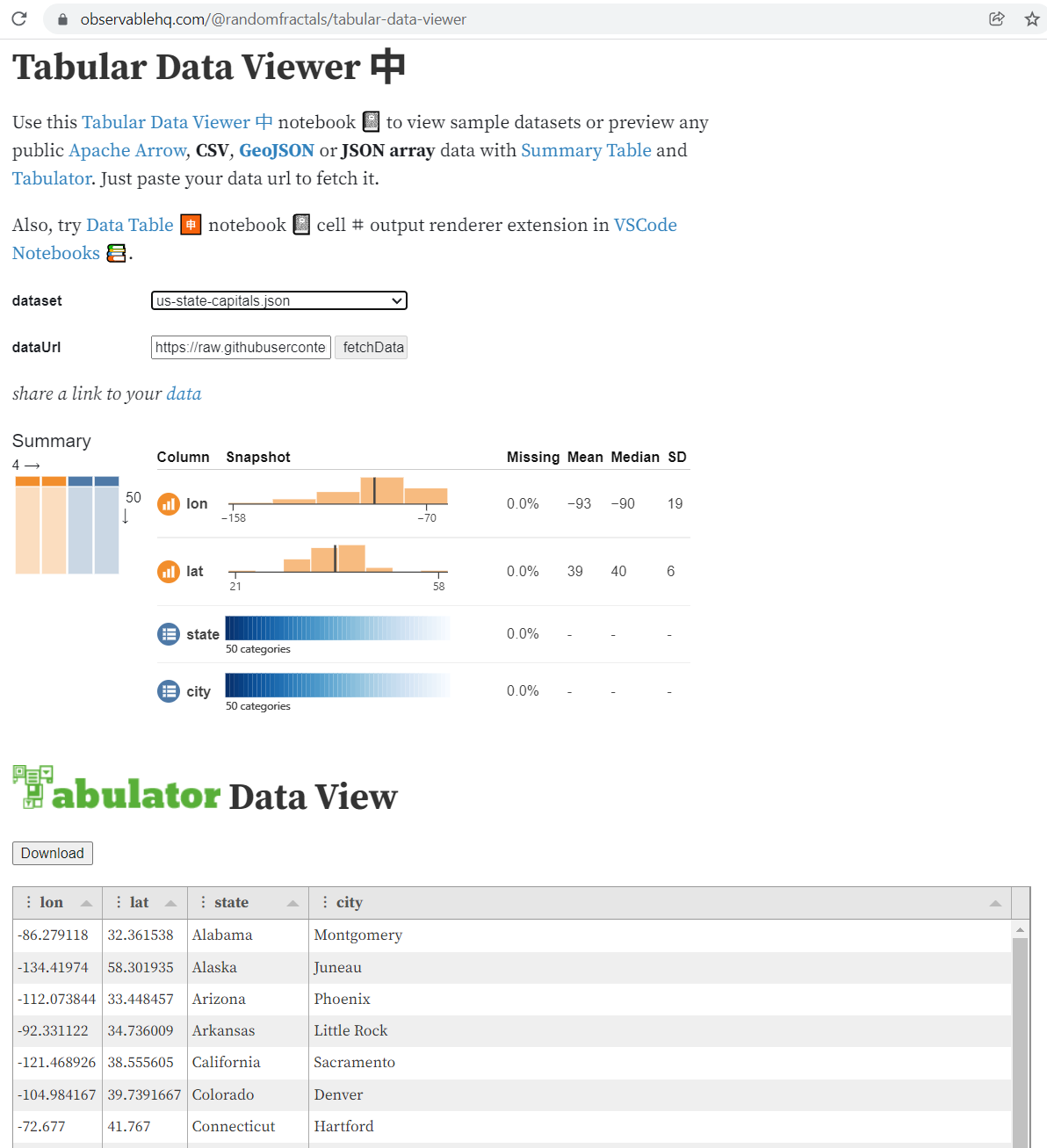
You can try Tabular Data Viewer 🀄 Observable Notebook 📓 with public datasets and supported data formats in a browser:
👁 Tabular Data Viewer 中 Observable Notebook 📓
Recommended custom dataViz extensions produced by Random Fractals Inc. and other 3rd party vscode extension authors for working with data 🈸 charts 📈 geo 🗺️ data formats and Interactive Notebooks 📚 in VSCode:
| Extension | Description |
|---|---|
| Rainbow CSV 🌈 | Highlight CSV and TSV files, Run SQL-like queries |
| Data Preview 🈸 | Data Preview 🈸 extension for importing 📤 viewing 🔎 slicing 🔪 dicing 🎲 charting 📊 & exporting 📥 large JSON array/config, YAML, Apache Arrow, Avro & Excel data files |
| Geo Data Viewer 🗺️ | kepler.gl Geo Data Analytics tool to gen. some snazzy 🗺️s w/0 Py 🐍 pyWidgets ⚙️ pandas 🐼 or react ⚛️ |
| Vega Viewer 📈 | Provides Interactive Preview of Vega & Vega-Lite maps 🗺️ & graphs 📈 |
| Observable JS | Observable JS compiler with Observable js and md code outline and previews. |
| JS Notebook 📓 Inspector 🕵️ | Provides Interactive Preview of Observable JS Notebooks 📚, Notebook 📓 nodes ⎇ & cells ⌗ source code |
| Data Table 🈸 | Data Table 🈸 renderer for Notebook 📓 cell ⌗ data outputs |
| Leaflet Map 🌿 🗺️ | Leaflet Map 🗺️ for Notebook 📓 cell ⌗ data outputs |
See #TabularDataViewer 🀄 tag on Twitter for the latest and greatest updates on this vscode extension and what's in store next.
$ git clone https://github.com/RandomFractals/tabular-data-viewer
$ cd tabular-data-viewer
$ npm install
$ npm run compile
$ code .
Press F5 to launch Tabular Data Viewer 🀄 extension debug session, or run the following command to generate tabular-data-viewer-x.x.x.vsix package with vsce from our latest for local dev install from .vsix in vscode.
tabular-data-viewer>vsce package
Any and all test, code or feedback contributions are welcome. Open an issue or submit a pull request to make this Tabular Data Viewer 🀄 extension work better for all.