

bvanhoekelen/performance
PHP performance tool analyser your script on time, memory usage and db query. Support Laravel and Composer for web, web console and command line interfaces.
Maintainers
Requires
- php: >=5.6.0
- bvanhoekelen/terminal-style: ^1.0
Requires (Dev)
- illuminate/database: ^5.4|^13.0
- illuminate/events: ^5.4|^13.0
- larapack/dd: 1.*
- phpunit/phpunit: ^5.7
Suggests
None
Provides
None
Conflicts
None
Replaces
None
README
👁 Hex.pm
👁 GitHub release
👁 Packagist
👁 Github issues
👁 Travis branch
👁 Travis branch
Build: Master|Develop

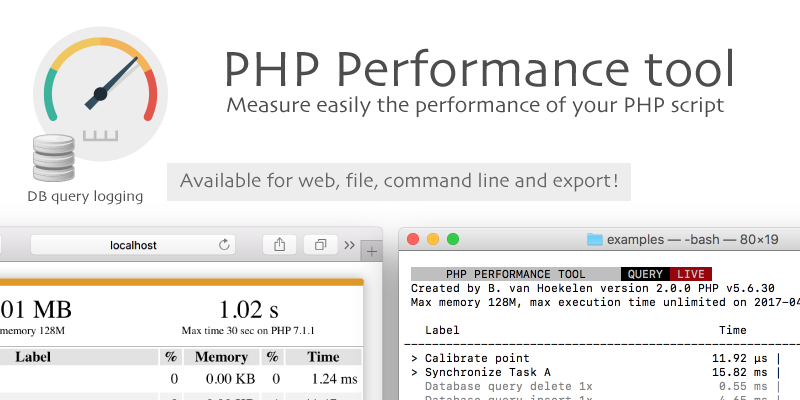
Highlight
- Measure easily the performance of your PHP script across multiple platforms
- Support for Laravel framework » Laravel
- Support interface web, web console and command line
- Export results to class, file or json string » how to use query logging
- Print information about PHP version, max exaction time and max memory
- Display current user and process id » how to display username and process id
- Support multiple points » how to use multiple points
- Measure time, memory usage and memory peak
- Switch automatically between interfaces
- Log database queries » how to use query logging
- Live function » how to use
- Easy to install » installation
- Support PHP version 5.6, 7.0, 7.1, 7.2
- Clearly and active wiki » Wiki
- Love feedback » backlog or create issues
Easy to use
// Add namespace at the top
use Performance\Performance;

// Set measure point
Performance::point();

//
// Run test code
//

// Finish all tasks and show test results
Performance::results();
See the function overview for more functions.
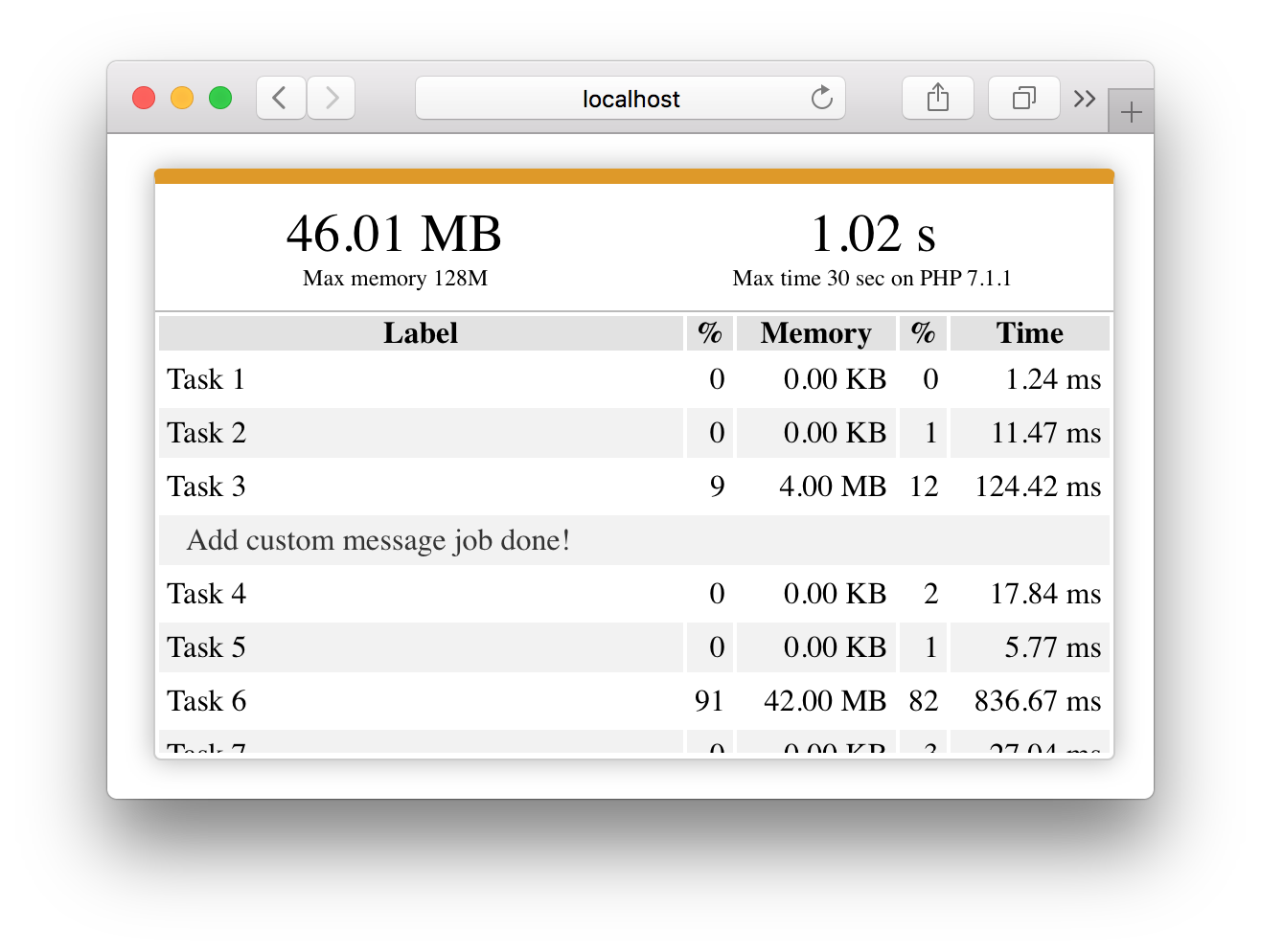
Web preview
👁 PHP performance tool for web

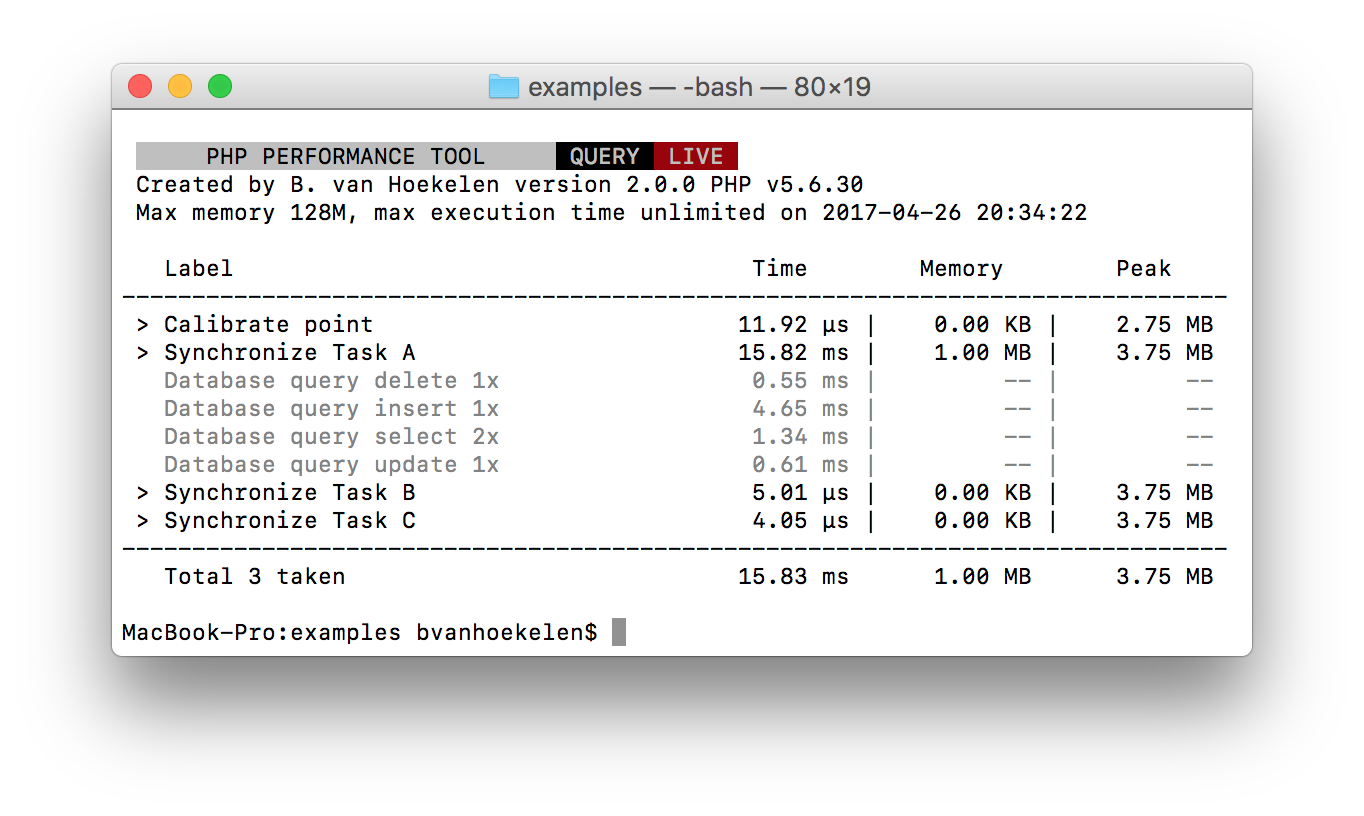
Command line preview
👁 PHP performance tool for command line

Web console
👁 PHP performance tool with full date review

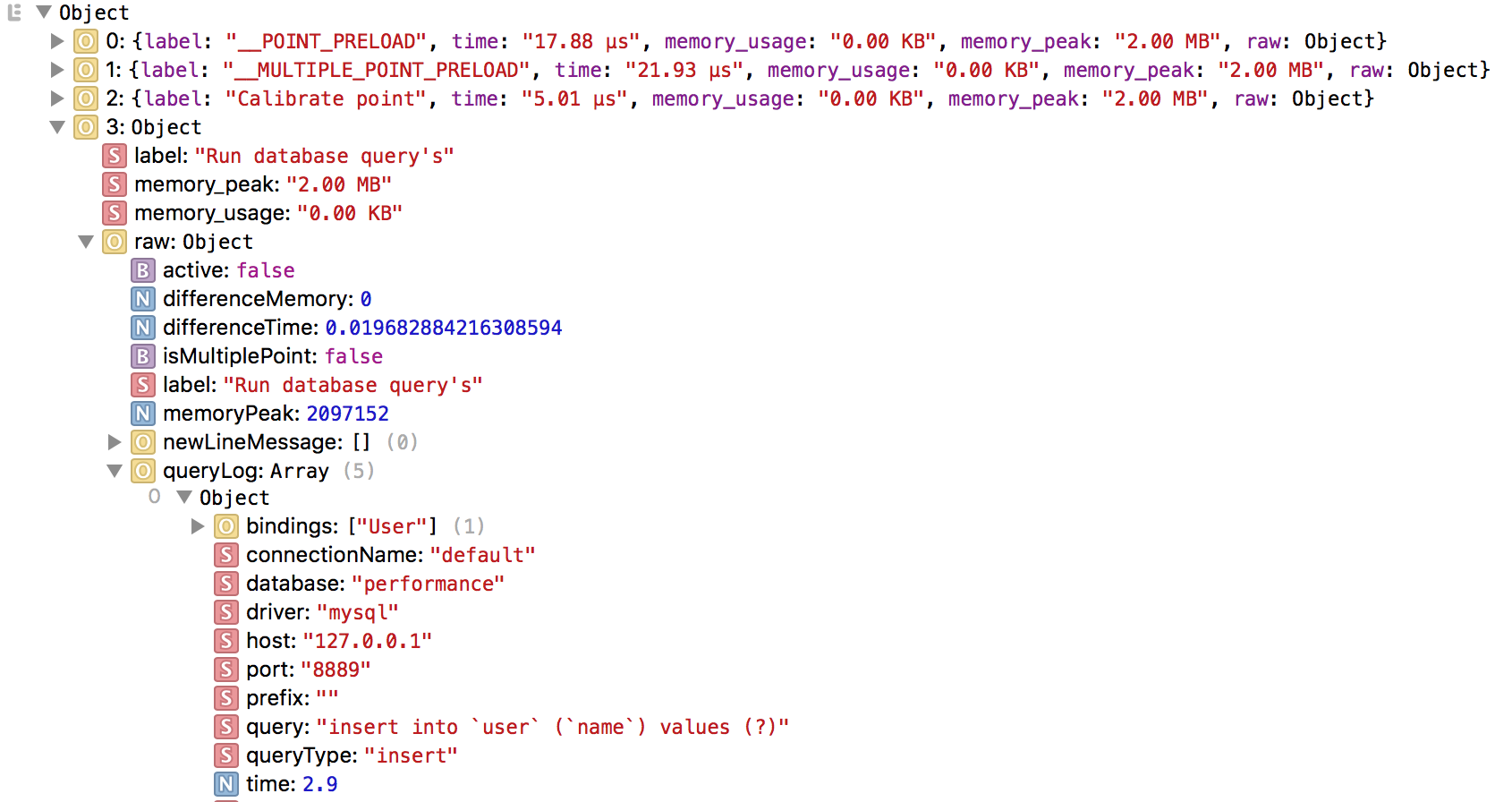
See how to export data.
See more info over data review.
Functions
Set measuring point with or without label
Performance::point( <optional:label> );
Finish previous measuring point
Performance::finish();
Finish all measuring points and return test results
Performance::results();
See the function overview for more.
Command line
Run the performance test for the command line
// Normal
$ php your_script.php

// Or live version
$ php your_script.php --live
Help, docs and links
Backlog & Feedback
If you have any suggestions to improve this performance tool? Please add your feature, bug or improvement to the BACKLOG.dm. Or create a issues.
Installation
Install with Laravel
Get PHP performance tool by running the Composer command in the command line.
$ composer require bvanhoekelen/performance
Open your file for the performance test.
// Add namespace at the top
use Performance\Performance;

// Set measure point
Performance::point();

//
// Run test code
//

// Finish all tasks and show test results
Performance::results();
Install with Composer
Get PHP performance by running the Composer command in the command line.
$ composer require bvanhoekelen/performance
Open your file for the performance test.
// Require vender autoload
require_once('../vendor/autoload.php');

// Add namespace at the top
use Performance\Performance;

// Set measure point
Performance::point();

//
// Run test code
//

// Finish all tasks and show test results
Performance::results();