|
VOOZH | about |
|
VOOZH | about |
This article was published as a part of the Data Science Blogathon.
In this article, we will be getting our hands dirty with PySpark using Python and understand how to get started with data preprocessing using PySpark. This particular article’s whole attention is to get to know how PySpark can help in the data cleaning process for data engineers and even for data analysts along with some basic operations of PySpark (which is the Spark distribution for Python) we will also discuss some functional thing about Apache Spark.
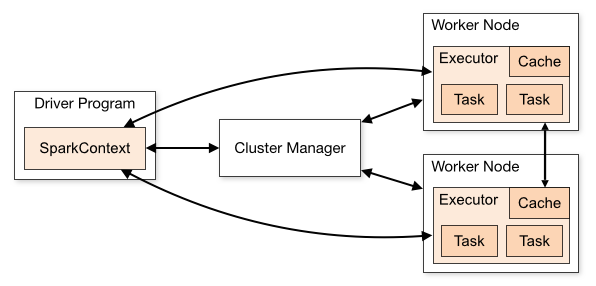
Apache Spark is a sort of engine which helps in operating and executing the data analysis, data engineering, and machine learning tasks both in the cloud as well as on a local machine, and for that, it can either use a single machine or the clusters i.e distributed system.
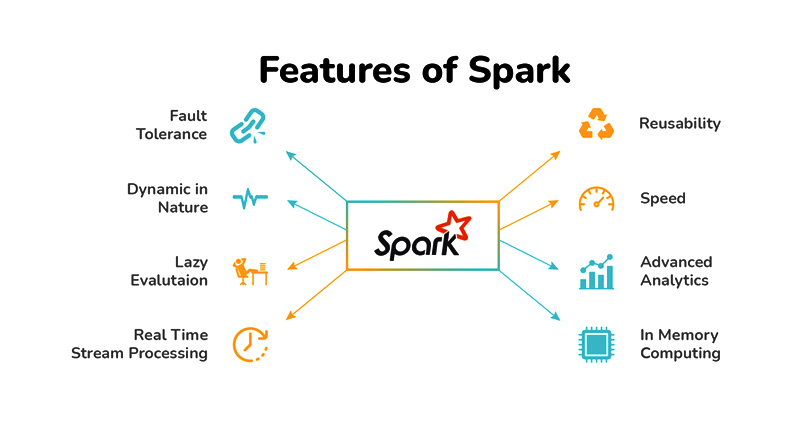
We already have some relevant tools available in the market which can perform the data engineering tasks so in this section we will discuss why we should choose Apache Spark over its other alternatives.
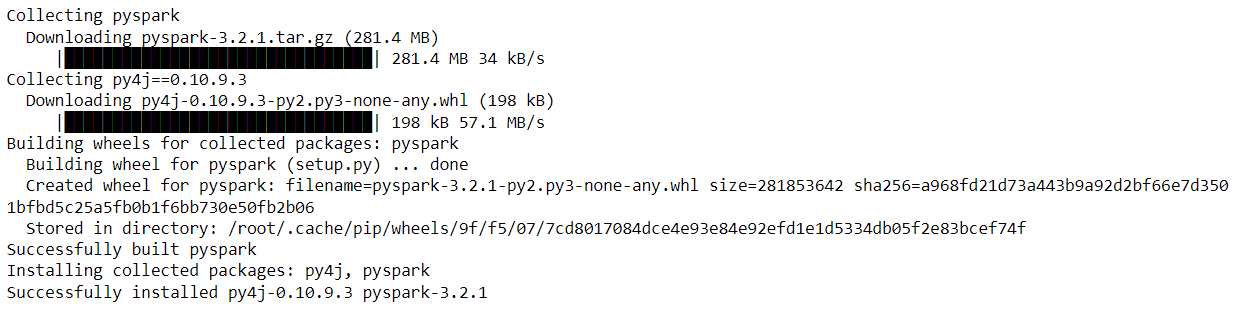
batch streaming and in this key feature Apache Spark will be able to stream our data in real-time by using our preferred programming language.!pip install pyspark
Output:
After successfully installing PySpark
Importing PySpark Library
import pyspark
Just before reading the dataset let me tell you that we will be working on the California House Price dataset and as I have worked on the Collab for handling PySpark operations so I got this dataset from the sample section.
import pandas as pd
data = pd.read_csv('sample_data/california_housing_test.csv')
data.head()
Output:
Now as we have imported the dataset and also have a look at it so now let’s start working with PySpark. But before getting real work with PySpark we have to start the Spark’s Session and for that, we need to follow some steps which are mentioned below.
from pyspark.sql import SparkSession
spark_session = SparkSession.builder.appName('PySpark_article').getOrCreate()
Inference: Now as we can see that with the help of builder the function we have first called the appName class to name our session (here I have given *”PySpark_article”* as the session name) and at the last, for creating the session we have called getOrCreate() function and store it in the variable named spark_session.
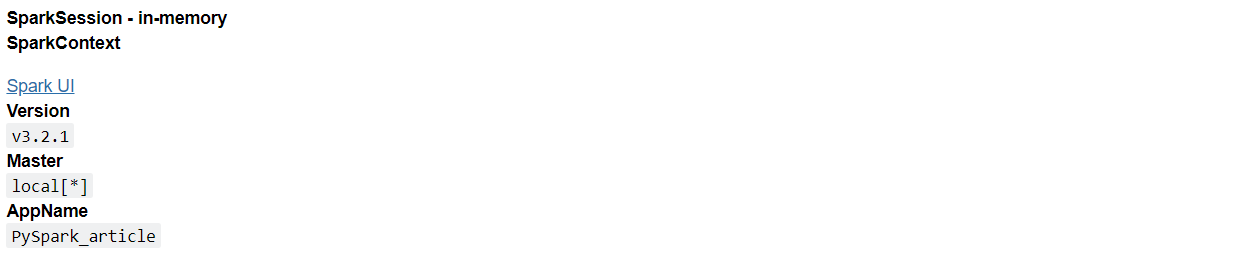
spark_session
Output:
Inference: Now when we see what our spark session will hold it will return the above output which has the following components:
clusters as well like first, there will be a master and then a tree-like structure (cluster_1, cluster_2… cluster_n) but here as we are working on a local system and not the distributed one so it is returning local.df_spark = spark_session.read.csv('sample_data/california_housing_train.csv')
Inference:
In the above code, we can see that spark uses the Spark session variable to call the read.csv() function to read the data when it is in CSV format now if you remember when we need to read the CSV file in padas we used to call read_csv().
According to me when we are learning something new which has stuff related to previous learning then it is good to compare both the stuff so in this article, we will also compare the pandas’ data processing with spark’s data processing.
df_spark
Output:
DataFrame[_c0: string, _c1: string, _c2: string, _c3: string, _c4: string, _c5: string, _c6: string, _c7: string, _c8: string]
Inference: Now if we look at the output so it shows that it has returned the DataFrame in which we can see the dictionary like setup where (c0, c1, c2…..c_n) is the number of columns and corresponding to each column index we can see the type of that column i.e. String.
PySpark’s show() function
df_spark.show()
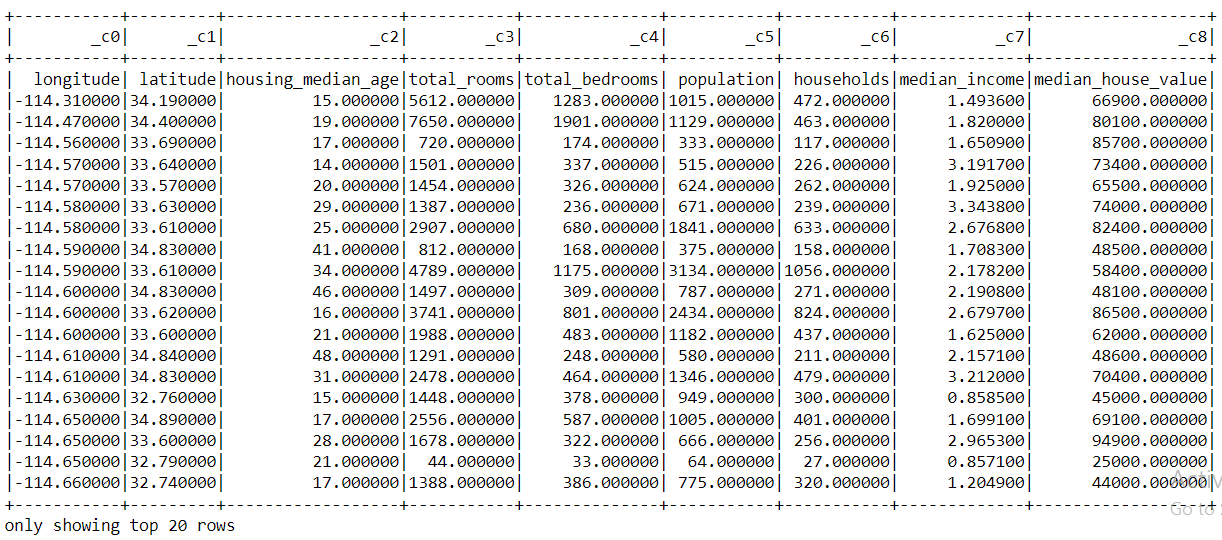
Output:
Inference: From the above output, we can compare the PySpark’s show() function with the pandas head() function.
So let’s fix it!
df_spark_col = spark_session.read.option('header', 'true').csv('sample_data/california_housing_train.csv')
df_spark_col
Output:
DataFrame[longitude: string, latitude: string, housing_median_age: string, total_rooms: string, total_bedrooms: string, population: string, households: string, median_income: string, median_house_value: string]
Inference: Okay! so now just after looking at the output, we can say that we have fixed that problem (we will still confirm that later) as in the output instead of (c0,c1,c2….c_n) in the place of column name now we can see the actual name of the columns.
Let’s confirm it by looking at the complete data with records.
df_spark = spark_session.read.option('header', 'true').csv('sample_data/california_housing_train.csv').show()
df_spark
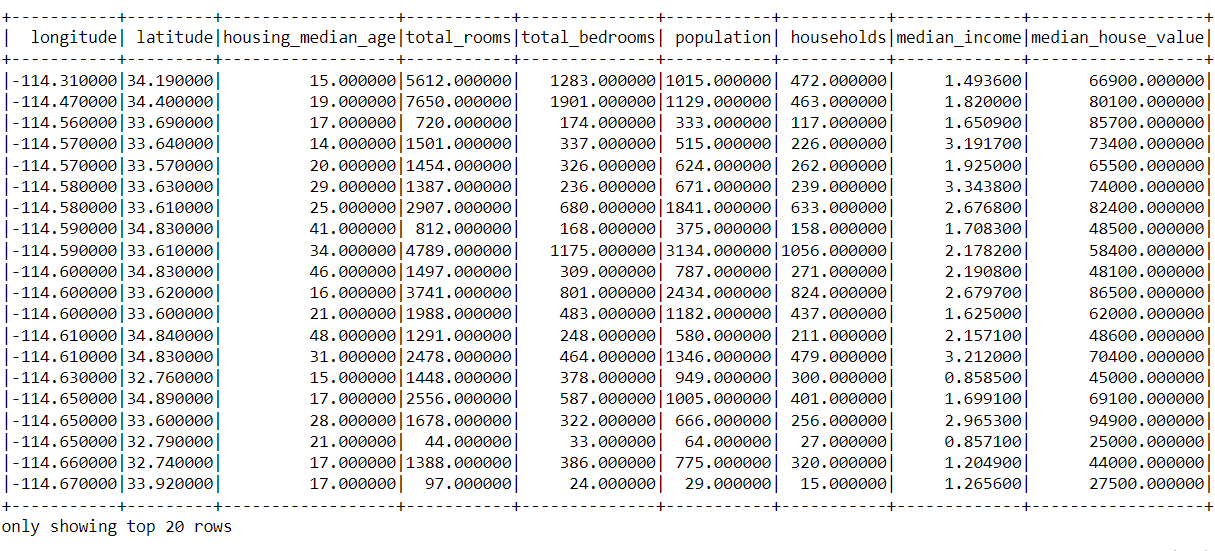
Output:
Inference: Yes! Now we can see that in the place of the columns we can now see the actual name of the column instead that indexing formatting.
type(df_spark_col)
Output:
pyspark.sql.dataframe.DataFrame
Here you can see that PySpark’s data frame belongs to PySpark’s main class
type(data)
Output:
pandas.core.frame.DataFrame
Inference: And you guessed that right, similarly, Pandas’s data frame is of pandas type
Note: One interesting fact about PySpark’s data frame is that it can work on both head and show functions while pandas don’t work on the show function only for the head function.
df_spark_col.head(10)
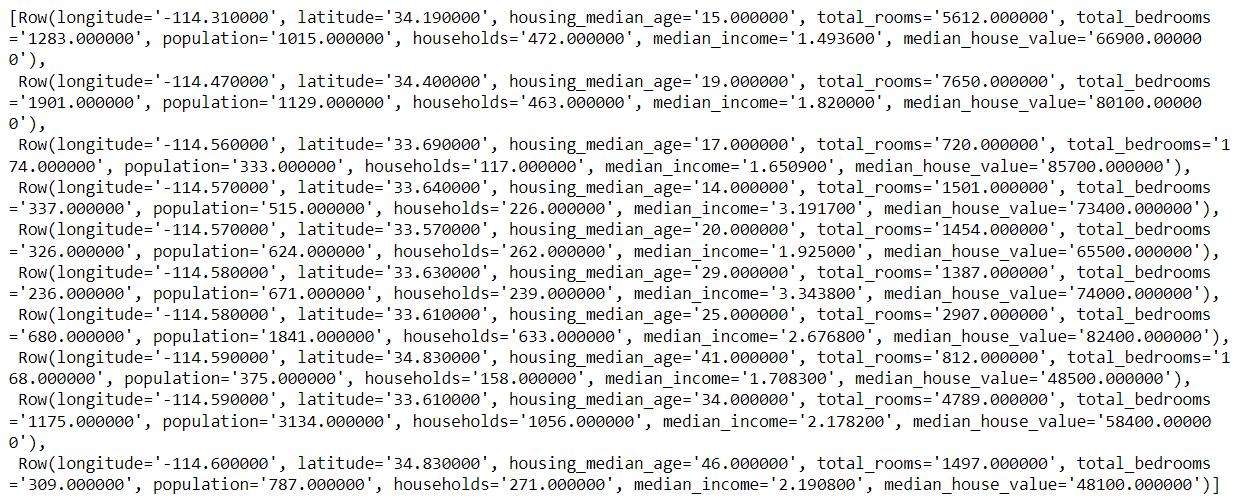
Output:
Inference: As we can see that we get the output but it is not in the Tabular format which we can see in the pandas’ head function instead it returns the output in the classical CSV format that’s why it can work for both show and head function still we should use the show function for better readability of the output
Does Pyspark have the alternative to Pandas’s info() function?
The answer is Yes! Let’s have a look at printSchema() the function of PySpark.
df_spark_col.printSchema()
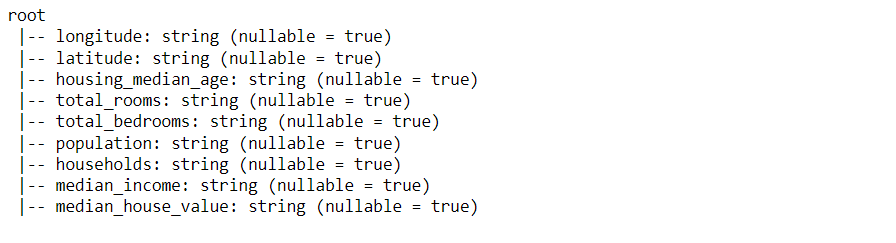
Output:
Inference: If we can distinguish well then we can easily figure out from the above output that it is returning the name of the column, type of the data each column is holding, and are there any null values in each column (nullable = True – Yes it have null values) just like our old friend – info().
Finally, we have come to the last section of this article where we will sum up all the things that we have covered so far in a short description.
Here’s the repo link to this article. Hope you liked my article on the Getting started with PySpark using Python. If you have any opinions or questions, then comment below.
Connect with me on LinkedIn for further discussion.
The media shown in this article is not owned by Analytics Vidhya and is used at the Author’s discretion.
GPT-4 vs. Llama 3.1 – Which Model is Better?
Llama-3.1-Storm-8B: The 8B LLM Powerhouse Surpa...
A Comprehensive Guide to Building Agentic RAG S...
Top 10 Machine Learning Algorithms in 2026
45 Questions to Test a Data Scientist on Basics...
90+ Python Interview Questions and Answers (202...
8 Easy Ways to Access ChatGPT for Free
Prompt Engineering: Definition, Examples, Tips ...
What is LangChain?
What is Retrieval-Augmented Generation (RAG)?
Edit
Resend OTP
Resend OTP in 45s