How do I write cold emails with AI? A step-by-step workflow


Last edited June 23, 2026
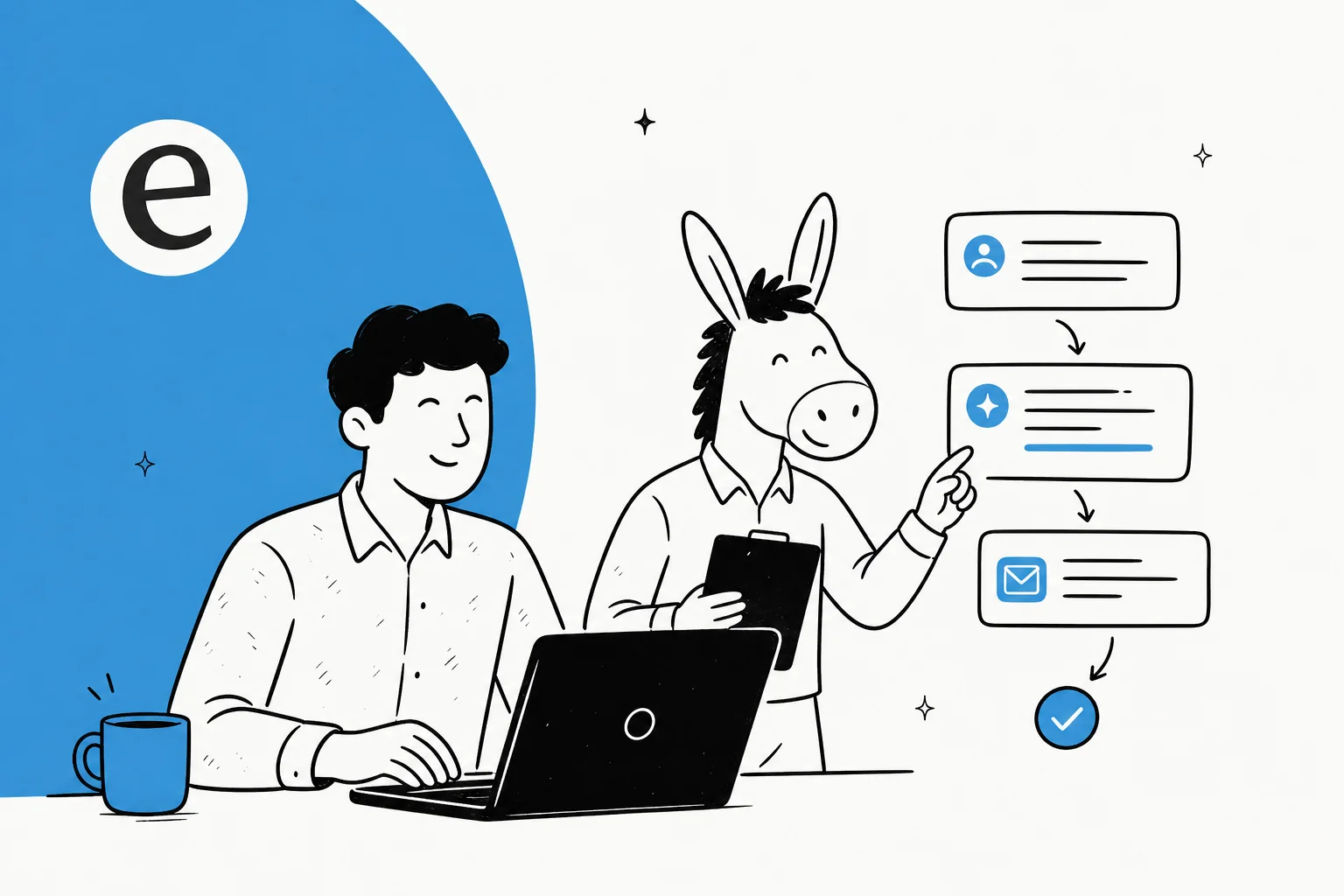
Table of Contents
Before you open the AI: the four inputs that decide a reply
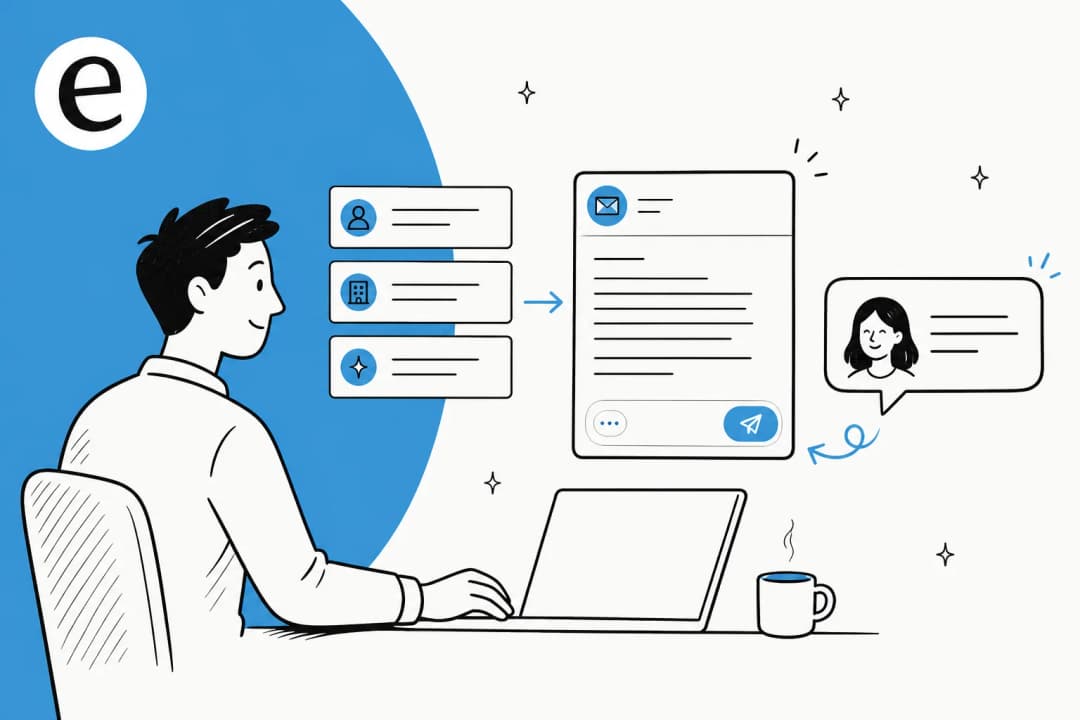
I work on the SEO side at eesel, which means I spend a lot of my week reading what people actually type into a search box. "How do I write cold emails with AI" is one of those queries that sounds like a tool problem and is really an inputs problem. People expect the model to fix outbound. It can only fix the slice that was rarely broken, the writing.
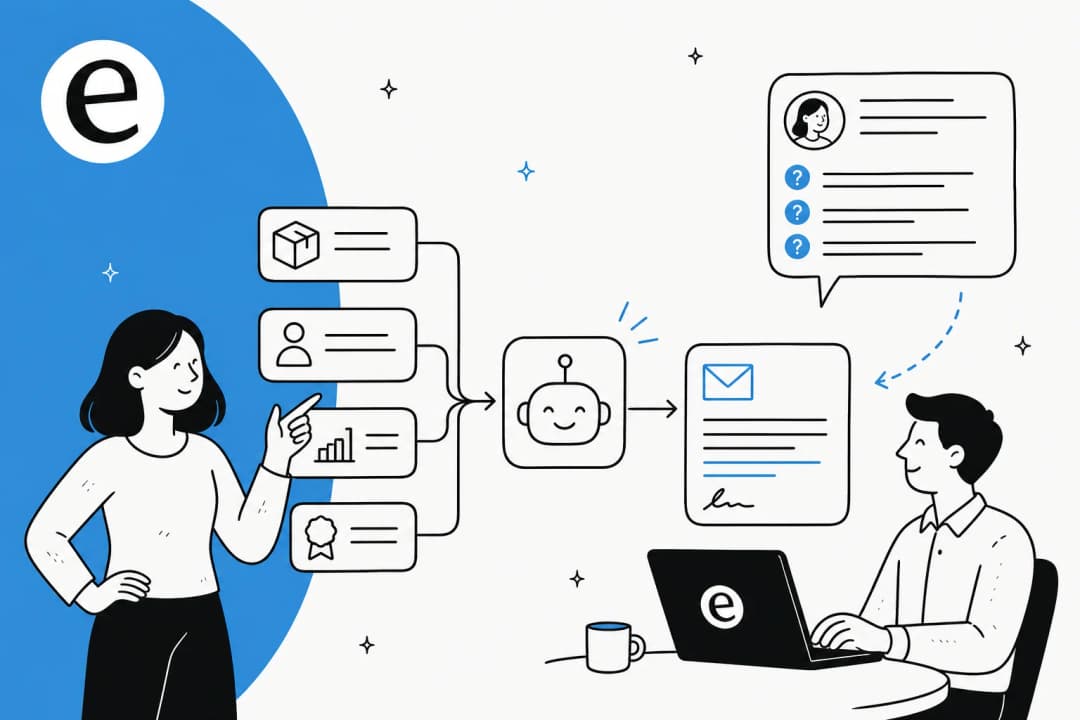
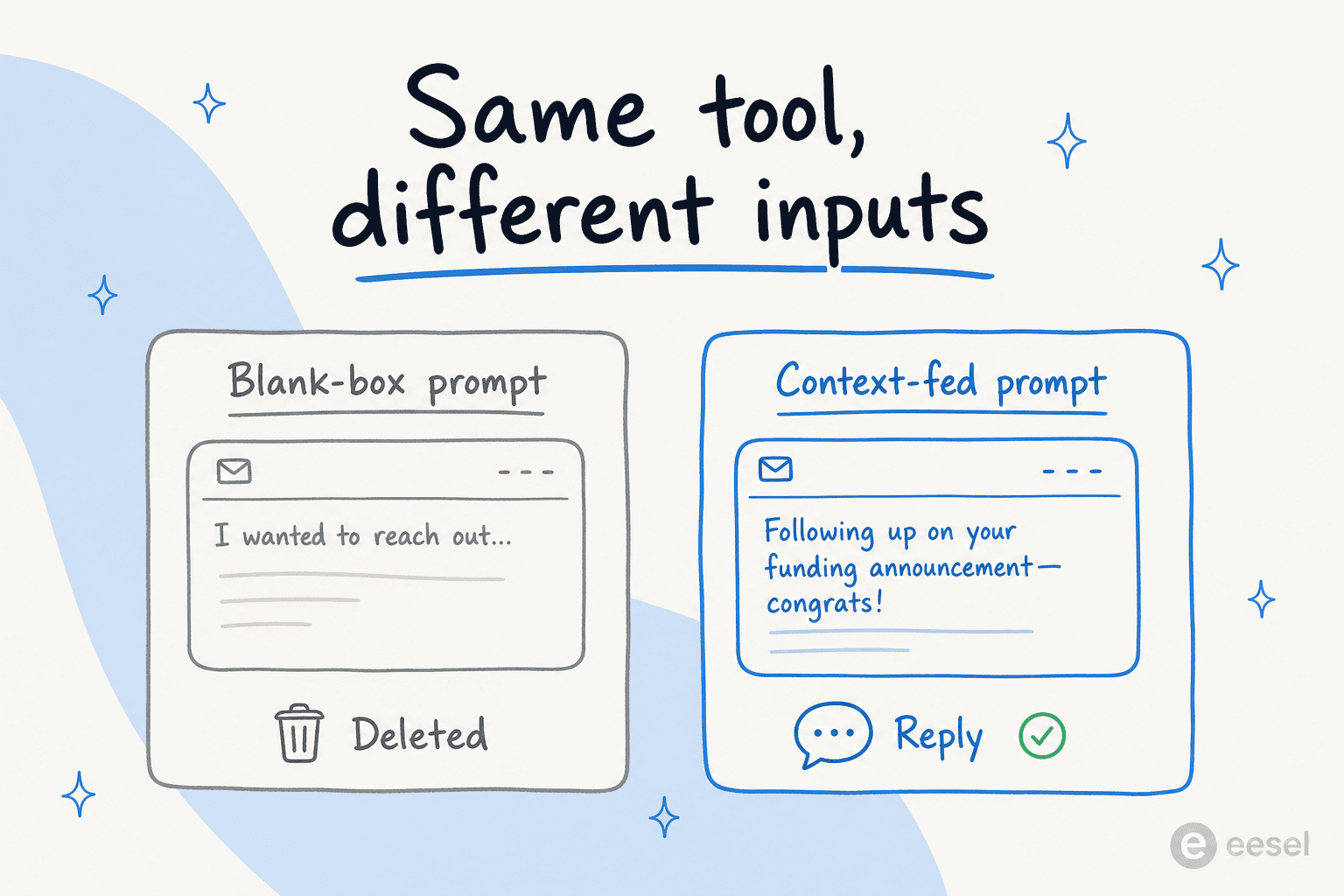
A language model fed nothing reaches for the statistical average of every cold email it has ever seen, which is exactly the bland "I wanted to reach out" template every prospect deletes. So the real work happens before you type a prompt. Gather four things first.
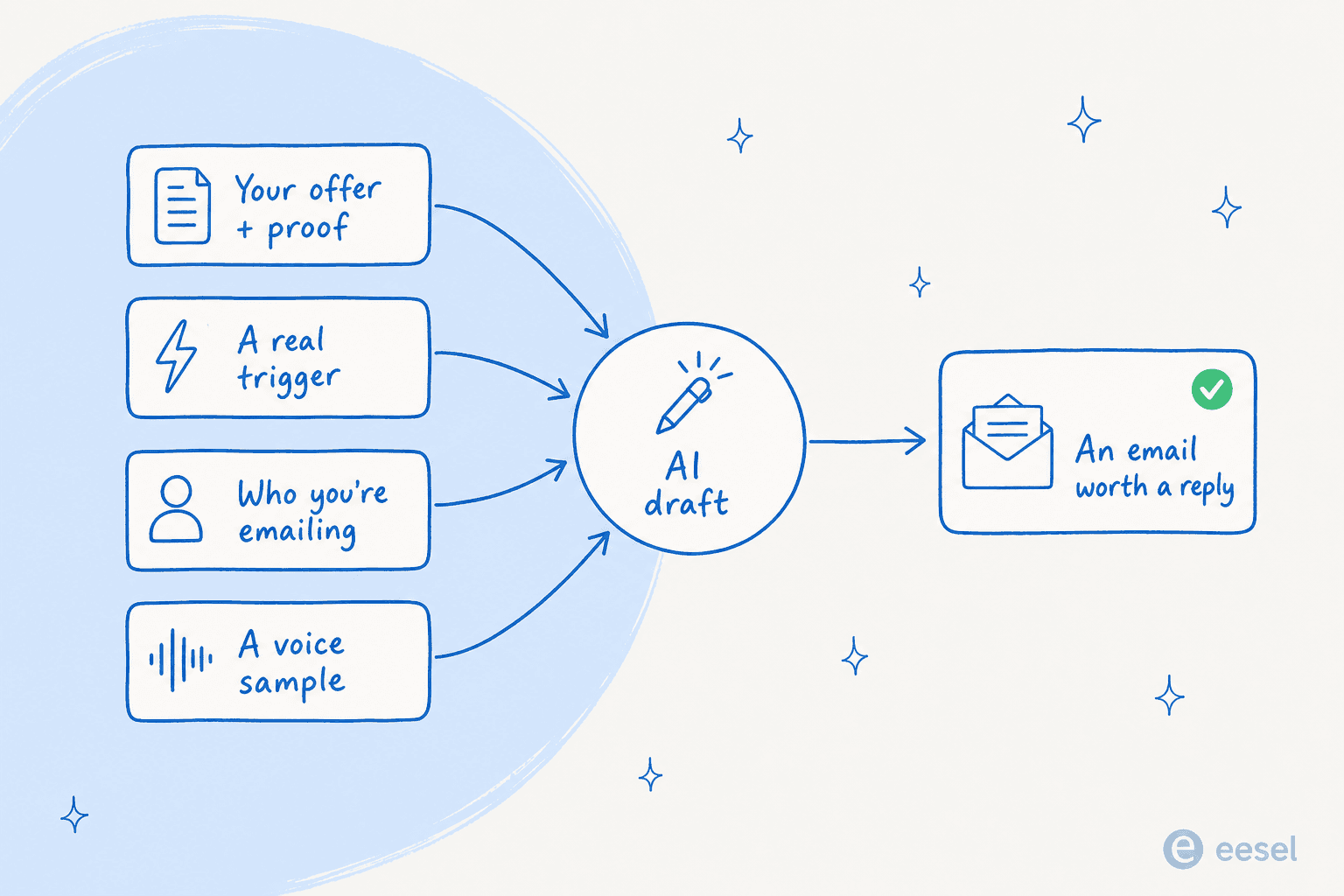
- Your offer, with proof. Not "we do AI support," but what changes for the buyer and one number that backs it. Vague offers produce vague emails.
- A real trigger. A funding round, a new tool in their stack, a job posting, a product launch. The trigger is the one line that tells the prospect this wasn't sent to 5,000 people. This is the same logic behind AI email personalization: real research beats mail-merge tokens.
- The specific person. Their role, what they likely care about, the language they'd use. "VP of Support at a 200-person DTC brand" gets you a sharper email than "decision-maker."
- A voice sample. Paste two or three emails you've actually sent that landed. Storing the voice once is what keeps email one and email three sounding like the same person, the same principle that keeps an AI blog writer on brand.
If you can't fill all four, that's your signal the email isn't ready, not the model's.
How to write a cold email with AI, step by step
Once the inputs are in hand, the workflow is quick. Here's the sequence I'd actually run.
- Pick the writer for the job. For most people a general AI writing assistant like ChatGPT or Claude is plenty, it writes the copy and costs about $20 a month. Reach for a dedicated AI copywriting tool or a data platform like Clay only when you need research or sending baked in.
- Paste all four inputs into one prompt. Offer, trigger, person, voice sample, plus the goal of the email (book a call, get a reply, start a conversation). Don't make the model guess any of them.
- Ask for two or three variants, not one. Different angles, different subject lines. You're going to test, so generate enough to test with. A good AI content generation tool is happy to give you ten.
- Cut, don't accept. Delete the throat-clearing opener, the "hope this finds you well," anything that sounds confident but interchangeable. The model writes a first draft; you do the editing pass that makes it yours.
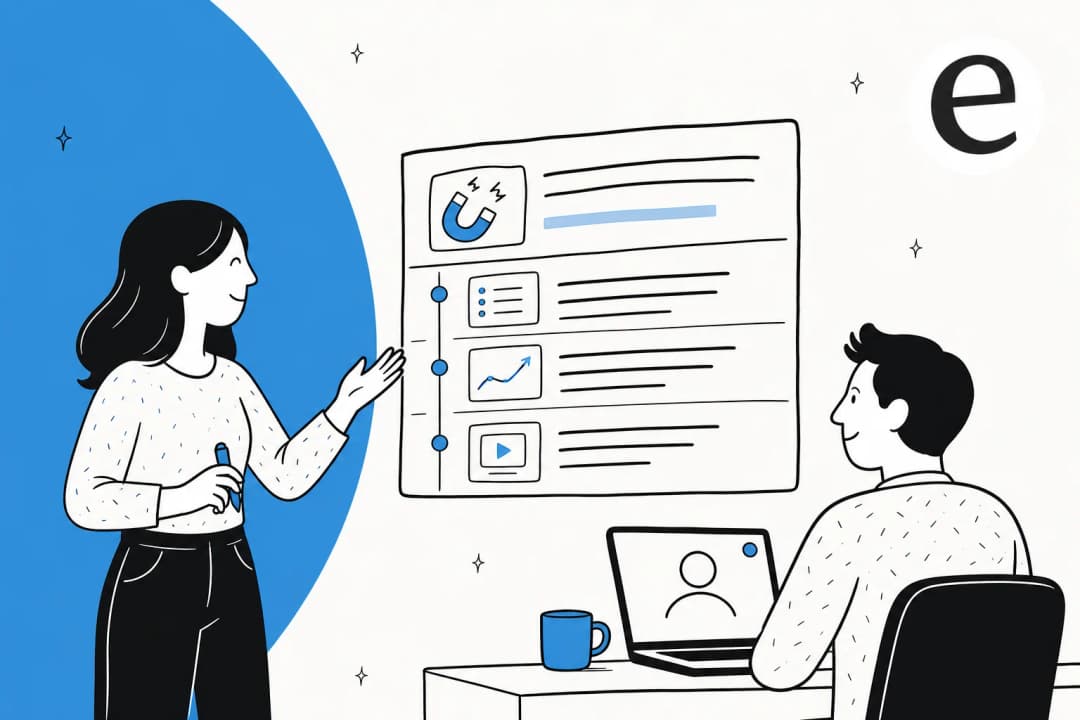
- Add the follow-ups. Ask for two short follow-ups that add a new angle each, not "just bumping this." Most replies come from the second or third touch.
- Fact-check every claim. Models invent stats and case studies. Before anything sends, verify each specific, the same way you'd guard against AI hallucinations in support.
That's the whole loop. The skill that separates a good AI cold email from a deleted one lives almost entirely in steps 2 and 4, the inputs and the edit.
A cold email prompt you can steal
Most people get stuck on step 2, so here's a builder. Drop in your details and it assembles the full prompt to paste into ChatGPT, Claude, or any AI email writer. It's the blank-box fix in one box.
Why your AI cold emails still sound generic
If you skip the inputs, the output is predictable. Smooth, confident, and completely interchangeable, the copy a prospect has deleted a hundred times this week. That's not the model being bad at writing. It's the model doing exactly what it was asked: average everything, guess the rest.
You can hear the right division of labour in how people who actually use these tools talk about them. One Lavender user on r/sales put it plainly:
"I used lavender for a few months. Gave me a solid idea of how to write successful emails. Such as lowering the reading level, asking a question, making it mobile friendly. I canceled it after a few months bc I felt like I had an understanding of it."
u/feelingoodfeelngrape, r/sales

The tool taught the principles; once they had them, they wrote the emails. Expectations matter too, the same thread set a realistic bar of "more like 10-15%" reply rates, not the 30% the hype promises. AI gets you to a sharp first draft faster; it doesn't rewrite the laws of outbound.
The part AI can't write: the reply
Say you nail the inputs and send a great email. You've done the first half. The email earns you a reply, then a real person writes back, and they have questions.
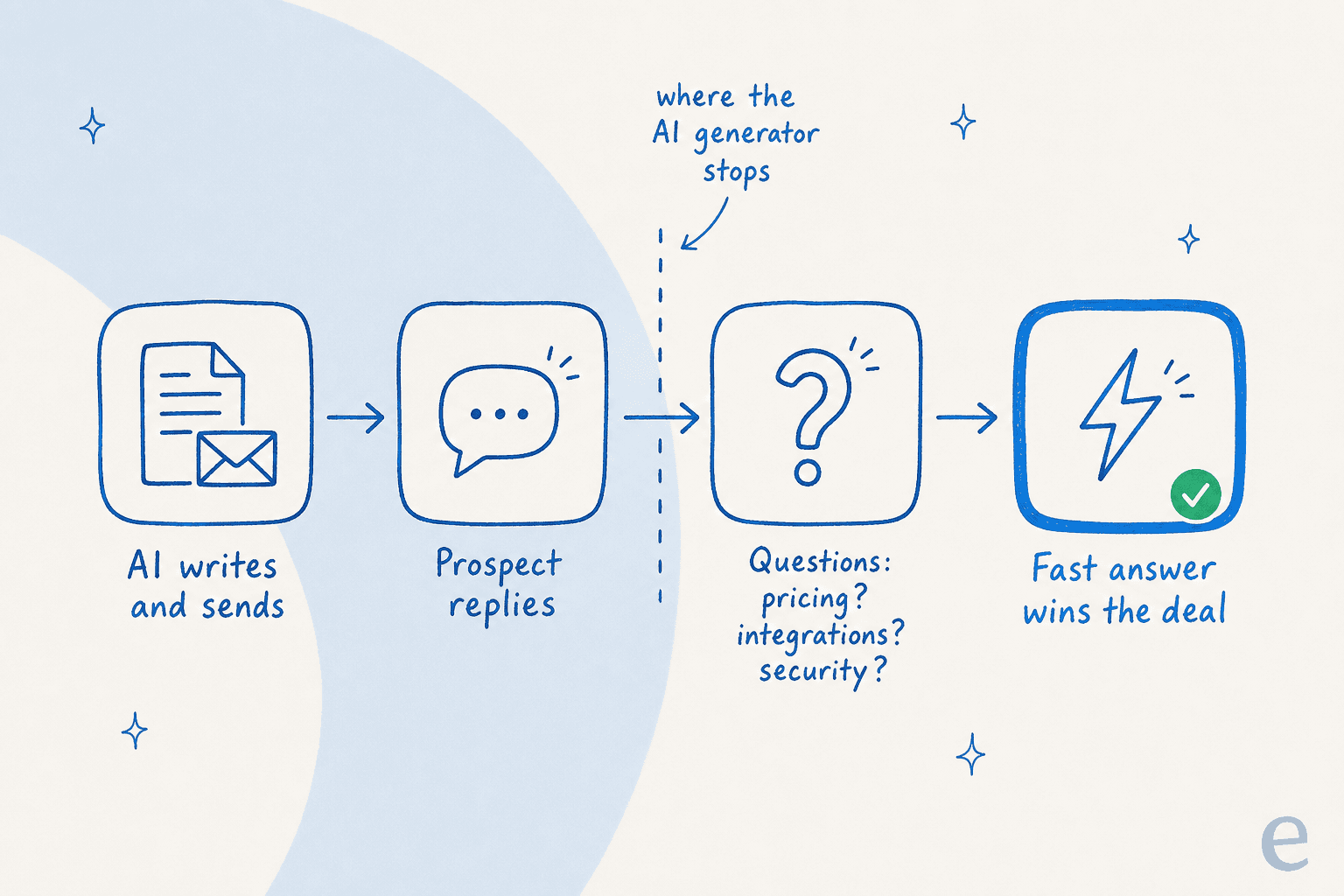
This is the part of the funnel I watch closely at eesel, because the inbound queue and the sales reply are the same moment seen from two desks. When outbound scales, the questions scale with it: "does this integrate with my helpdesk?", "what does it cost at my volume?", "is my data safe?". A cold email generator can't answer any of those, and an over-promising email actively creates the gap, because the prospect replies expecting something the product doesn't quite do.
That's where the work shifts from writing to answering. An AI support agent trained on your help center, past tickets, and docs can field those pre-sales questions instantly, the second they're asked. The cheapest part of outbound is the email; the most wasteful is a warm reply that cools off because nobody answered the next question fast enough.
Common mistakes to avoid
The tools are good at what they do, and the failure modes are predictable rather than fatal. Worth knowing before you lean on them:
- It confabulates specifics. A model will happily invent a stat, a case study, or a feature you don't offer. Every claim needs a human check before it sends.
- It optimises for the open, not the meeting. AI writes the highest-open-rate subject line it can, which is sometimes the one that over-promises. The metric that matters is downstream, in the reply.
- Tone drifts without a stored sample. Re-prompting voice every session produces a sequence where email one sounds nothing like email three. Store the voice once.
- Volume is a deliverability risk. Blasting raw, near-identical AI emails at a cold list is how you land in spam. Warmup and sending limits are still on you, no matter how good the copy is.
None of that means skip the AI. It means treat its output as a first draft from a fast, slightly unreliable junior SDR, the same way I'd treat any AI tool for content creation on the go-to-market stack. For the writing side specifically, my roundup of the best free AI email writers and the AI sales email generator guide go deeper, and can AI write sales emails tackles the honest version of the question.
Try eesel for the questions your cold emails create
eesel doesn't write your cold emails, and I'm not going to pretend it does. What it owns is the half of the deal the generator can't touch: the moment after the reply, when a prospect your outbound just earned has a question and wants an answer now.
eesel's AI support agent trains on your help center, past tickets, and docs, then answers pre-sales and support questions across your helpdesk, chat widget, email, and Slack, in 80+ languages. You can run it in simulation mode against your real past conversations first, so you see exactly what it would have answered before it goes live, and it routes anything it isn't confident about to a human instead of guessing.
"In the first month, eesel is resolving 73% of our tier 1 requests... results quickly during our 7-day trial."
Kim Simpson, Gridwise (G2)

Pricing is usage-based at about 40 cents per resolved conversation, with no per-seat fees, so it scales with your pipeline instead of punishing you for traffic. If you're running outbound, the cheapest win left on the table is usually not a better subject line, it's answering the question the email created before the prospect loses interest. And if you want help drafting the outbound itself, eesel's AI Writer is free to try and built on the same context-first approach this whole post argues for.
Frequently Asked Questions

Share this article