How to reduce ticket volume with AI (without breaking trust)


Last edited June 19, 2026
Why your queue keeps filling up
Before you automate anything, it helps to know what you're automating. When I look at a queue that's drowning, it's almost never drowning in unique, hard problems. It's the same handful of questions arriving over and over: where's my order, how do I get a refund, I can't log in, how do I cancel, does this product do X.
I hear it from teams constantly. A multi-brand e-commerce operator I spoke with was handling 500+ tickets a day, and the volume was dominated by refund requests, unsubscribes, and order-tracking. A DTC supplements team doing about 7,000 tickets a month told me the same thing: their people couldn't keep up, and most of the load was order status, subscription changes, and basic product questions. None of that needs a human. It needs a fast, correct, consistent answer, which is exactly what AI is good at.
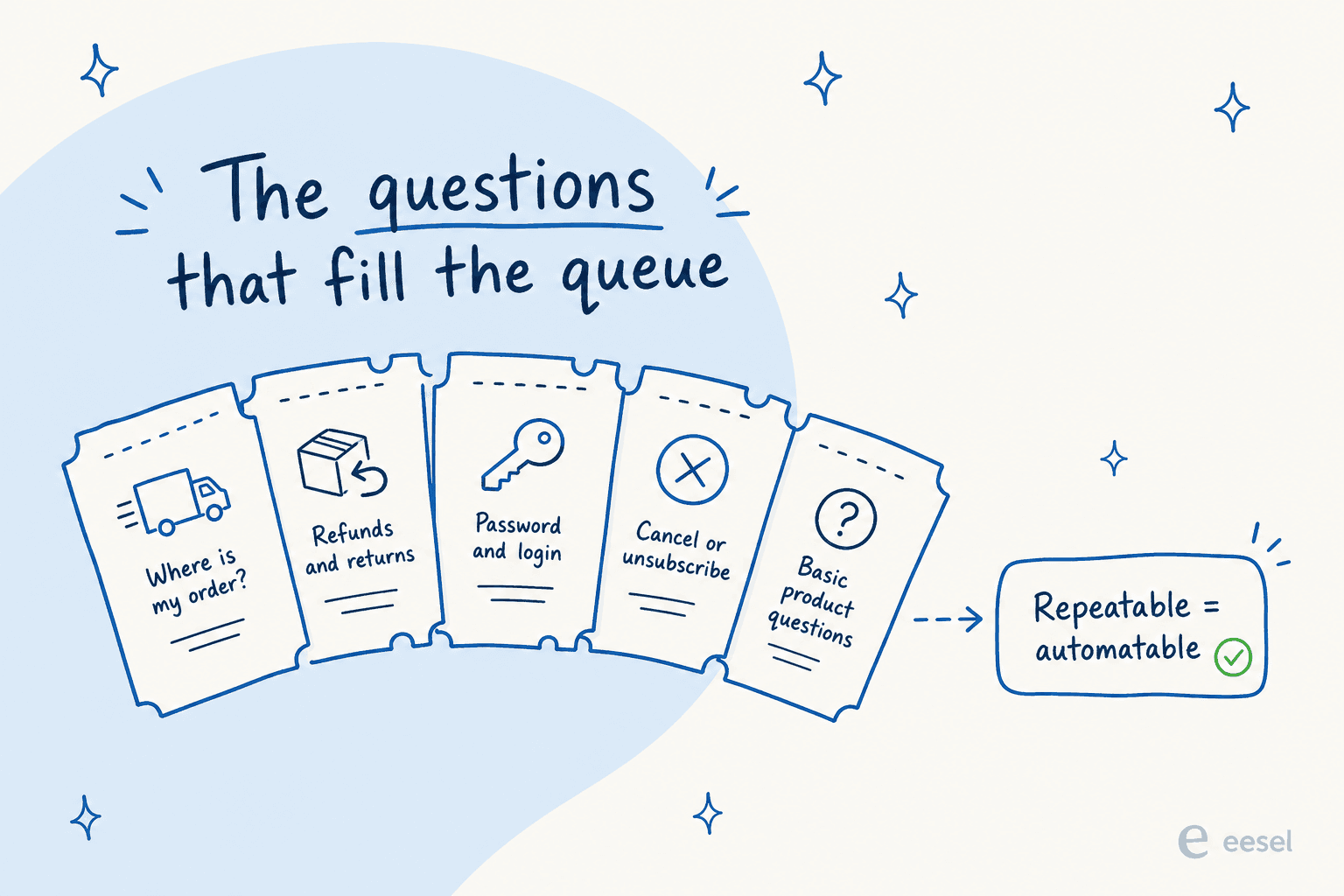
That's the good news hiding inside a painful queue: if a question is repeatable, it's automatable. The work is figuring out which of your tickets fall into that bucket, and then removing them in the right order.
The two levers: deflect before, automate after
There are really only two ways AI shrinks a queue, and strong programs use both.
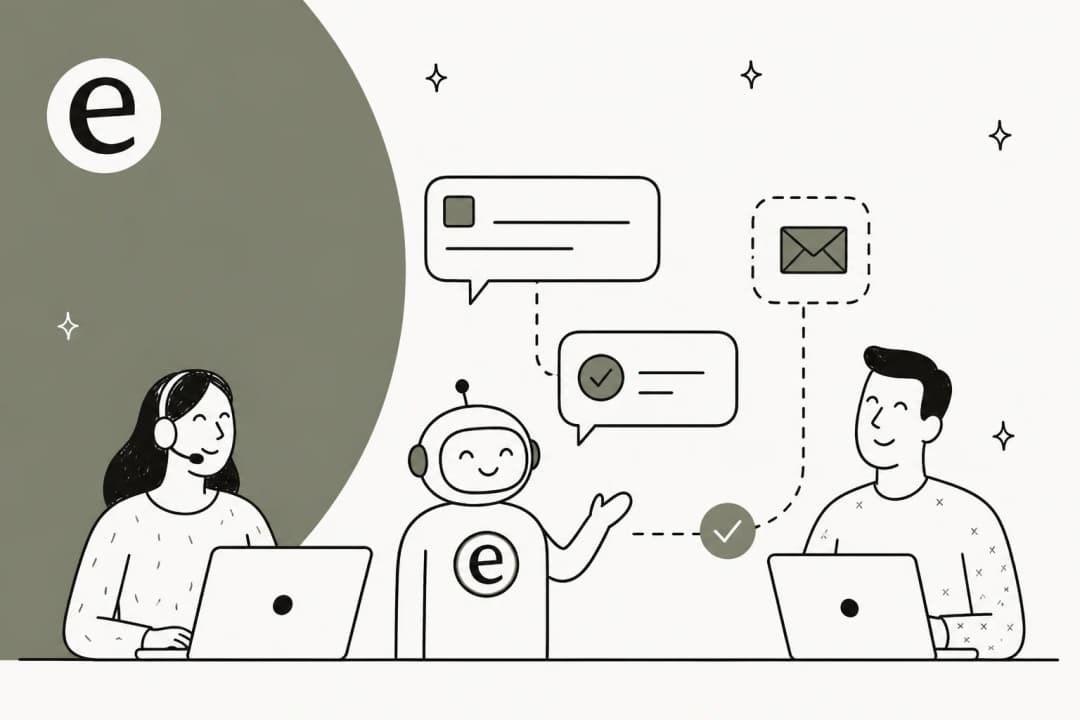
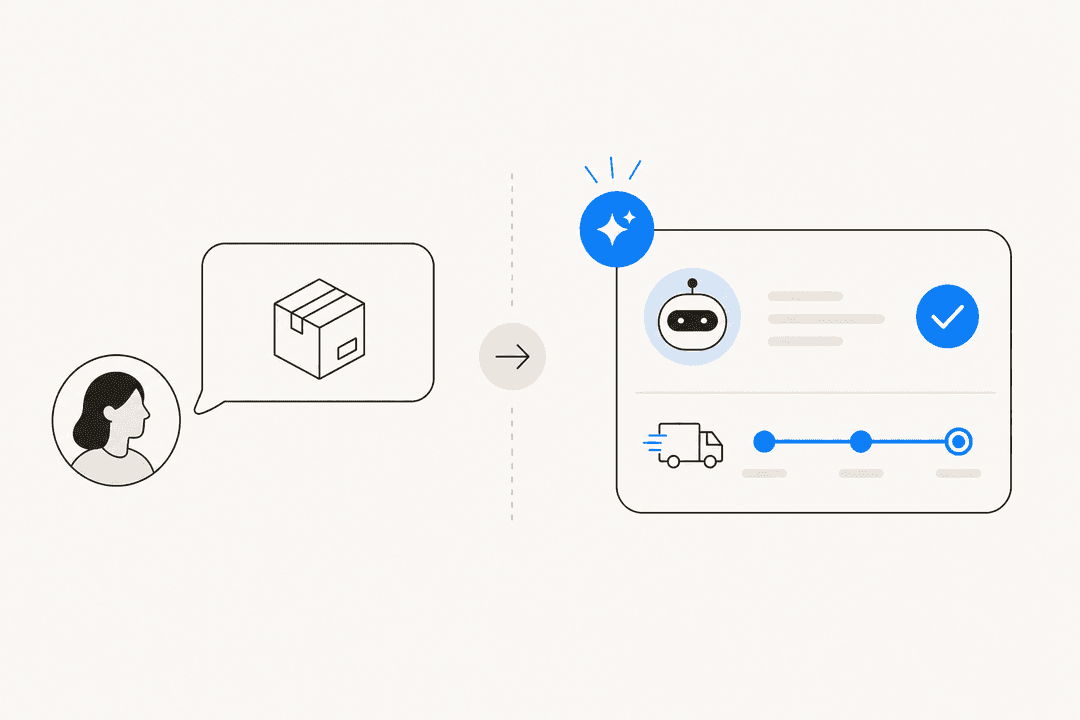
Deflection stops a question from becoming a ticket at all. A customer asks the chat widget "where's my order," gets a real answer pulled from your order data and help docs, and never opens a ticket. This is the tier-1 support deflection lever, and it's the one most teams under-invest in.
Automated resolution handles the tickets that do get created, replying and closing them without a human, or drafting a reply for an agent to approve. This is the automated ticket resolution lever.
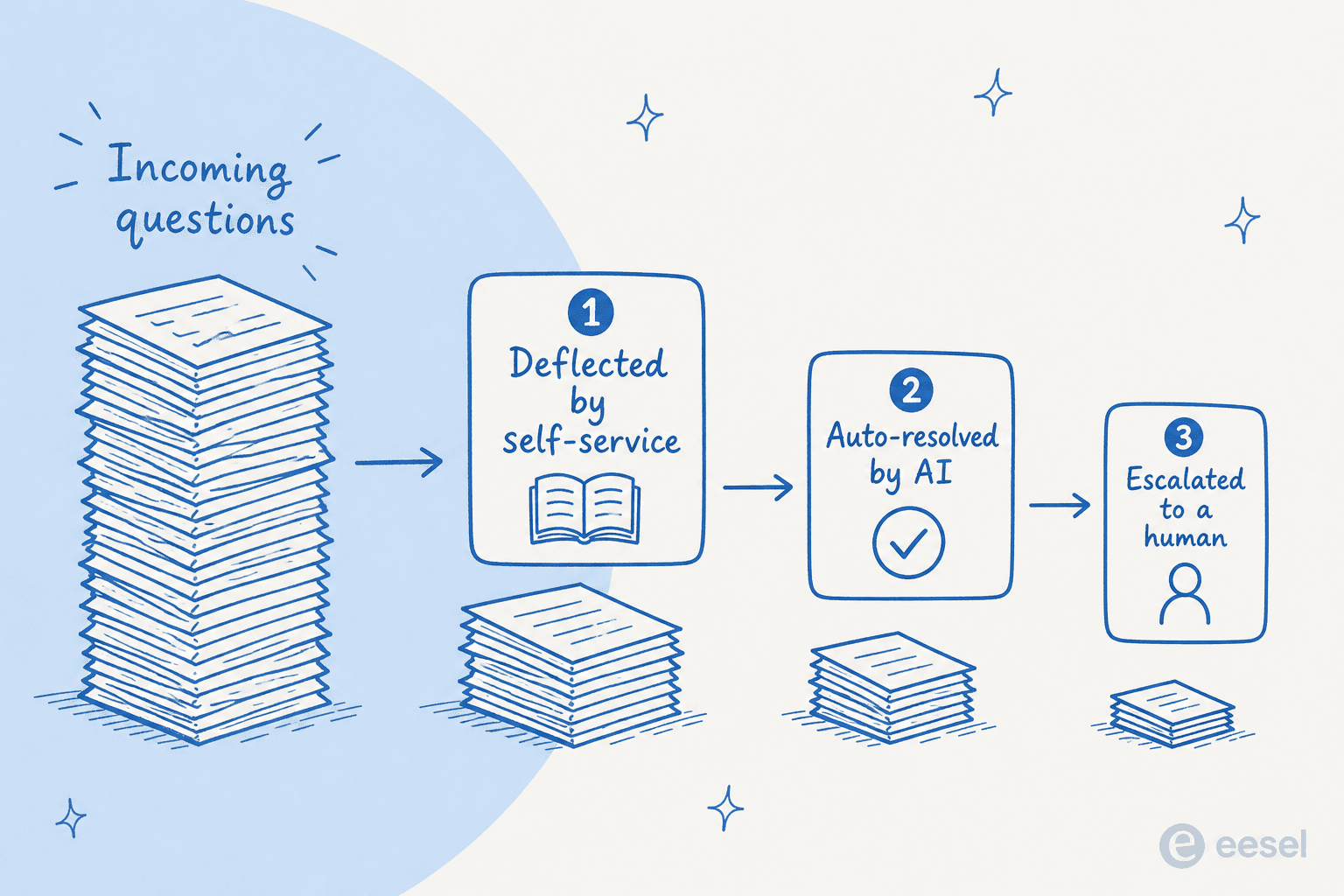
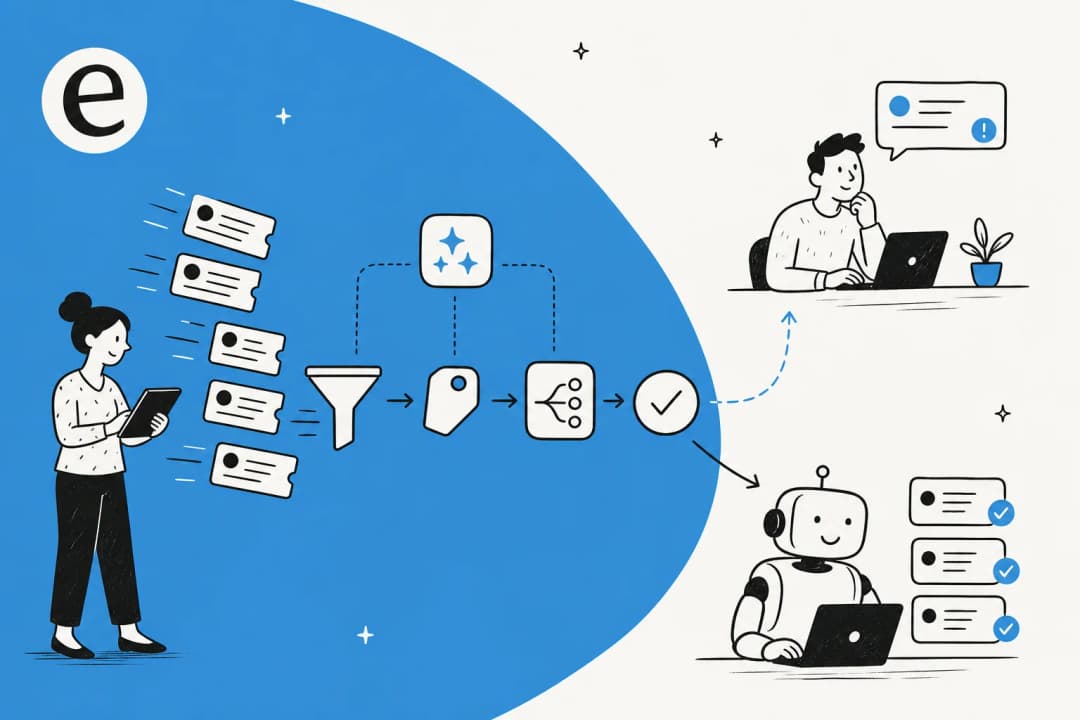
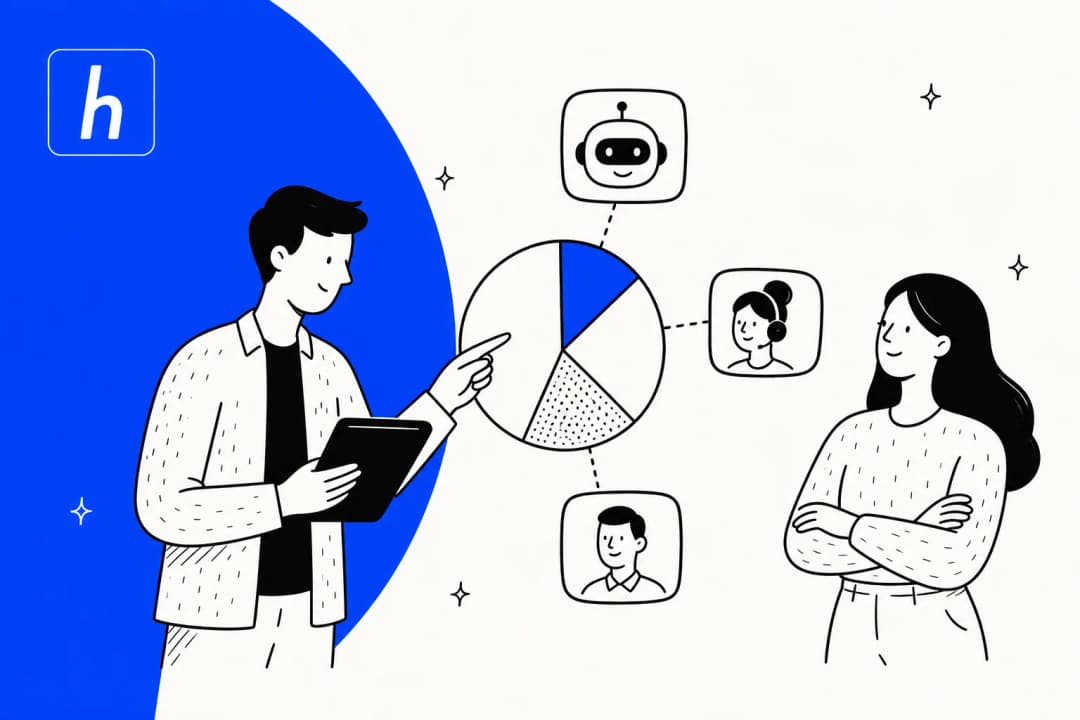
The goal is the funnel above: a big pile of incoming questions comes in, self-service catches a chunk, AI auto-resolves another chunk, and what reaches a human is a small stream of genuinely complex work. Here's how to build that, step by step.
How to reduce ticket volume with AI, step by step
1. Start with your ticket data, not a chatbot
The instinct is to buy a chatbot and switch it on. Don't. The first move is to look at what's actually in your queue, because you can't deflect what you haven't measured.
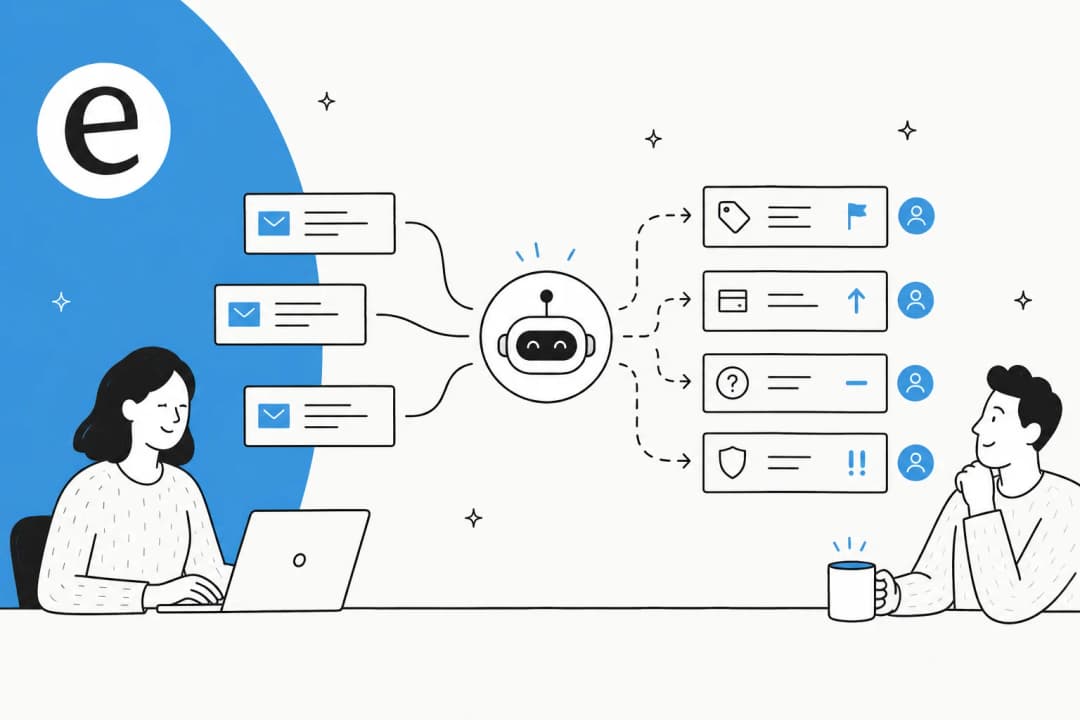
Pull the last few months of tickets and group them by theme. You're looking for the repeat offenders: the 10 or 15 question types that make up the majority of your volume. Most helpdesks can tag and report on this, and a good AI layer can do support ticket analysis and ticket classification automatically, surfacing the recurring themes so you don't have to read every ticket by hand.
This step tells you two things: which questions to deflect first (the highest-volume, lowest-complexity ones), and where your knowledge gaps are. If 400 people a month ask the same thing, that's not 400 tickets, it's one missing help article.
2. Close the self-service gap at the source
Every repetitive ticket is a question your help center failed to answer in time. So before you put AI in front of customers, give it something good to learn from.
Take those top themes from step 1 and make sure each one has a clear, current answer in your knowledge base. This does double duty: it helps the customers who self-serve, and it's the training material your AI will draw on. An AI agent is only as good as the docs behind it, which is why a chatbot answering incorrectly almost always traces back to thin or outdated content.
The nice part: AI doesn't just read your docs, it can write them. A good knowledge base management setup spots the topics customers keep asking about that have no article yet, and drafts one to fill the gap. If you're starting from scratch, our guides on building a knowledge base and the best knowledge base tools are a good place to begin.
3. Put an AI agent on the front line
Now you deflect. An AI agent on your chat widget (or your email and messaging channels) answers the repetitive questions instantly, using the docs and order data you just tidied up. When it can't help, it hands the conversation to a human cleanly, with the full context attached so the customer never repeats themselves.

The handover is the part teams skip and regret. A bot that traps people in a loop creates more work, because now the customer is angry and opens a ticket anyway. Good chatbot escalation is the difference between deflection and deflection theatre. If you run live chat, AI for live-chat deflection is the same idea applied to your busiest channel.
"As a fast-growing startup with a small team, our customers far outnumber our employees. It's crucial that we have robust self-service solutions as well as tools to supercharge the efficiency of our client-facing teams."
Director of support at a fast-growing EdTech startup running an AI agent, Copilot, and a customer-facing chatbot (eesel case study)
4. Auto-resolve the repetitive tier-1 tickets
Deflection catches questions at the front door. But tickets still get created, by email, by forms, by customers who'd rather type than chat. The next lever is resolving those automatically.
This is where the AI replies to and closes the repetitive tickets, or drafts a reply for an agent to send. Order status, refund initiation, address changes, "how do I" questions, all of it can be handled end to end when the AI is connected to the systems that hold the answers. Plug it into your existing helpdesk and it works the queue alongside your team.

One thing worth doing here: reuse the work you've already done. If your team has macros or saved replies, the AI can learn from them. I watched a UK team drive 56 resolved tasks from just 9 synced macros, because those macros already encoded the right answer to the most common tickets.
Here's a rough map of the usual suspects and which lever clears them:
| Ticket type | Share of a typical queue | Main lever | What the AI needs |
|---|---|---|---|
| Order tracking (WISMO) | High | Deflect + auto-resolve | Live order data |
| Refunds and returns | High | Auto-resolve with guardrails | Refund policy + order data |
| Password and login | Medium | Deflect | Help docs, account tooling |
| Cancellations and subscriptions | Medium | Auto-resolve | Billing/subscription access |
| Basic product questions | High | Deflect | Up-to-date help center |
| Complex, account-specific issues | Low | Escalate to a human | Clean handover with context |
5. Simulate before you let it touch a live customer
This is the step I care about most, because it's the one that protects trust. We've spent years putting AI agents on live support queues, and the scar we all carry is the same: a confident-sounding bot that quietly gives a wrong answer. A wrong answer doesn't just fail one customer, it creates a follow-up ticket, an angry reply, and a manager asking why you trusted a robot.
So we never go live blind. Before a single customer sees the AI, run it against your historical tickets in a simulation. You get to see, per theme, how many tickets it would have resolved, where it would have struggled, and what its error rate looks like, on your real traffic. Then you fix the gaps and re-run.
In one trial on a jewelry retailer's real Zendesk traffic, simulation showed 93% triage accuracy and 100% spam detection, but only 12% of drafts good enough to send as-is and a 7% factual error rate. That's not a failure, that's exactly the information you want before go-live: it told the team to use the AI as a triage and drafting assistant first, not an autonomous responder, until the content improved.
6. Roll out by confidence, not all at once
You don't flip ticket volume from "all human" to "all AI" overnight. You widen the AI's autonomy gradually, and you gate it on confidence.
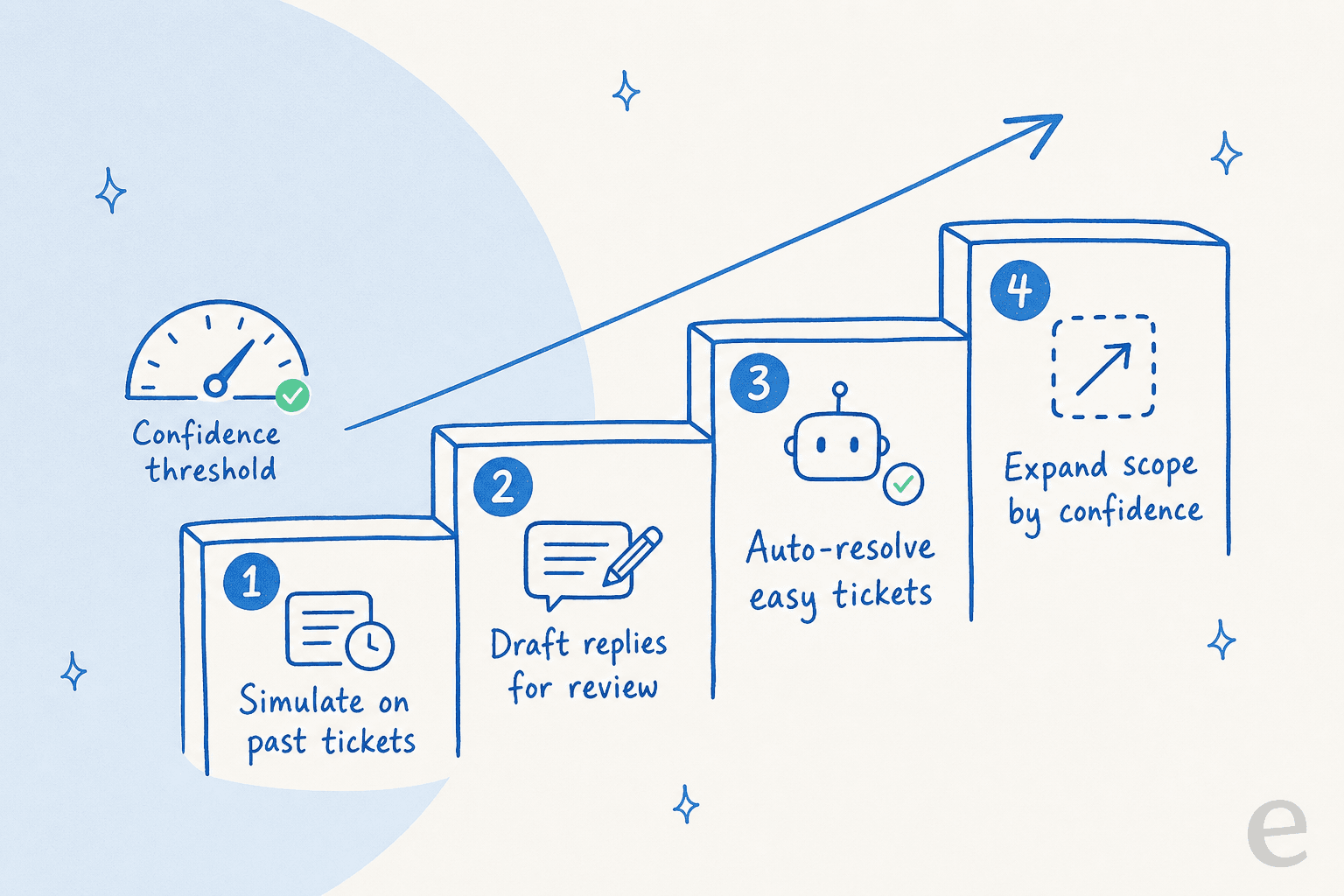
Confidence-based routing is the whole game. The AI handles only the tickets it's sure about and leaves everything else alone. A CX lead I spoke with put the philosophy perfectly: the AI will never answer 100% of questions, so she only wanted it touching the tickets it was confident to handle and leaving the rest for her team. That's not a limitation, it's the design. You can read more on tuning the confidence threshold and setting escalation rules per ticket type.
Start with draft-only on a few themes, watch the quality, then let it auto-resolve the categories it nails, then expand. Slow is fast here: a measured rollout that earns trust beats an aggressive one that loses it in week one.
An internal IT helpdesk I looked at started at 15% deflection on its Jira tickets and is working toward a 55% target, one ticket category at a time. (eesel case study)
7. Measure what's actually dropping
If you only count chats, you'll fool yourself. The numbers that matter are deflection rate (questions answered without a human) and resolution rate (tickets fully closed by AI). Track them against what a human would have handled, and watch first contact resolution climb as the AI clears the easy stuff.

Reporting also closes the loop: it shows you the new themes creeping up the queue, which feeds straight back into step 1. Reducing ticket volume isn't a one-time project, it's a habit. There's a good primer on measuring AI versus human deflection if you want to get rigorous about it.
Mistakes that keep ticket volume high
A few patterns I see again and again, all of them avoidable:
- Automating before measuring. Buying a bot without knowing your top ticket themes means you deflect the wrong things and miss the high-volume wins. Do support ticket analysis first.
- Letting the AI answer everything. No confidence gating means wrong answers, which means more tickets, not fewer. The whole point of tier-1 deflection is to handle the easy stuff and escalate the rest.
- A dead-end bot with no handover. Trapping customers creates rage and re-opens. Invest in escalation as much as deflection.
- Stale knowledge. The AI inherits whatever's in your docs. Skip the knowledge base work and you cap your ceiling on day one.
- Per-resolution pricing. Some vendors charge you more as you resolve more, which fights the goal. Check the cost per resolution and the AI-versus-human cost before you sign.
Try eesel to cut your ticket volume
If you want all of this in one place, that's what I help build. eesel is an AI agent that plugs into your existing helpdesk (Zendesk, Freshdesk, Gorgias, Front, Help Scout and more), learns from your past tickets and help docs on day one, and starts deflecting and resolving the repetitive volume, with confidence-based routing so it only answers what it's sure of.
The differentiator I'd point to is the simulation mode: you run it against your historical tickets and see your projected deflection and error rate before a customer is ever in the loop, so reducing ticket volume stops being a leap of faith. It's free to try, no credit card, and you can be live in minutes. One team resolved 73% of their tier-1 requests in the first month after a 7-day trial, which is the kind of drop that gives your people their afternoons back.
Frequently Asked Questions

Share this article

Article by
Riellvriany Indriawan
Riell is a designer and writer at eesel AI with about two years of experience researching CX platforms, AI chatbots, and helpdesk software. She combines her design background with a sharp eye for how these tools actually look and feel in practice — making her comparisons unusually visual and user-focused.