Support ticket automation: how it actually works in 2026


Last edited June 15, 2026
What support ticket automation actually means
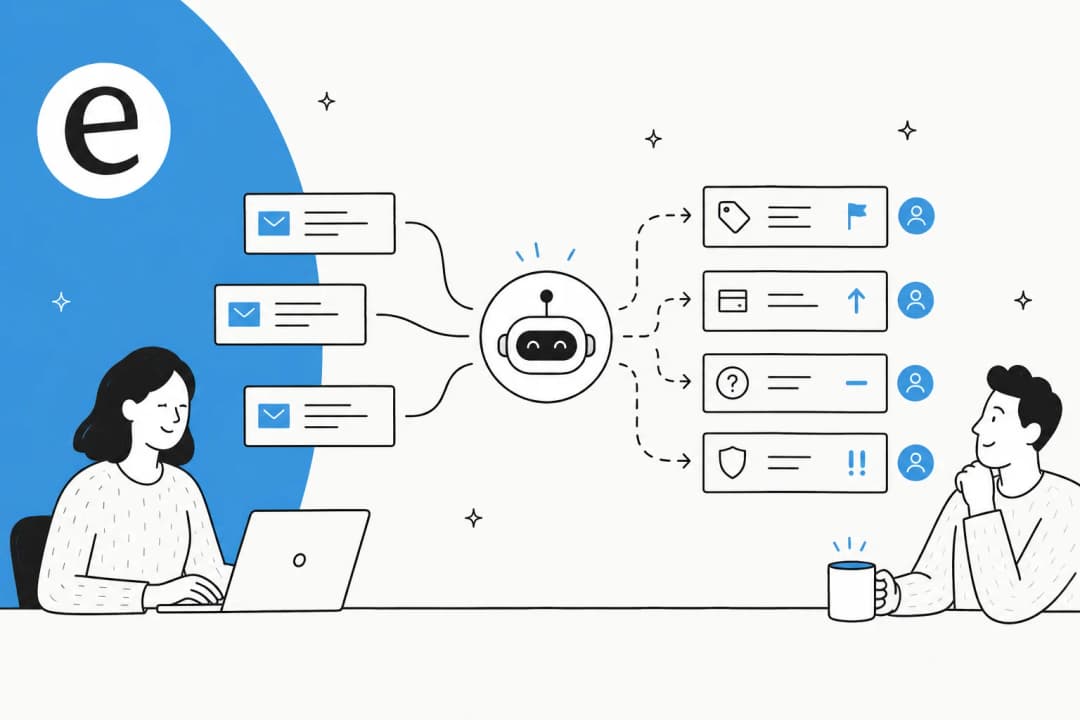
At its simplest, support ticket automation is using software to do the routine, repeatable work in a help desk so a person does not have to do each step by hand. That covers capturing a request, classifying and tagging it, routing it to the right place, prioritizing it, replying, and increasingly resolving it end to end.
The word "automation" hides two very different generations of technology, and conflating them is the most common mistake we see in buyer conversations.
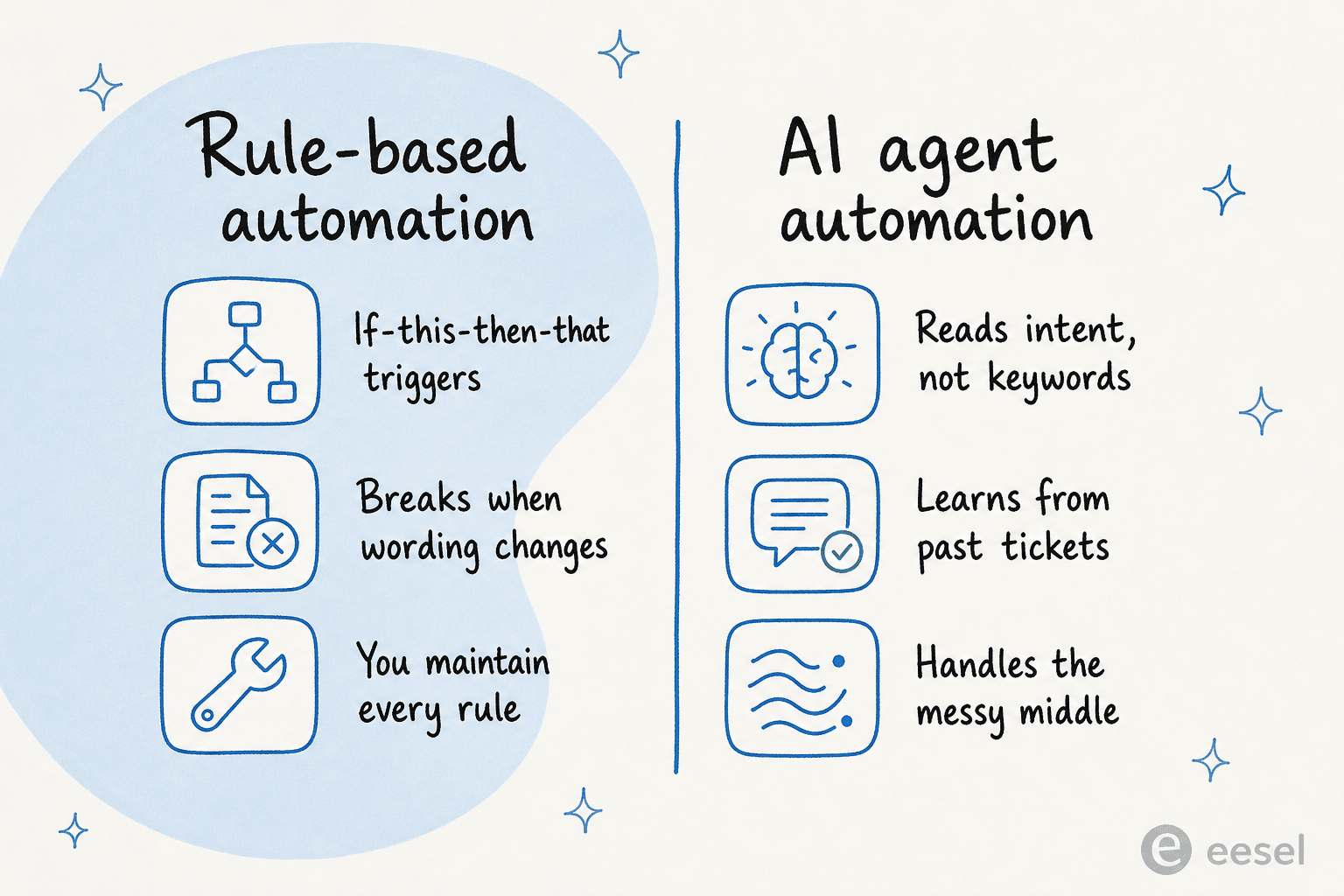
The first generation is rules and macros: deterministic "if this, then that" triggers, keyword matching, round-robin assignment, SLA timers, and saved replies. It does exactly what you told it to and breaks the moment a customer phrases something in a way you did not anticipate. According to IrisAgent's 2026 guide, rule-based triage stalls at a 40 to 50 percent accuracy ceiling on real ticket streams.
The second generation is AI agent automation: machine-learning and large-language-model systems that read the full ticket, subject, body, attachments, customer history, sentiment, and make context-aware calls in milliseconds while learning from every resolved ticket. The same analysis puts mature AI triage at 85 to 95 percent accuracy, and calls that roughly 40-point gap "the entire reason support teams are migrating off legacy automation in 2026." A rule engine cannot improve without someone rewriting rules; a trained model gets better the more tickets it sees. If you are weighing the two for your own stack, our breakdown of an AI ticketing system and the older automated ticketing system options is a good next read.
One more piece of vocabulary, because the rest of this guide leans on it: deflection, containment, and resolution are not the same thing. Deflection means the ticket ended without an agent. Resolution means the customer's actual problem got solved. A platform can show 90 percent "deflection" and still leave 40 percent of problems unsolved. Vendors tend to report whichever number looks best, so it pays to know which one you are being sold.
How support ticket automation works, stage by stage
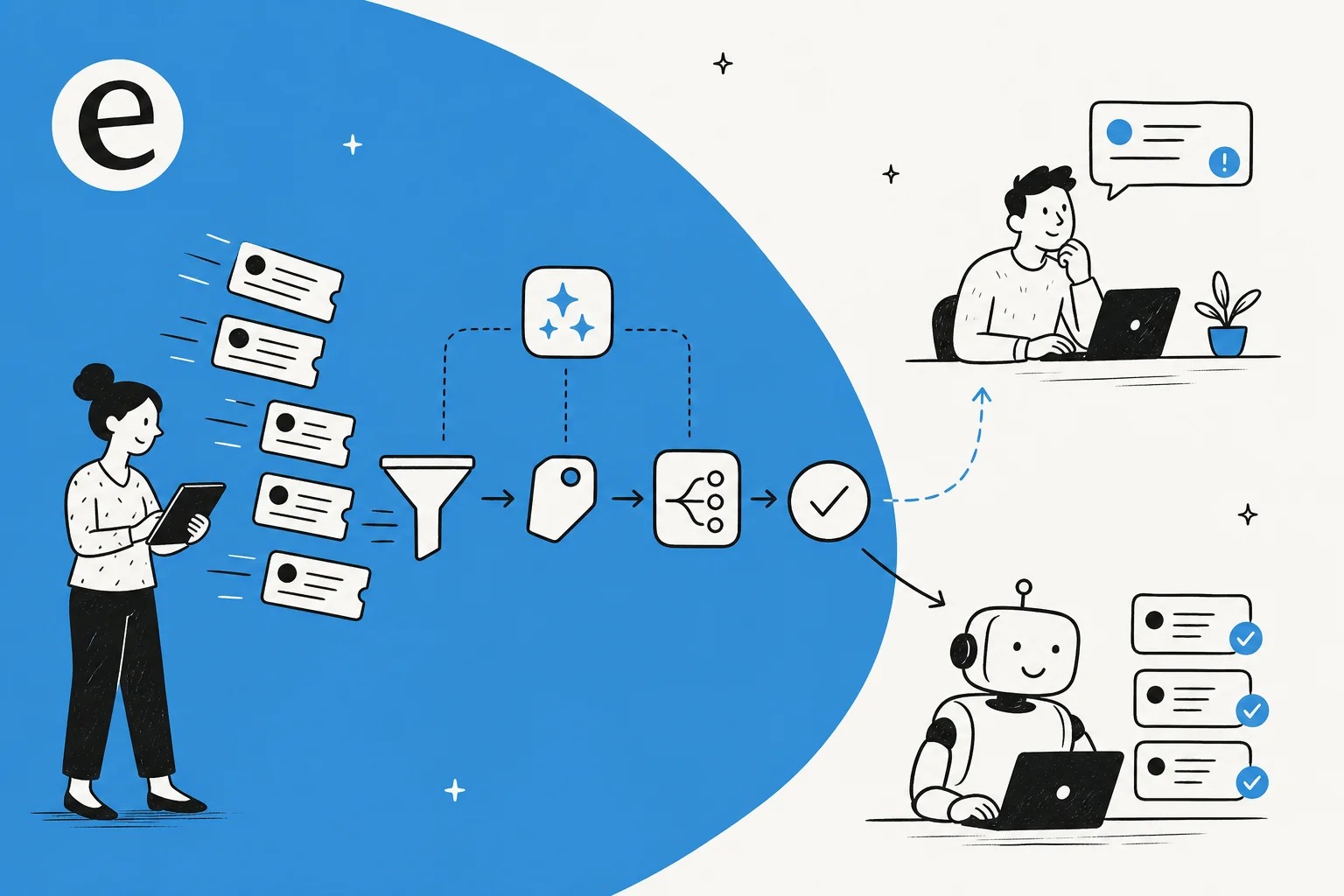
Modern automation, as IrisAgent puts it, "sits at the front of the queue" and handles the five decisions that used to eat a Tier-1 lead's whole day: what is this ticket about, who should handle it, how urgent is it, does it need to escalate, and what is the first reply. Here is the pipeline most AI-driven systems run, in order.
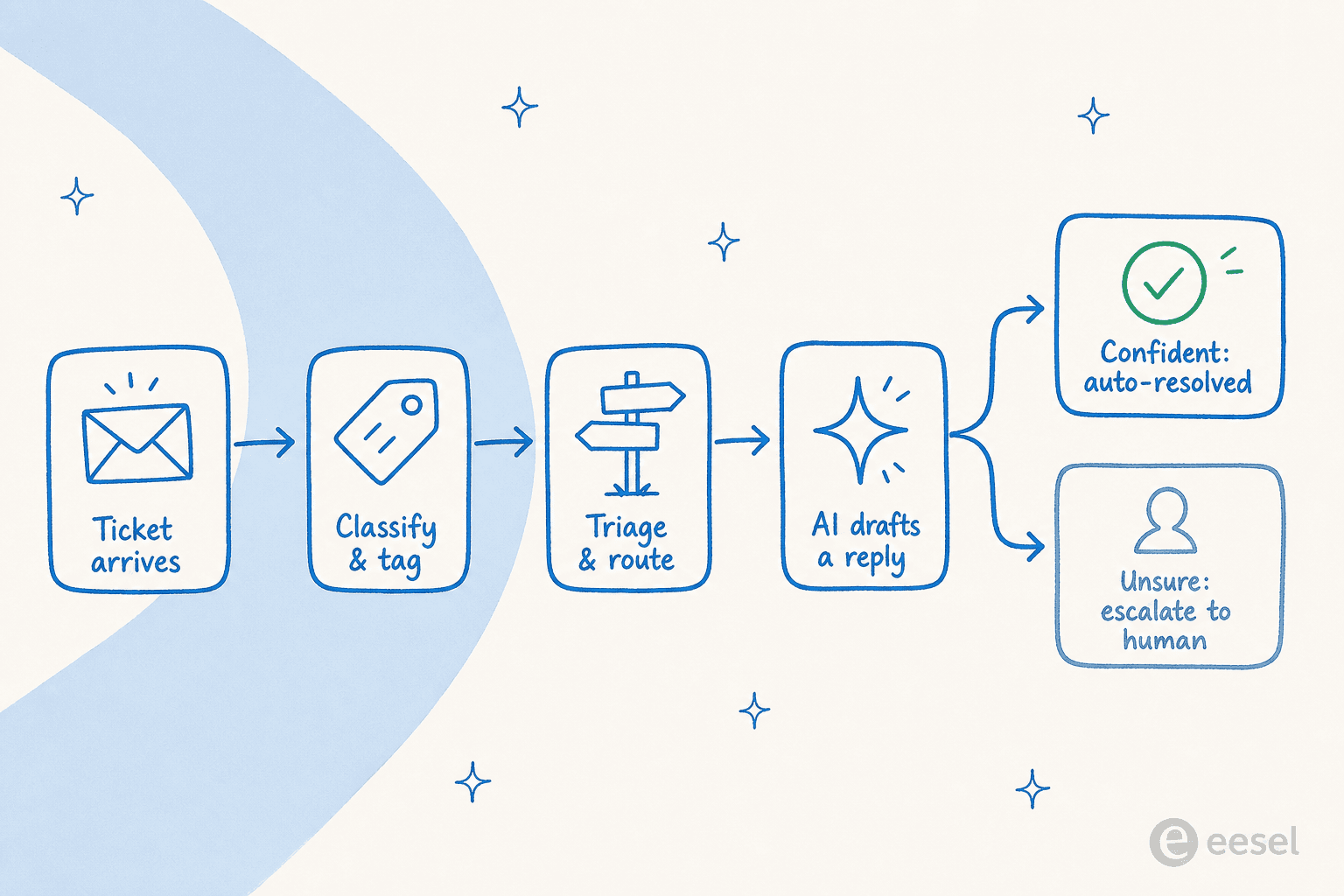
1. Intake. Requests arrive across email, in-app chat, web forms, and voice, and get normalized into one ticket object. The best setups suggest help-center articles before a ticket even exists, deflecting at the source.
2. Classification and tagging. The AI applies multi-label tags (product area, issue type, urgency, sentiment, customer segment) to every ticket in under a second, with 90 percent-plus consistency on a trained taxonomy. This stage is the foundation. If your tags are inconsistent, routing and reporting "run on sand," and human tagging always drifts because agents skip tags under pressure and read categories differently. This is also where false positives bite, so it is worth knowing how to reduce AI tagging errors before you flip it on for everything.
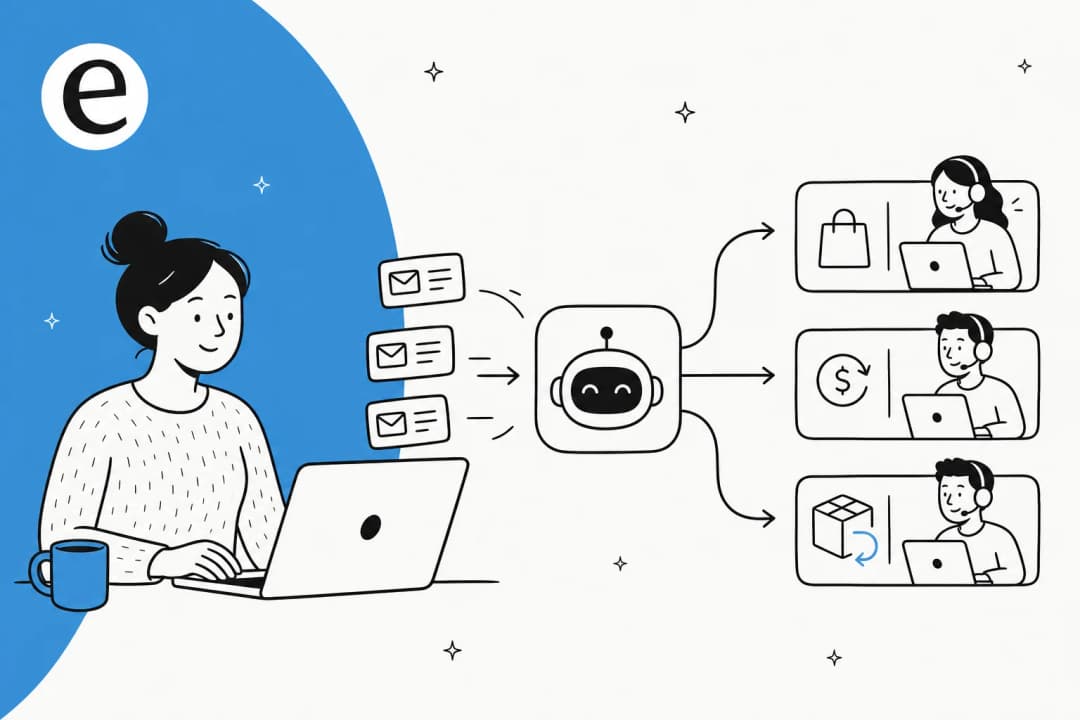
3. Triage and routing. Each ticket goes to the right queue, team, or person based on intent, expertise, capacity, language, and historical resolution data, not brittle keyword regex. IrisAgent reports AI routing hitting 85 percent-plus accuracy with around half as many reassignments, and unlike rules it handles misspellings, multi-issue tickets, and novel phrasings gracefully. If you live in Zendesk, our ticket routing automation guide goes deeper on the mechanics.
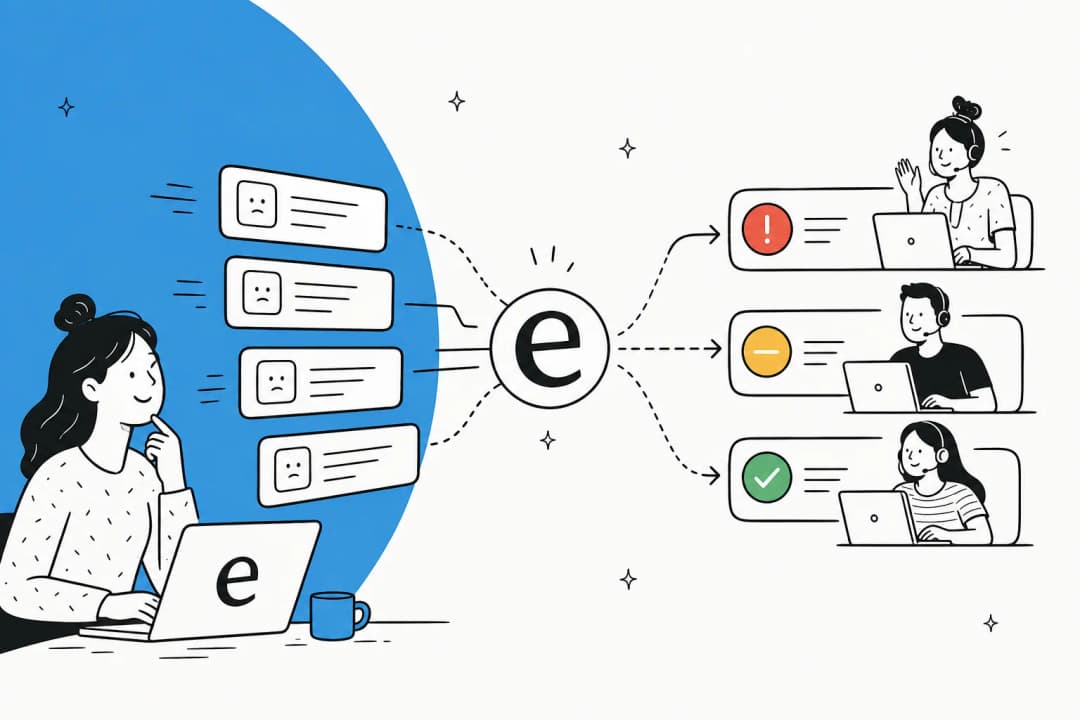
4. Prioritization and SLA. Instead of first-in-first-out, the AI scores each ticket on a continuous urgency-times-impact model: sentiment, account tier, SLA clock, known-incident matches. That score updates mid-thread, so a routine ticket can escalate if the customer's mood sours.
5. Auto-response and resolution. For high-structure intents (order status, password reset, refund status), the AI answers directly and closes the loop. For everything else it can draft a reply and surface the knowledge it used, leaving a human to review and send, the pattern we cover in how to automate replies in Zendesk and across email with AI email triage.
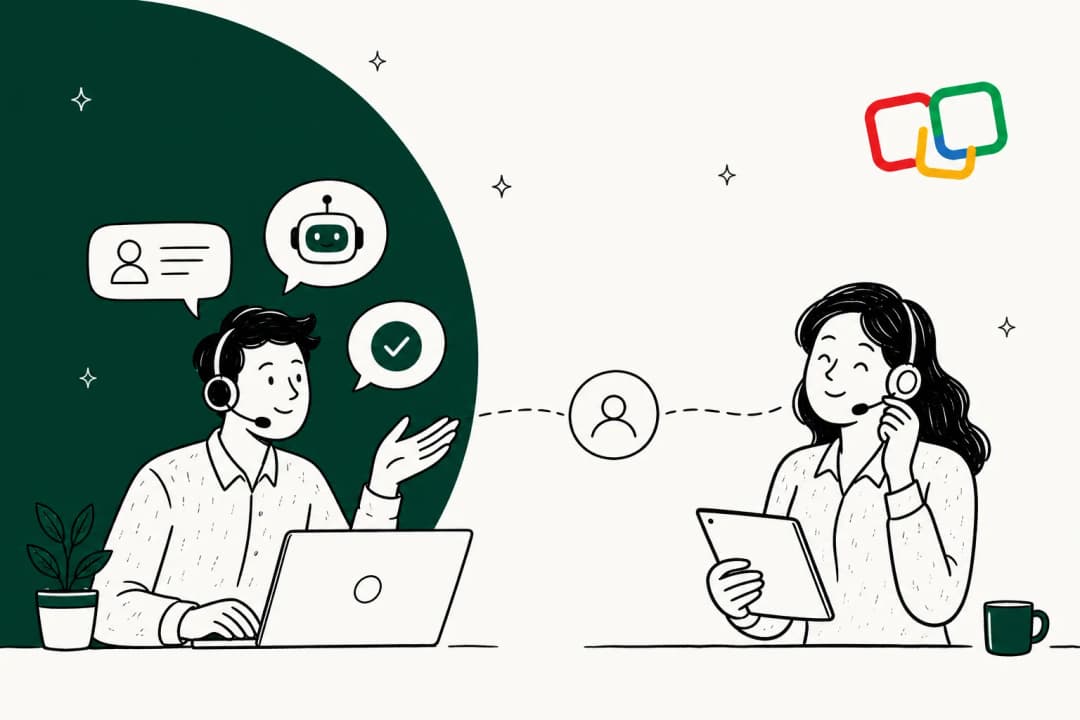
6. Escalation and handoff. When confidence is low, a good system routes to a human with its reasoning attached rather than forcing a wrong call, and auto-summarizes the thread so the agent picks up fast (handle time drops 20 to 40 percent when handoffs carry context). Decagon's CEO frames the design rule well:
"Companies aiming to deflect customers will lose money in the long run. There should never be a dead end, only an escalation path."
Jesse Zhang, Co-Founder and CEO of Decagon, via CNBC, quoted in Digital Applied (May 2026)
That clean escalation path and the handoff to a human is the part most teams under-build, and it is the part customers notice most.
What you can realistically automate today
Not every ticket is a good automation candidate, and the honest framing is by intent type. High-structure, high-volume intents are where automation shines: Zendesk CX Trends 2026 shows authentication, order status, and refund-status questions deflecting at 65 to 80 percent. Sentiment-heavy intents (complaints, billing disputes) deflect far lower, and they should, because forcing them through a bot is how you lose customers.
The other thing worth saying: modern automation is not limited to FAQ-level answers. When the AI can pull live context, an order status from Shopify, a customer's account state, it can actually fix things rather than route them. Real tickets we have seen handled this way range from a field engineer raising a deep hardware fault (the AI ran several doc searches, read the PDFs, and drafted structured troubleshooting steps) to a cold sales pitch arriving as a ticket (the AI matched it against past tickets, recognized it as spam, and drafted a polite decline as an internal note instead of trying to "answer" it).

For most teams the entry point is not full auto-resolution at all. It is having the AI triage every incoming ticket and leave a suggested reply as an internal note, so agents start from a draft instead of a blank box. That is the helpdesk copilot pattern, and it is the lowest-trust-cost way to start. Here is what it looks like running live inside a help desk:
The teams that get the most out of this are usually the ones drowning before they automate. As one director of support at a fast-growing EdTech startup told us:
"As a fast-growing startup with a small team, our customers far outnumber our employees. It's crucial that we have robust self-service solutions as well as tools to supercharge the efficiency of our client-facing teams."
Jon Miron, Director of Support and Operations, Yellowdig, eesel case study
If you are picking a starting platform, our guides to the best AI for ticket automation and automating Zendesk tickets (or automating Freshdesk) walk through the shortlist.
The numbers: what automation actually delivers
The hard figures hold up well, as long as you read them honestly. Here is what 2026 benchmarks show.
| Metric | Figure | Source |
|---|---|---|
| Median tier-1 deflection across enterprise CX | 41.2% (top quartile 58.7%) | Zendesk CX Trends 2026 |
| Issues fully resolved through self-service | ~14% (vs 45%+ deflected) | Gartner, via Digital Applied |
| Cost per ticket: human vs AI | $6–$12 vs $0.99–$2.00 | Lorikeet aggregate |
| Realistic net cost reduction, year one | 20–35% org-wide | Lorikeet, via Digital Applied |
| Industry-average ROI | $3.50 per $1, 3–6 month payback | Digital Applied (May 2026) |
| Incident-volume cut (self-service) | 40–50% | McKinsey, via Digital Applied |
| AI-handled CSAT vs human | 4.10/5 vs 4.30/5 (gap narrows to 0.05 with hybrid escalation) | Zendesk CX Trends 2026 |
A few of these deserve a second look. The $3.50 returned per $1 invested figure, with a three-to-six-month payback, is why the budget conversation has gotten easier. But notice the 20 to 35 percent net cost reduction, not the 60 to 80 percent you see in vendor headlines. Those headlines measure savings on AI-eligible tickets only and assume zero platform cost; the org-wide number, net of the complex tickets people still handle, is lower and more honest. We dug into this in our analysis of how much AI can save in customer support and the broader AI versus human cost comparison.
On the eesel side, the results we can point to track these benchmarks. A gig-economy driver-analytics app on Zendesk reported eesel resolving 73 percent of its tier-1 requests in the first month, after a seven-day trial. An internal IT help desk on Jira Service Management moved from 15 percent deflection toward a 55 percent target using AI as a first responder, the kind of outcome detailed in the InDebted case study. And a payments firm reported up to 80 percent time savings on answers and onboarding once agents stopped digging through documentation by hand.

The CSAT line is the one to internalize. AI-handled tickets sit only 0.2 points below human-handled ones, and that gap nearly closes with good escalation. Automation does not have to mean worse service. Done badly, though, it absolutely can.
Where support ticket automation goes wrong
This is the part most guides skip, and it is the part that decides whether your program works. The failure mode is not the AI being dumb. It is optimizing for the wrong number. Here is the complaint, from the customer's side, that should be printed on every support-ops wall:
"Your chatbot resolved my ticket in 3 seconds by sending me a knowledge base article I'd already tried. Ticket closed, metrics look great, but my laptop still won't connect to the VPN and now I've wasted 20 minutes in a loop."
u/Boring_Astronaut8509, r/sysadmin (Oct 2025)

That is the deflection-versus-resolution gap in one paragraph. The data backs it up: re-contact within 72 hours runs 11.3 percent on AI-resolved tickets versus 8.7 percent on human-resolved ones. Customers who come back were never really resolved; they were just counted. Full automation tends to break "around edge cases and follow-ups, not the first response," which is exactly why deflection can look great in month one while repeat contacts quietly climb.
There is also a trust gap that is easy to underestimate. Only 44 percent of consumers currently trust AI to handle their support, while 65 percent of service pros assume customers do, a 21-point blind spot. And 95 percent of consumers expect an explanation when AI makes a decision, but only 37 percent of CX teams provide the reasoning. Deploy faster than your customers are ready for and you pay for it in churn, not in your dashboard.
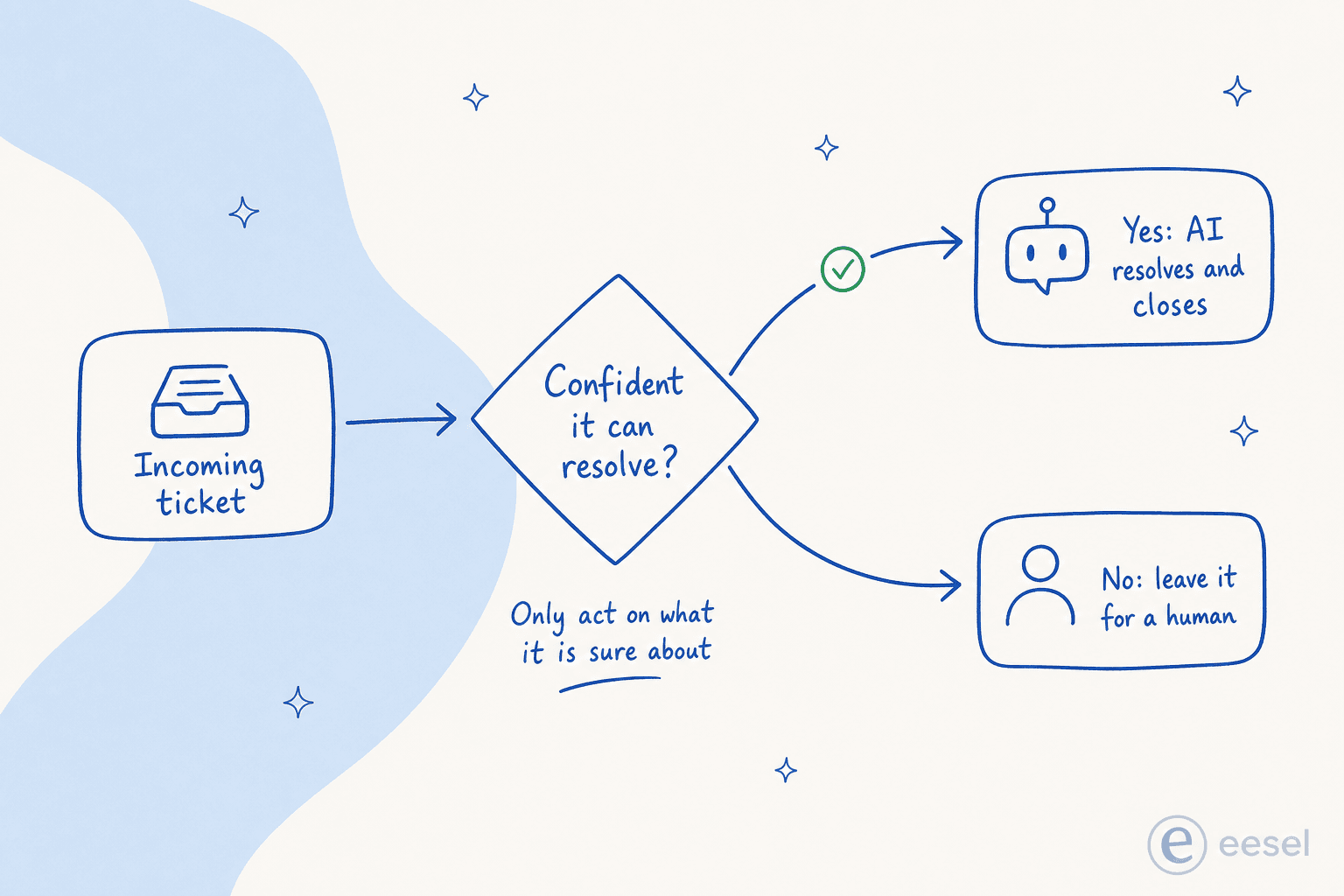
The deepest objection we hear from operators is about control. A CX lead at a DTC supplements brand running about 7,000 Gorgias tickets a month put it perfectly: "The AI will never be able to answer 100 percent of the questions, but if it tries and just answers 'sorry I don't know this,' I cannot go and check all my 7,000 tickets... I need an AI who is only handling the tickets that it's confident to handle, and all the other ones, leave them alone." That instinct is correct, and it is the whole design principle behind the next section.
How to roll it out without breaking trust
The teams that get this right follow a pattern that is almost boring in its discipline. None of it requires a moonshot.
Start with the few intents that matter. Auto-triage your three to five highest-volume, highest-structure intents first, prove the accuracy in production, then expand. In e-commerce that is order tracking, returns, and shipping. Trying to automate everything on day one is how the edge cases sink you.
Route by confidence, not coverage. This is the single most important rule, and a practitioner on r/Zendesk said it better than any vendor deck:
"The handoff experience matters more than the deflection rate... Better to have the AI resolve 40% flawlessly and escalate the other 60% cleanly than to push for 60% deflection with shaky quality."
u/Koalabs_PAI, r/Zendesk (Apr 2026)
Setting a real confidence threshold and scoping which ticket types the AI is even allowed to touch is what turns automation from a risk into a relief.
Train on your own past tickets. A model that learns from your resolved history picks up your taxonomy, your product terms, and the way your customers actually phrase things, instead of a generic industry ontology. It is also the only honest way to know your real deflection rate before you go live, rather than guessing.
Measure resolution, not just deflection. Treat every manual re-route as a training signal and feed corrections back regularly, or accuracy decays within a quarter. Watch re-contact rate and CSAT by intent, not raw "tickets closed." If you want a structured rollout, our customer support AI implementation guide lays out a step-by-step framework, and if you are still deciding whether to build this yourself, the build versus buy trade-offs are worth reading first. For teams chasing speed specifically, reducing first response time with AI and enabling 24/7 coverage are the most common first wins.
Try eesel
Most support ticket automation forces a choice: rip out the help desk you already run, or bolt on a bot that only handles FAQs. eesel is built to skip that trade-off. It runs as an AI teammate inside the tools you already use, Zendesk, Freshdesk, Slack, email, and 100-plus others, reads your past tickets and docs to learn your voice on day one, and lets you scope exactly which tickets it touches.

The differentiator that matters for everything above is control: you can simulate the AI on thousands of your real historical tickets to see the true resolution rate before it ever replies to a customer, set confidence rules so it only acts when it is sure, and brief it in plain language the way you would a new hire. Pricing is usage-based at roughly $0.40 per ticket with no per-seat fees, so the cost scales with what you actually automate. You can start free and point it at your own ticket history to see where it lands.
Frequently Asked Questions

Share this article

Article by
Alicia Kirana Utomo
Kira is a writer at eesel AI with a Computer Science background and over a year of hands-on experience evaluating AI-powered customer service tools. She focuses on breaking down how helpdesk platforms and AI agents actually work so that support teams can make better buying decisions.