How to train an AI support agent (so it earns customer trust)


Last edited June 20, 2026
Table of Contents
- What training an AI support agent actually means
- Step 1: feed it the knowledge that matches your tickets
- Step 2: simulate against your history before a customer sees it
- Step 3: coach it in plain language, not code
- Step 4: gate it by confidence before you let it reply
- Step 5: keep training after launch
- Common mistakes when training an AI support agent
- Try eesel
What training an AI support agent actually means
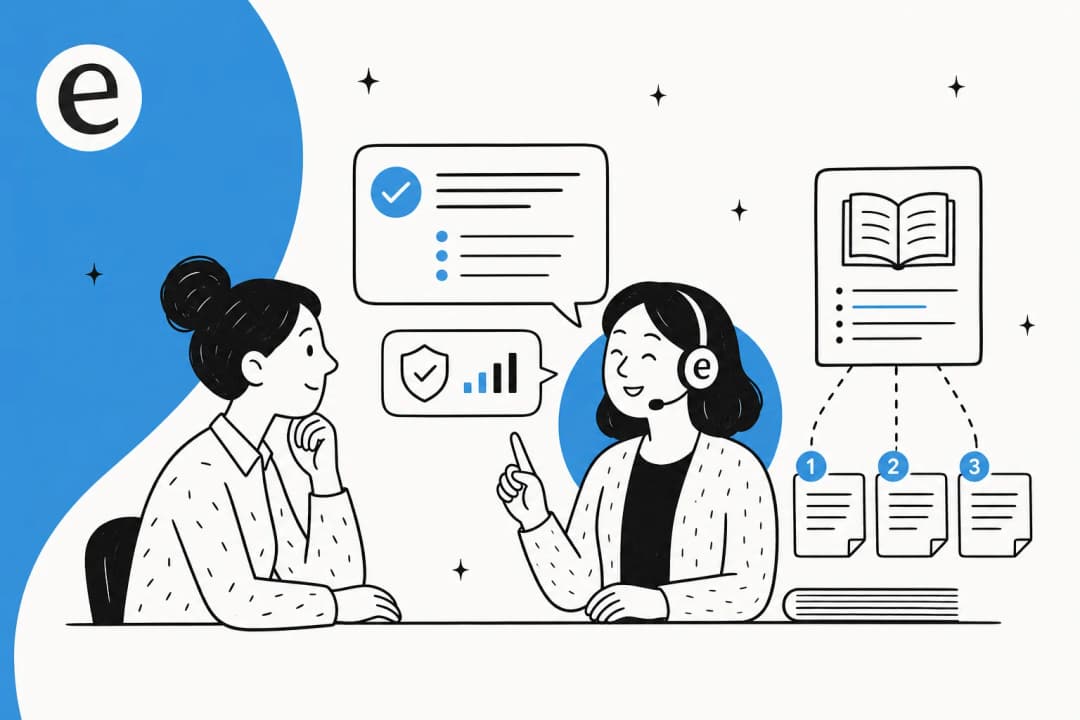
"Training" sounds like machine learning: labelling data, tuning a model, waiting for a job to finish. For a modern support agent, it is not that. The underlying language model is already trained. What you are doing is teaching it your business: your policies, your product, your voice, and the boundaries of what it is allowed to do.
Under the hood, that mostly means retrieval, not fine-tuning. The agent reads your knowledge at answer time and grounds each reply in a source it can cite, rather than memorising your docs into its weights. That distinction matters for a practical reason: when you fix a help article, the agent is "retrained" instantly, with no model job to re-run. It also means a rule-based chatbot and an AI agent are not the same animal. One follows decision trees you hand-build; the other reasons over your knowledge and decides for itself.
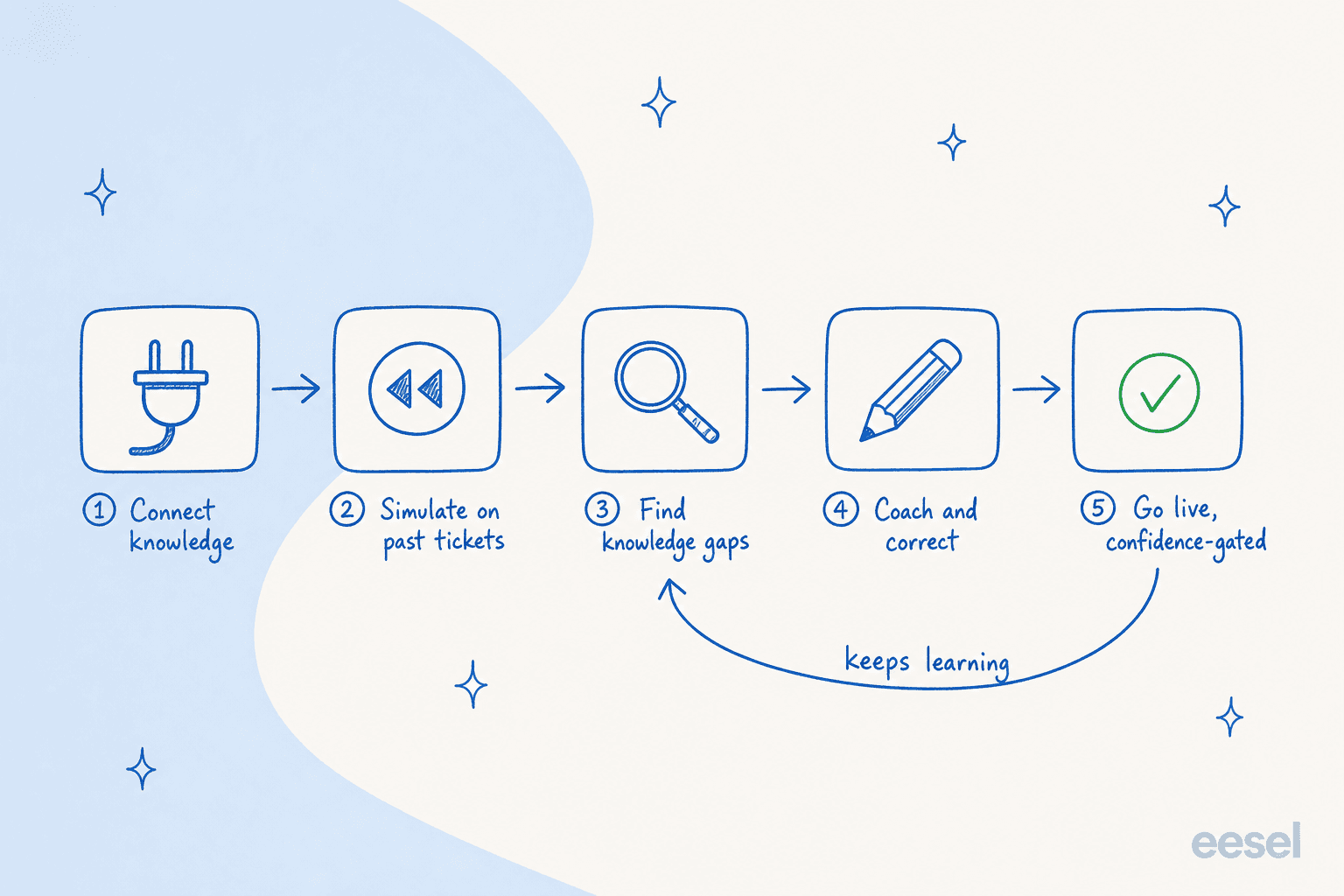
So the job breaks into five stages, and the loop matters as much as the steps: the last stage feeds back into the agent long after launch.
Step 1: feed it the knowledge that matches your tickets
Everything downstream depends on this. An agent is only as good as what it can read, so the first job is pointing it at the right sources, in the right order of value.
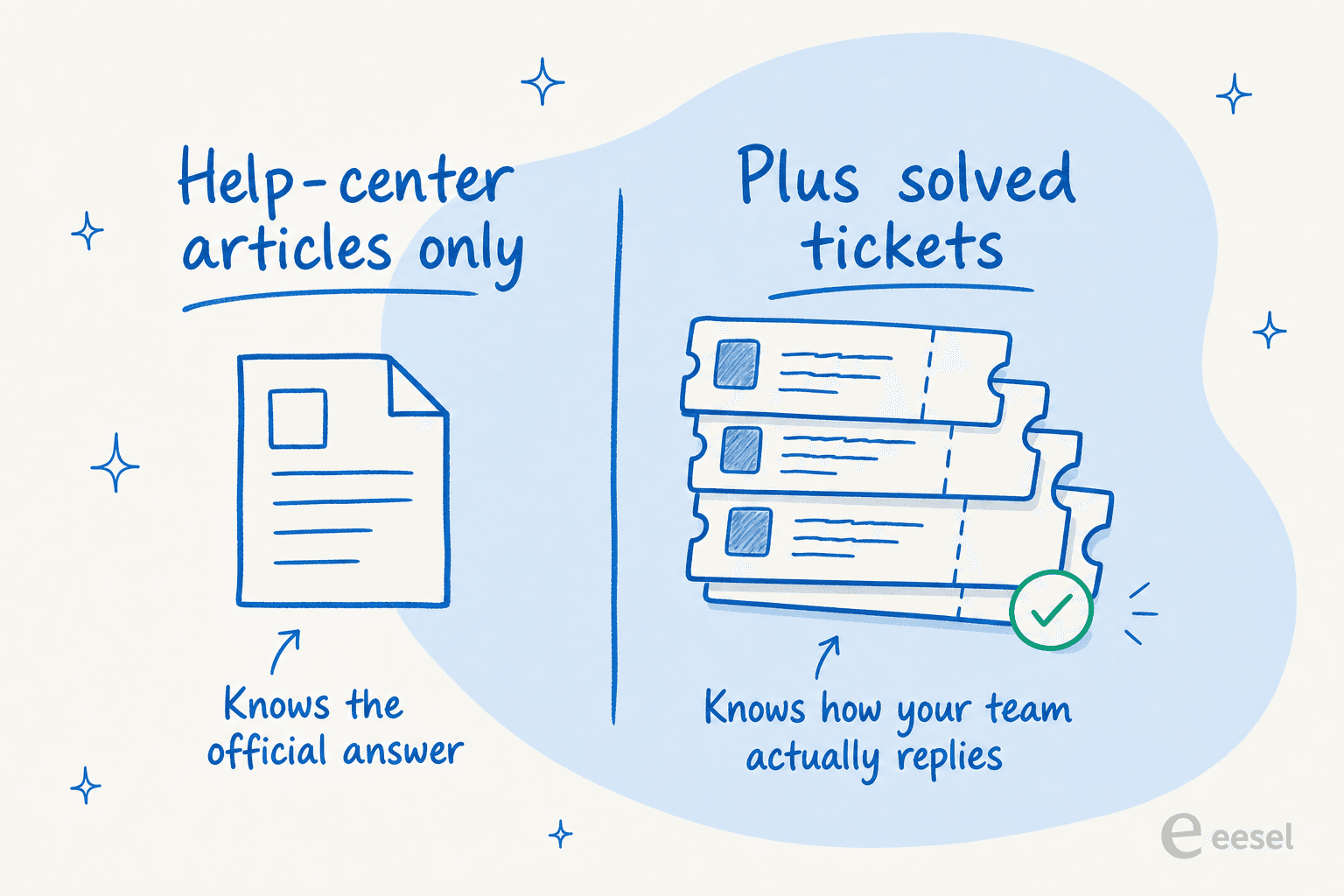
Start with your resolved tickets. This is the part teams skip and the part that matters most. Help-center articles are written for a tidy version of a question; real tickets are how customers actually ask, and how your best agents actually answer. Train on the tickets and the agent inherits your phrasing, your refund wording, your "here is the workaround while we fix it" tone. Past-ticket training is the single most requested feature I hear on sales calls, and once a team sees the difference in voice, they stop asking for it and start asking why everyone doesn't do it.
Then layer in the rest:
- Your help center and public docs, for the canonical policy and product answers.
- Internal knowledge, the things that never made it into an article, living in Confluence, Google Docs, Notion, or a Slack channel.
- Macros and saved replies, which are basically pre-approved answers your team already trusts.
- Order and account data, via tools like Shopify, so the agent can answer "where is my order" with a real lookup instead of a deflection.
One thing to watch: knowledge written for one audience but read by another. I worked through this with a transit-tech team whose docs were all written for administrators, while their tickets came from everyday riders. The agent had the facts but the wrong register. The fix was not more docs, it was telling the agent who it is talking to, which is a coaching step (Step 3), not a knowledge gap. Good knowledge management for support is half of training an agent well.
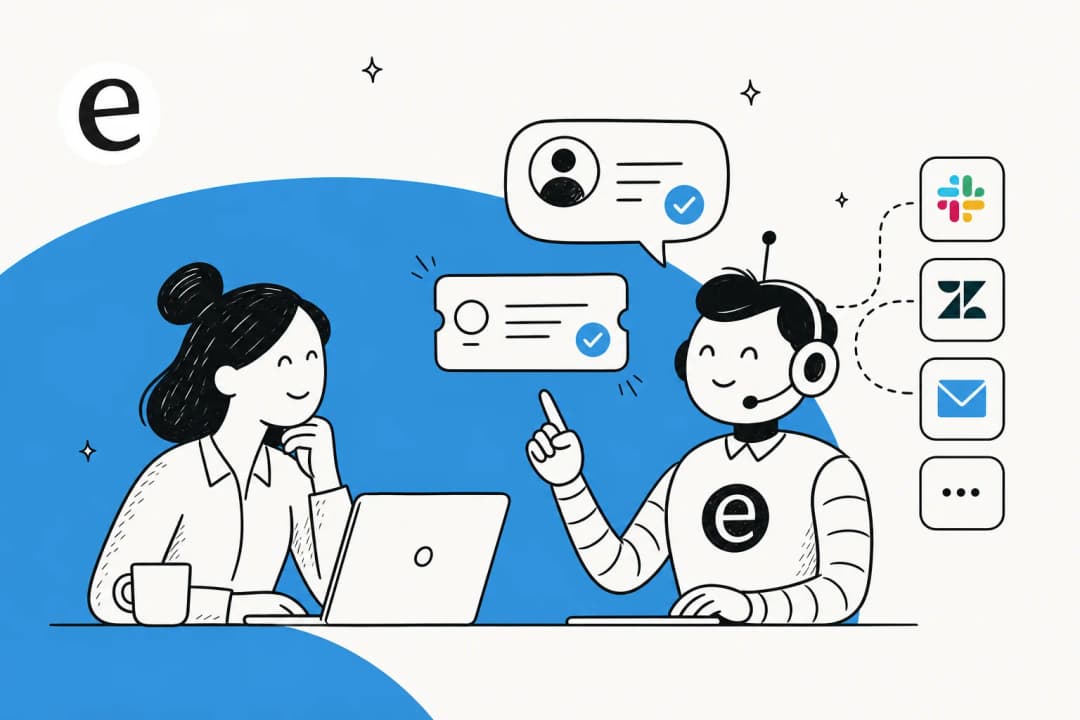
With eesel, connecting these is the literal first screen: point it at a helpdesk like Zendesk or Freshdesk, add your docs, and it indexes them with 100+ integrations available. If you run multiple brands, you can train a separate agent per brand, each learning only from its own history.
Step 2: simulate against your history before a customer sees it
This is the step that separates a responsible rollout from a hopeful one, and it is the one most tools don't give you.
Before the agent replies to a single live customer, run it against the tickets you have already closed. You know the right answers because your team already wrote them, so a simulation tells you, on your data, how the agent would have done: how many tickets it would have resolved, where it hedged, and where it would have been confidently wrong. That last category is the one to hunt for. A bot that says "I don't know" is annoying; a bot that invents a refund policy is a liability.
This is where I would resist the urge to go live early. The temptation after a clean first answer is to flip it on. Don't. Read the simulated answers ticket by ticket, especially the ones it got wrong, because each one is a coaching opportunity you get for free before it costs you a customer.

Simulation is also how you get an honest forecast instead of a vendor's marketing number. You will see the agent's likely resolution rate on your real volume, which is the figure that should drive your go-live decision. For one team that ran this, the payoff was fast:
"In the first month, eesel is resolving 73% of our tier 1 requests... results quickly during our 7-day trial."
Kim Simpson, Gridwise (G2 review)

Step 3: coach it in plain language, not code
Once you have a list of answers the agent got wrong, you correct them. The good news is that modern training is conversational: you tell the agent what to do differently, the way you would brief a new hire, instead of editing a config file.
Coaching usually takes a few forms:
- Fix the source. If the answer was wrong because a help article was stale, update the article and the agent is corrected instantly.
- Adjust the instructions. Tone, length, when to escalate, what to never say. "Always draft, never auto-send for billing questions" is a one-line instruction, not a workflow build.
- Set the audience. Like the rider-versus-admin case above, you can tell the agent to translate internal, technical docs into customer-friendly answers.

The thing to verify here is that coaching actually sticks. A dog-training small business I work with put it well: they loved that when they re-tested the agent, it correctly incorporated the coaching, so they could see it learning rather than take it on faith. That feedback loop, change something then re-simulate, is the whole game. If a tool lets you coach but not re-test, you are editing blind.
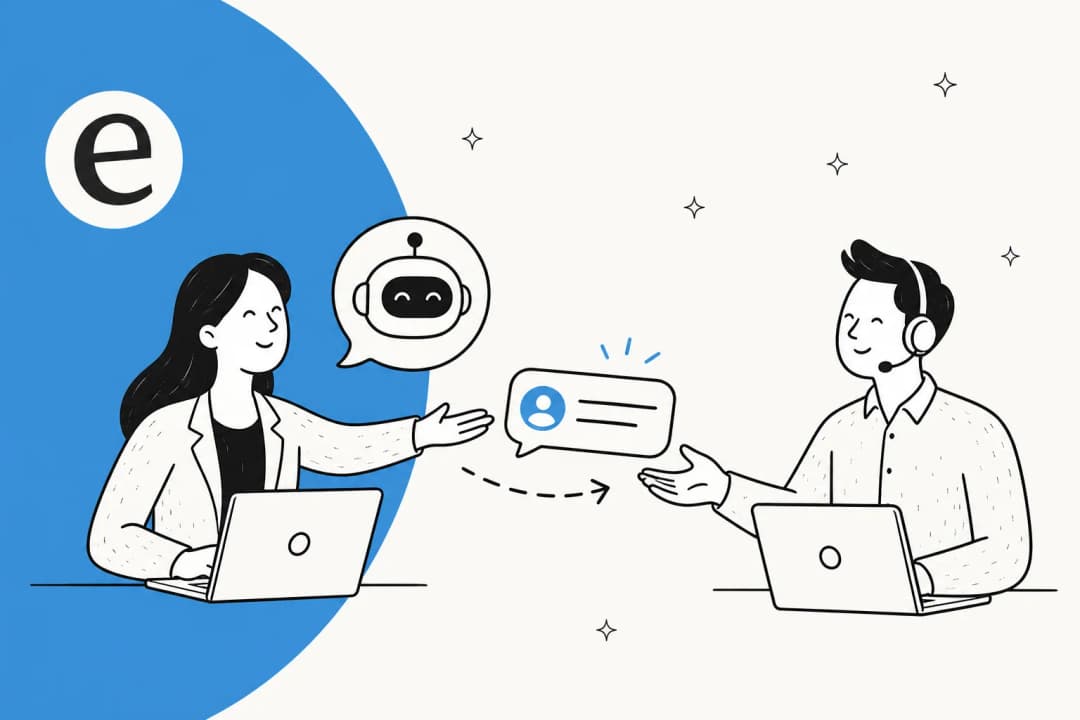
This is also where you build in your escalation rules. A well-trained agent knows what it does not handle and hands those off cleanly, which matters as much as the questions it answers. Getting handoff right is what keeps customers from feeling trapped in a bot.
Step 4: gate it by confidence before you let it reply
Here is the most important idea in this whole guide, and the one buyers care about most. You do not have to choose between "AI answers everything" and "AI answers nothing." You set a confidence threshold, and the agent only replies on its own when it clears the bar.
A CX lead at a supplements brand running about 7,000 tickets a month said it more bluntly than I could: the AI will never answer 100% of questions, and that is fine, but "I need an AI who is only handling the tickets that it's confident to handle and all the other ones, leave them alone." That is the entire thesis of a safe rollout. High confidence, auto-reply. Low confidence, draft for a human or hand off. No guessing.
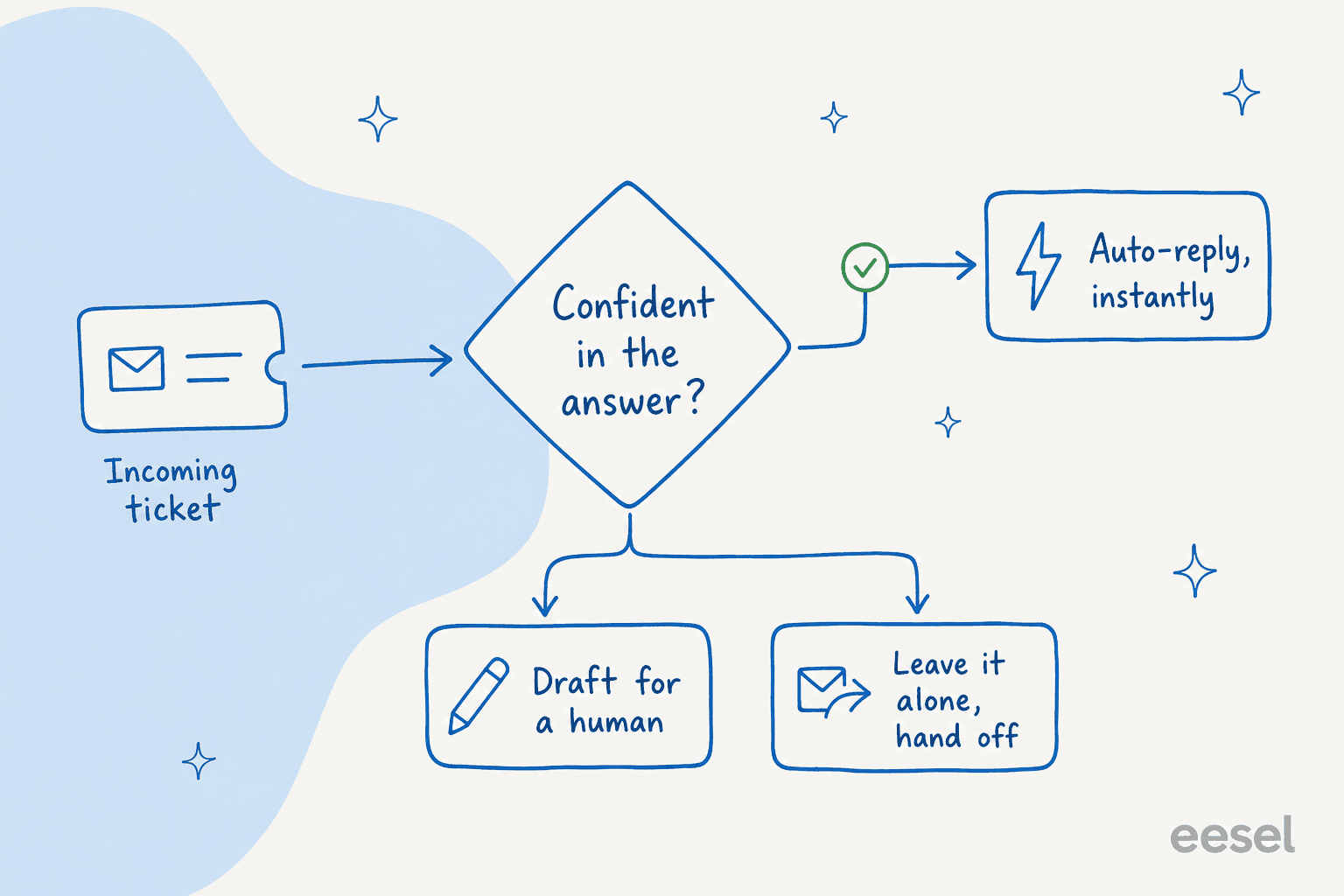
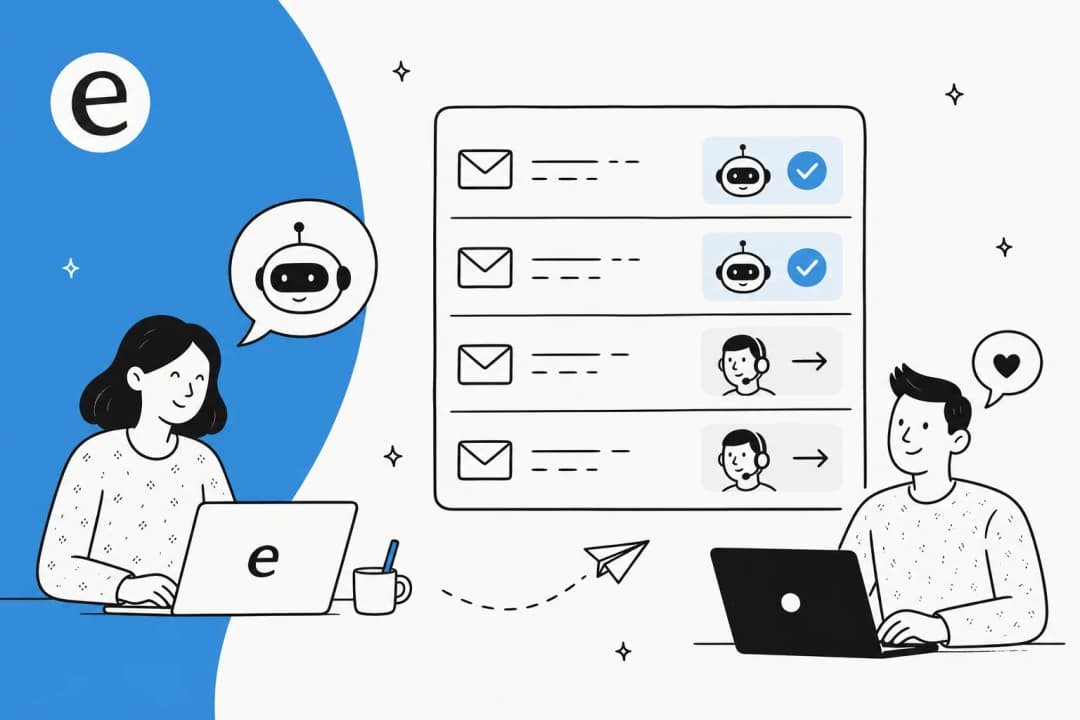
Confidence gating is also how you ramp safely. Start the agent in draft-only mode so a human approves every reply, watch the quality, then hand it autonomy on the ticket types it has earned, like password resets or order status, while keeping the gnarly ones supervised. You can also exclude whole categories from automation entirely, which is exactly what teams ask for when they say "there are certain tickets I don't want to go through AI." Combine confidence routing with citations on every answer and you have the two strongest guardrails against a bot that bluffs. This staged approach is the backbone of any sensible tier-1 deflection plan.
Step 5: keep training after launch
Training is not a launch-day milestone you clear and forget. The best agents get better every week because the team keeps the loop running.
Three habits keep an agent sharp:
- Review the misses. Watch the tickets the agent drafted or escalated, and the ones a customer pushed back on. Each is a coaching input, same as in Step 3.
- Fill the gaps it finds. A good agent surfaces the topics it keeps getting asked about but has no source for, so you can write the article (or have it draft one for you). This is where your knowledge base and your agent improve each other.
- Watch the trends, not just the tickets. Support metrics like resolution rate, escalation rate, and handle time tell you whether the training is paying off or quietly drifting.

A nice side effect: a well-trained AI agent doubles as a coach for your human team. One small business told me they were most excited about new hires getting "a 24/7 supervisor that coaches them on how to handle inquiries," because the agent's drafts show newer reps how a good answer reads. Training the AI ends up lifting the whole team, not just deflecting tickets.
Common mistakes when training an AI support agent
The failure modes are predictable, so here is what to avoid:
- Training on docs only. Covered above, but it is the number-one mistake. No ticket history means no voice.
- Going live without a simulation. If you can't see how the agent performs on your own past tickets, you are launching on hope. Insist on a proper test first.
- All-or-nothing autonomy. Flipping the agent to full auto-reply on day one is how you get the horror stories. Ramp with confidence gating.
- Treating setup as one-and-done. An agent trained in January on January's policies will be wrong by March if nobody keeps the loop running.
- No clean handoff. An agent that can't escalate gracefully traps customers. Build the escalation path before launch, not after the complaints.
Get those right and training stops feeling like a project and starts feeling like managing a teammate who happens to learn very fast. If you want the deeper version of the trust side, my guide to preventing hallucinations goes further, and the helpdesk agent roundup compares the tools that make this easy versus the ones that make it a slog.
Try eesel
If you would rather train an agent than build a training pipeline, that is the whole point of eesel. It plugs into your existing helpdesk, learns from your past tickets and docs on day one, and lets you simulate against your ticket history before a single customer sees a reply, so you launch on evidence instead of optimism.
The differentiator I would point to is that simulation-plus-confidence loop: you get a real resolution forecast on your own data, you coach in plain language, and you control exactly which tickets the AI is allowed to touch. Pricing is usage-based with no per-seat fees, and the free trial gives you $50 of usage to train and test an agent before you commit.
Frequently Asked Questions

Share this article

Article by
Alicia Kirana Utomo
Kira is a writer at eesel AI with a Computer Science background and over a year of hands-on experience evaluating AI-powered customer service tools. She focuses on breaking down how helpdesk platforms and AI agents actually work so that support teams can make better buying decisions.