7 best Nano Banana 2 alternatives I tested in 2026

Last edited February 27, 2026
Table of Contents
- What is Nano Banana 2?
- How I evaluated these alternatives
- Nano Banana 2 alternatives at a glance
- 1. [Midjourney]
- 2. [DALL-E 3]
- 3. [Seedream 4.0]
- 4. [Flux Kontext]
- 5. [Magic Hour]
- 6. [Qwen Image]
- 7. [Runway AI]
- Which Nano Banana 2 alternative should you choose?
- Tips for getting the best results
- Boost your creative workflow with AI
Nano Banana 2 (Google's Gemini 2.5 Flash Image model) has become a go-to tool for AI image editing. It excels at context-aware edits, character consistency, and fast processing. But it's not perfect for everyone. Some users want different artistic styles. Others need better photorealism or more flexible pricing.
I tested seven of the most popular Nano Banana 2 alternatives to see how they compare. Each tool has its own strengths, and the right choice depends on what you're trying to create.
What is Nano Banana 2?
Nano Banana 2 is Google's Gemini 2.5 Flash Image model. It's designed primarily for image editing rather than pure generation. You give it an existing image plus instructions, and it makes context-aware edits.
Here's what it does well:
- Character consistency across multiple images
- Localized edits that preserve the rest of the image
- Fast processing (reportedly up to 8x faster than some competitors)
- Text rendering in multiple languages
The main limitation? It's editing-focused. If you want to generate completely new scenes from text prompts, other tools do that better. Google has also released Nano Banana Pro (Gemini 3 Pro Image), which offers improved capabilities.
How I evaluated these alternatives
I tested each tool across several criteria:
- Output quality for different styles (photorealistic, artistic, abstract)
- Speed of generation
- Pricing and value for money
- Ease of use for beginners versus professionals
- Unique features that set each tool apart
Results vary by use case. There's no single "best" tool for everyone. Let's look at what each alternative offers.
Nano Banana 2 alternatives at a glance
| Tool | Best for | Starting price | Free plan | Key strength |
|---|---|---|---|---|
| Midjourney | Artistic visuals | $10/month | No | Cinematic aesthetics |
| DALL-E 3 | Prompt accuracy | $20/month (ChatGPT Plus) | Limited | Text understanding |
| Seedream 4.0 | Photorealism | Contact for pricing | No | 4K native output |
| Flux Kontext | Precise editing | API pricing | No | Contextual control |
| Magic Hour | All-around use | $10/month | Yes | Video + image suite |
| Qwen Image | Open source | Free | Yes | Full customization |
| Runway AI | Video generation | $12/month | Yes | Video-first features |
1. [Midjourney]
Midjourney dominates artistic image generation. If you want stunning, cinematic visuals that look like they came from a concept art studio, this is the tool to beat.
Key features
- Text-to-image generation through Discord bot interface
- Style variations and upscaling for higher resolution
- Community showcase to browse and get inspired
- Video generation capabilities (recently added)
- Multiple model versions for different aesthetic outputs
Pros
- Best-in-class artistic quality and cinematic lighting
- Strong compositions and color harmony
- Active community for learning and inspiration
- Regular model updates improving output quality
Cons
- No free plan (subscription required)
- Discord-only interface can feel clunky
- Limited editing capabilities for existing images
- Faced copyright lawsuits over training data
Pricing
| Plan | Monthly price | Key features |
|---|---|---|
| Basic | $10 | Limited generations |
| Standard | $30 | More generations, commercial use |
| Pro | $60 | Unlimited generations, stealth mode |
| Mega | $120 | Maximum capacity |
Verdict
Choose Midjourney if artistic quality is your top priority. It's the tool concept artists and designers reach for when they need visually stunning results. Skip it if you need to edit existing images or want a traditional web interface.
2. [DALL-E 3]
DALL-E 3 shines when you need precise prompt adherence. It understands complex instructions better than most competitors and renders text within images accurately.
Key features
- Text-to-image generation with strong prompt comprehension
- Text rendering inside images (logos, signs, labels)
- ChatGPT integration for conversational image creation
- Iterative refinement through natural language
- API access for developers
Pros
- Exceptional at following detailed prompts
- Seamless integration with ChatGPT
- Good text-in-image capabilities
- Fast generation speeds
Cons
- Less artistic flair than Midjourney
- Best experience requires ChatGPT Plus subscription
- Strict content restrictions limit some use cases
- Can be overly literal with prompts
Pricing
| Plan | Monthly price | Image generation |
|---|---|---|
| Free | $0 | Limited access, slower |
| Go | $8 | More image creation |
| Plus | $20 | Expanded and faster generation |
| Pro | $200 | Unlimited generation |
API pricing: $0.040 per standard image, $0.080 per HD image.
Verdict
Choose DALL-E 3 if you need precise control over output and want text rendered accurately in images. The ChatGPT integration makes it especially convenient if you're already a subscriber.
3. [Seedream 4.0]
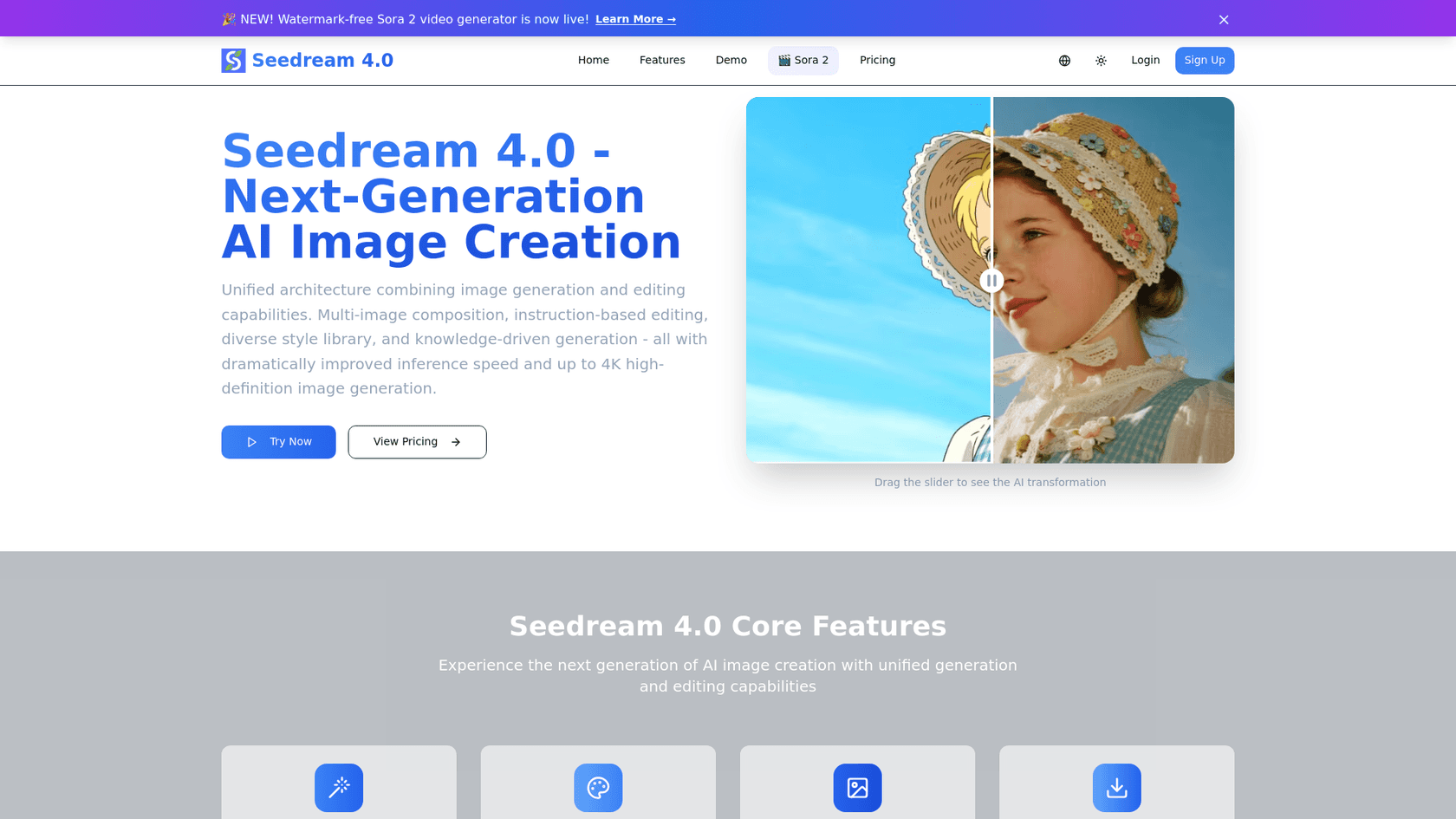
Seedream 4.0 from ByteDance targets professional creators who need high-end photorealism. Its native 4K output and character consistency features make it ideal for commercial work.
Key features
- Native 4K resolution without upscaling
- Character consistency across multiple images
- Multi-image fusion (up to 6 reference images)
- Text-to-image and image-to-image workflows
- Professional-grade output for marketing and design
Pros
- Exceptional detail in photorealistic outputs
- Handles complex prompts well
- Strong character consistency for series work
- High resolution suitable for print
Cons
- Steeper learning curve than consumer tools
- Occasional artifacts in complex scenes
- Enterprise-focused pricing
- Less accessible for casual users
Pricing
Seedream 4.0 uses a credit-based system with enterprise plans. Contact their sales team for specific pricing based on your needs.
Verdict
Choose Seedream 4.0 if you're a professional photographer, designer, or marketer who needs high-resolution, consistent outputs for commercial projects.
4. [Flux Kontext]
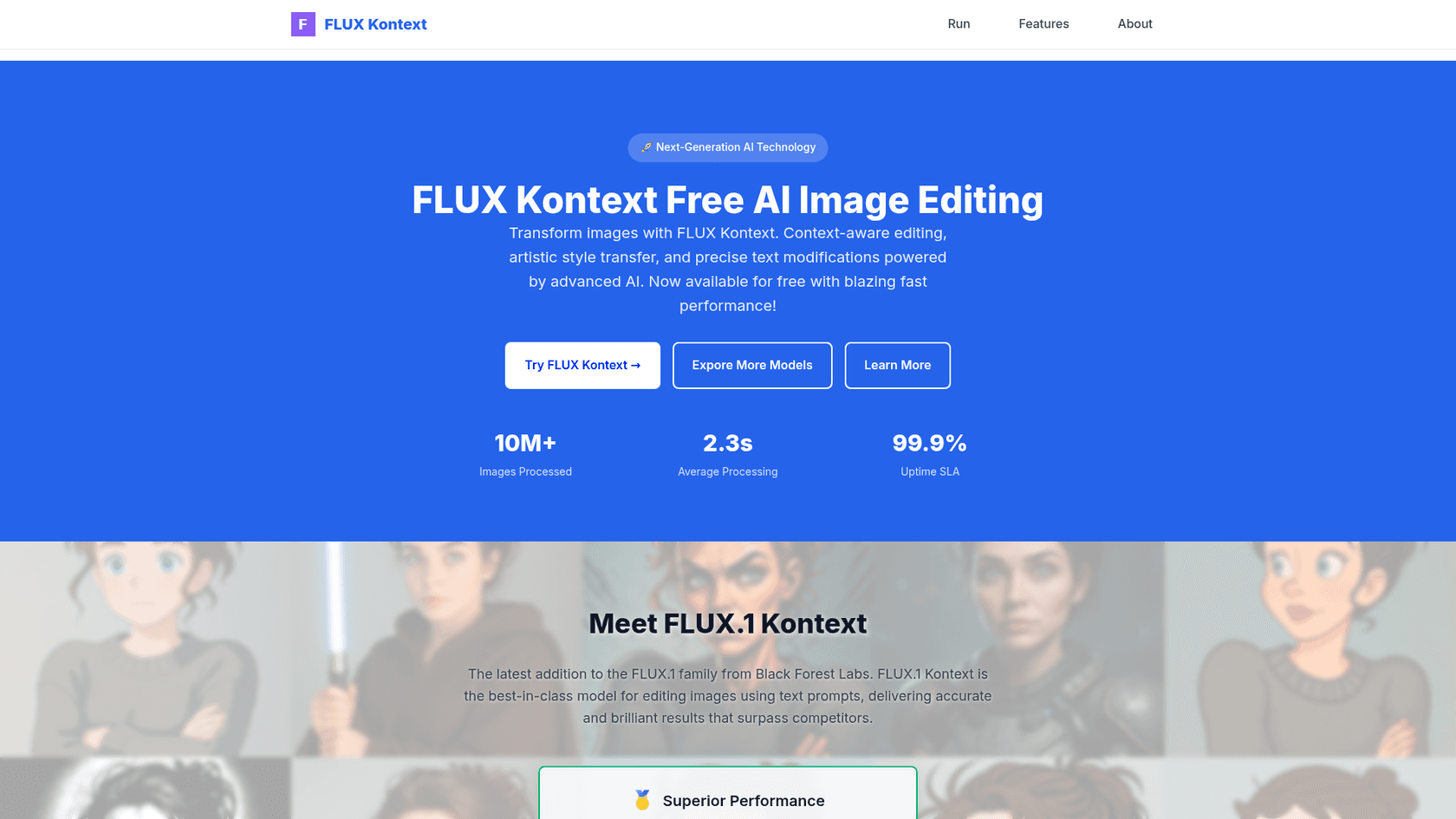
Flux Kontext specializes in contextual image editing. Like Nano Banana, it excels at making targeted edits while preserving the overall context of your image.
Key features
- Contextual editing with precise local control
- Multi-image reference (up to 2 images)
- Style preservation during transformations
- Inpainting capabilities for targeted changes
- Flow matching architecture for coherent outputs
Pros
- Precise control over specific image regions
- Maintains context well during edits
- Competitive with Nano Banana for editing tasks
- Advanced technical capabilities
Cons
- Higher cost than most competitors
- Complex for beginners
- Limited availability
- Requires technical understanding
Pricing
Flux Kontext uses API-based pricing that's generally more expensive than alternatives. Check their website for current rates.
Verdict
Choose Flux Kontext if you need precise editing control similar to Nano Banana but want to explore a different approach to contextual transformations.
5. [Magic Hour]
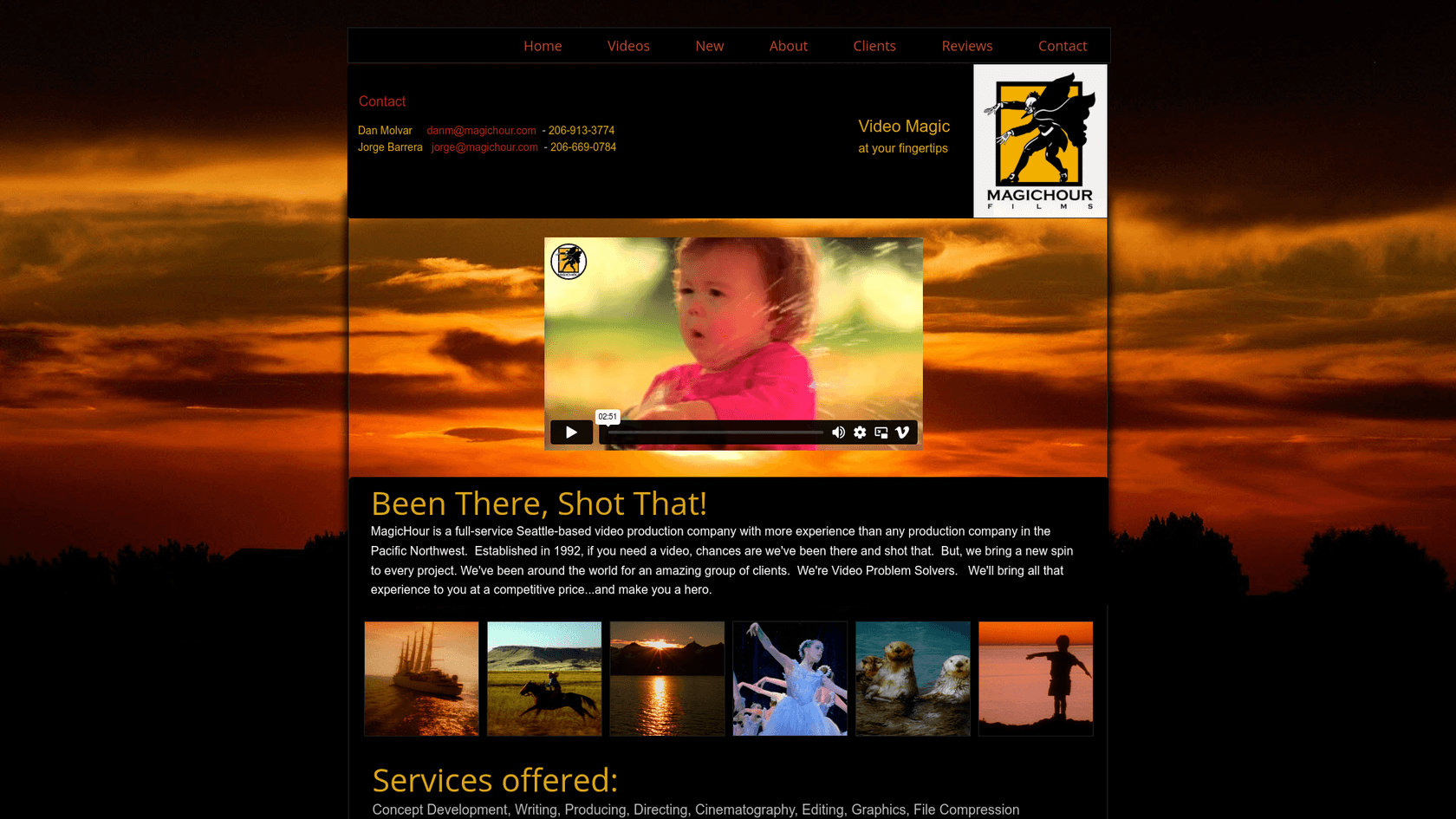
Magic Hour offers the most balanced approach for creators who need both video and image generation. With over 3 million users including teams at Meta, NBA, and Shopify, it's proven at scale.
Key features
- 100+ AI tools in one platform
- Video generation: text-to-video, image-to-video, face swap, lip sync
- Image generation: AI image generator, editor, upscaler, headshots
- API access included on all plans
- Template library with 10,000+ options
Pros
- All-in-one platform for video and image needs
- Generous free tier with daily credit bonuses
- Credits never expire (roll over month to month)
- Commercial use rights on paid plans
- 99.9% uptime SLA for API users
Cons
- Free exports include watermarks
- Credit system can be complex to estimate
- Free tier limited to 576px resolution
Pricing
| Plan | Monthly price | Annual price | Credits | Key features |
|---|---|---|---|---|
| Basic | Free | Free | 400 + 100 daily | 576px, watermark, limited tools |
| Creator | $10 | $120/year | 120,000/year | 1024px, no watermark, commercial use |
| Pro | $30 | $360/year | 360,000/year | 1472px, all features |
| Business | $66 | $792/year | 840,000/year | 4K resolution, all features |
Credit packs available: 2,000 credits for $6.
Verdict
Choose Magic Hour if you need both video and image generation in one platform. The generous free tier makes it easy to test before committing.
6. [Qwen Image]
Qwen Image from Alibaba Cloud offers something unique: full open-source flexibility. With 20,000+ GitHub stars, it's a popular choice for developers and technical users.
Key features
- Open-source model (Apache 2.0 license)
- Text-to-image and image editing capabilities
- Text rendering in images
- Multi-image support for reference
- Self-hosting option for full control
Pros
- Completely free and open source
- No usage limits when self-hosted
- Fully customizable for specific use cases
- Strong community support
Cons
- Requires technical knowledge to set up
- Needs GPU resources for optimal performance
- No official support (community only)
- Less polished than commercial alternatives
Pricing
Free. You can self-host on your own hardware or use third-party hosted services (pricing varies).
Verdict
Choose Qwen Image if you're a developer or technical user who wants full control over the model, has privacy concerns, or needs to customize the AI for specific workflows.
7. [Runway AI]
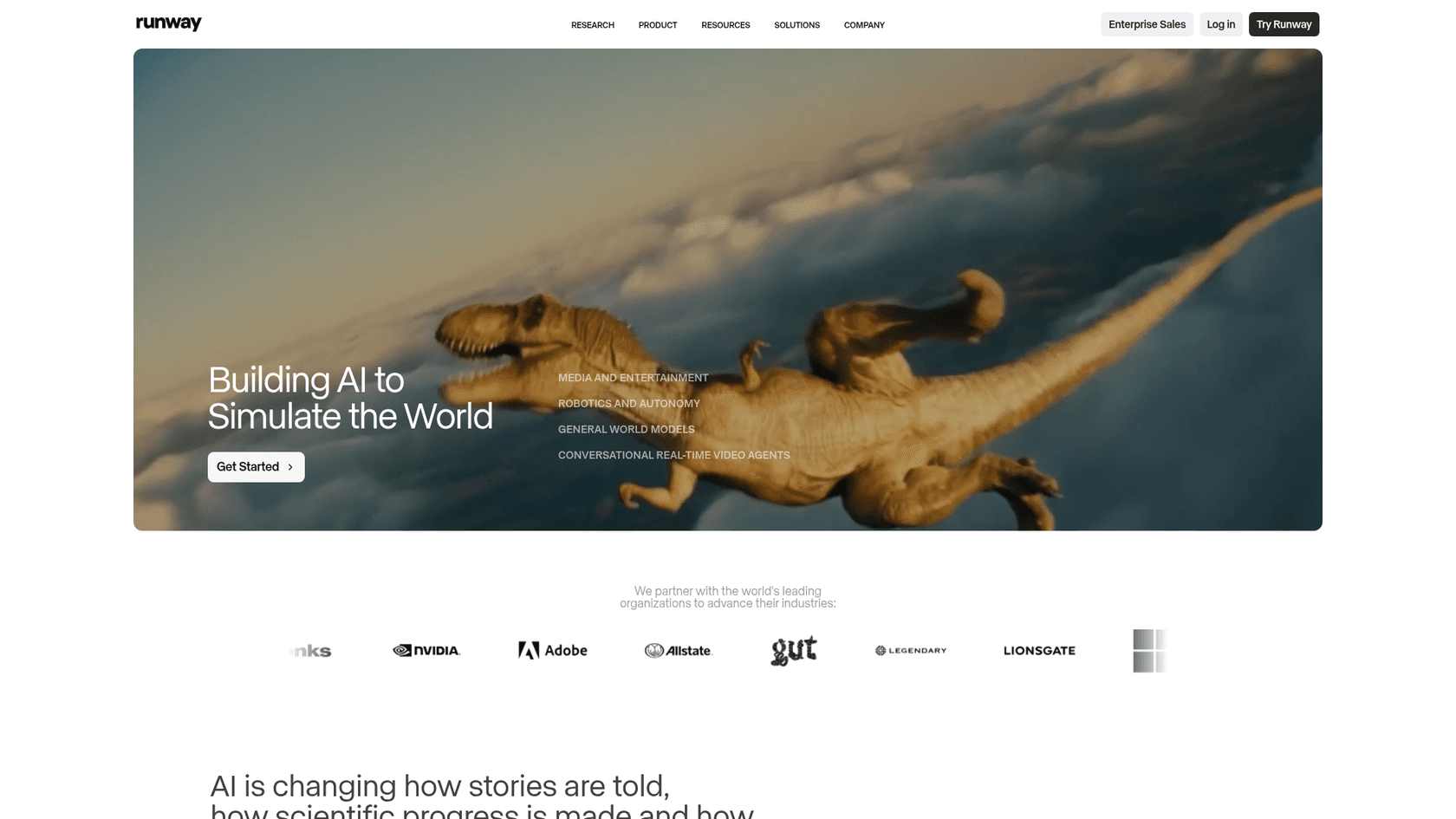
Runway AI is the go-to choice for video-first creators. While it handles images well, its real strength lies in AI-powered video generation and editing.
Key features
- Gen-4.5 and Gen-4 for video generation
- Multiple video modes: text-to-video, image-to-video, Act-Two performance capture
- Image generation: Gen-4, Gemini 3 Pro, Gemini 2.5
- Video editor with AI-powered tools
- Custom voices for lip sync (Pro plans)
- Unlimited Explore mode (Unlimited plan)
Pros
- Best-in-class AI video generation
- Comprehensive creative suite
- Professional-grade features
- Multiple AI models for different quality/speed needs
Cons
- Credits drain quickly for video work
- No free text-to-video (requires starting image)
- Steep learning curve for advanced features
- Can get expensive for heavy usage
Pricing
| Plan | Monthly price | Annual price | Credits | Key features |
|---|---|---|---|---|
| Free | $0 | $0 | 125 one-time | Limited tools, 5GB storage, watermark |
| Standard | $12 | $144/year | 625/month | All apps, 100GB storage, no watermark |
| Pro | $28 | $336/year | 2,250/month | Custom voices, 500GB storage |
| Unlimited | $76 | $912/year | 2,250/month + unlimited Explore | Unlimited generations in Explore mode |
| Enterprise | Custom | Custom | Custom | SSO, custom credits, advanced security |
Verdict
Choose Runway AI if video generation is your primary need. The Unlimited plan's Explore mode offers great value for heavy users who can work with relaxed processing speeds.
Which Nano Banana 2 alternative should you choose?
The right tool depends on your specific needs:
- For artistic work: Midjourney delivers the most visually stunning results
- For precise prompts: DALL-E 3 follows instructions most accurately
- For professional photorealism: Seedream 4.0 offers native 4K output
- For editing existing images: Flux Kontext provides precise contextual control
- For consistent all-around quality: Magic Hour balances video and image needs
- For open-source flexibility: Qwen Image gives you full control
- For video generation: Runway AI leads the pack
Consider your budget, workflow integration needs, and the style of output you want. Most tools offer free tiers or trials, so test a few before committing.
Tips for getting the best results
-
Start with clear, detailed prompts. The more specific you are, the better the output.
-
Use reference images when available. Most tools support image-to-image workflows that improve results.
-
Experiment with different models for the same prompt. Each AI has its own strengths.
-
Consider workflow integration. If you need API access or batch processing, check each tool's developer features.
-
Test free tiers before subscribing. Most alternatives let you try before you buy.
If you're looking for tools to streamline your content creation workflow beyond image generation, our guide to AI tools for content creation covers platforms that can help with writing, editing, and publishing.
Boost your creative workflow with AI
AI image generation is evolving rapidly. What works best today might change tomorrow as models improve and new features release. The tools in this list represent the current state of the art for Nano Banana 2 alternatives.
Whether you need artistic flair, photorealistic precision, or video generation capabilities, there's an option that fits your workflow. Start with the free tiers, test your typical use cases, and invest in the tool that delivers the results you need.

For teams looking to scale their content production, we recommend exploring how eesel AI blog writer can complement your visual content with high-quality written content. Just as these image tools streamline visual creation, the right AI writing tools can accelerate your entire content pipeline.
Frequently Asked Questions

Share this article

Article by
Stevia Putri
Stevia Putri is a marketing generalist at eesel AI, where she helps turn powerful AI tools into stories that resonate. She’s driven by curiosity, clarity, and the human side of technology.