Notion Personal Agent: A deep dive into its features & limitations (2025)


Last edited November 14, 2025

Table of Contents
- What is the Notion Personal Agent?
- Key features of the Notion Personal Agent
- Notion AI pricing: How much does the Notion Personal Agent cost?
- The limitations: What the Notion Personal Agent can't do
- Beyond the Notion Personal Agent: Dedicated platforms for multiple specialized bots
- The Notion Personal Agent: A powerful tool with a specific purpose
The buzz around Notion 3.0 has been pretty hard to miss, especially with its big dive into AI agents. For a while now, the AI in our favorite apps has been decent at drafting text or answering a quick question. But things are starting to shift. The new wave of "AI agents" is supposed to actually do things for you.
Notion’s take on this is the Notion Personal Agent, a feature that promises to turn your workspace from a static library of docs into an active partner. But what’s it really like to use?
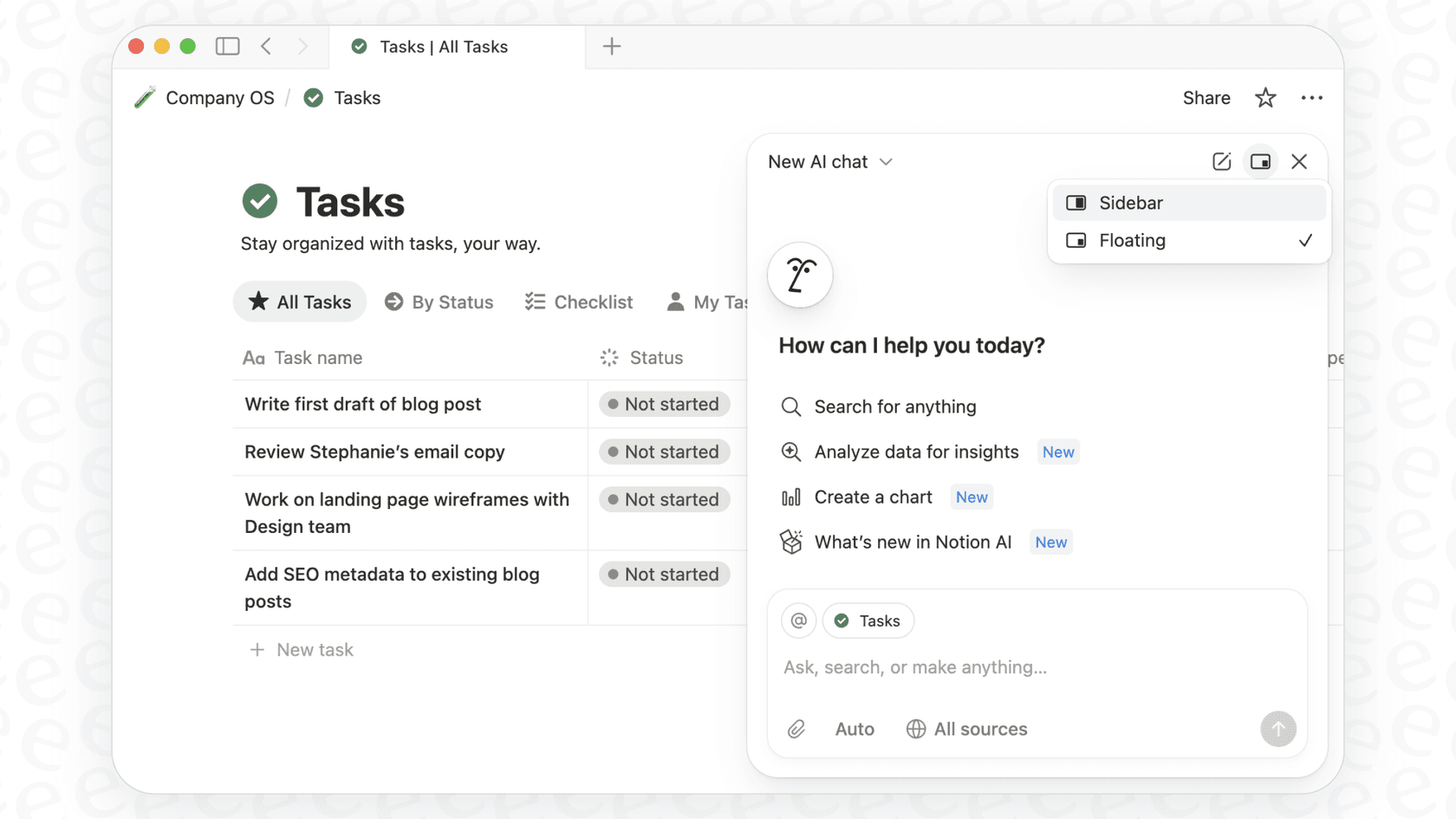
This guide is a straightforward look at what the Notion Personal Agent is, what it can do, how much it costs, and where it comes up short. We'll also dig into why, for some jobs, you might need to look past a general-purpose tool and consider something more specialized.
What is the Notion Personal Agent?
The Notion Personal Agent is the star of the Notion 3.0 show. The easiest way to think about it is as an AI teammate living inside your workspace, ready to take on multi-step tasks you’d normally have to grind through yourself.
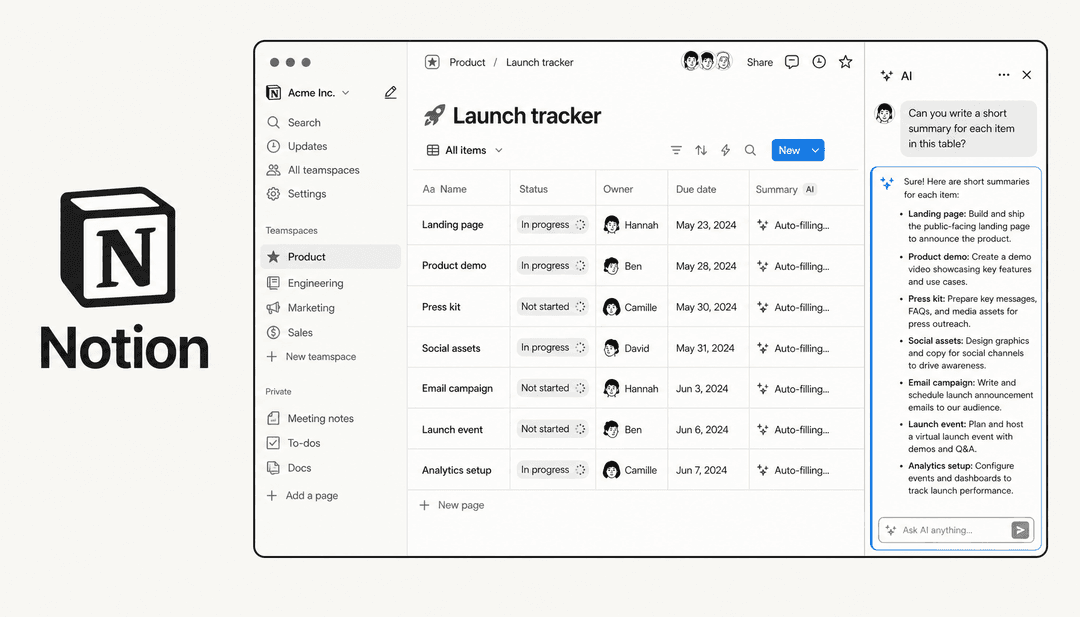
Its whole purpose is to understand a complex request and then take action. This isn't just about writing a paragraph for you; it's about creating new pages, building and updating entire databases, and pulling information together from different spots. It gets its context from everything in your workspace, your pages, databases, and even connected apps like Slack or Google Drive.
This is a pretty big leap from the old Notion AI, which mostly just helped you write or summarize whatever was on the page in front of you. As Notion's official announcement points out, the Agent can now work across hundreds of pages at once, all by itself. It's designed to be an assistant that takes the busywork off your plate.
Key features of the Notion Personal Agent
So, what can this new agent actually do? Let's get into its main skills based on what Notion has released.
Database and page management with the Notion Personal Agent
One of its most useful tricks is building and managing your Notion databases using plain English. No more fiddling with properties and views by hand if you don't want to.
For example, you could tell it: "Create a marketing campaign database with columns for owner, due date, and status, then add three tasks for our fall launch." The agent will go off and build the database, set up the right columns, and drop in the tasks for you. It can also whip up different views, like timelines or Kanban boards, to help you see your data differently.
It’s not just about creating new stuff, either. The agent can make changes to a bunch of pages at once. Let's say your company updates its time-off policy. You could just tell the agent, "Find our vacation policy page and add two extra personal days for all employees," and it will find the right page and make the edit.
Information analysis and synthesis by the Notion Personal Agent
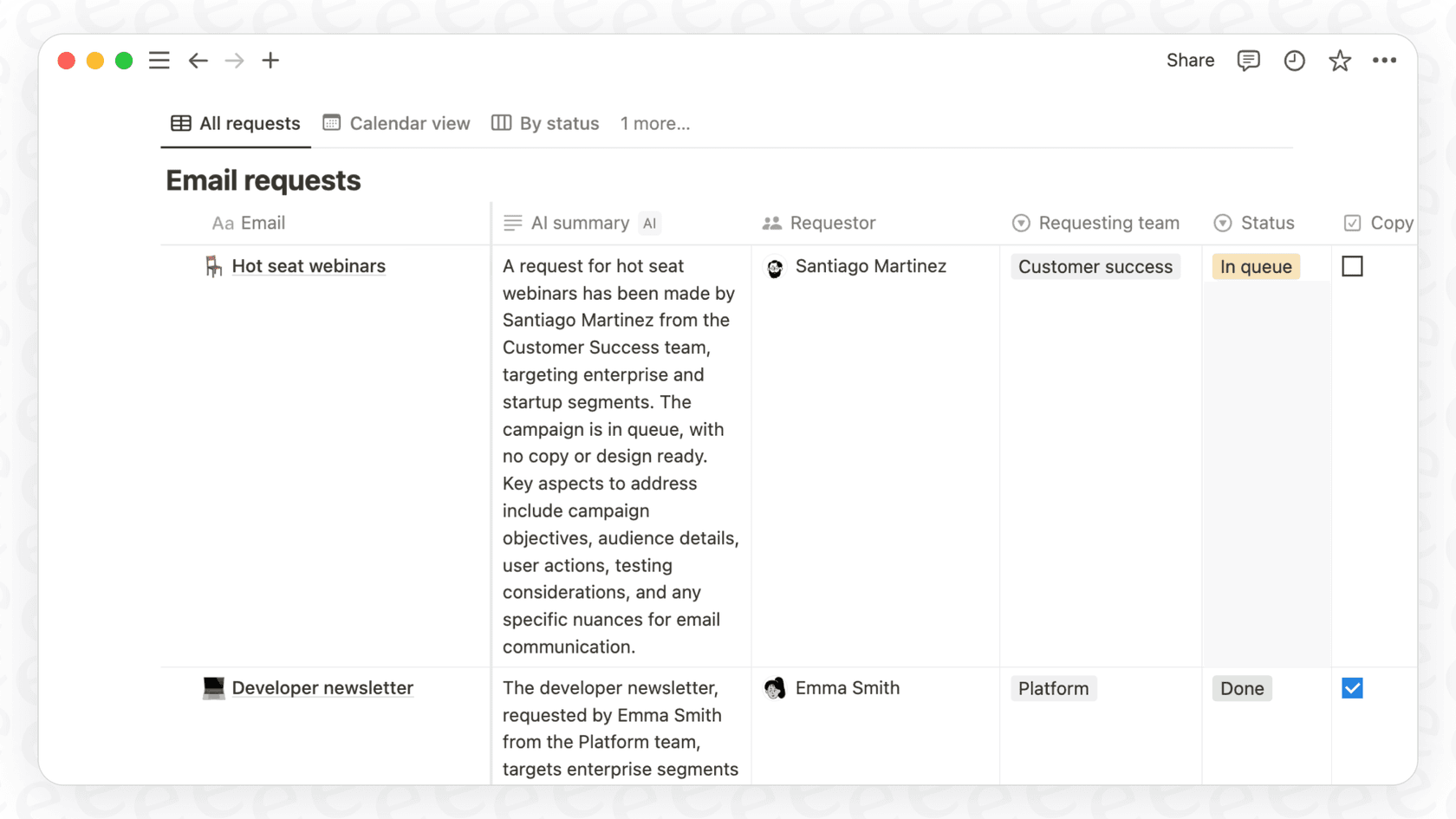
The agent is also surprisingly good at taking messy, unstructured info and turning it into something clean and organized. You can throw a PDF at it, and it will pull out the important bits.
For instance, if you have a 20-page vendor contract, you could say, "Read this contract PDF and create a tracker with key dates, deliverables, and payment terms." Instead of you having to scan the whole document, the agent builds a structured database with all that information, ready to go.
It also works across your other tools. If your team uses a specific Slack channel to talk about customer feedback, you can ask the agent to scan those conversations, figure out the main themes, and put together a summary report right inside a Notion page.
Personalization and memory
This is where things get a little more interesting. You can "personalize" your agent by giving it its own Notion page full of instructions. This page essentially becomes its brain, telling it how to act, what tone of voice to use, and how to handle certain tasks.
Over time, it's meant to learn your preferences. You can feed it little pieces of information, like "Sarah is my manager," and it will remember that context for future tasks. I’ve seen people on Reddit get incredibly detailed, building out complex "operating systems" for their agents. While that shows how flexible the personalization can be, it also points to a potential headache: you might end up spending a ton of time writing and tweaking a massive instruction file just to get it to work the way you want across different scenarios.
Notion AI pricing: How much does the Notion Personal Agent cost?
The Notion Personal Agent isn't something you can buy on its own; it's bundled into the "Notion AI" add-on, which costs extra.
If you’re on Notion's Free or Plus plans, you get a limited number of AI credits to try things out. But the full "Agent" abilities, especially the power to handle those bigger, multi-step tasks, are only available on the Business and Enterprise plans.
According to Notion's pricing page, the Business plan runs $20 per user, per month (if you pay annually). And that fee is on top of what you’re already paying for the plan itself. So, for a team of 10, you're looking at an extra $200 a month just for the AI features. That seat-based pricing can get expensive fast, especially for bigger teams.
Here’s a quick look at what you get with each plan:
| Plan | Price (per seat/mo) | Notion AI Agent Capability |
|---|---|---|
| Free | $0 | Limited Trial |
| Plus | $10 | Limited Trial |
| Business | $20 | Full Agent capabilities, Enterprise search (Beta) |
| Enterprise | Custom | Full Agent capabilities, Zero data retention, advanced AI |
The bottom line is that to really unlock what the agent can do, you have to commit to one of Notion's more expensive, per-seat plans.
The limitations: What the Notion Personal Agent can't do
While the agent can do some cool things, it’s good to have realistic expectations about its limits. Notion's own help center is upfront about what it can’t do, and some of these are pretty big deals.
Here are a few important things the agent can't touch:
-
It can't manage workspace settings. The agent has no access to admin tasks like billing, security settings, or adding and removing team members.
-
It can't change permissions. You can't ask it to share a page with someone or change who can see what. You still have to manage all permissions manually.
-
Its database powers are limited. While it can create basic databases, it can't set up advanced properties like formulas (though it might write the code for you to paste in yourself), rollups, or database templates.
-
It can't create interactive elements. Don't expect it to build forms or buttons inside your pages.
-
It ignores comments. The agent can't read, create, or reply to comments on a page, which means it misses out on a lot of the back-and-forth context where work actually happens.
But honestly, the biggest frustration is the single-agent bottleneck. Every user gets one personal agent. That's it. This has already caused some confusion online. People want to create different, specialized agents, maybe one for sales, one for HR, and another for personal tasks, but you can't.
When I asked the agent itself it said that multiple agents haven't rolled out yet.

Notion says a "Custom Agents" feature is on the way to fix this, but it's listed as "coming soon" and seems to be an Enterprise-only feature. That puts it out of reach for most teams. For now, you’re stuck with one agent, which forces you back to writing those long, complicated instruction pages to cover every possibility, which can make the agent slow and clunky.
Beyond the Notion Personal Agent: Dedicated platforms for multiple specialized bots
Notion's agent is a great tool for making your personal work life in Notion a little easier. But when you need several specialized AI agents for different teams and different jobs, you’ll hit a wall pretty fast. This is where a dedicated multi-agent platform comes into the picture.
Tools like eesel AI are built specifically to solve this problem, especially for teams in support, IT, and HR.
It’s a different approach. Getting Notion's most powerful AI often means getting on their Enterprise plan, which involves sales calls and demos. In contrast, eesel AI is completely self-serve. You can sign up and build multiple, powerful bots for different teams in just a few minutes, with no demo required.
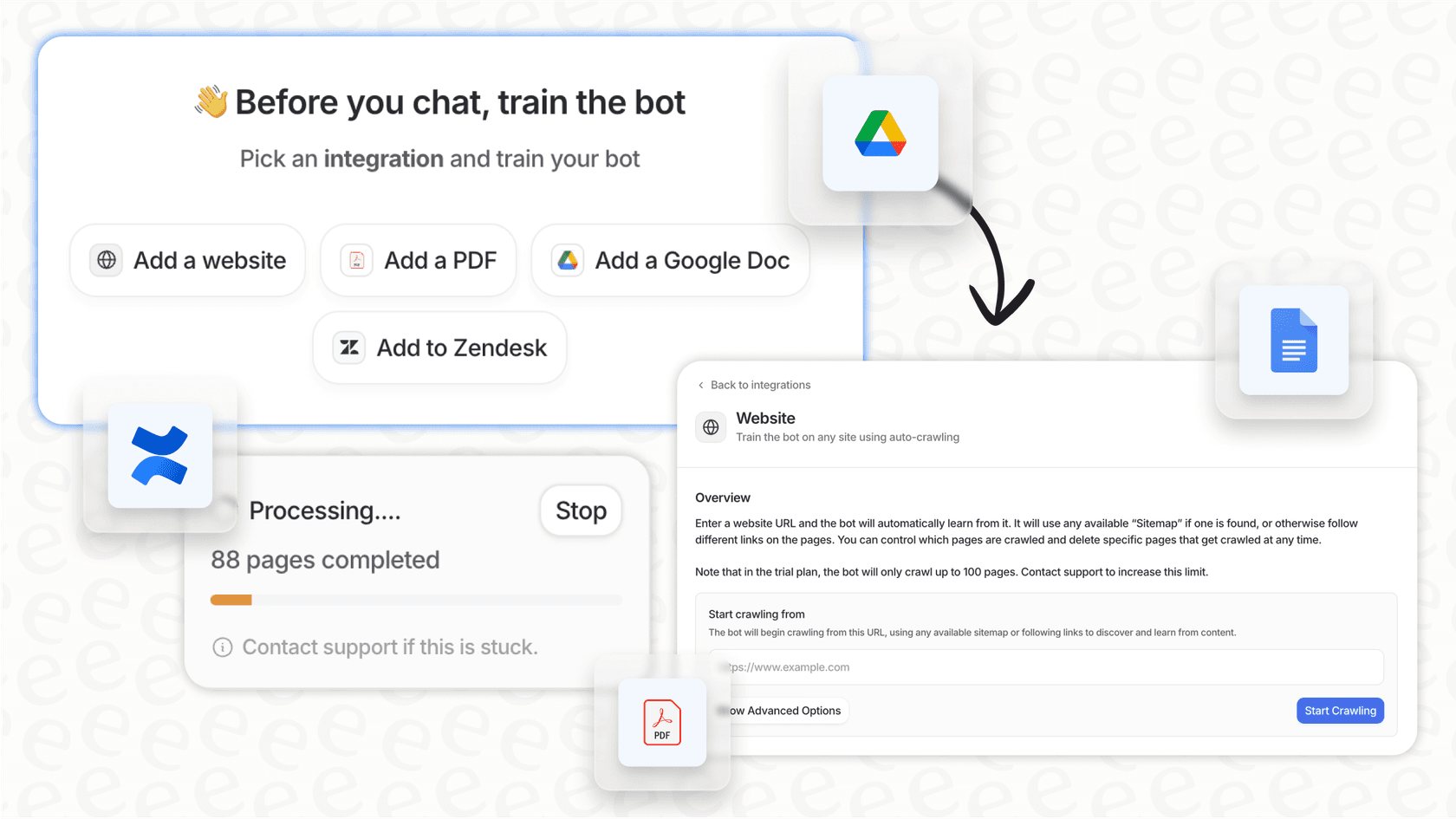
Instead of one do-it-all agent trying to follow a massive instruction file, eesel AI lets you create as many specialized bots as you need. You can have an HR bot trained only on your Confluence knowledge base and an IT bot that only knows about your Jira Service Management tickets. This focused knowledge means answers are always fast and on-topic, because your sales bot isn't getting confused trying to answer HR questions.
Notion is a general productivity tool, and its agent is built for that. On the other hand, eesel AI offers deep, one-click connections with help desks like Zendesk. It can do specific things the Notion agent can't, like triage tickets, draft replies based on past solutions, and flag complex issues for a human. It’s designed for the real-world workflows that support and IT teams deal with every day.
The Notion Personal Agent: A powerful tool with a specific purpose
The Notion Personal Agent is a really interesting step forward for in-app automation. For individuals and teams who are all-in on Notion, it’s a genuinely useful assistant that can save time and cut down on the manual work of keeping things organized.
But its limitations are just as important. The one-agent-per-person model, the lack of deep connections for teams like customer support, and the high cost to get its best features mean it’s not going to be the right tool for every job.
For businesses that need to set up specialized, reliable AI agents for different departments, especially for customer service, IT, and HR, a dedicated platform is probably the better way to go. A flexible, self-serve solution like eesel AI offers a more scalable, manageable, and ultimately more effective way to put AI to work for your entire organization.
Ready to deploy specialized AI agents for your teams in minutes? Try eesel AI for free.---
Frequently asked questions


Share this article

Article by
Kenneth Pangan
Writer and marketer for over ten years, Kenneth Pangan splits his time between history, politics, and art with plenty of interruptions from his dogs demanding attention.