Plaud AI pricing 2026: Plans, costs & all hidden fees


Last edited November 14, 2025
AI note-takers like the Plaud Note are everywhere these days. They all promise the same dream: to sit in on our meetings, calls, and lectures, and magically turn all that talk into text. The idea of being totally free from taking notes manually sounds amazing, right? But one question keeps popping up: what does it really cost? Trying to figure out the Plaud AI pricing structure, with its hardware costs, different subscriptions, and confusing transcription limits, can feel like a bit of a maze.
This guide is here to break down exactly what you get for your money with Plaud AI. We’ll walk through its features and its limits, helping you figure out if it's the right tool for you, or if your business needs a more connected AI solution to get actual work done.
What exactly is Plaud AI?
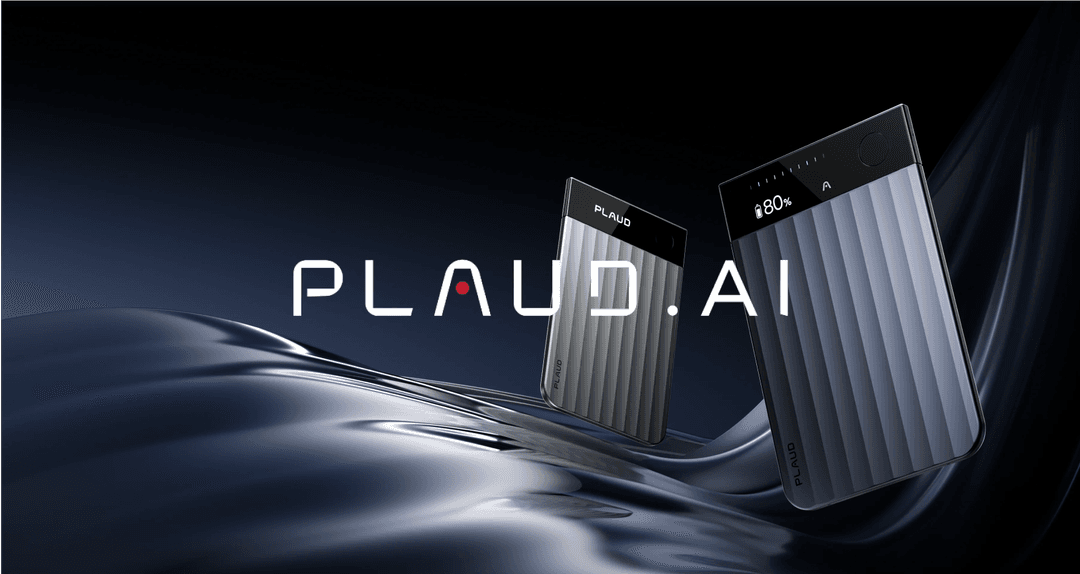
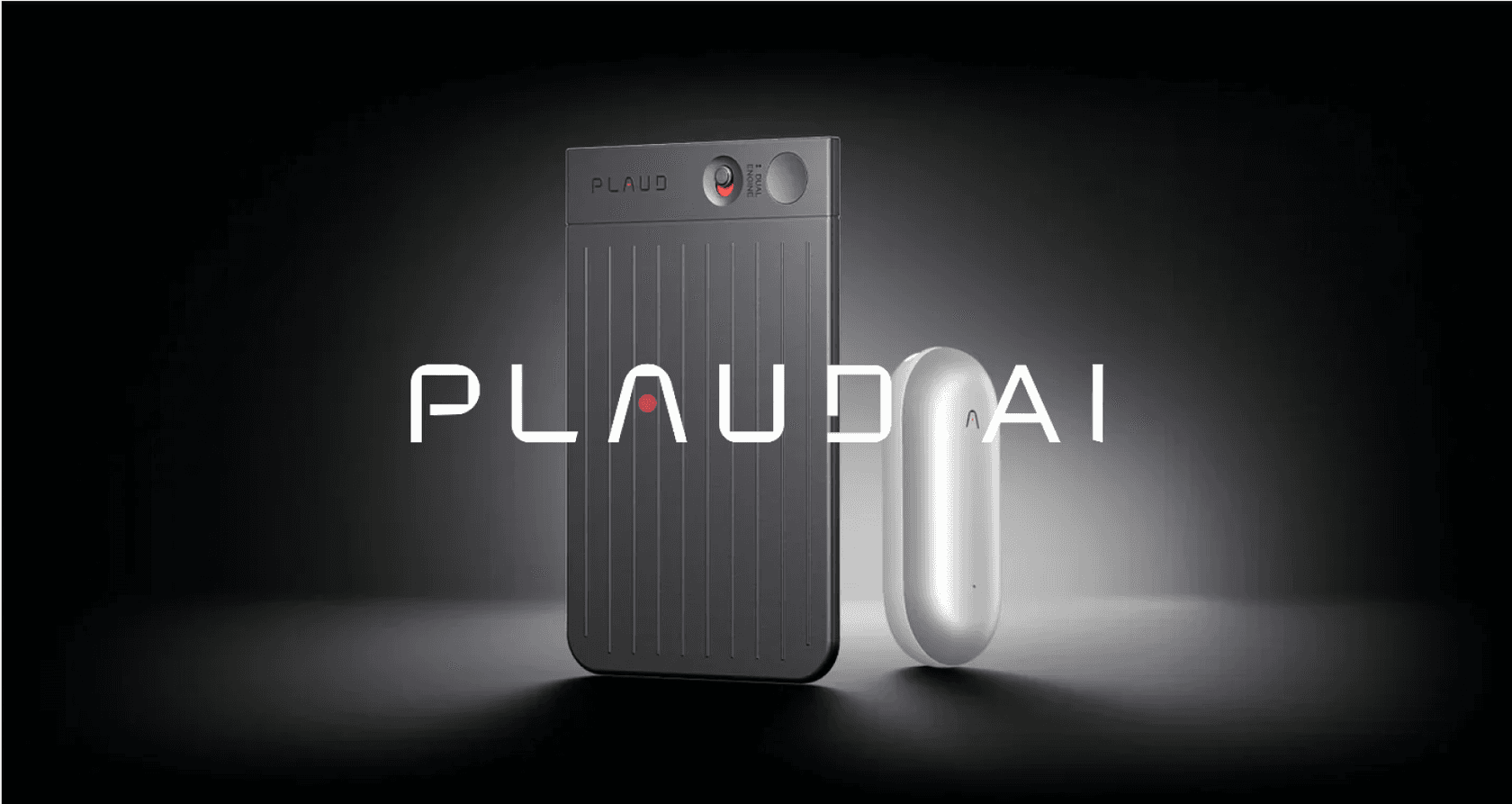
Plaud AI is basically a two-part system: you get a physical voice recorder (the Plaud Note or Plaud NotePin) and a software app that you run on your phone. Its main job is to capture really clear audio from conversations you have in person or over the phone, and then use AI to write it all out for you.
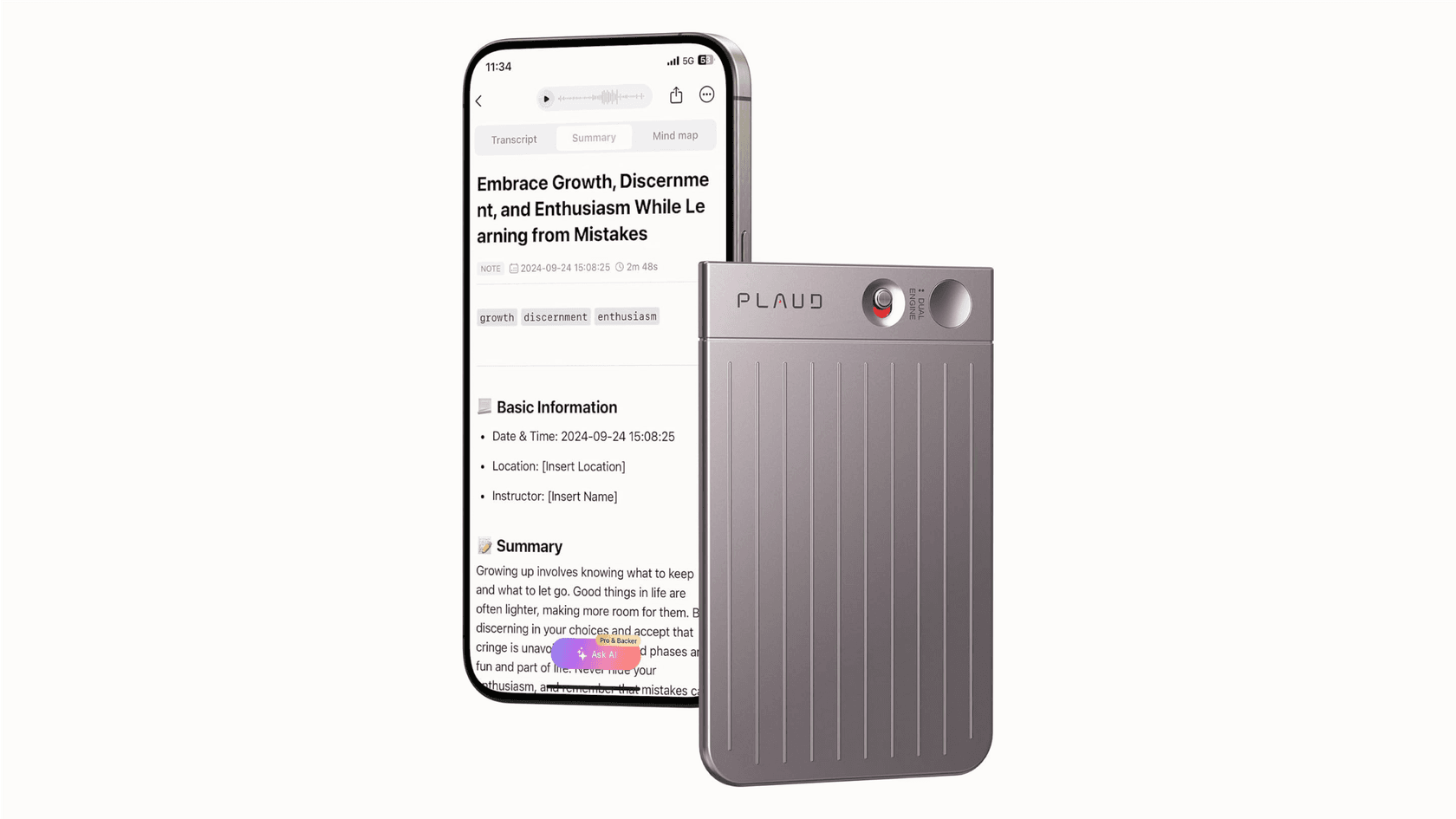
The app also whips up summaries, mind maps, and to-do lists from the transcription, pitching itself as a personal productivity gadget. It’s designed to be a little assistant for anyone, from professionals and students to content creators, who needs to capture and organize spoken info.
Breaking down the Plaud AI pricing model
The Plaud AI pricing isn't a simple one-and-done fee. It’s a layered system that starts with buying the device, then moves into monthly or yearly subscriptions, and for some people, extra fees if you use it a lot. Let's peel back the layers one by one.
The upfront hardware cost
Before you can even touch the AI services, you have to buy a Plaud device. There’s no getting around this first step.
-
Plaud Note: The standard gadget usually goes for around $159, but you can sometimes catch it on sale for closer to $127.
-
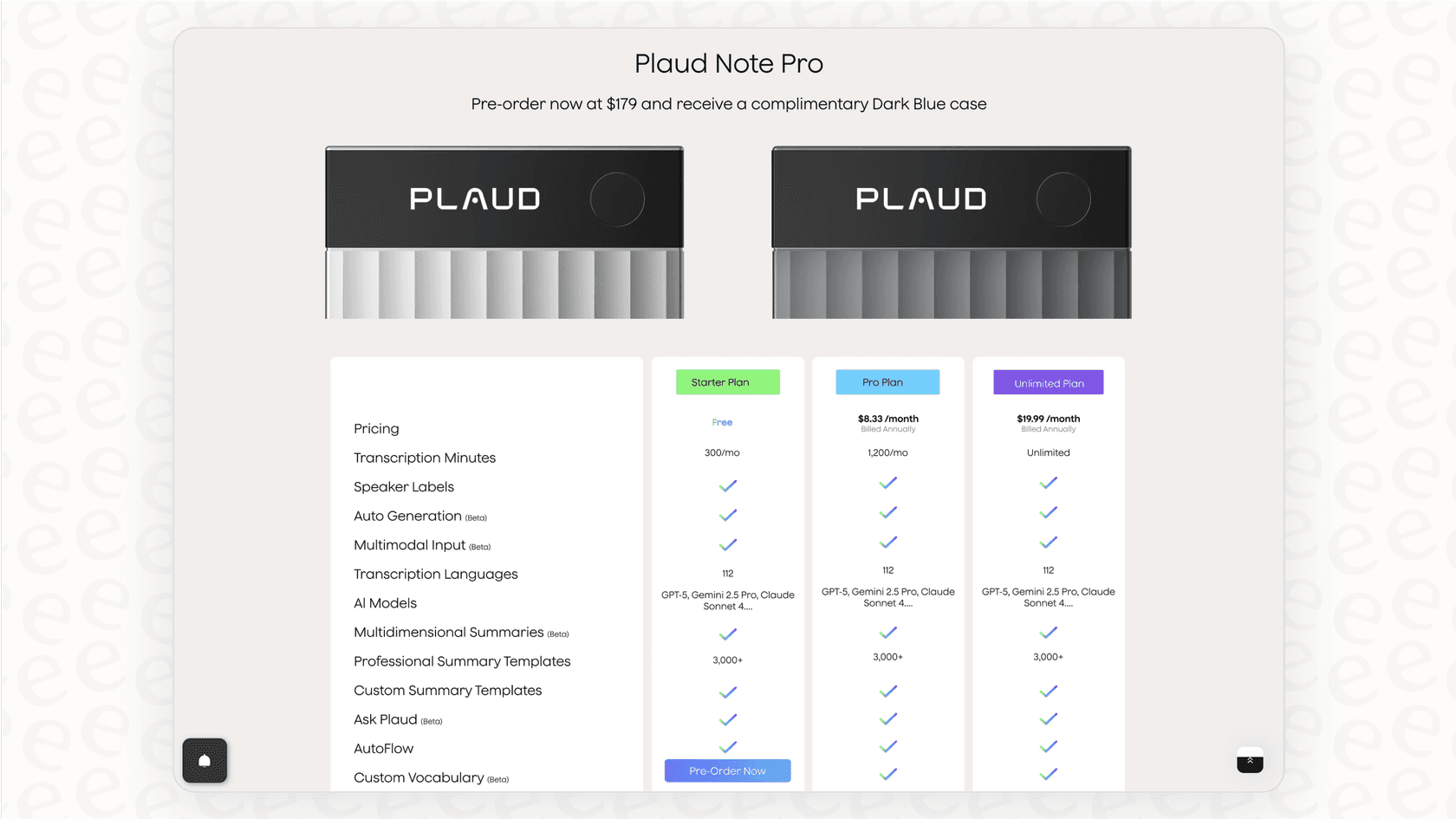
Plaud Note Pro / NotePin: The newer or more specialized versions might cost a bit more, often landing around $179.
This one-time purchase gets you the physical recorder and automatically signs you up for their free "Starter" software plan.
Subscription plans and transcription minutes
The real ongoing cost is for the AI services, which are bundled into different tiers based on how many transcription minutes you get each month.
| Plan Name | Annual Price | Monthly Minutes | Best For |
|---|---|---|---|
| Starter Plan | Free (with device) | 300 mins | Very light, occasional use. |
| AI Annual Pro Plan | $99.99 / year | 1,200 mins | Regular individual users. |
| AI Annual Unlimited Plan | $239.99 / year | Unlimited* | Power users and professionals. |
Just a heads-up, the "Unlimited" plan isn't truly endless; it’s capped at 24 hours of transcription per day, but that’s way more than enough for just about anyone.
The hidden cost: Transcription quotas for heavy users
This is where the pricing can get a little tricky, and potentially quite expensive, especially if you record a lot of audio. If you blow past your plan's monthly minute allowance, you have to buy extra "Transcription Quotas" to keep using the service.
-
3,000 extra minutes: $49
-
6,000 extra minutes: $89
What you get with Plaud AI: Features (and flaws)
Now that we’ve sorted out the costs, let's look at what Plaud AI actually does for that price, and more importantly, where it doesn't quite measure up for anyone thinking about using it for their business.
What it does well
To be fair, the Plaud system has some solid strengths.
-
Well-designed hardware. The devices themselves are slick. They're slim, discreet, and do a good job of capturing clear audio. The Vibration Conduction Sensor (VCS) they use for recording phone calls is a neat feature that actually works well.
-
Good transcription and summaries. Plaud uses top-tier AI models like OpenAI's GPT to run its services. The transcriptions are usually on point, and the app creates genuinely useful summaries, like meeting notes, mind maps, and action items.
-
Support for many languages. It supports over 112 languages, making it a flexible tool for people working in global or multilingual settings.
Where Plaud AI falls short for business and teams
While those features are nice for personal use, they create some serious problems when you try to fit Plaud into a team or business workflow.
-
It’s a closed-off system. Plaud pretty much works in its own little bubble. Sure, you can export your text, but it doesn't connect with the tools your business actually uses to get things done. It can't automatically update a customer profile in your CRM, create a support ticket in Zendesk, or find answers in your company's Confluence pages. The information it captures is stuck inside its own app.
-
It’s not built for automation. The tool is completely reactive. It records and summarizes things that have already happened, but it can’t do anything. It can’t automatically send a support ticket to the right team, tag a customer question with the correct category, or flag an urgent issue for a manager in Slack. It's a tool for looking back, not for taking action.
-
The pricing doesn't work for teams. A pricing model based on transcription minutes just doesn't scale for a business that might need to analyze thousands of customer support calls every month. The costs would be huge and unpredictable, basically penalizing your company for talking to more customers.
Going beyond personal notes with integrated AI
A nifty gadget for personal recording is one thing, but businesses need a lot more than just a transcription service. The real power of AI for a business comes from connecting it to your existing systems to automate tasks, make your team more efficient, and actually use your company's collective knowledge.
What you really need is a software-first approach, where an AI platform sits on top of the tools you already use every day, like your helpdesk, internal wikis, and team chat apps.

Platforms like eesel AI are built specifically for this. Instead of tying you to a piece of hardware, eesel AI connects directly to your existing software. It pulls together knowledge from all your company's different places, like help centers, old support tickets, Confluence pages, Google Docs, and more, to give you instant, accurate answers and automate entire processes.
Why a software-first approach wins for businesses
-
Bring all your knowledge together. Don't just depend on new audio recordings. An integrated platform like eesel AI can learn from years of your team's support tickets, your detailed engineering docs in Confluence, and your HR policies in Google Docs. This lets it give complete, context-aware answers that a standalone device could never manage.
-
Automate actual work. Move beyond simple summaries and start making things happen automatically. With eesel AI, you can build workflows that sort incoming support tickets, tag issues based on what they're about, look up order details from your Shopify, and send complex problems to the right agent, all without a person lifting a finger.
- Get predictable, value-based pricing. Business-focused AI platforms have clear pricing that grows with your needs, not by the minute. eesel AI’s plans are based on AI interactions (like an AI-powered answer or an automated task). This means you won’t get a surprise bill after a busy month, giving you a predictable cost you can actually budget for.
Choosing the right AI tool
The choice between a tool like Plaud AI and a platform like eesel AI boils down to what you're trying to achieve. Are you just looking to record your own conversations, or are you trying to build smarter, automated systems for your entire business?
| Feature | Plaud AI | eesel AI |
|---|---|---|
| Primary Use Case | Personal note-taking & transcription | Business process automation (CX, ITSM, internal knowledge) |
| Core Component | Hardware device + closed software app | Software platform that integrates with your existing tools |
| Knowledge Sources | Audio recordings from its device only | 100+ sources (Zendesk, Confluence, Google Docs, Slack, Shopify) |
| Key Actions | Transcribe, summarize, export text | Answer tickets, draft agent replies, triage issues, run internal Q&A |
| Pricing Model | Hardware cost + minute-based subscriptions & quotas | Predictable tiered plans based on AI interactions (not minutes) |
| Setup | Ready for personal use out of the box | Live in minutes with one-click, self-serve integrations |
The verdict on Plaud AI pricing
Plaud AI is a sleek and genuinely useful gadget for anyone who needs to record and transcribe audio for personal use. The hardware is impressive, and for individuals who just want to capture meetings or lectures for their own notes, it’s a super convenient tool.
But, the Plaud AI pricing can get expensive fast for anyone with more than just casual recording needs, and its isolated design makes it a poor fit for any team-based business workflow. It’s great at capturing information, but it doesn't help you or your team do anything with it.
For businesses looking to use AI to improve customer support, streamline internal helpdesks, or manage company-wide knowledge, a software-first platform is the way to go. By connecting with the tools you already rely on, these platforms offer scalable automation, unified knowledge, and predictable costs that grow with your success.
If you’re ready to move past simple transcription and put powerful, action-oriented AI right into your business workflows, take a look at how eesel AI can help automate your support and put your team's collective knowledge to work.
Frequently asked questions

Share this article

Article by
Kenneth Pangan
Writer and marketer for over ten years, Kenneth Pangan splits his time between history, politics, and art with plenty of interruptions from his dogs demanding attention.