Top 5 AI tools for Jira in 2026

Last edited January 16, 2026

Table of Contents
Jira is a powerhouse for managing projects and IT support. Because it is such a capable and comprehensive platform, it often manages a massive volume of tickets for teams worldwide. If you're like me, you know that answering similar questions, manually sorting tickets, and locating answers across various documents can be time-consuming. These are great opportunities to use AI to streamline your workflow so your team can focus on their most impactful work.
Thankfully, AI tools are here to help. They do a lot more than the basic, rule-based automations you might already use. Modern AI can actually understand what a user is asking, help solve the problem right away, and free up your team for more specialized tasks.
To help you find a tool that actually works, I rolled up my sleeves and put a bunch of them to the test. This post breaks down the best AI tools for Jira I could find. We’ll get into what they do, how I judged them, and give a helpful review of the top 5 so you can make a smart choice for your team.
What are the top AI tools for Jira?
AI tools for Jira are apps that connect to your Jira products, especially Jira Service Management, to automate and improve your support workflows.
And I’m not just talking about the native automations Jira has, like "if a ticket has this keyword, assign it to Bob." This is a whole different level. These tools use Natural Language Processing (NLP), which means they can understand the meaning behind a ticket, not just the specific words used.
Think of them as a new, super-smart teammate. They can draft responses for your agents, instantly resolve common questions before a human even sees the ticket, intelligently route issues to the right department, and pull information from all your different knowledge sources, not just one official help center.
How we picked the top AI tools for Jira
To get past the marketing fluff, we focused on what really helps a busy IT or support team. Our evaluation was built around five key things that separate the genuinely useful tools from the ones that just look good on paper.
Here’s what we looked for:
-
Easy setup: How fast can you get it working? We liked tools you could connect to Jira and set up yourself, without needing a developer or a long-term project plan.
-
Connects to your real knowledge: Can it learn from where your knowledge actually is? We looked for tools that could tap into Confluence, Google Docs, and even old tickets, not just a perfectly manicured knowledge base.
-
You're in control: Does the tool let you decide what gets automated and how the AI acts? A good, no-code workflow builder is a must if you want to trust the AI and roll it out safely.
-
Test before you go live: Can you see how the AI would perform on your past tickets before you turn it on for real users? We looked for tools with a solid simulation mode and analytics that give you useful insights.
-
Clear pricing: Is the price easy to understand? We looked for tools with predictable pricing models that allow your team to scale successfully.
Quick comparison: Top AI tools for Jira at a glance
Here’s a quick rundown to give you a feel for your options before we get into the nitty-gritty.
| Tool | Best for | Key features | Pricing model |
|---|---|---|---|
| eesel AI | Teams wanting a powerful, self-serve AI layer for Jira | Simulation on past tickets, connects to Confluence & GDocs, no-code workflow builder | Flat monthly fee (no per-resolution costs) |
| AI for Jira (Appfire) | Basic AI enhancements within the native Jira UI | AI-powered ticket summaries, sentiment analysis, language detection | Per user, per month |
| Capacity | Enterprise teams needing a broad knowledge automation platform | Connects to 200+ apps, AI copilot, workflow automation | Custom quote (requires demo) |
| Unito | Teams needing to sync Jira issues with other work management tools | 2-way sync with tools like Asana, Trello, GitHub | Per user, per month (tiered) |
| Dev-GPT | Developers looking to automate issue creation from Slack | AI-powered issue creation, conversational AI in Slack | Per user, per month (tiered) |
The 5 top AI tools for Jira in 2026
After a lot of testing, these are the five tools that really stood out.
1. eesel AI
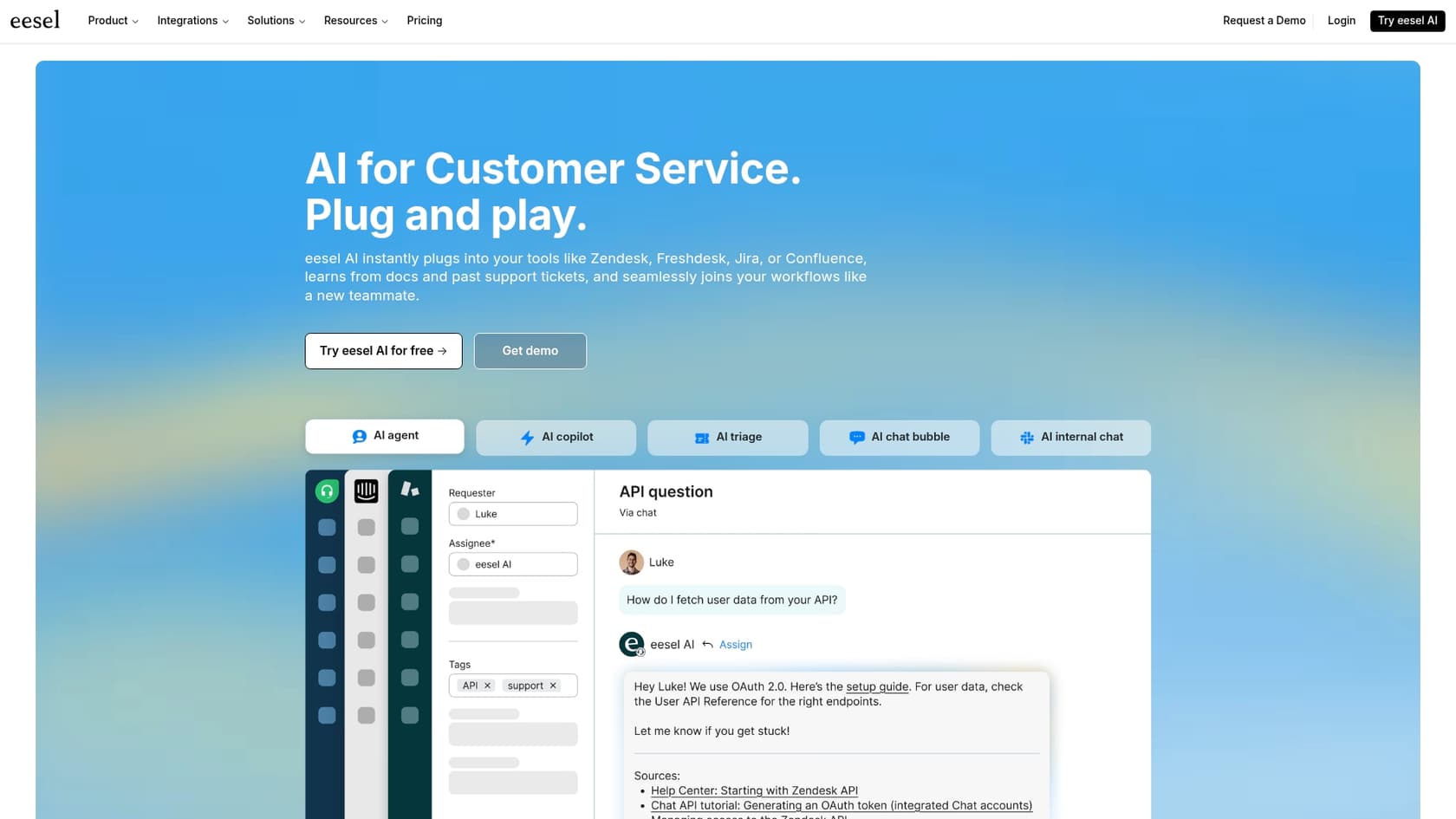
eesel AI is a strong choice for teams that want a powerful and customizable AI agent that works as a specialized layer on top of your Jira setup. It connects all your scattered knowledge to help automate resolutions and give your agents a helping hand.
Why it's on the list: One of the main benefits of eesel AI is its efficient setup process. You can sign up, connect your Jira Service Management account, and immediately start training the AI on your knowledge sources like Confluence and past tickets. Its simulation mode is also very helpful. It shows you how the AI would have handled your past tickets, giving you a clear picture of your potential resolution rate before you turn it on for customers.
Use cases:
-
Automating Tier 1 IT support by answering common questions about passwords or software access directly in the ticket.
-
Helping human agents by drafting accurate replies based on Confluence pages or similar past tickets.
-
Intelligently triaging new tickets by automatically adding labels, setting the right priority, and assigning them to the correct team.
Pros:
-
Genuinely self-serve: You can get set up and running on your own without a long sales process.
-
Powerful simulation: Test on your own historical tickets to see the value and build confidence before going live.
-
Unifies your knowledge: It connects to Confluence, Google Docs, Notion, and more, so the AI has a single source of truth.
-
Transparent pricing: The flat-fee model means your costs are predictable as your usage grows.
Cons:
- As a newer platform, it might have fewer legacy integrations with older, on-premise systems compared to some enterprise-focused tools.
Pricing: Pricing starts at $239/month (billed annually) for the Team plan, which covers up to 1,000 AI interactions per month.
2. AI for Jira (by Appfire)
AI for Jira is an app from the Atlassian Marketplace that adds AI features directly into your daily Jira workflow. It's designed to enhance the existing Jira experience to make your team's life easier.
Why it's on the list: It's a great choice for teams who want to explore AI capabilities within their familiar environment. It adds helpful tools like ticket summarization, sentiment analysis, and language detection right inside the ticket view. This can be a huge time-saver for agents getting up to speed on a long, complicated ticket thread.
Use cases:
-
Quickly see the tone of a customer's request with sentiment analysis so you can prioritize effectively.
-
Generate a quick summary of a long ticket that has a lot of back-and-forth comments.
-
Identify the language of a ticket to make sure it gets to the right regional support team.
Pros:
-
It’s built right into the native Jira interface, so it feels familiar.
-
Installation is easy, right from the Atlassian Marketplace.
-
It focuses on providing helpful context to support agents.
Cons:
-
Its automation is focused on providing agent assistance rather than full ticket resolution.
-
It primarily utilizes data within the Jira environment and does not connect to external knowledge sources like company wikis.
Pricing: It uses tiered pricing based on your number of users, starting around $1.25 per user per month for smaller teams.
3. Capacity
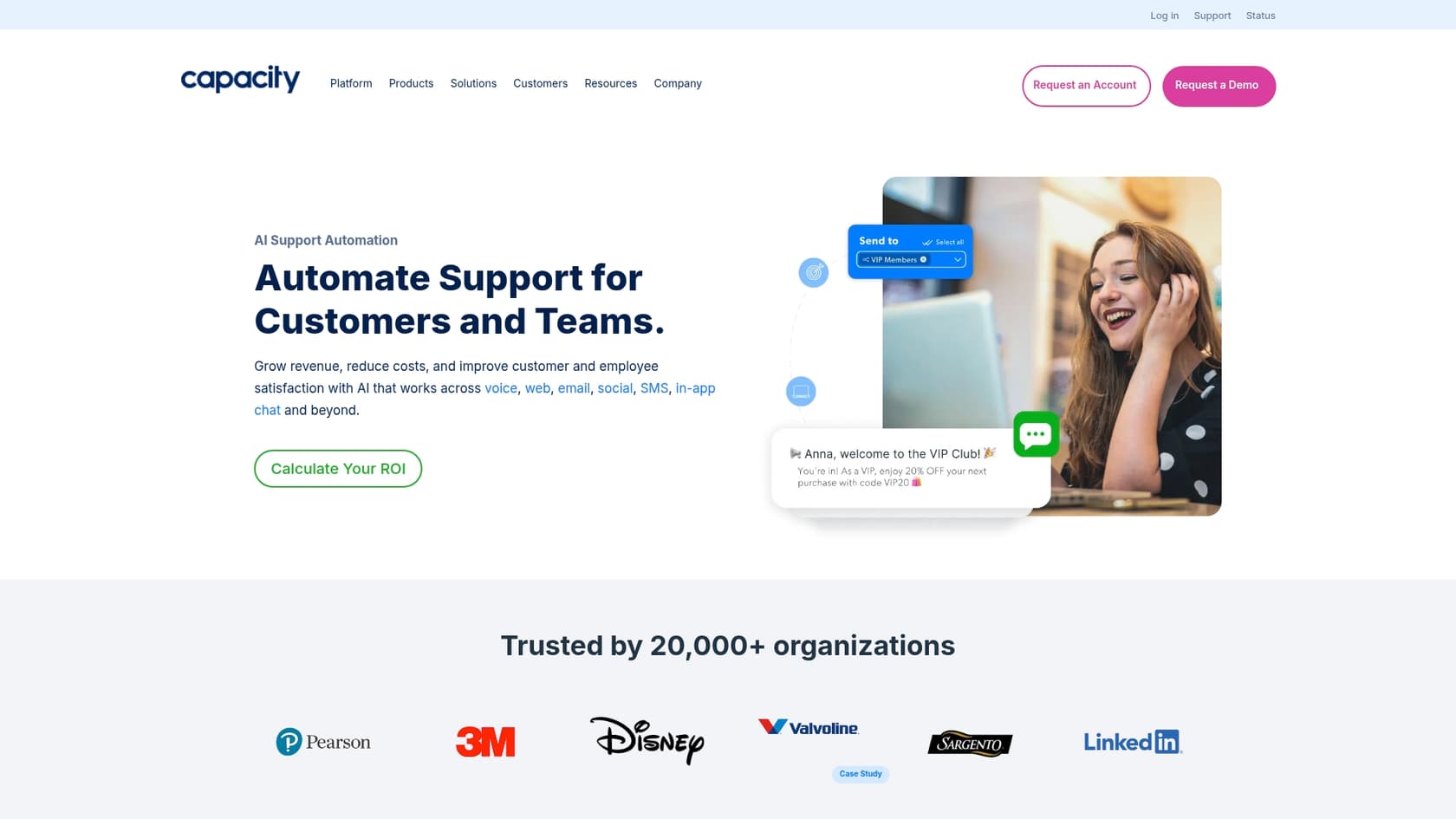
Capacity is a comprehensive enterprise-level AI platform built to be a central knowledge hub for an entire organization. Jira is one of many industry-leading tools it can integrate with.
Why it's on the list: Capacity's main strength is the huge number of integrations it supports. It can connect to over 200 different apps, which means it can pull knowledge from many locations to provide answers. This makes it a solid choice for building complex internal helpdesks that need to talk to multiple systems at once.
Use cases:
-
Building an internal IT helpdesk that answers employee questions by pulling info from HR, finance, and IT systems all at once.
-
Powering a customer chatbot that can automatically create a Jira ticket if a more complex issue arises.
Pros:
-
An impressive library of integrations with other apps.
-
A powerful workflow builder for designing detailed processes across different tools.
-
A strong focus on internal knowledge and employee self-service.
Cons:
-
It is an enterprise solution that typically requires a guided demo to get started.
-
Pricing is customized, which may require consultation to understand the total cost for your team.
-
It might offer more features than needed if you are looking specifically for Jira-centric automation.
Pricing: You have to request custom pricing after a demonstration with their sales team.
4. Unito
Unito is a powerful platform for syncing information between different apps. It uses automation to help support and dev teams keep Jira in sync with the rest of their tech stack.
Why it's on the list: It does a fantastic job of connecting information between teams. Unito provides a reliable, two-way sync between Jira issues and tasks in other platforms like Asana, Trello, GitHub, and HubSpot. This means when a support ticket in Jira is updated, the matching task on the developer's board can be updated automatically, keeping everyone aligned.
Use cases:
-
Automatically syncing a customer bug report from a Jira Service Management ticket over to the engineering team's Jira Software board.
-
Connecting a feature request from the sales team in HubSpot to a new Jira issue for the product team.
Pros:
-
Top-notch for reliable, two-way syncing between tools.
-
Supports a wide range of popular project management and CRM tools.
-
Lets you customize field mapping to make sure your data stays consistent.
Cons:
-
It is focused on data synchronization rather than conversational AI or ticket resolution.
-
Its primary function is to sync data, not to deflect tickets or provide direct AI answers.
Pricing: Plans are based on the number of users and synced items, starting from $99/month.
5. Dev-GPT
Dev-GPT is a specialized AI tool for software teams who work across both Slack and Jira. It's designed to make creating Jira issues directly from Slack conversations much smoother.
Why it's on the list: It helps streamline the process of turning Slack conversations into properly structured Jira tickets. The AI can understand a conversation, pull out the key details of a bug or feature request, and create a formatted Jira issue, allowing the developer to stay focused in their primary workspace.
Use cases:
-
A QA tester finds a bug, discusses it in a Slack channel, and Dev-GPT turns the conversation into a detailed Jira bug report.
-
A product manager outlines a new feature in a Slack thread, and the AI creates the Jira story with all the important details included.
Pros:
-
Excellent for teams that use both Slack and Jira throughout the day.
-
Saves time by reducing the need to switch between different applications.
-
The AI is effective at turning conversational language into structured ticket data.
Cons:
-
It's a specialized tool and is not intended for general customer support resolution.
-
It is primarily focused on ticket creation rather than ongoing resolution.
Pricing: Pricing starts at $99/month for small teams.
Beyond the basics: Tips for choosing from the top AI tools for Jira
Picking the right tool is about more than just a feature list. Here are a few practical things to keep in mind while you're looking around:
-
Try before you buy with your own data: Before you fully deploy an AI, it is helpful to see how it performs on your real-world tickets. A platform with a solid simulation mode, like the one in eesel AI, is invaluable for proving it works and getting your team on board.
-
Remember, knowledge is everywhere: The best AI tools complement your existing ecosystem. Your team's real knowledge is likely spread across Confluence, Google Docs, Slack threads, and past tickets. Pick a tool that can connect to all those different places to give the most accurate answers.
-
Maintain control of your workflows: You should have clear control to decide exactly which tickets the AI should handle and which ones need a human touch. A visual workflow builder lets you start at your own pace and expand as you get more comfortable.
-
Look for predictable pricing: It is helpful to find platforms with transparent, flat-fee pricing so you can scale up your automation success while keeping your budget predictable.
Automate your Jira workflows with the top AI tools for Jira
Choosing the right AI tool can turn your Jira Service Management into an even more proactive support machine. While some tools offer specialized help for agents or specific integrations, a true AI agent should be able to learn from all your knowledge, help automate resolutions, and give you the control you need to use it safely.
Platforms like eesel AI are designed to be both powerful and complementary to the Jira ecosystem, letting you set up a working AI Agent quickly. With its ability to connect to your knowledge sources and its simulation mode, it's designed to deliver real value to your team.
Ready to see what AI can do for your Jira workflows? Try eesel AI for free and launch your first AI agent today.
Frequently asked questions


Share this article

Article by
Stevia Putri
Stevia Putri is a marketing generalist at eesel AI, where she helps turn powerful AI tools into stories that resonate. She’s driven by curiosity, clarity, and the human side of technology.