Wix ecommerce pricing 2026: Which plan to pick (and avoid)

Last edited September 23, 2025

So, you're thinking about building an online store with Wix? Good call. It's known for being super user-friendly with its drag-and-drop editor. But with their recent pricing changes, you might be scratching your head about the actual cost.
This guide will cut through the noise and break down the 2025 Wix e-commerce pricing. We'll cover the monthly plans, yes, but also the sneaky costs that pop up as you start to grow, especially the big one: customer support. We'll look at what you get with each plan and talk about managing the operational side of things so your store can be a real success.
Wix e-commerce pricing: What are the real costs of a Wix online store?
The price you see on the Wix homepage isn't the whole story. The real cost of running your store goes way beyond your monthly subscription. Think about domain renewals, apps you might need, payment processing fees, and the one that really creeps up on you as you grow: customer support.
As your store gets more popular, so do the customer questions. If you don't have a plan for that, managing this wave of queries can become a huge, unexpected expense. To really know what you’re getting into, you have to look past the sticker price and think about everything you’ll need to keep your business running smoothly.
A breakdown of Wix e-commerce pricing plans
Wix has a few different plans, but if you actually want to sell things, you really only need to look at three of them. Each one adds more features for things like marketing and shipping. While there is a "Light" plan, it doesn't let you accept payments, which kind of defeats the purpose of an e-commerce store. Let’s focus on the ones that let you get paid.
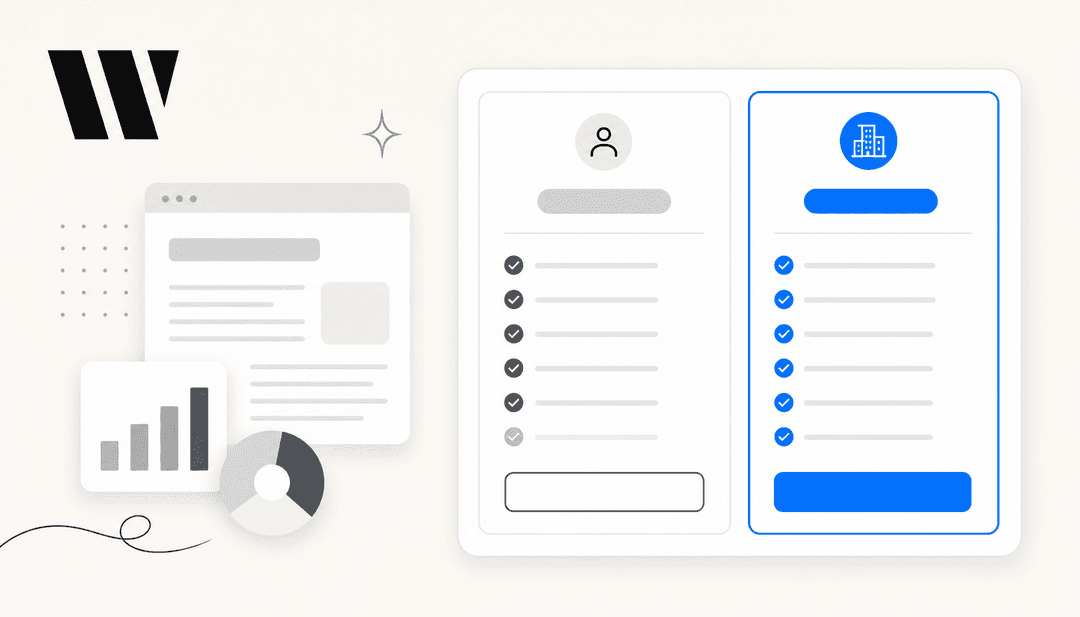
Here’s a quick look at the main plans for selling online.
| Plan | Price (Billed Annually) | Storage | Key E-commerce Features | Best For |
|---|---|---|---|---|
| Core | $29/month | 50 GB | Accept payments, basic e-commerce, abandoned cart recovery, sell on social channels. | New stores and small businesses just getting their feet wet. |
| Business | $39/month | 100 GB | Standard e-commerce, automated sales tax (100 transactions/mo), multiple currencies. | Growing businesses that need better sales and marketing tools. |
| Business Elite | $159/month | Unlimited | Advanced e-commerce, advanced shipping, loyalty programs, priority support. | Established businesses ready to scale up their operations. |
The Core plan for getting started
The Core plan is your entry ticket to selling on Wix. It covers the essentials: you can take online payments, manage your orders, and list up to 50,000 products. It also comes with abandoned cart recovery, which is a fantastic feature for winning back would-be customers. The marketing and analytics tools are pretty basic, though, and it's missing things like multi-currency support that you’ll want as your business expands.
The Business plan for growing stores
For a little more each month, the Business plan is a solid step up. You get a better marketing and analytics suite, automated sales tax calculations, and the option to sell in different currencies. This plan is perfect for businesses that are past the starting line and are starting to pick up speed. The 100GB of storage gives you more space for high-quality product photos and videos, which helps create a better shopping experience.
The Business Elite plan for scaling operations
The Business Elite plan is for stores that are already handling a lot of orders. With unlimited storage, fancy features like loyalty programs, and priority customer support from Wix, it's built for businesses that are running a serious operation. It’s a bigger investment, so it makes the most sense for businesses that can use its powerful features to bring in even more revenue.
Uncovering hidden costs
Okay, so you've picked your plan. But your monthly subscription is just one line item on the budget. Here are a few other costs you'll want to keep in mind so you don't get caught off guard later.
Domain renewals and custom email
Wix gives you a free domain for your first year with an annual plan, which is great. But after that, you'll have to pay to renew it every year, usually around $15-$20. And if you want a professional-looking email like "support@yourstore.com", you’ll need to buy a Google Workspace plan through Wix, which is another monthly fee.
Premium apps and integrations
The Wix App Market has tons of apps to add new features to your store, from inventory tools to marketing automation. Many have free versions, but the really useful features often live in the paid subscriptions. Those small monthly fees can definitely add up.
Payment processing fees
Even though Wix doesn't charge its own transaction fees on its main e-commerce plans, you still have to pay the company that processes the payment, whether it's Wix Payments, Stripe, or PayPal. These fees are usually a small percentage plus a flat fee per transaction (like 2.9% + $0.30), and they apply to every single sale.
The scaling cost of customer support
This is the one that really gets people. It's a good problem to have, right? More sales! But more sales means more emails asking about shipping, returns, and order status. At first, you can probably juggle it yourself. But before you know it, you're spending your whole day answering emails instead of growing your business.
The go-to solution is usually hiring support staff, but that’s a major expense and a whole new thing to manage. As some users have noted online, getting quick and helpful support can be a headache, and building your own team adds a huge cost on top of your Wix fees. This is where your investment can start to feel a lot less profitable if you’re not careful.
How to maximize your ROI with AI support
Instead of watching support costs chip away at your profits, you can work smarter. And I'm not talking about the basic AI tools Wix gives you for writing product descriptions. I mean a dedicated AI agent that can actually handle real customer questions around the clock. This is how you scale your store without your costs spiraling out of control.
Go live in minutes, not months
When you're running an e-commerce business, you don't have time for complicated setups that take months. Some AI tools make you sit through sales calls and demos just to get started. A modern tool should be simple. With a platform like eesel AI, it’s completely self-serve. You can connect your knowledge sources, configure your AI agent, and go live on your own, often in just a few minutes. It fits right into your current workflow without making you switch helpdesks or change how you do things.
Unify all your knowledge, instantly
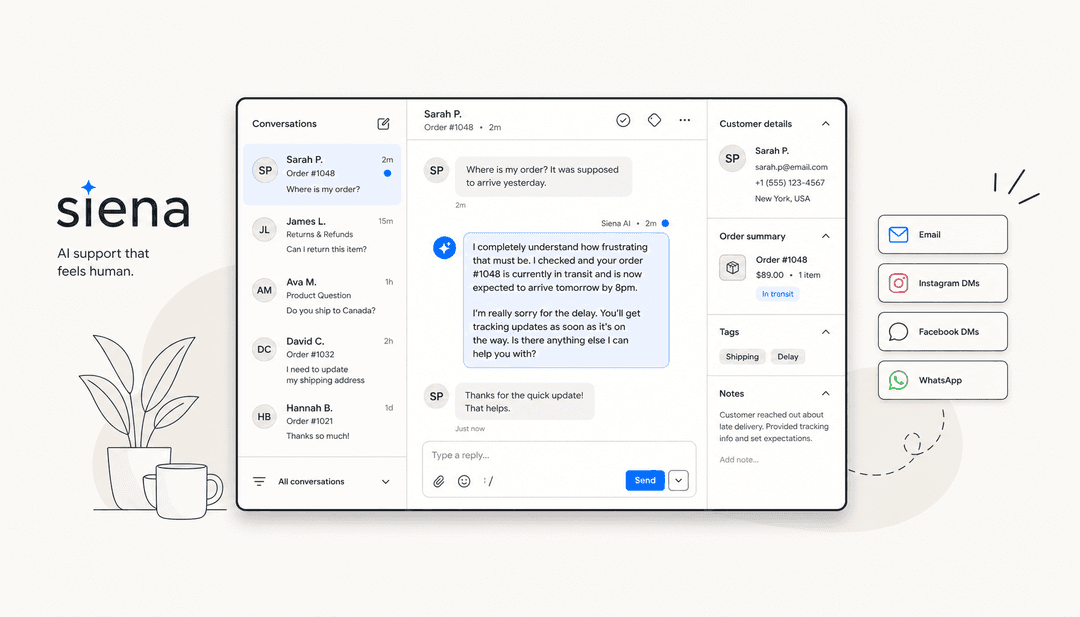
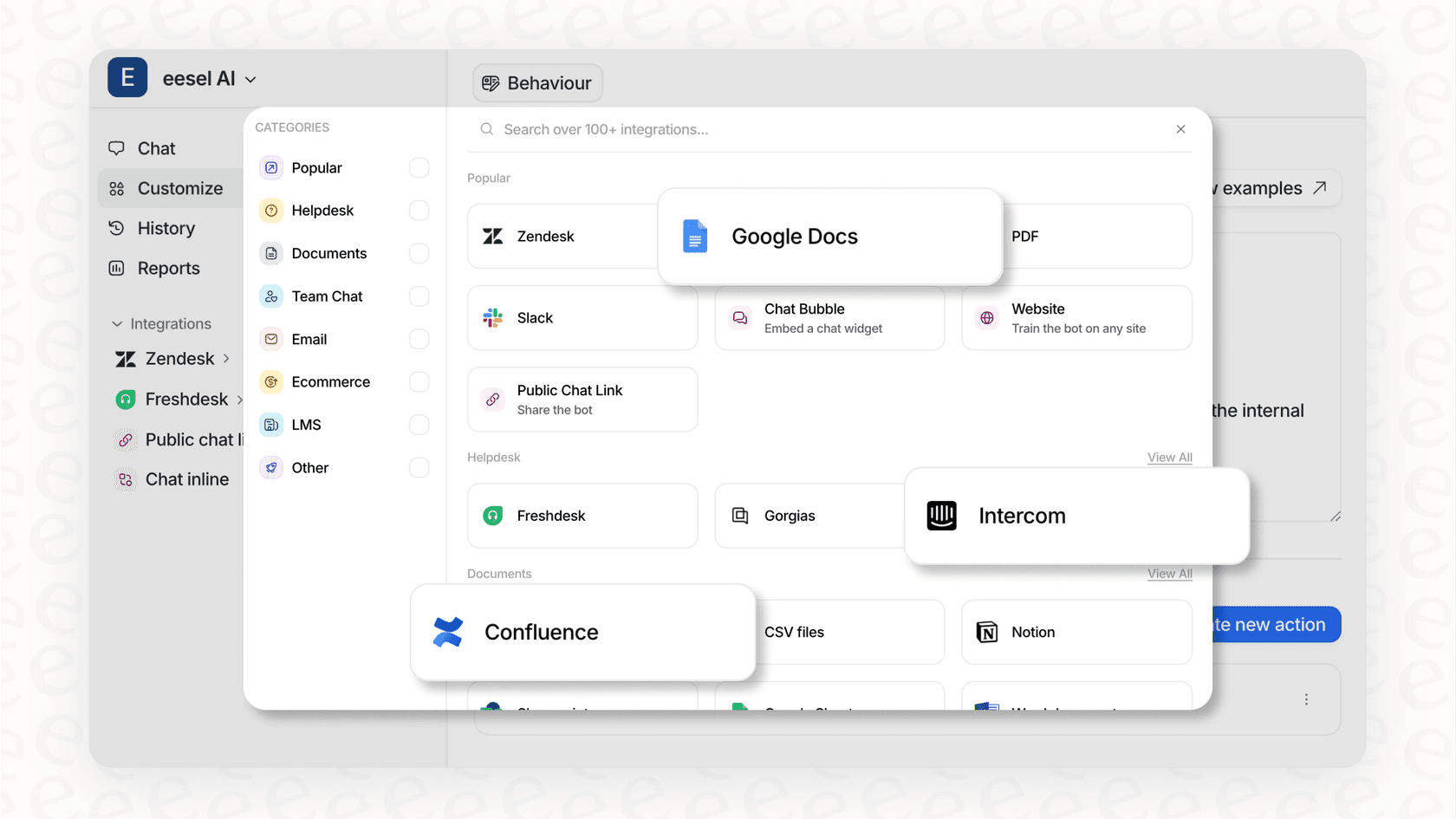
A good AI needs good info. It has to know your shipping policies and FAQs, sure. But for an e-commerce store, it also needs to answer the number one question: "Where is my order?" You can connect eesel AI to your knowledge bases like Google Docs or Confluence and even your e-commerce backend tools like Shopify to give instant, accurate order updates. It even learns from your past support tickets to match your brand's tone, so it sounds like you, not a robot.
Test with confidence before you launch
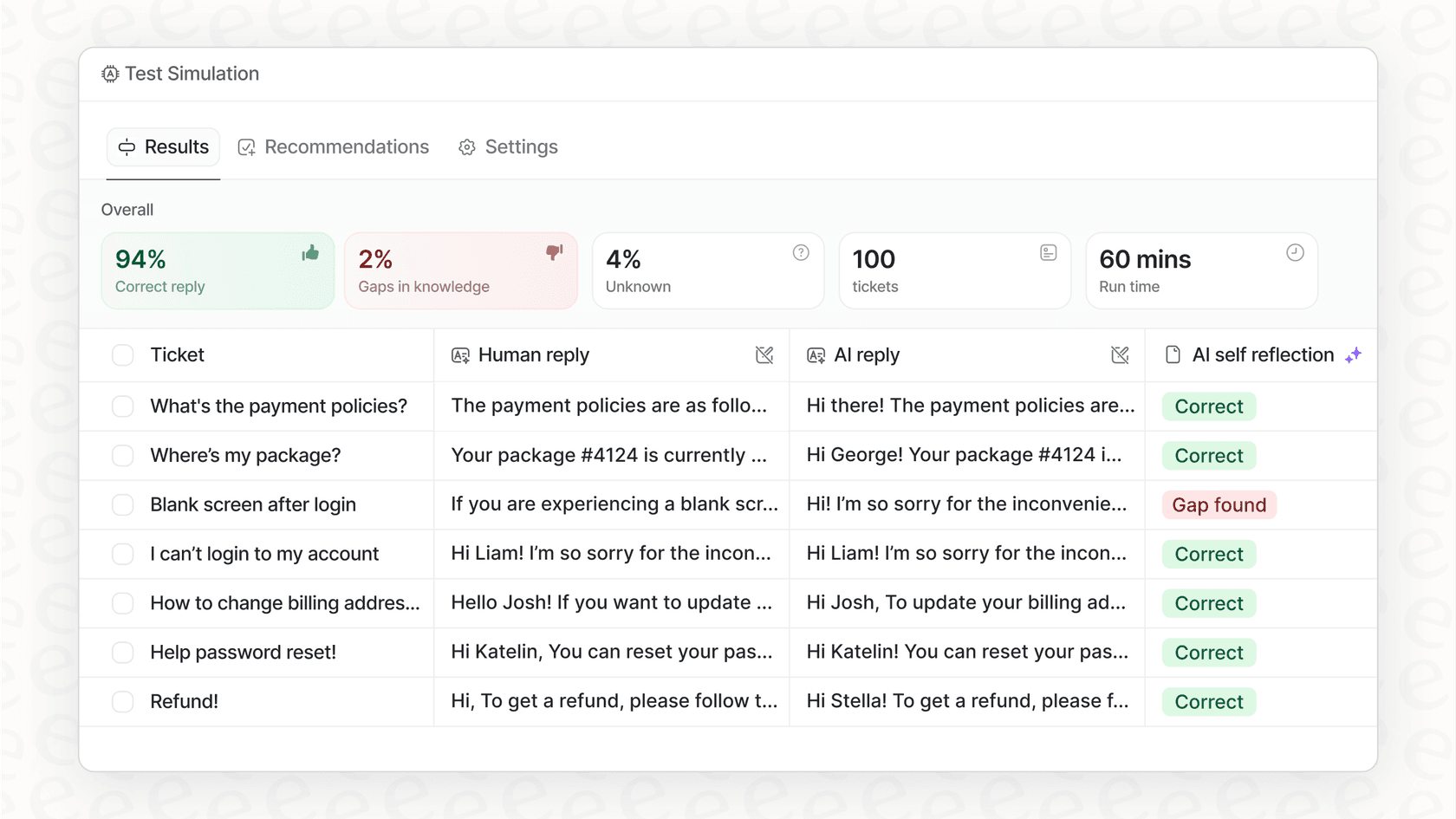
Worried about the AI saying the wrong thing? That’s a totally valid concern. The best platforms let you take it for a test drive first. For example, eesel AI has a powerful simulation mode where you can see how it would have answered thousands of your past customer questions. You get a clear picture of how well it works and can tweak things before it ever talks to a real customer. You can start small and let it handle more as you get comfortable.
Wix e-commerce pricing is just the beginning
Figuring out the full Wix e-commerce pricing picture is step one. The plans are set up to grow with you, but really scaling your business isn't just about upgrading to the next tier. It's about building smart, efficient systems behind the scenes. As your sales climb, how you handle customer support can make or break your profitability. By using smart automation, you can keep your costs down, give customers instant answers, and free up your own time to focus on what you're best at: growing your business.
Get started with AI-powered support
Ready to get a handle on your support costs and give your customers better service? Give eesel AI a try and launch your own AI agent in minutes. It’s a smarter way to handle support as your sales grow.
Frequently asked questions

Share this article

Article by
Kenneth Pangan
Writer and marketer for over ten years, Kenneth Pangan splits his time between history, politics, and art with plenty of interruptions from his dogs demanding attention.