|
VOOZH | about |
|
VOOZH | about |
In this article, we will learn how to operate over files using a C program. A single C file can read, write, move, and create files in our computer easily using a few functions and elements included in the C File I/O system. We can easily manipulate data in a file regardless of whether the file is a text file or a binary file using functions like fopen(), fclose(), fprintf(), fscanf(), getc(), putc(), getw(), fseek(), etc.
A file is used to store huge data. C provides multiple file management functions like file creation, opening and reading files, Writing to the file, and closing a file. The file is used to store relevant data and file handling in C is used to manipulate the data.
There are mainly two types of files that can be handled using File Handling in C as mentioned below:
These are simple text files that are saved by the (.txt) extension and can be created or modified by any text editor. Text file stores data in the form of ASCII characters and is used to store a stream of characters.
It is stored in binary format instead of ASCII characters. Binary files are normally used to store numeric Information (int, float, double). Here data is stored in binary form i.e, (0's and 1's).
C Files can perform multiple useful operations that are mentioned below:
- Creation of a new file (fopen with attributes as “a” or “a+” or “w” or “w+”).
- Opening an existing file (fopenopen).
- Reading from file (fscanf or fgets).
- Writing to a file with fprintf or fputs.
- Moving file pointer associated with a given file to a specific position. (fseek, rewind).
- Closing a file (fclose).
For performing operations on the file, a special pointer called File pointer is used that can be declared as:
FILE file_ptr;We can open the file as
file_ptr = fopen("fileName.txt", "w");The second parameter i.e, "w" can be changed according to the table below:
| Opening Modes | Description |
|---|---|
| r | Searches file. If the file is opened successfully fopen( ) loads it into memory and sets up a pointer that points to the first character in it. If the file cannot be opened fopen( ) then it returns NULL. |
| rb | Open for reading in binary mode. If the file does not exist then fopen( ) will return NULL. |
| w | Searches file. Contents are overwritten if the file exists. A new file is created if the file doesn’t exist. Returns NULL, if unable to open the file. |
| wb | Open for writing in binary mode. Its contents are overwritten if the file exists, else the file will be created. |
| a | Searches file. If the file is opened successfully fopen( ) loads it into memory and sets up a pointer that points to the last character in it. If the file doesn’t exist, a new file is created. Returns NULL, if unable to open the file. |
| ab | Open for append in binary mode. Data is added to the end of the file. A file will be created if it does not exist. |
| r+ | Searches file. It is opened successfully fopen( ) loads it into memory and sets up a pointer that points to the first character in it. If it is unable to open the file it Returns NULL. |
| rb+ | Open for both reading and writing in binary mode. fopen( ) returns NULL if the file does not exist. |
| w+ | Searches file. Its contents are overwritten if the file exists. A new file is created if the file doesn’t exist. Returns NULL, if unable to open the file. |
| wb+ | Open for both reading and writing in binary mode. Contents are overwritten if the file exists. It will be created if the file does not exist. |
| a+ | Searches file. If the file is opened successfully fopen( ) loads it into memory and sets up a pointer that points to the last character in it. If the file doesn’t exist, a new file is created. Returns NULL, if unable to open the file. |
| ab+ | Open for both reading and appending in binary mode. A file will be created if the file does not exist. |
If you want to handle binary files then access modes like "rb", "wb", "ab", "rb+", r+b", "wb+", "w+b", "ab+", "a+b" will be used mostly.
To perform the opening and creation of a file in c we can use the fopen() function which comes under stdio.h header file.
Syntax:
p = fopen("fileopen", "mode");Example:
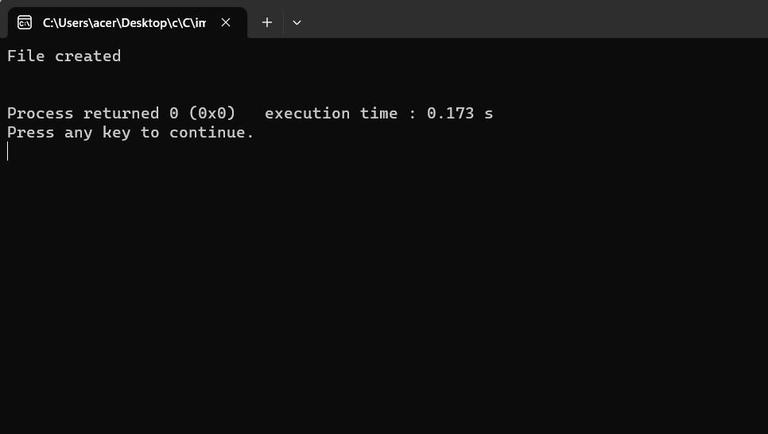
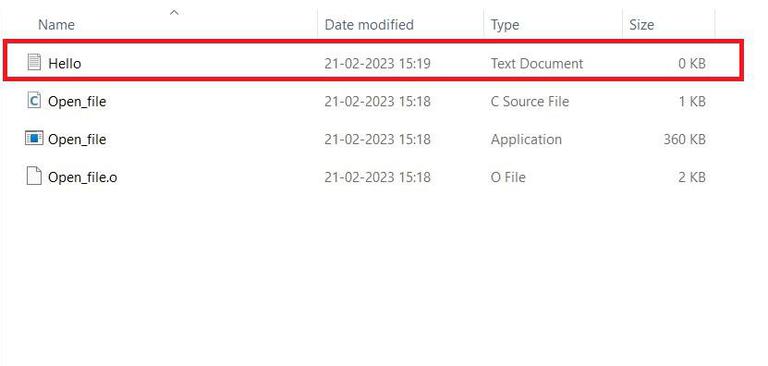
p = fopen("Hello.txt", r);As now we know how to open a file using fopen() now the question arises about creation. The creation of a file is as simple as opening a file. As, if the while opening a file for writing or appending is done with either write("w") or append("a") mode then in the case where the file doesn't exist a new file is created.
Example:
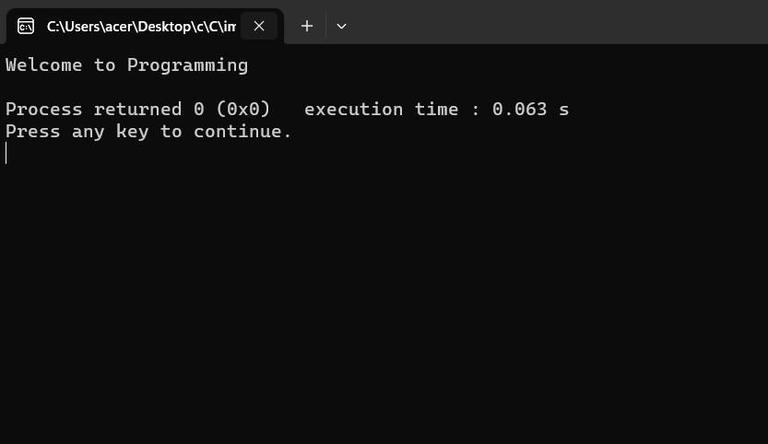
Output:
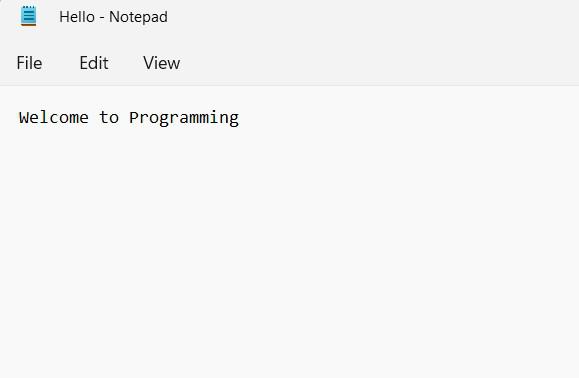
File Created:
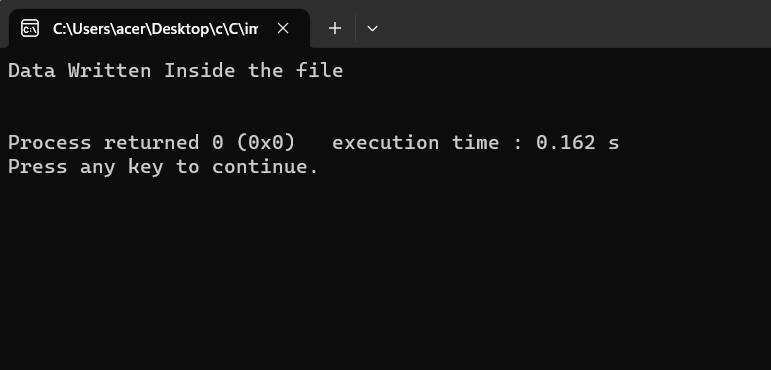
fprintf() and fscanf() are used to read and write in a text file in C programming. They expect a pointer to the structure FILE since they are file versions of print() and scanf().
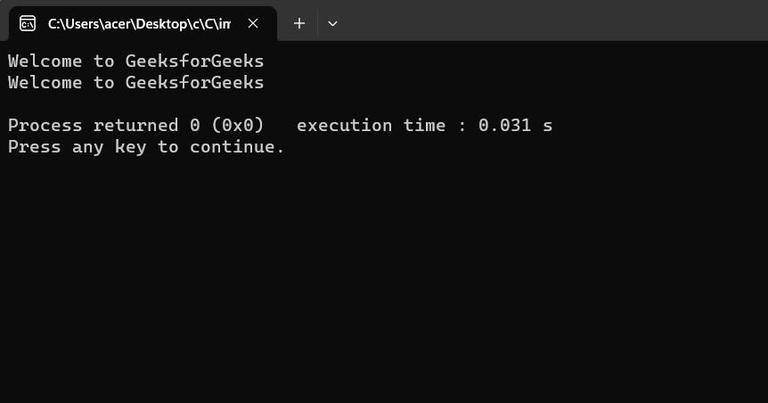
Output:
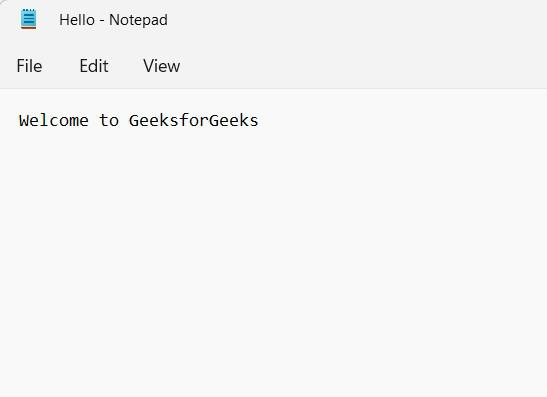
File Created:
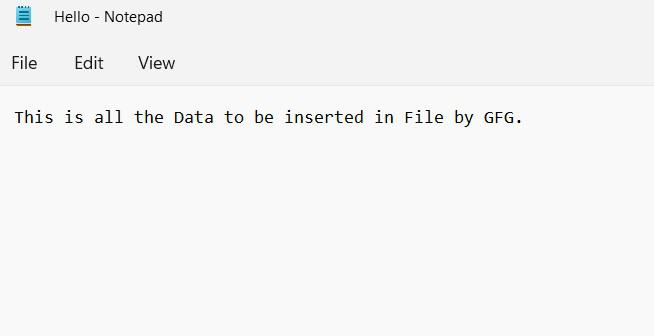
The above program takes a string from a user and stores it in text_file.text.After compiling this program a text file named temp_text.txt will be created in the C_Program folder. Inside the file, we can see the string that we entered.
fwrite() function takes four arguments address of data, size of the data which is to be written on the disk, number of data types, and a pointer to the file where we want to write.
Syntax:
fwrite(const void *ptr,size_of_elements,number_of_elements, FILE *a_file);Below is the C program to write to a binary file:
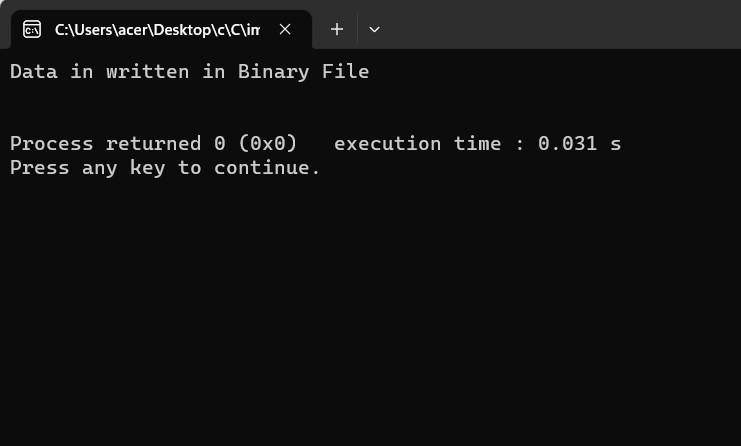
Output:
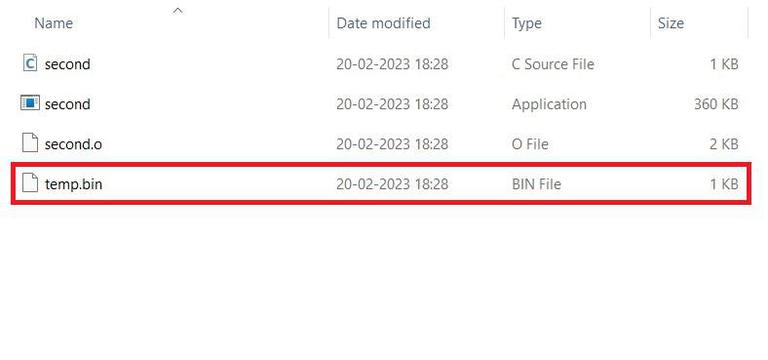
Image of created file:
Note: fread() is used to read from a binary file and fwrite() is used to write to a file on the disk.
Below is the C program to read the contents from the file:
Output:
fread() function also takes four arguments that are similar to fwrite() function in C Programming.
Syntax:
fwrite(const void *ptr,size_of_elements,number_of_elements, FILE *a_file);Below is the C program to read from a binary file:
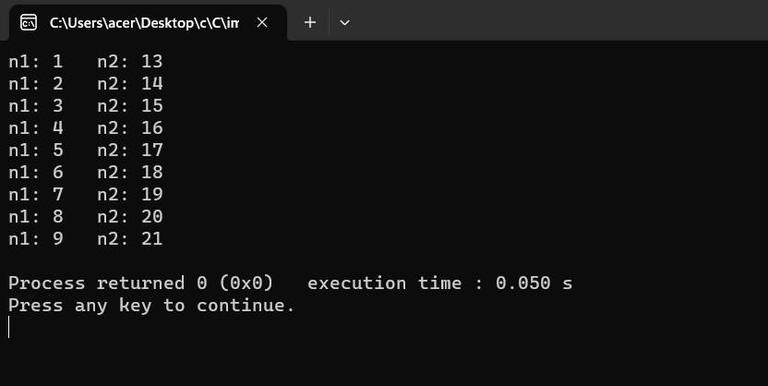
Output:
Explanation: In the above program, we have read the same file GFG.bin and are looping through records one by one. We read a single Num record of Num size from the file pointed by *fptr into the structure Num. We'll get the same record that we inserted in the previous program.
fseek() and rewind() are the two methods in C programming that can be used to move the file pointer. Let us check both methods:
fseek() function is used to set the file pointer to the specified offset and write data into the file.
Syntax:
int fseek(FILE *stream, long int offset, int whence);Here,
Below is the C program to implement fseek():
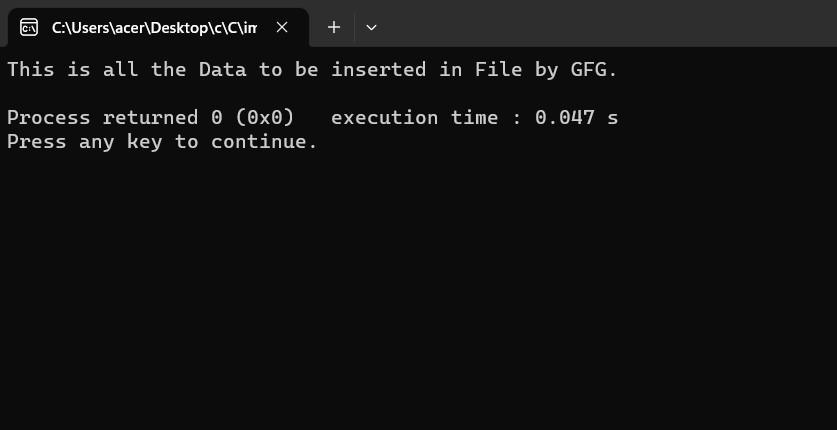
Output:
Image of the File:
rewind() function sets the file pointer to the beginning of the file.
Syntax:
void rewind(FILE *stream);Below is the C Program to implement rewind():
Output:
Image of the File: