|
VOOZH | about |
|
VOOZH | about |
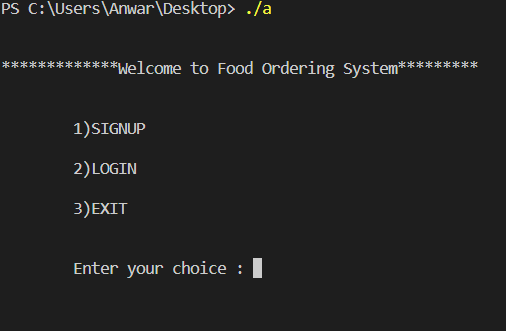
Prerequisite: Modular Approach in Programming : Write C program to implement Food ordering with the following functionalities:
:
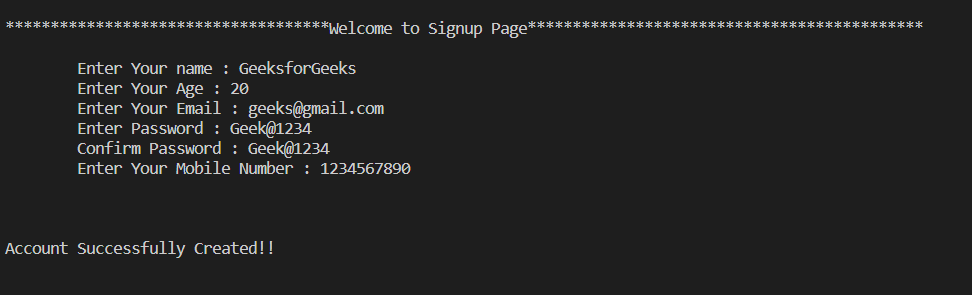
This is the main function for signup, From here we are calling the account_check() function to validate the inputs. Following are the functionalities:
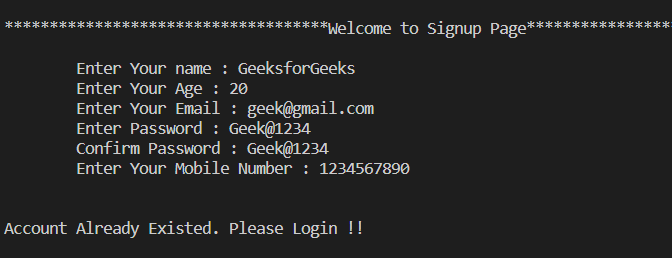
After the successful validation of all input fields, it checks whether the same account already exists or not through account_check() functionality.
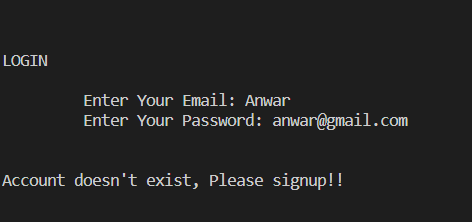
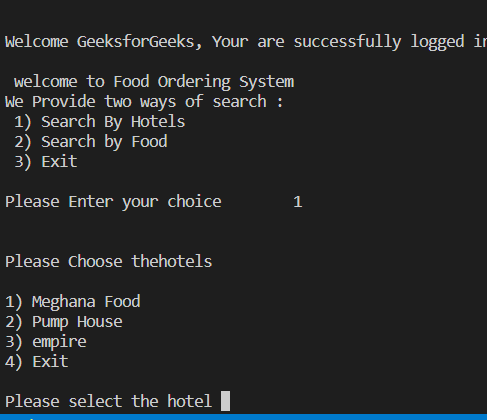
This function implements the login features of our project. While login, the Email, and Password are validated and checked whether it is already signed up. After the successful login, there is an option to choose either Search_by_food() or Search_by_hotels() functionalities.
In this functionality, the food order is placed after selecting any Hotel. Once the hotel is selected the list of food is displayed with their respective costs. Once the food is selected, you need to go to option Select Cart for the successful ordering of the foods.
Before ordering by the hotel, initialize some default hotels which we are given locally through structures in C for our demonstration. Once the hotels and their respective foods are initialized dynamically, it will display the list of hotels.
Once the hotel is selected in the above step, select the food and enter the number of items to order. Once the selection of all the foods is done it will display the total amount of food selected. Move to Select Cart for the successful ordering of the foods.
This functionality perform the following:
:
Boilerplate Code:
Signup:
Login:
Validate:
Account Check:
Account Already exist:
Account doesn't Exist:
Search By Hotels:
Search By Food:
Cart: