|
VOOZH | about |
|
VOOZH | about |
Spring Tool Suite (STS) is a powerful Java IDE specially designed for developing Spring and Spring Boot applications. It is built on top of the Eclipse IDE and provides an easy and efficient environment for enterprise application development. Spring Tools 4 is the latest version that offers enhanced support for modern Spring-based applications.
Make sure you have installed Java Development Kit (JDK) version 17 or newer. To check simply go to the terminal and enter the below command to check if it is present or not.
👁 Terminal_Imagejavac -version
Follow these steps to install Spring Tool Suite on your system.
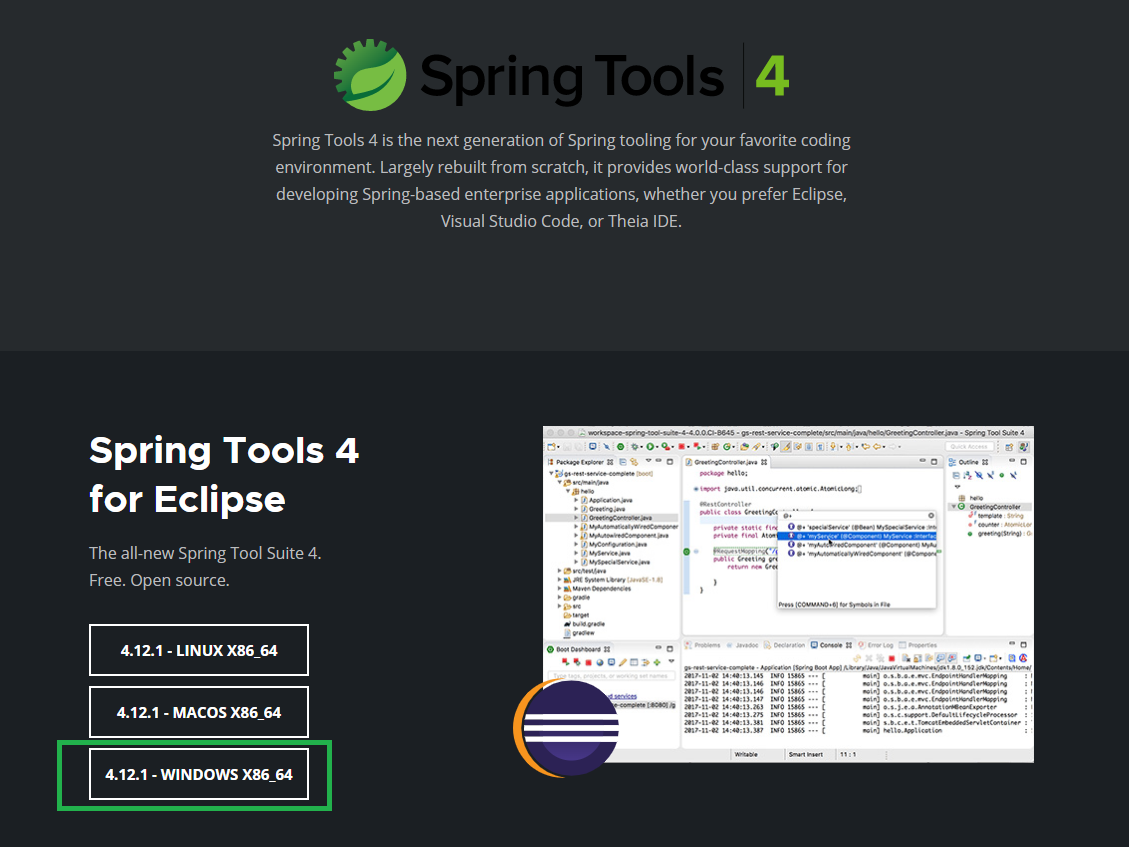
Go to their website and in Spring Tools 4 for the Eclipse section in order to download. choose your corresponding file according to your OS.
👁 STS4_for_eclipse_sectionHere we are going with Windows operating systems so do we have chosen Windows option as seen in the below image.
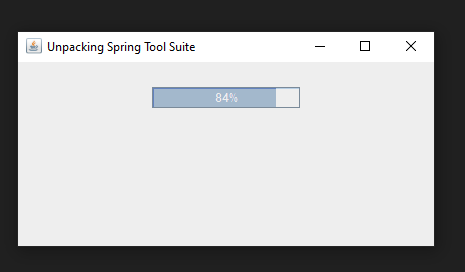
After clicking on the button a Jar file will be downloaded to your local system. Now create a folder and move this Jar file to that folder. And double-click on that Jar file. A pop-up window will appear like below:
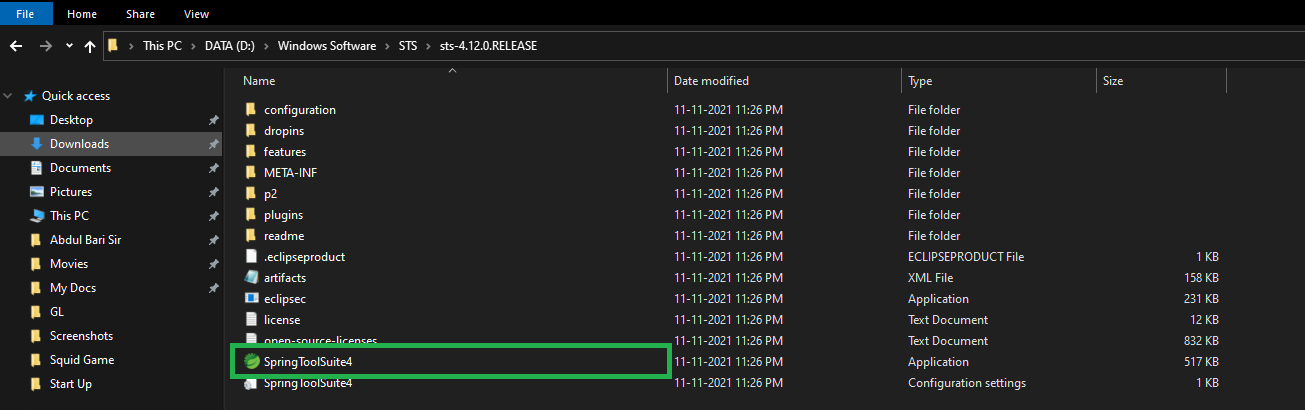
👁 pop-up_windowExtract or unzip the downloaded file, then open the newly created Spring Tool Suite folder to continue the installation process.
👁 folder_created_imageInside the extracted folder, locate the SpringToolSuite4 application file and Double-click on the application file to start Spring Tool Suite.
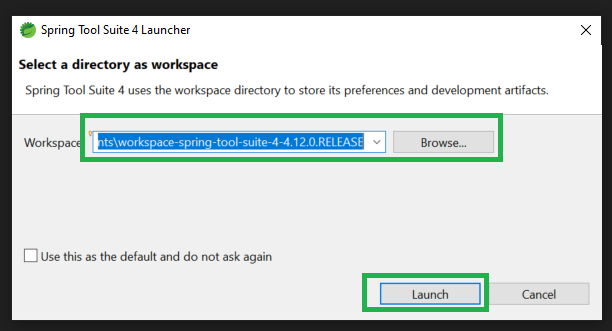
👁 SpringToolSuite4_application_imageNow select your directory as workspace by clicking on the Browse button and then click on the Launch button. And you are done.
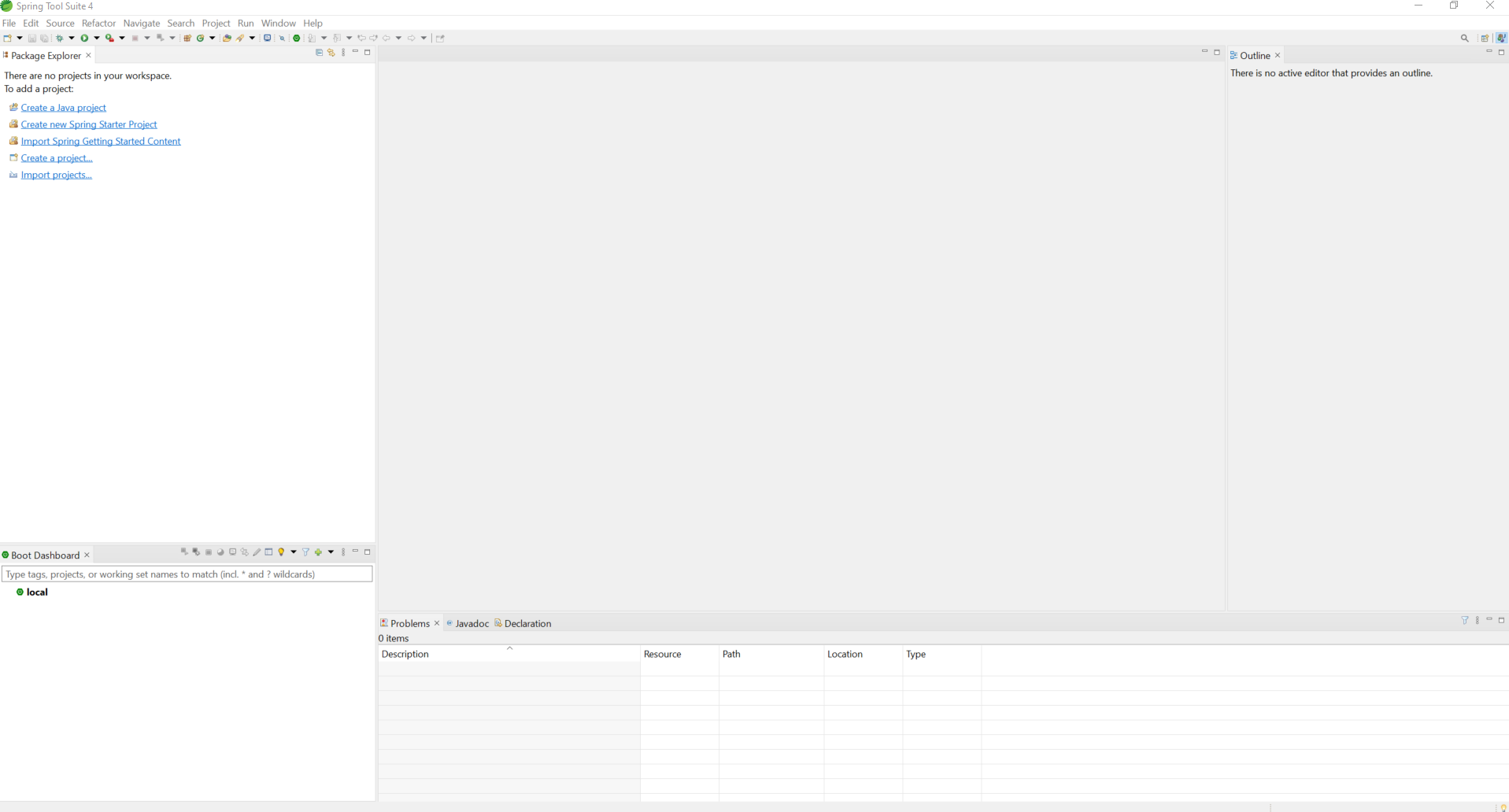
👁 sts_launcher_windowAfter successful installation, the Spring Tool Suite IDE home screen will appear.
👁 STS_homescreen