|
VOOZH | about |
|
VOOZH | about |
In Java, file handling means working with files like creating them, reading data, writing data or deleting them. It helps a program save and use information permanently on the computer.
To support file handling, Java provides the File class in the java.io package.
File class in Java (from the java.io package) is used to represent the name and path of a file or directory. It provides methods to create, delete, and get information about files and directories.
Output:
File Created!
In Java, I/O streams are used to perform input and output operations on files. So, let’s first understand what streams are.
In Java, I/O streams are the fundamental mechanism for handling input and output operations. They provide a uniform way to read data from various sources (files, network, memory) and write data to different destinations.
Java I/O streams are categorized into two main types based on the type of data they handle:
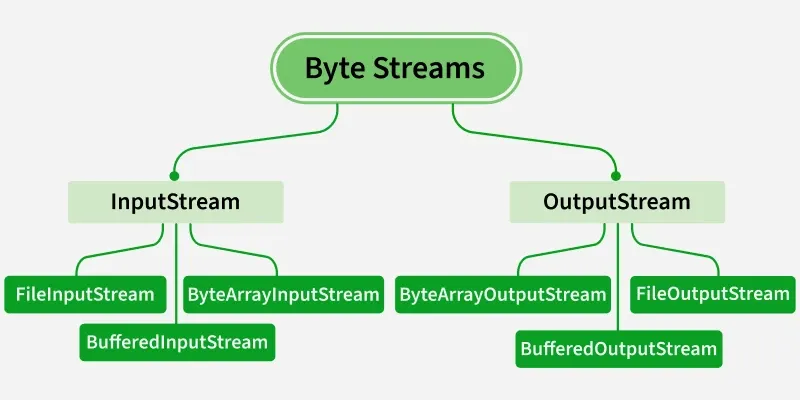
In Java, Byte Streams are used to handle raw binary data such as images, audio files, videos or any non-text file. They work with data in the form of 8-bit bytes.
The two main abstract classes for byte streams are:
Since abstract classes cannot be used directly, we use their implementation classes to perform actual I/O operations.
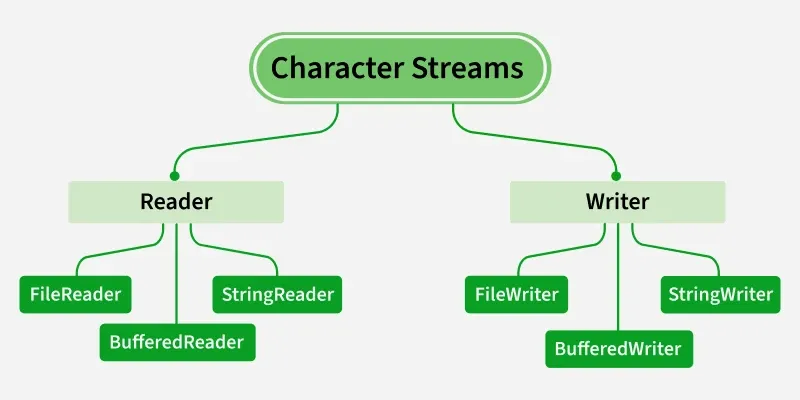
In Java, Character Streams are used to handle text data. They work with 16-bit Unicode characters, making them suitable for international text and language support.
The two main abstract classes for character streams are:
Since abstract classes cannot be used directly, we use their implementation classes to perform actual I/O operations.
Use Byte Streams when working with binary data (images, audio, video, executable files) and use Character Streams when working with text data (characters, strings, text files).
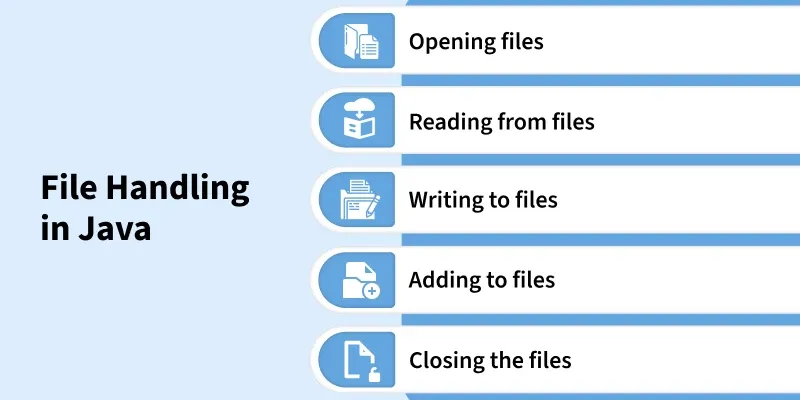
The following are the several operations that can be performed on a file in Java:
Output:
We use the FileWriter class along with its write() method in order to write some text to the file.
Output:
In Java, the read() method is used with classes like FileReader or InputStream to read data from a file one character or byte at a time.
Output:
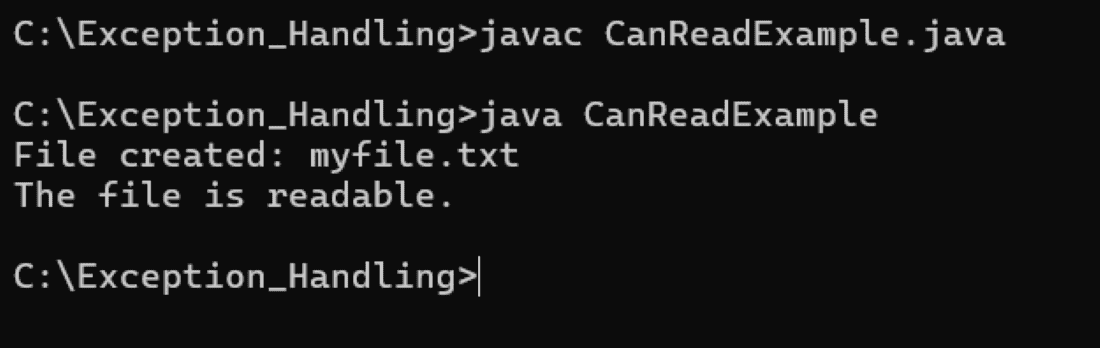
canRead() check if the file is readable.
Output:
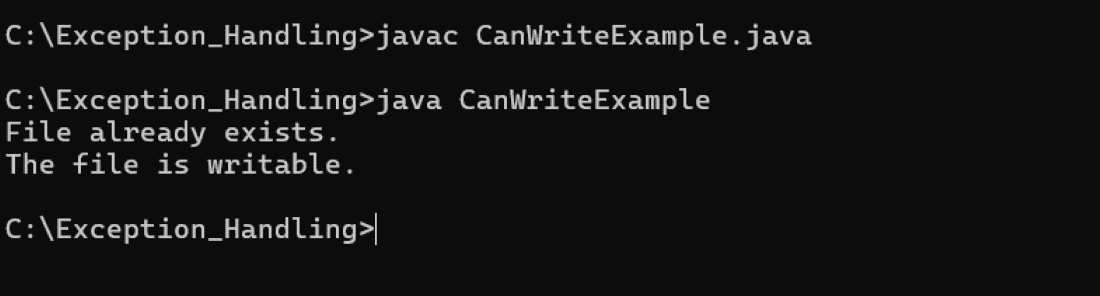
canWrite() checks whether the file can be written to by the program.
Output:
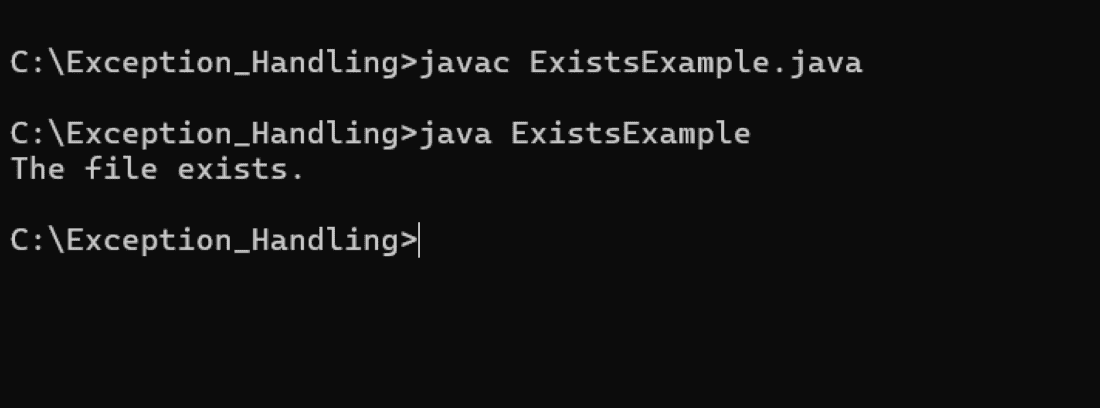
exists() checks whether the specified file or directory exists on the file system.
Output:
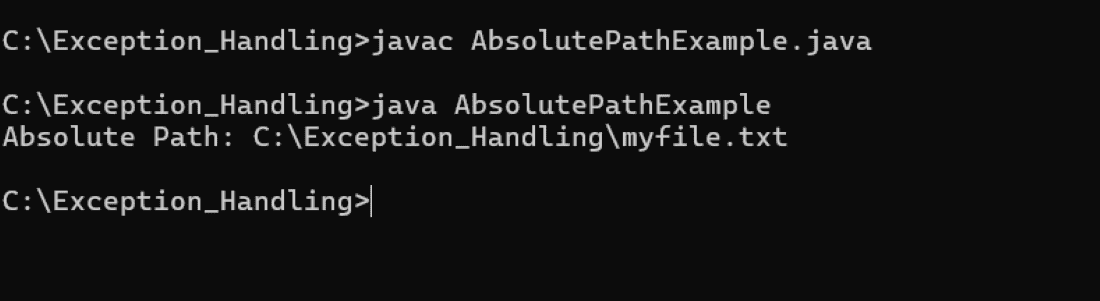
getAbsolutePath() returns the full path of the file or directory in the file system.
We use the delete() method in order to delete a file.
Output: