|
VOOZH | about |
|
VOOZH | about |
Applet Viewer is a command-line program to run Java applets. It is included in the SDK. It helps you to test an applet before you run it in a browser. An applet is a special type of application that's included as a part of an HTML page and can be stored in a web page and run within a web browser. The applet's code gets transferred to the system, and then the browser's Java Virtual Machine (JVM) executes that code and displays the output.
In this article, we will learn how to set up and use Java Applet Viewer on Windows.
Note: The
appletviewertool was removed from JDK 9 and onwards, you'll need to use JDK 8 to run applets.
Now let us discuss steps that are been involved sequentially with the help of visual aids to install java applet viewer in Java. Below we are providing steps right from scratch as follows:
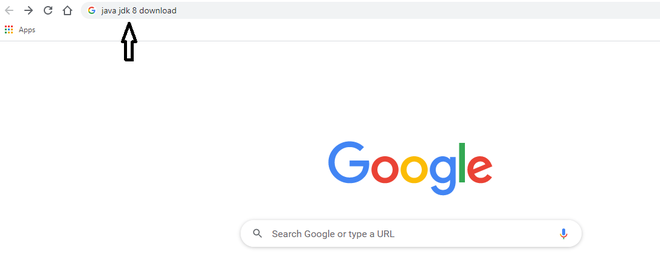
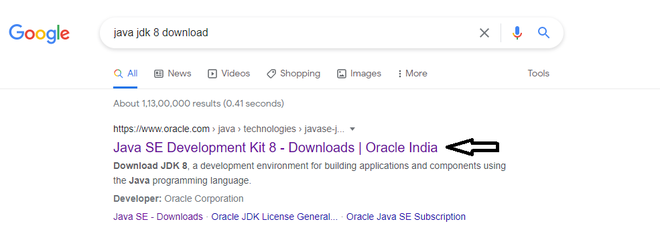
Search and download the JDK 8. Below we are downloading version 8.
Click on the link in the browser provided by oracle docs.
Note: We do have Open JDK and ORacle JDK, as far as development in java is concerned we have to always go with Oracle JDK>
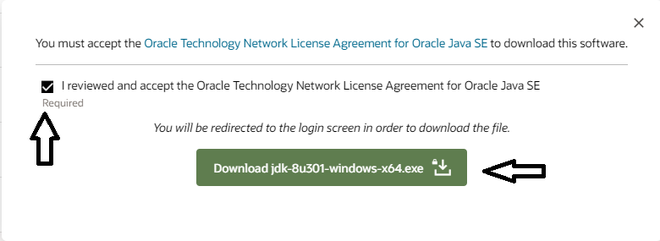
Scroll down the page & find the windows x64 download link
Accept and download the file.
Install it by clicking next every time and at last click on finish, just like installing any other application for windows.
In the below image, we can see the JDK 8 has installed successfully in our system.
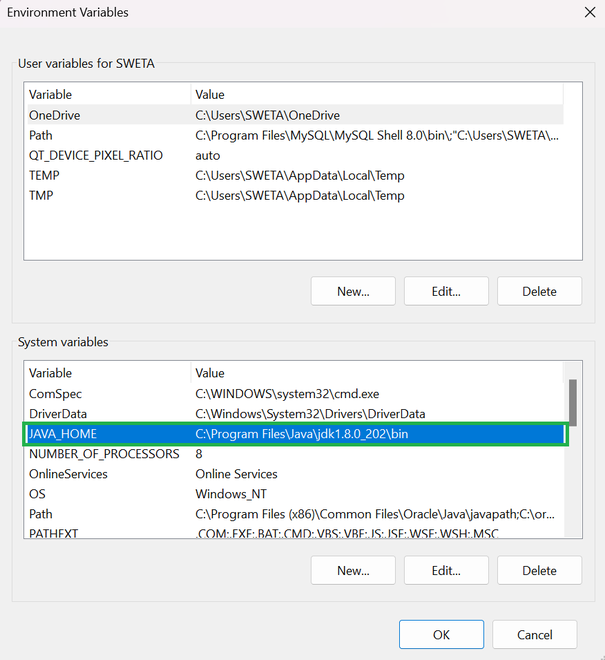
1. Set JAVA_HOME:
This PC or My Computer on your desktop or in File Explorer.Properties.Advanced system settings.Environment Variables.System variables, click New and set Variable name to JAVA_HOME and Variable value to the path where JDK 8 is installed.Path where JDK 8 is installed:
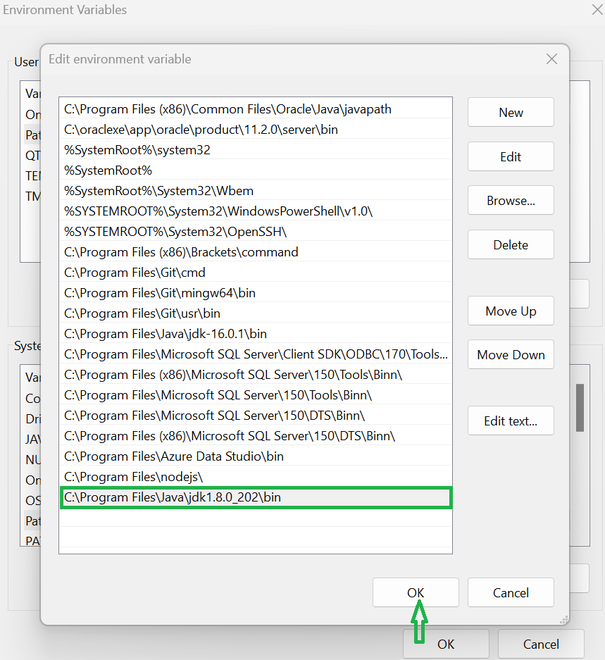
2. Update PATH Variable:
System variables section, find the Path variable and click Edit.bin directory of your JDK 8 installation.3. Verify Installation:
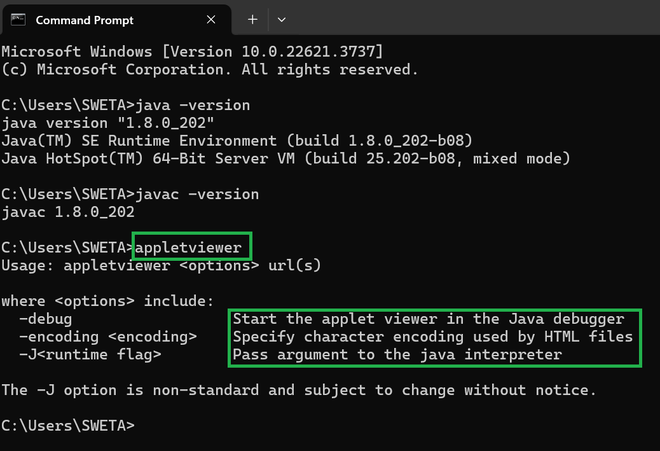
java -version and javac -version to ensure it shows the JDK 8 version.After this, write appletviewer command to check whether it is there or not,
C:\JavaApplets.java:SimpleApplet.java:
javac command to compile your applet:Applet.class) is located, create a file named SimpleApplet.html:Below is the SimpleApplet.html file location:
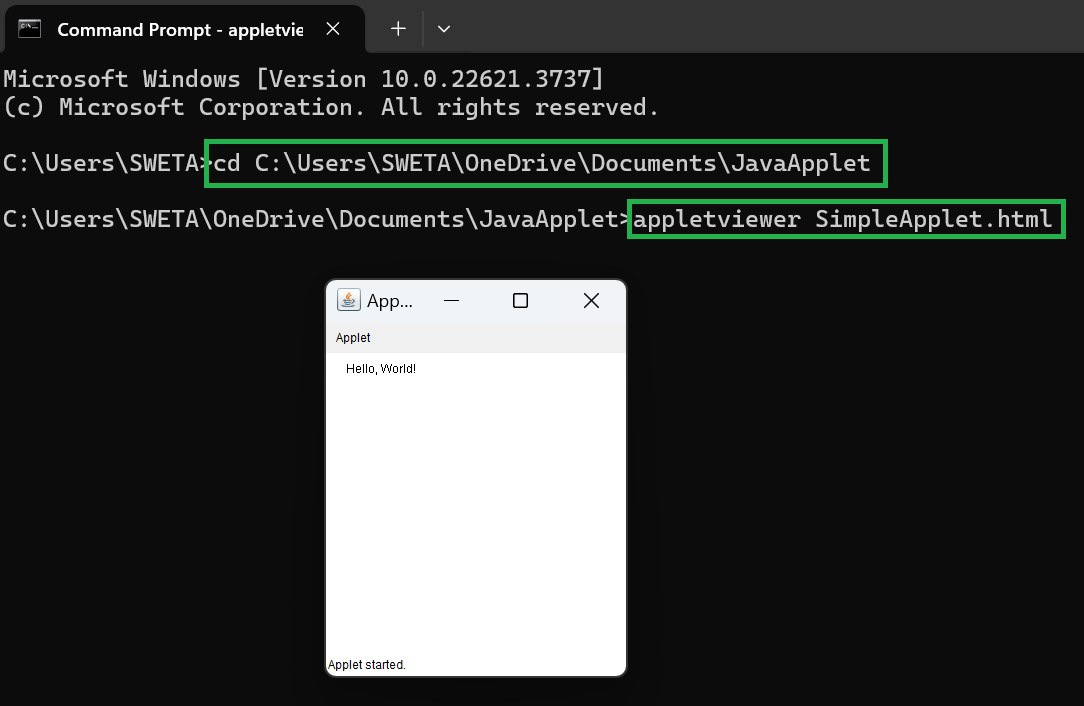
appletviewer: Use the appletviewer tool to run the applet:appletviewer SimpleApplet.htmlBy following these steps, we can set up and run Java applets using the appletviewer toolon Windows with JDK 8.


.png)
.png)
.png)
.png)

.png)