|
VOOZH | about |
|
VOOZH | about |
NetBeans IDE is a Free open-Source, Cross-plate form Integrated Development Environment (IDE) with built-in support for the JAVA Programming Language. It can run any machine which consists of the Java Virtual Machine (JVM). It consists of many features for application development as follows:
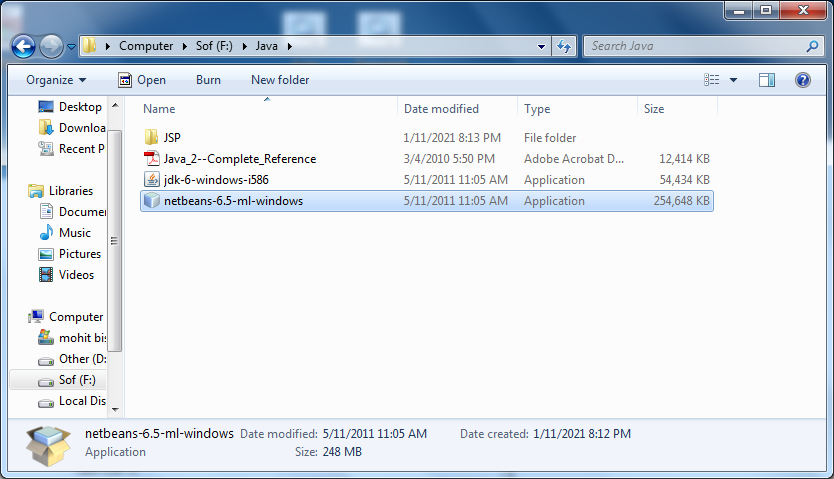
1. You need to have a setup file of the NetBeans JAVA into your setup.
👁 Steps of Installation of NetBeans on Windows
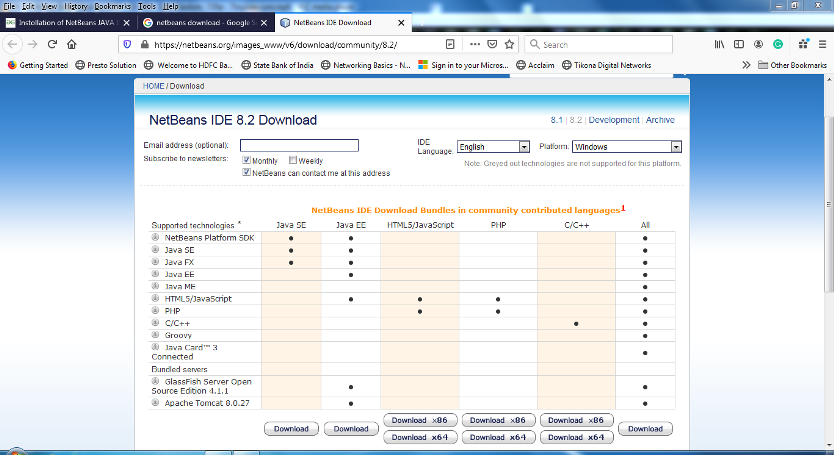
2. If you didn't have the setup you can download from the following link: https://netbeans.apache.org//images_www/v6/download/community/8.2
3. You can download any type of setup as per your requirements from the above mention web page.
4. Right-click on the setup or you can Double-Click on the setup by using the mouse.
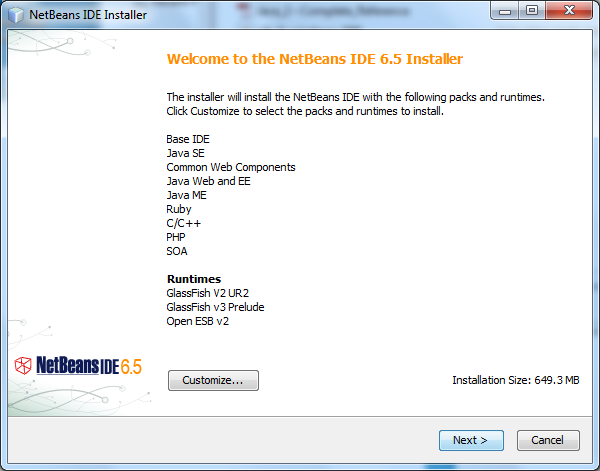
5. Click on the next option
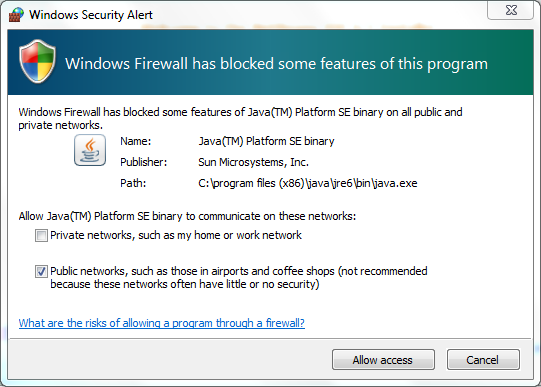
6. Check on the “Private networks, such as my home and work network".
7. Click on the Allow access button.
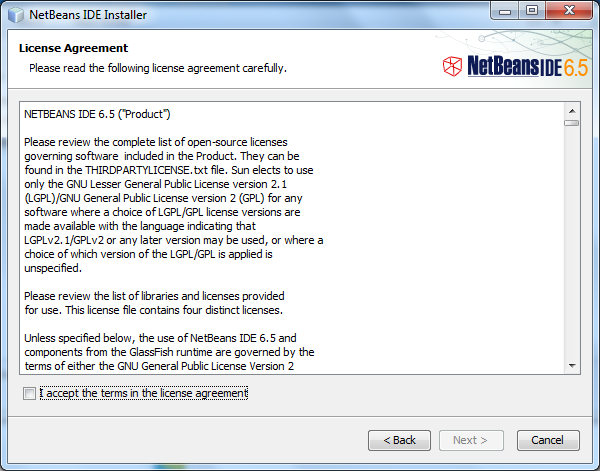
8. Check on the “I accept” option and click on the “Next” button.
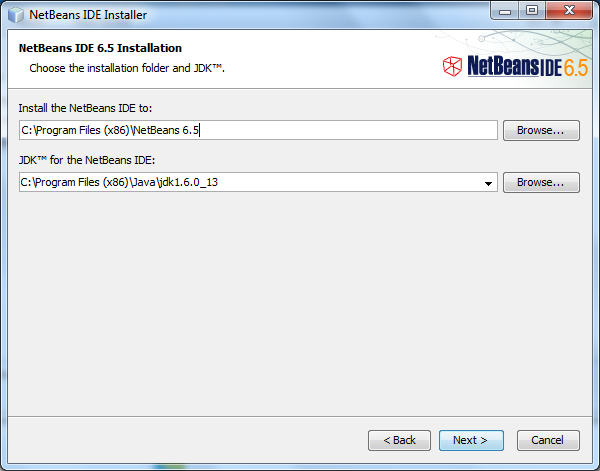
9. Select the path where you want to install the software and press the “Next” button.
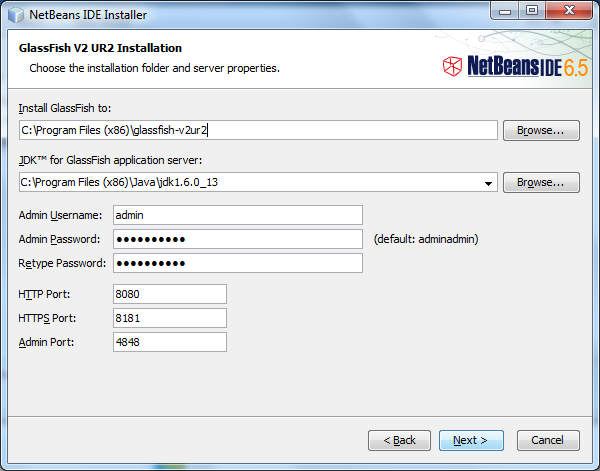
10. Set the Password, User Name & Ports for the Network Connectivity, or we can use this UserName and the Password for the Connecting the Front-End to the Back-End.
11. Click on the “Next” button.
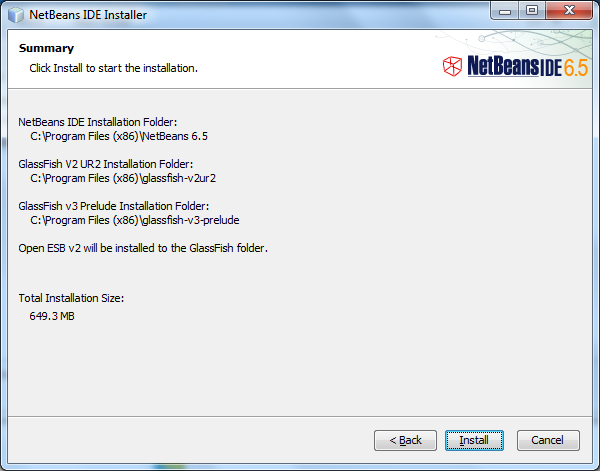
12. Click on the “Install” button.
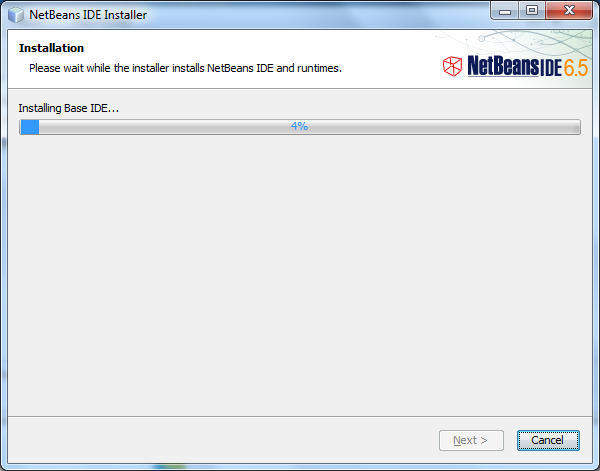
13. Wait for the while till the time the setup is properly Installed into the Computer
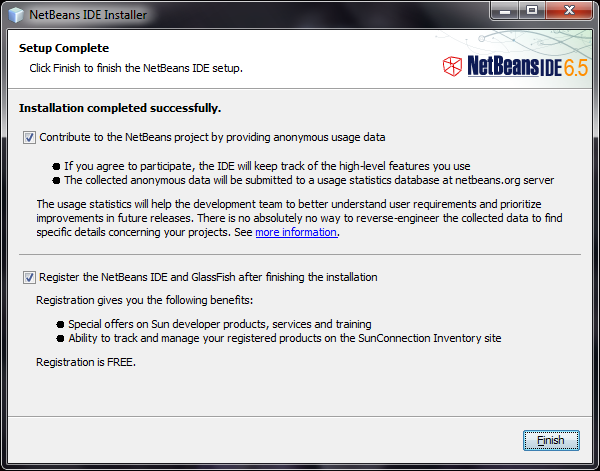
14. After complication of the setup you can click on the “Finish” button or you can also register the Software, for Further Assistance because it is a Free Software.
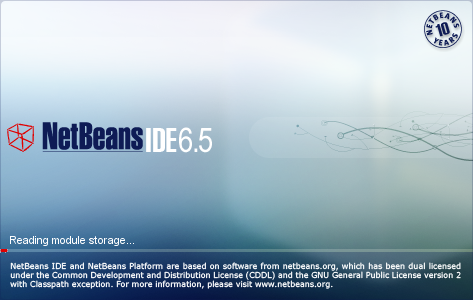
15. Now you can start the NetBeans for further use
👁 Steps of Installation of NetBeans on Windows