|
VOOZH | about |
|
VOOZH | about |
Java's Swing library provides various GUI components for creating graphical user interfaces. Among these components, is the JScrollBar class, which allows users to scroll through the content of a component, such as a JScrollPane. In Java JScrollBar is a part of javax.swing package.
1. This is the default constructor that creates a horizontal scrollbar with the default values. Its default orientation is JScrollBar (HORIZONTAL).
JScrollBar()
2. This constructor creates a scrollbar with the specified orientation. The orientation parameter can be one of the following constants: JScrollBar.HORIZONTAL, JScrollBar.VERTICAL
JScrollBar(int orientation)
3. This constructor creates a scrollbar with specified orientation, value, extent, minimum and maximum.
JScrollBar(int orientation, int value, int extent, int min, int max)
Methods of the JScrollBar are mentioned below:
- setValue(int value) : Sets the current value of the scrollbar to a specified value.
- getValue() : Retrieves the current value of the scrollbar, which indicates the current position of the thumb.
- setMinimum(int minimum) : Sets the minimum value of the scrollbar, defining the lower boundary of the range.
- getMinimum() : Returns the minimum value, allowing you to retrieve the lower boundary of the range.
- setMaximum(int maximum) : Sets the maximum value of the scrollbar, defining the upper boundary of the range.
- getMaximum() : Retrieves the maximum value, indicating the upper boundary of the range.
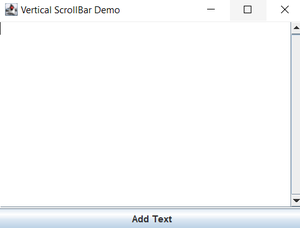
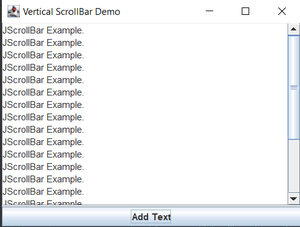
👁 Vertical ScreenShot using JScrollBar
Below is the implementation of the above mentioned:
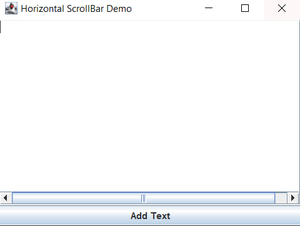
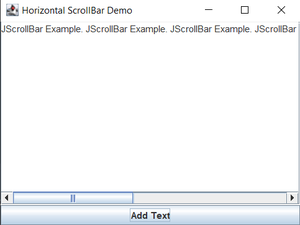
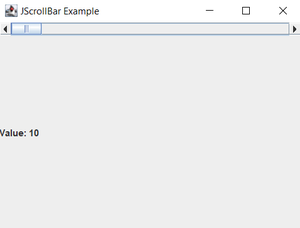
👁 Horizontal Scrollbar using JScollBar
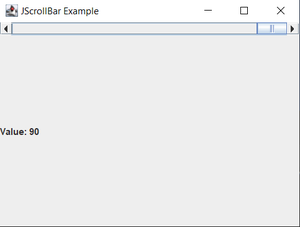
👁 Setting Value According to ScrollBar