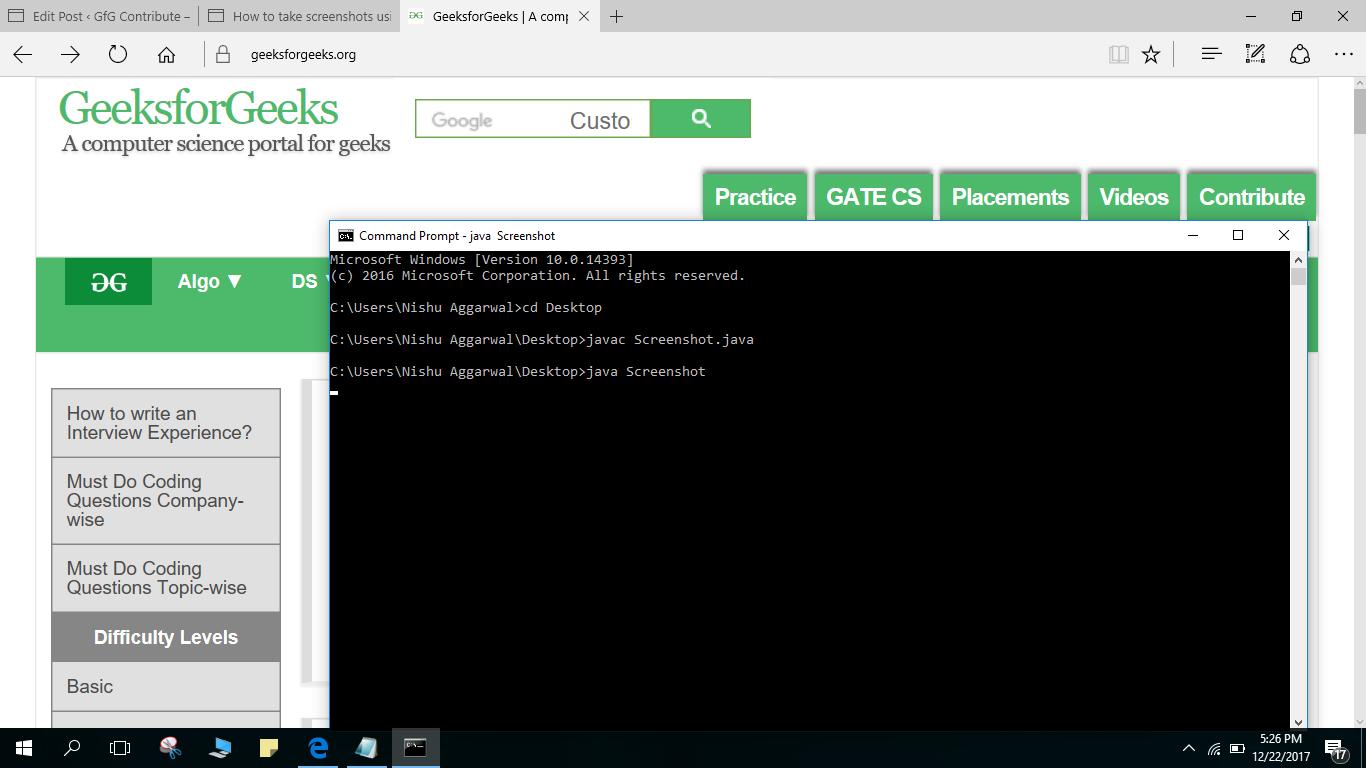
In this program we will see how we can take screenshots using a java program and save the screenshot in desired folder.
We use
java.awt.Robot class to capture pixels of screen. It provides method like
createScreenCapture which captures the current screen. This method returns captured image as
BufferedImage object which can be saved as a file. It also uses
ImageIO to save it as PNG image format.
Toolkit.getDefaultToolkit().getSize() method is used to get the size of screen.
The
serialVersionUID is universal version identifier for
Serializable class. Thread is used so that after executing the program we can switch to the screen we want to take screenshot of. 120s is the time in seconds i.e. 2 mins.
NOTE : Please keep note of UpperCase and LowerCase in name of methods. A slight change of Case may cause errors.
How to use the program to capture Screenshot :
- Write program in Notepad.
- Save it as Screenshot.java and run it on CommandPrompt.
- Refer to the screenshots at end in case of any problem.
Output :
👁 Image
References:
https://www.viralpatel.net/how-to-take-screen-shots-in-java-taking-screenshots-java/
https://www.dropcatch.com/domain/javatechblog.com