VOOZH about

URL: https://www.geeksforgeeks.org/java/java-program-to-swap-two-numbers/

⇱ Java Program to Swap Two Numbers - GeeksforGeeks


  • Courses
  • Tutorials
  • Interview Prep

Java Program to Swap Two Numbers

Last Updated : 11 May, 2026

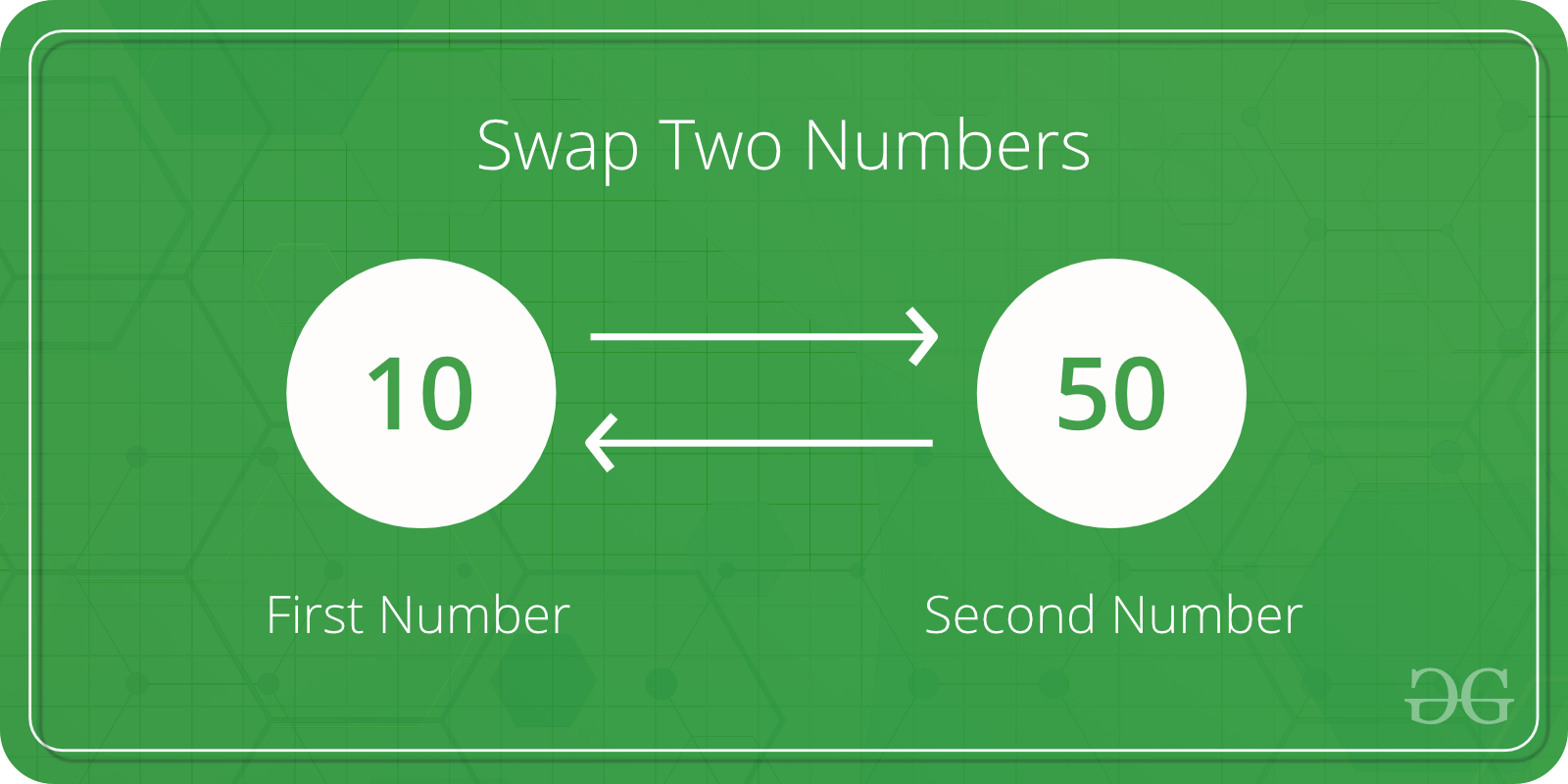
Given two integers m and n. The goal is to interchange the values of two variables using different approaches in Java.

Illustration:

Input: m=9, n=5
Output: m=5, n=9

Input: m=15, n=5
Output: m=5, n=15
Here 'm' and 'n' are integer value

👁 Swap Two Numbers

Approach 1: Using a Temporary Variable

  • A temporary memory cell is created to hold one value during the swap.
  • The value in the temporary variable is assigned to the other variable after swapping.
  • The temporary variable acts as a helper and does not appear in the final output.

Output
Before swapping: m = 9, n = 5
After swapping: m = 5, n = 9

Note: This swap only affects local copies in memory. If you pass m and n to a method, the original variables remain unchanged due to Java's pass-by-value.

Approach 2: Using Arithmetic (Sum and Difference)

Algorithms: The arithmetic swapping method works in the following steps

  • Add both numbers and store the result in the first variable.
  • Subtract the second number from the first variable and store it in the second variable.
  • Subtract the new second variable from the first variable to get the original second number.

Output
Before swapping: m = 9, n = 5
After swapping: m = 5, n = 9

Note: This method avoids extra variables but can cause overflow with very large numbers.

Approach 3: Using Bitwise XOR Operator

  • Operates on individual bits of integer types (char, short, int, etc.).
  • Returns 1 for each bit position where the corresponding bits of the two operands are different; otherwise returns 0.
  • Commonly used in swapping numbers without a temporary variable and in bit manipulation tasks.

Illustration:

a = 5 -> 0101 (binary)
b = 7 -> 0111 (binary)

XOR Operation: a ^ b

0101
^ 0111
------
0010 -> 2 (decimal)

Using XOR twice can swap two numbers efficiently without extra memory:

a = a ^ b;
b = a ^ b;
a = a ^ b;


Output
Before swapping: m = 9, n = 5
After swapping: m = 5, n = 9

How do we swap using a function and reflect the changes outside?

The previous methods only swaps local copies. To swap numbers in a method and reflect changes outside, we use an array.


Output
Before swapping: m = 9, n = 5
After swapping using array: m = 5, n = 9
Comment