|
VOOZH | about |
|
VOOZH | about |
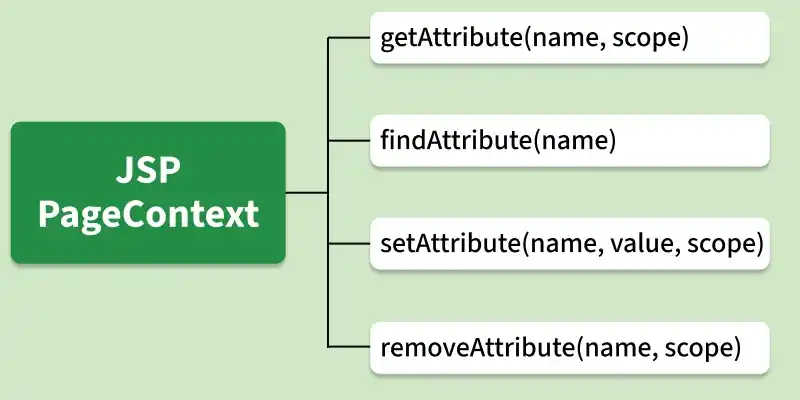
JavaServer Pages (JSP) provides the pageContext implicit object to access all page-related data. It acts as a central object that gives access to different scopes and implicit objects. It helps manage attributes and share data across JSP components.
PAGE_SCOPE): Data is accessible only within the current JSP page REQUEST_SCOPE): Data is available throughout a single HTTP request SESSION_SCOPE): Data is available across multiple requests for the same user session APPLICATION_SCOPE): Data is shared across the entire application There are four type of jsp PageContext:
Retrieves an attribute from a specified scope.
null. Syntax:
Object obj = pageContext.getAttribute("name", PageContext.SESSION_SCOPE);
findAttribute()Searches an attribute across all scopes automatically.
null.Syntax:
Object obj = pageContext.findAttribute("name");
setAttribute()Stores an attribute in a specified scope
Syntax:
pageContext.setAttribute("name", value, PageContext.SESSION_SCOPE);
removeAttribute()Removes an attribute from a given scope.
Syntax:
pageContext.removeAttribute("name", PageContext.PAGE_SCOPE);
Below are the steps of implementing Jsp PageContext.
Create a form to take user input.
Store user data using pageContext object.
Retrieve stored data using pageContext.
Execute project and verify output.
Output:
A. HTML page where we are receiving the user's name.
👁 ImageB. JSP page along with details page link.
👁 ImageC. User Credentials display page that we have moved from html page to this page by pageContext instance.
👁 Image