|
VOOZH | about |
|
VOOZH | about |
Large icons generally refer to the set of icons provided by the look and feel of the user interface. The "large icons" provided by the look and feel are typically larger than the standard size of icons used in the interface and are intended to be used in places where a larger, more visually prominent icon is needed, such as in dialogs or other areas where the user's attention needs to be drawn to a specific UI element. The exact size and set of large icons available may vary depending on the specific look and feel used in the application and can be accessed through the UI Manager class in Java. In this article, we will learn how to create an API for accessing Large Icons using the javax.swing package in java.
javax.swing is a package in the Java standard library that provides a set of GUI (Graphical User Interface) components and related classes for creating desktop applications. The javax.swing package is an extension of the java.awt package, and provides more advanced and flexible components than the original AWT (Abstract Window Toolkit) components. Some of the commonly used Swing components include buttons, text fields, labels, checkboxes, radio buttons, sliders, scroll panes, tables, trees, menus, and dialog boxes. These components can be combined to create complex user interfaces with a modern look.
Import the necessary classes
Create a new Java class named LargeIconAPI.
Define a public static method named getLargeIcon that takes a String argument representing the key of the large icon to retrieve from the look and feel.
Use the UIManager.getIcon() method to retrieve the large icon from the look and feel using the iconKey argument, and return it as an Icon object.
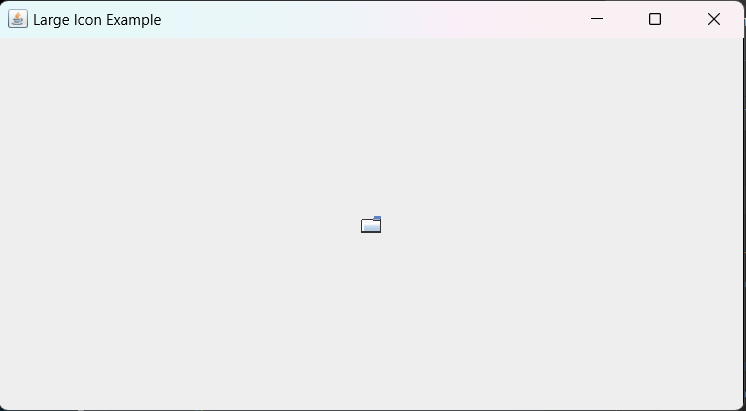
Use the API method getLargeIcon in your Java application to retrieve a large icon and use it in a component or UI element. Here's an example that retrieves a large icon and displays it in a JLabel.
Here's the complete code
Output: