sendRedirect() is a method used to redirect the client from one resource to another by instructing the browser to make a new request to the specified URL.
It performs client-side redirection
Browser sends a new HTTP request
URL changes in the browser
Uses HTTP status code 302 (Found)
Method Signature
public void sendRedirect(String location) throws IOException
How sendRedirect() Works
Client sends a request to a servlet
Servlet processes the request
Servlet sends a redirect response (302) to the browser
Browser makes a new request to the redirected URL
Target resource sends the final response
Example: Using sendRedirect() in Java Servlet
In this example, we will create a simple Servlet project that uses the sendRedirect() method to redirect the client request to another website.
Step 1: Create a Dynamic Web Project
Open Eclipse IDE
Go to File -> New -> Dynamic Web Project
Enter the project name: SendRedirectExample
Select:
Target Runtime: Apache Tomcat
Dynamic Web Module version: 4.0
Click Finish
Step 2: Create index.html
Right-click WebContent
Select New -> HTML File
File name: index.html
index.html
Explanation
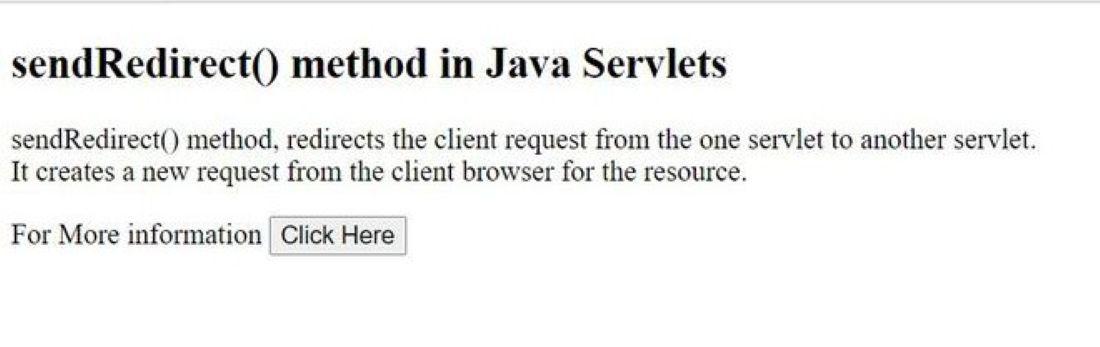
The form action is redirect
The request method is GET
This URL maps to the servlet with /redirect mapping
When the button is clicked, the servlet’s doGet() method executes
Step 3: Create Servlet Class
Right-click src
Select New -> Servlet
Package name-> com.example.redirect
Servlet name-> ServletRedirect
URL Mapping-> /redirect
Click Finish
Step 4: Servlet Code (ServletRedirect.java)
Explanation
@WebServlet("/redirect") maps the servlet URL
No need for web.xml configuration
sendRedirect() sends a 302 response to the browser
Browser makes a new request to the given external URL