|
VOOZH | about |
|
VOOZH | about |
Spring Boot Auto-Configuration in Spring Boot is a feature that automatically configures application components based on the dependencies available in the classpath.
Before Spring Boot, developers had to manually configure many components in Spring applications.
Example tasks developers had to configure manually:
Spring Boot solves this problem using Auto-Configuration.
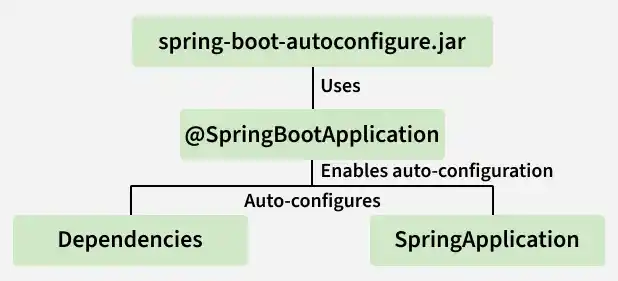
Auto-configuration works using the @EnableAutoConfiguration annotation. This annotation tells Spring Boot to automatically configure beans based on:
In most applications, developers use @SpringBootApplication, which internally includes:
So when the application starts, Spring Boot scans the classpath and configures the required beans automatically.
Let us see how auto-configuration works in a simple web application.
We can create a Spring Boot project using Spring Initializr and Configure the project with the following settings:
Add the following dependency:
This dependency automatically includes:
Download the project and open it in your IDE such as IntelliJ IDEA, Eclipse IDE, or Spring Tool Suite.
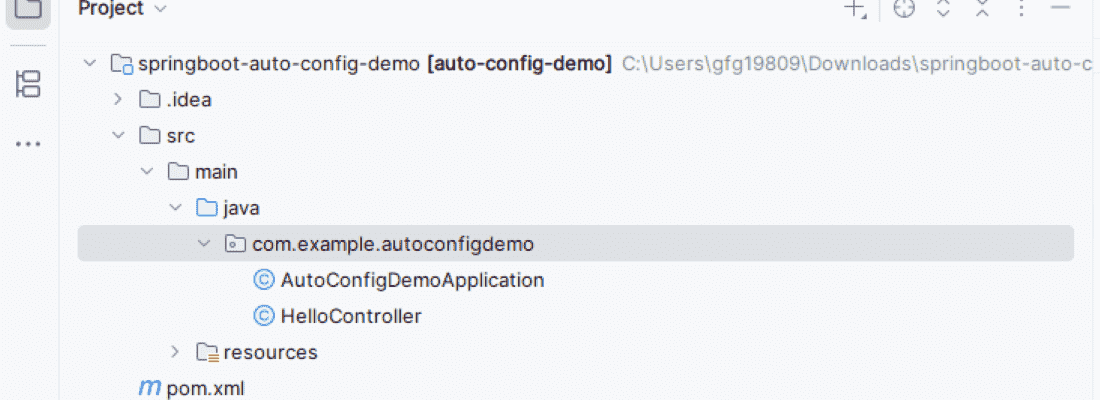
After importing the project, the structure will look like:
The main class is automatically generated by Spring Boot
The main class contains the @SpringBootApplication annotation which enables Auto-Configuration.
Create a controller class inside the same package.
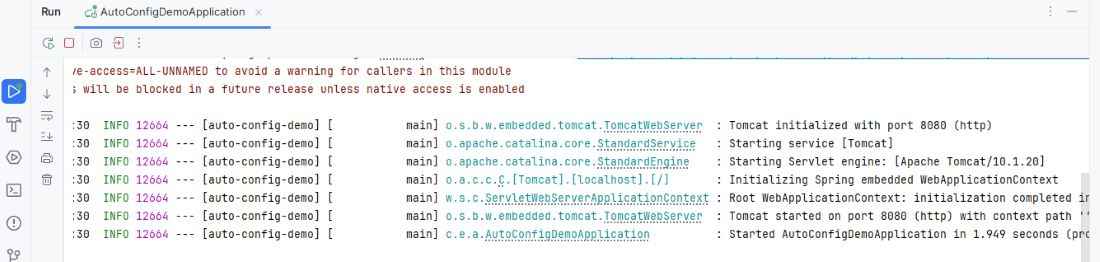
Run the main class AutoConfigDemoApplication.
Spring Boot automatically performs the following configurations:
We do not need to manually configure:
Open a browser and visit:
http://localhost:8080/hello
Output: