|
VOOZH | about |
|
VOOZH | about |
In the software industry, information needs to be portable and hence any valid data is available in XLS and XLSX formats i.e. excel formats. In order to communicate between excel formats and java, we need to use Apache POI and JExcel APIs. Let us see in this article how to use them via a sample maven project. Necessary dependencies to be used for using Apache POI and JExcel :
<dependency>
 <groupId>org.apache.poi</groupId>
 <artifactId>poi</artifactId>
 <version>5.2.0</version>
</dependency>

<dependency>
 <groupId>org.apache.poi</groupId>
 <artifactId>poi-ooxml</artifactId>
 <version>5.2.0</version>
</dependency>
It supports both XLS and XLSX formats.
We can see the entire concept via a sample maven project.
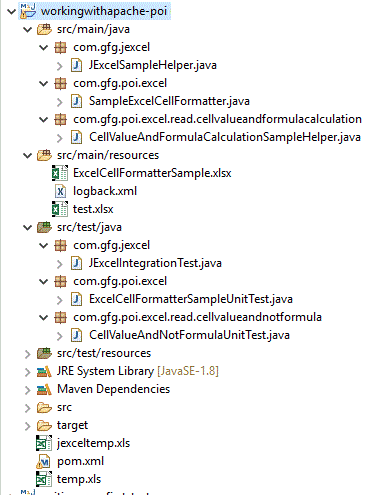
Project Structure:
As this is the maven project, let us see the dependencies present in
pom.xml
Excel mainly is used to store alpha/numeric/alphanumeric(string)/boolean values which means we should have separate mechanisms to read a different kinds of values. Via the below java files, we can view them
CellValueAndFormulaCalculationSampleHelper.java
SampleExcelCellFormatter.java
JExcelSampleHelper.java
Now it is our job to test the same. Hence let us take some input files.
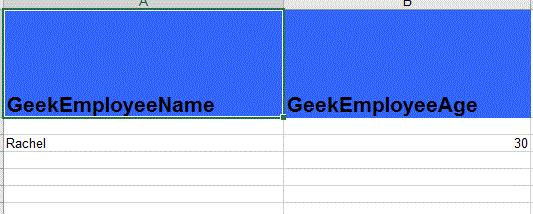
jexceltemp.xls contents
JExcelSampleIntegrationTest.java
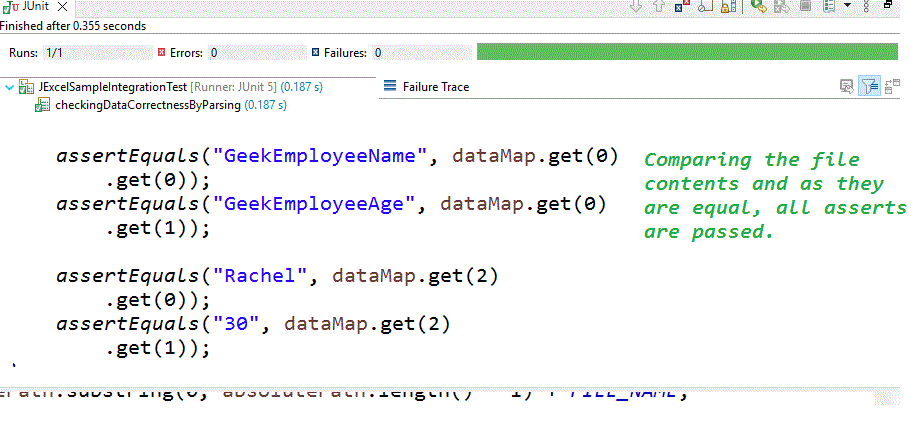
Output of JUnit:
ExcelCellFormatterSample.xlsx contents:
ExcelCellFormatterSampleUnitTest.java
Output of JUnit:
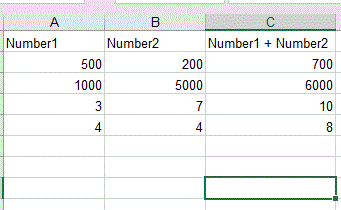
test.xlsx file contents:
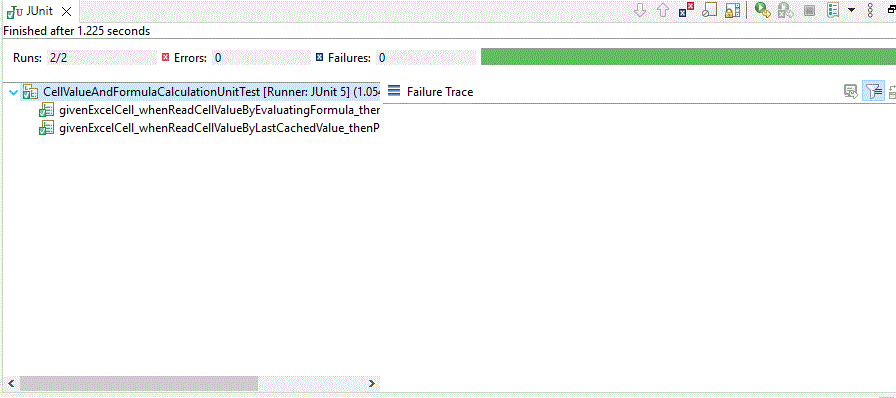
CellValueAndFormulaCalculationUnitTest.java
Output of JUnit:
Apache POI and JEXCEL API are very useful and we can easily read the contents of the excel file, and manipulate the same in different ways according to our requirements. As information needs to be portable, on many occasions we expect the file contents to be in xls or xlsx formats. That time we can prefer this approach.