|
VOOZH | about |
|
VOOZH | about |
Android TextSwitcher is a user interface widget that contains number of textView and displays one at a time. Textswitcher is subclass of View Switcher which is used to animates one text and displays next one. Here, we create TextSwitcher programmatically in Kotlin file.
First we create a new project by following the below steps:
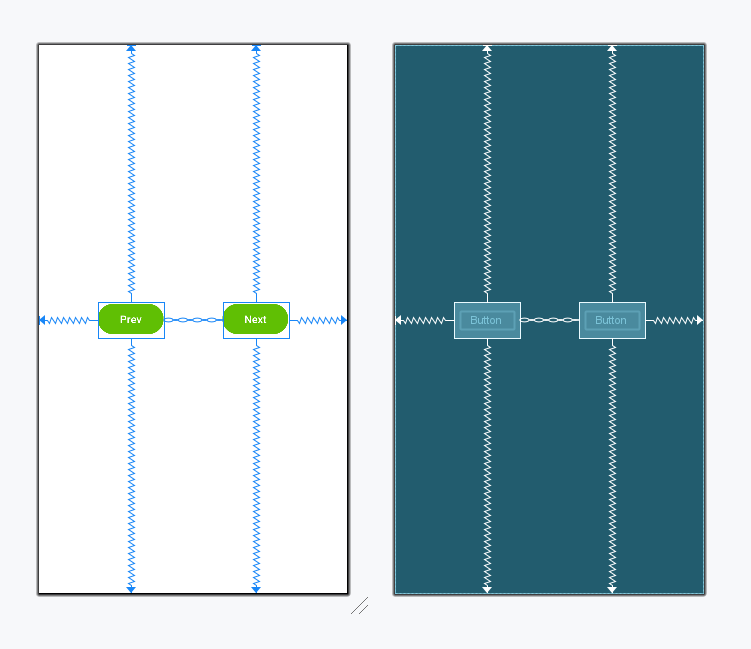
In this file, we only use two Buttons and no TextSwitcher as we will add it dynamically.
activity_main.xml:
First, we declare an array which contains the list of numbers used for the textView.
private val array = arrayOf("1","2","3","4","5")
then, we create the TextSwitcher and set attributes for textView like text color, text Size.
val textSwitcher: TextSwitcher = findViewById(R.id.textSwitcher)
Add the TextSwitcher in layout using this
val layout: ConstraintLayout = findViewById(R.id.main)
layout.addView(textSwitcher)
MainActivity.kt:
Click prev button then we obtain the other text in the TextView.