|
VOOZH | about |
|
VOOZH | about |
Kotlin is a modern statically typed and open source programming language that features both object-oriented and functional programming constructs. Over 60% of professional Android developers use Kotlin that helps boost productivity, developer satisfaction, and code safety.
Features of Kotlin:
Visual Studio Code is a streamlined code editor with support for development operations like debugging, task running, and version control.
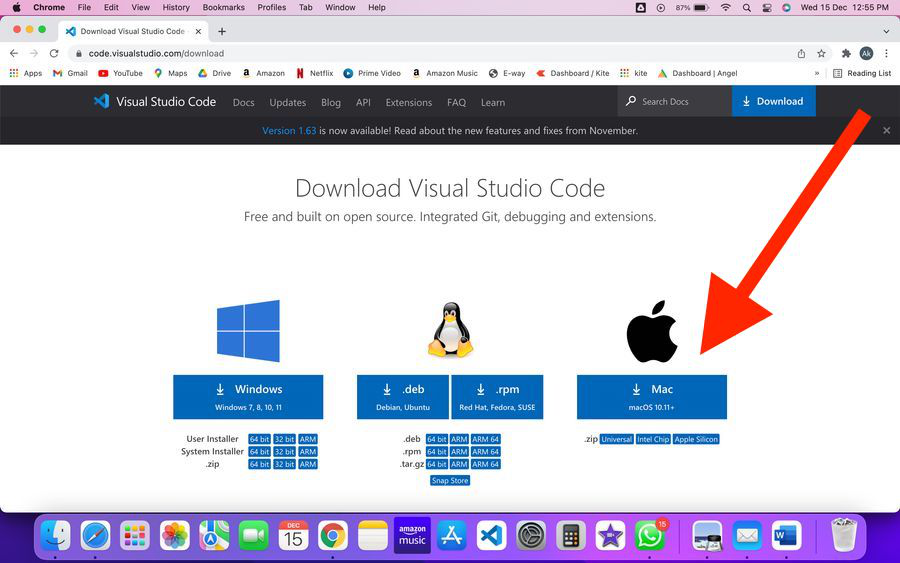
Step 1: Download and Install the Visual Studio Code IDE for macOS.
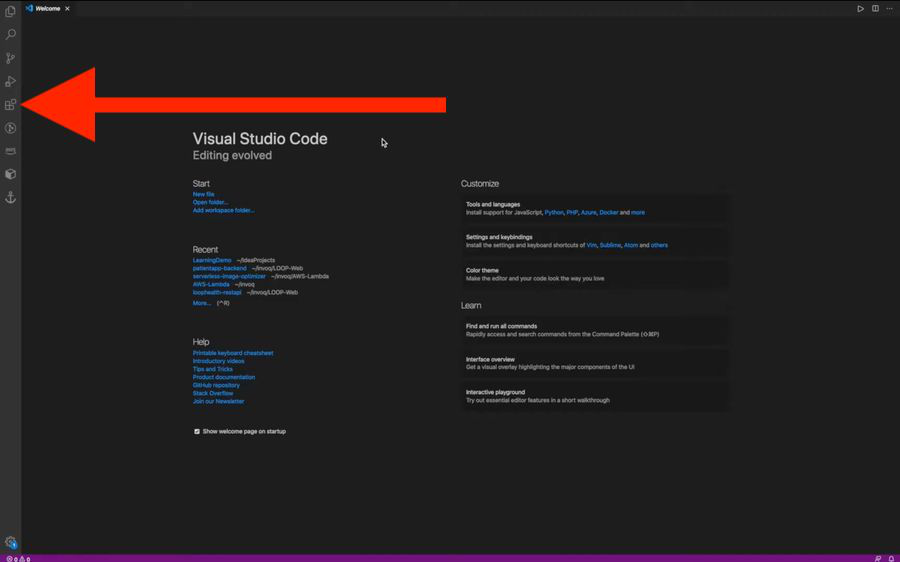
👁 ImageStep 2: Now open Visual Studio Code and install two extensions from EXTENSIONS.
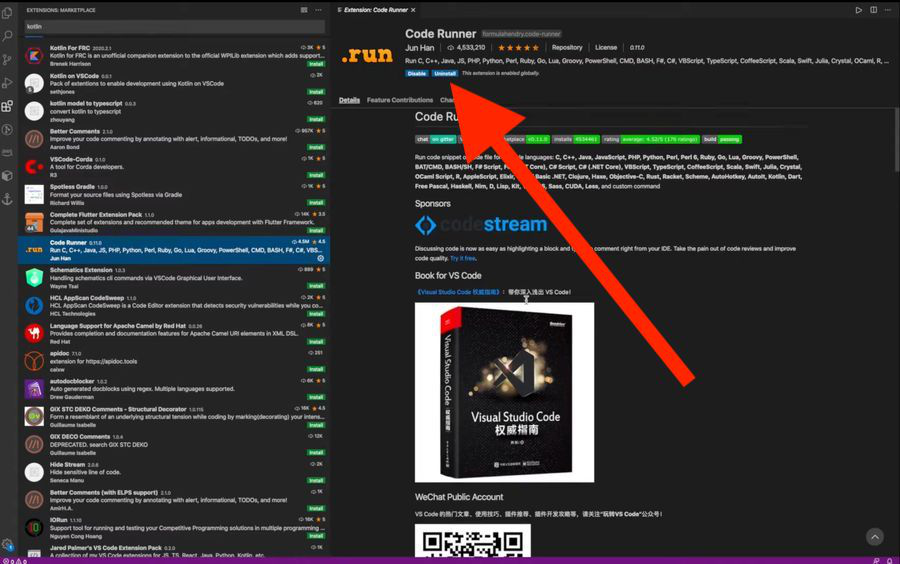
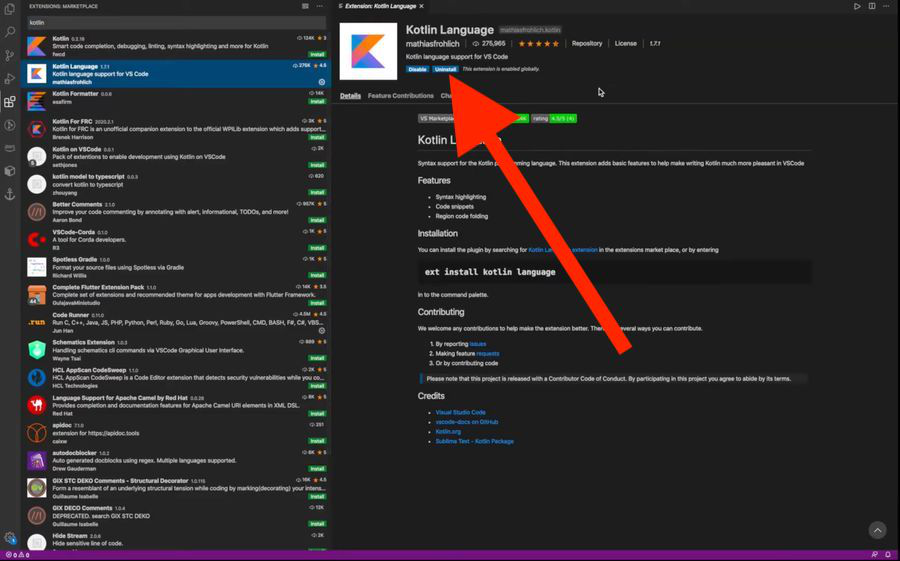
👁 ImageNow, search and install the following extensions :
1. Code Runner
👁 Image2. Kotlin
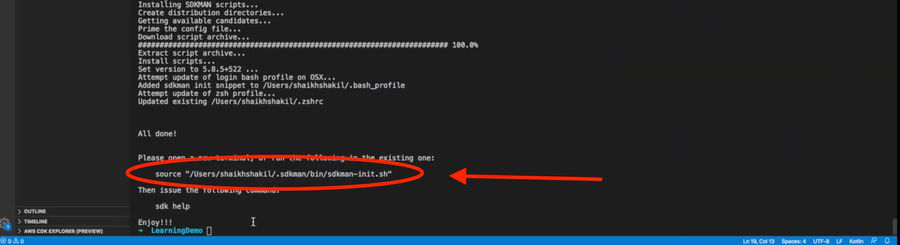
👁 ImageStep 3: Now, to install Kotlin first you have to install SDK. So, go to the Terminal of VS Code by pressing (cmd+J). And run the following command in the terminal to install SDK.
$ curl -s "https://get.sdkman.io/" | bashAfter the installation of SDK, click on the source link by pressing (cmd+Click) to open a new terminal.
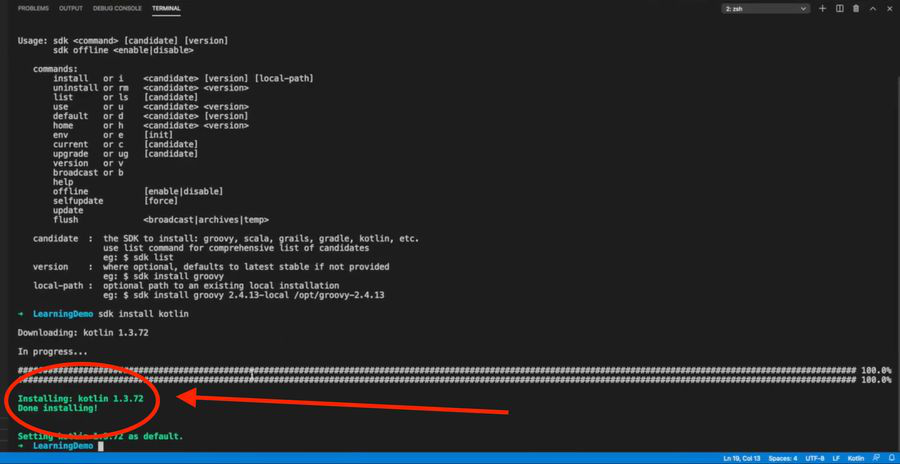
👁 ImageNow run the following code in the new terminal to install Kotlin.
$ sdk install kotlin👁 ImageYou can see the version of Kotlin installed on your macOS.