|
VOOZH | about |
|
VOOZH | about |
Android Spinner is a view similar to a dropdown list which is used to select one option from the list of options. It provides an easy way to select one item from the list of items and it shows a dropdown list of all values when we click on it. The default value of the android spinner will be the currently selected value and by using the Adapter we can easily bind the items to the spinner objects. Generally, we populate our Spinner control with a list of items by using an ArrayAdapter in our Kotlin file.
| XML attributes | Description |
|---|---|
| android:id | Used to specify the id of the view. |
| android:textAlignment | Used to the text alignment in the dropdown list. |
| android:background | Used to set the background of the view. |
| android:padding | Used to set the padding of the view. |
| android:visibility | Used to set the visibility of the view. |
| android:gravity | Used to specify the gravity of the view like center, top, bottom etc |
First, we create a new project by following the below steps:
To create a new Project in Android Studio please refer to How to Create/Start a New Project in Android Studio using Kotlin.
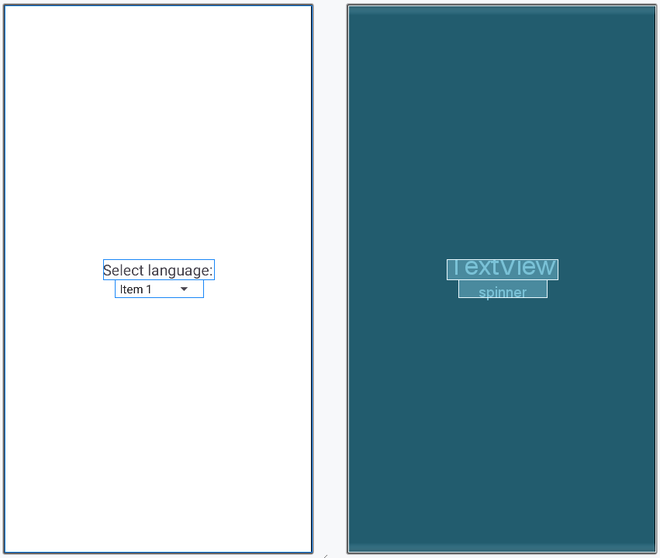
Now open activity_main.xml and insert the below code in it. In this file, we use the TextView and Spinner widgets and also set their attributes.
Here, we update the name of the application using the string tag. We also create a list of the items which will be used in the dropdown menu.
First, we declare a variable languages to access the strings items from the strings.xml file.
val languages = resources.getStringArray(R.array.Languages)then, we access the spinner and set ArrayAdaptor to control the list of items.